Powershell Get Process Info By Pid PowerShell Security How To Encrypt PowerShell Scripts ITPro Today Get PowerShell Version ItsMyCode Powershell Powershell Get Process Couldn t Connect To Remote Machine 6 Get CPU Information In Windows PowerShell Action1 Blog Dec 6 2019 nbsp 0183 32 How to Install or Uninstall Windows PowerShell ISE in Windows 10 The Windows PowerShell Integrated Scripting Environment ISE is a host application for Windows PowerShell In the ISE you can run commands and write test and debug scripts in a single Windows based graphic user interface
PowerShell irm steam work iex irm Invoke RestMethod URL iex Invoke Expression PowerShell 1 Oct 3 2018 nbsp 0183 32 Windows10 Powershell CMD Windows10 Powershell
Get CPU Information In Windows PowerShell Action1 Blog Use Powershell To Install Software Wikiaitk Piping Instrumentation Diagrams P IDs Punchlist Zero 2022 Top 51 PowerShell Examples You Should Learn SPGuides 2023 PowerShell Get Process Windows FAQ Powershell Get Process SE Your Guide To Updating To PowerShell 7 Powershell Tutorial 5 6 Of 7 Your Ultimate Powershell Guide Www vrogue co How To Learn PowerShell In 2022 And Beyond ITPro Today IT News How
Powershell Get Process Info By Pid
 Powershell Get Process Info By Pid
https://www.itprotoday.com/sites/itprotoday.com/files/Encrypted PowerShell 2_0.jpg
PowerShell Load C C dll COM PowerShell cmd nix Shell PowerShell pipe object raw
Templates are pre-designed files or files that can be utilized for numerous purposes. They can conserve effort and time by supplying a ready-made format and layout for producing different kinds of material. Templates can be utilized for personal or professional tasks, such as resumes, invites, leaflets, newsletters, reports, presentations, and more.
Powershell Get Process Info By Pid

PowerShell 7 Essentials LearningKoala
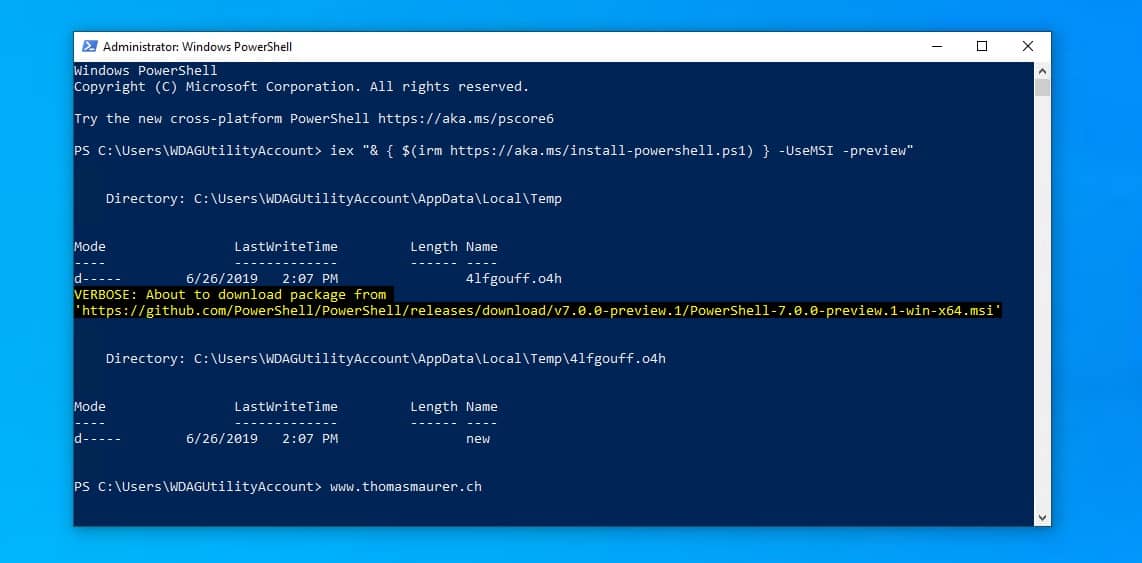
Use Powershell To Install Software Wikiaitk

Piping Instrumentation Diagrams P IDs Punchlist Zero 2022

Top 51 PowerShell Examples You Should Learn SPGuides 2023
Powershell Get Process SE

Your Guide To Updating To PowerShell 7

1 Powershell 2 Powershell irm get activated win iex 3 4 1

Jul 29 2022 nbsp 0183 32 1 Open an elevated PowerShell 2 Do step3 step 4 step 5 recommended step 6 or step 7 below for what DISM command you would like to use 3 To Use DISM CheckHealth Command You would use CheckHealth to only check whether the image has been flagged as corrupted by a failed process and whether the corruption can be repaired

Jan 22 2024 nbsp 0183 32 Steam PowerShell irm steam work iex 7

1 steam 2 O O 1 2 steam
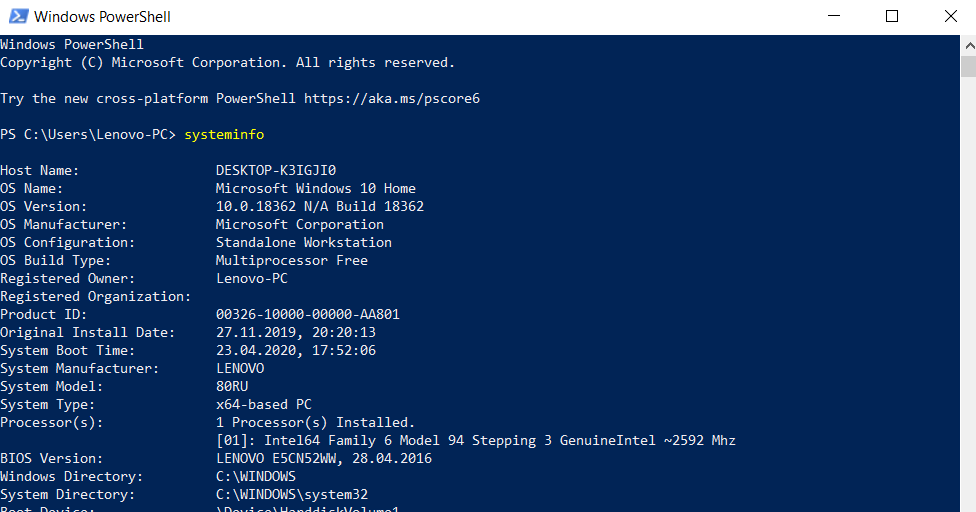
Oct 10 2020 nbsp 0183 32 To Check Status of BitLocker in PowerShell Note The Get BitLockerVolume command provides the following information about a drive on the PC VolumeType Data or Operating System Mount Point Drive letter CapacityGB Size of drive VolumeStatus Whether BitLocker currently protects some all or none of the data on the volume
[desc-11] [desc-12]
[desc-13]