Move Elements From Design Option To Main Model How to Make a 3-D Model of Your Home Renovation Vision - The New York Times Components | Webflow University How To Use Visual Communication (and Why It Matters) | TechSmith Inspect Element: How to Temporarily Edit Any Webpage How to move the Camera in Blender (All possible ways) Additional Tags deciding design option architecture family Building Roof Roof by
There is some other ways to move elements from one design option to another or from main model to specific design options Creating and Managing Design Options under the manage tab in Revit 2012 Basic Roadway
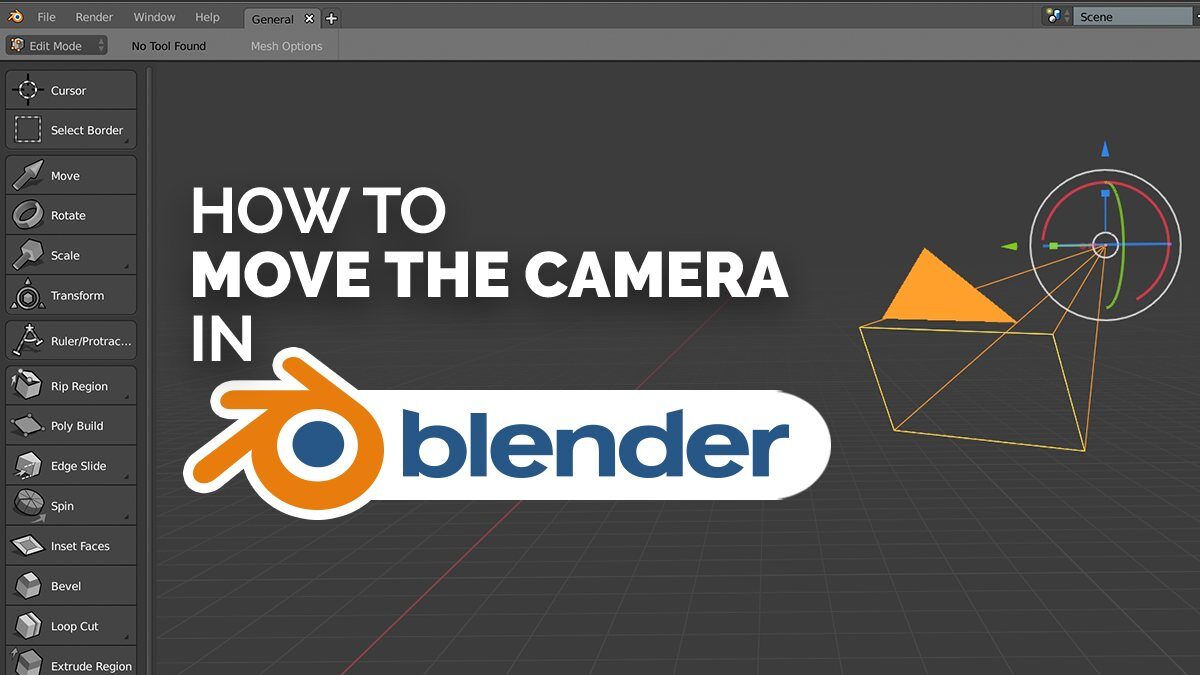
How to move the Camera in Blender (All possible ways) Payment Method UX: How to Design the Payment Selector – Articles – Baymard Institute Revenue Models: The Advanced Guide To Revenue Modeling - FourWeekMBA The Principles of Design and Their Importance | Toptal What is Design Thinking? | IxDF 7 Types of Graphic Design to Consider for Your Creative Career | Rasmussen University Components | Webflow University The Speed-Reversibility Decision-Making Matrix - FourWeekMBA Wholesale Ecommerce: What is it? (2022)
Move Elements From Design Option To Main Model
 Move Elements From Design Option To Main Model
https://static01.nyt.com/images/2019/02/14/technology/personaltech/14TECHTIP_TOP_PLANNER_5D/14TECTIP_TOP-videoSixteenByNineJumbo1600.jpg
Option you can move them to the design option See Moving Elements from the Main Model to a Design Option Set on page 531 3 Create a design option set
Pre-crafted templates offer a time-saving option for creating a diverse range of documents and files. These pre-designed formats and layouts can be used for different individual and professional tasks, consisting of resumes, invites, flyers, newsletters, reports, discussions, and more, improving the material development process.
Move Elements From Design Option To Main Model
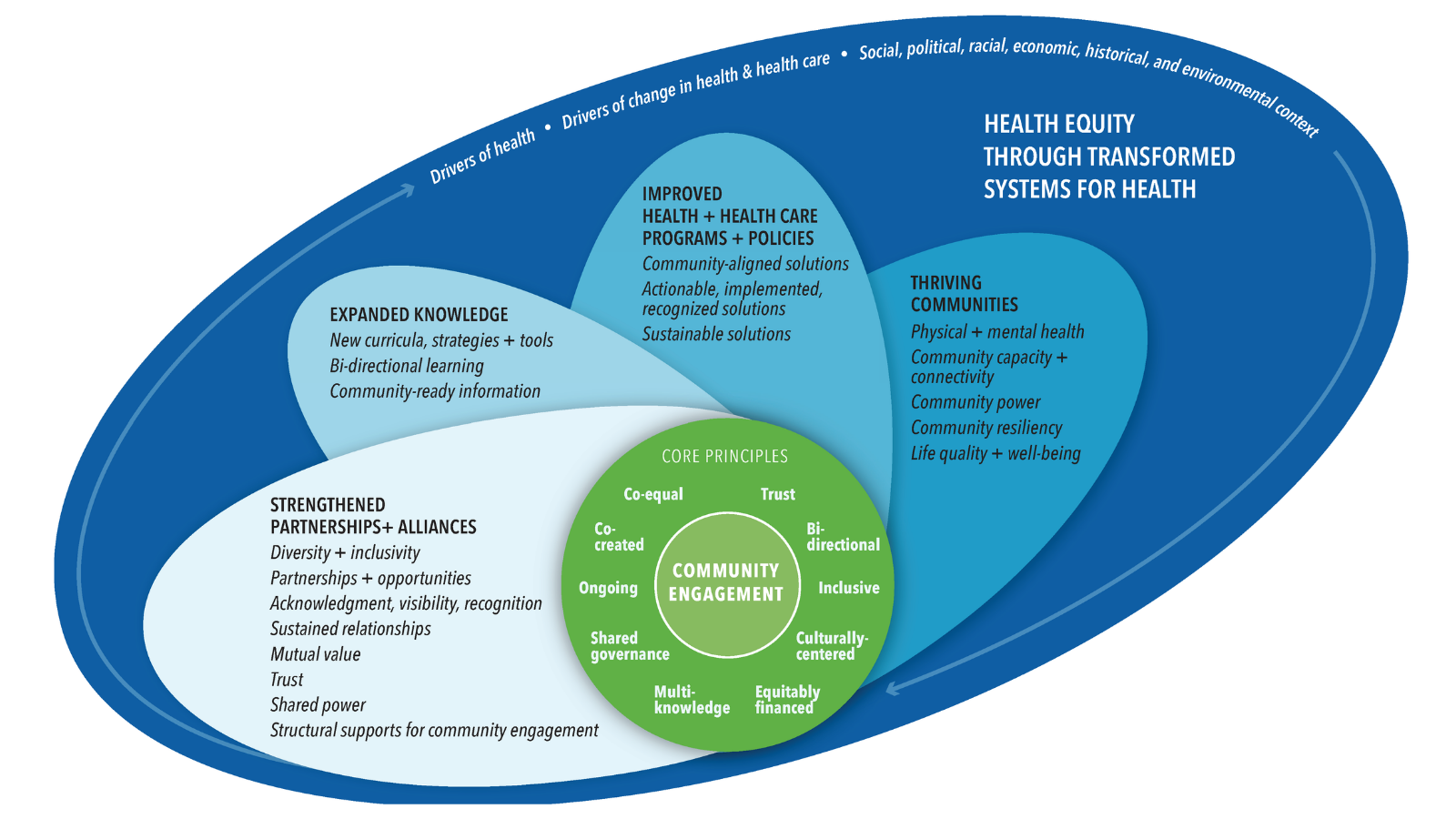
Assessing Meaningful Community Engagement: A Conceptual Model to Advance Health Equity through Transformed Systems for Health - National Academy of Medicine

Payment Method UX: How to Design the Payment Selector – Articles – Baymard Institute

Revenue Models: The Advanced Guide To Revenue Modeling - FourWeekMBA

The Principles of Design and Their Importance | Toptal

7 Types of Graphic Design to Consider for Your Creative Career | Rasmussen University

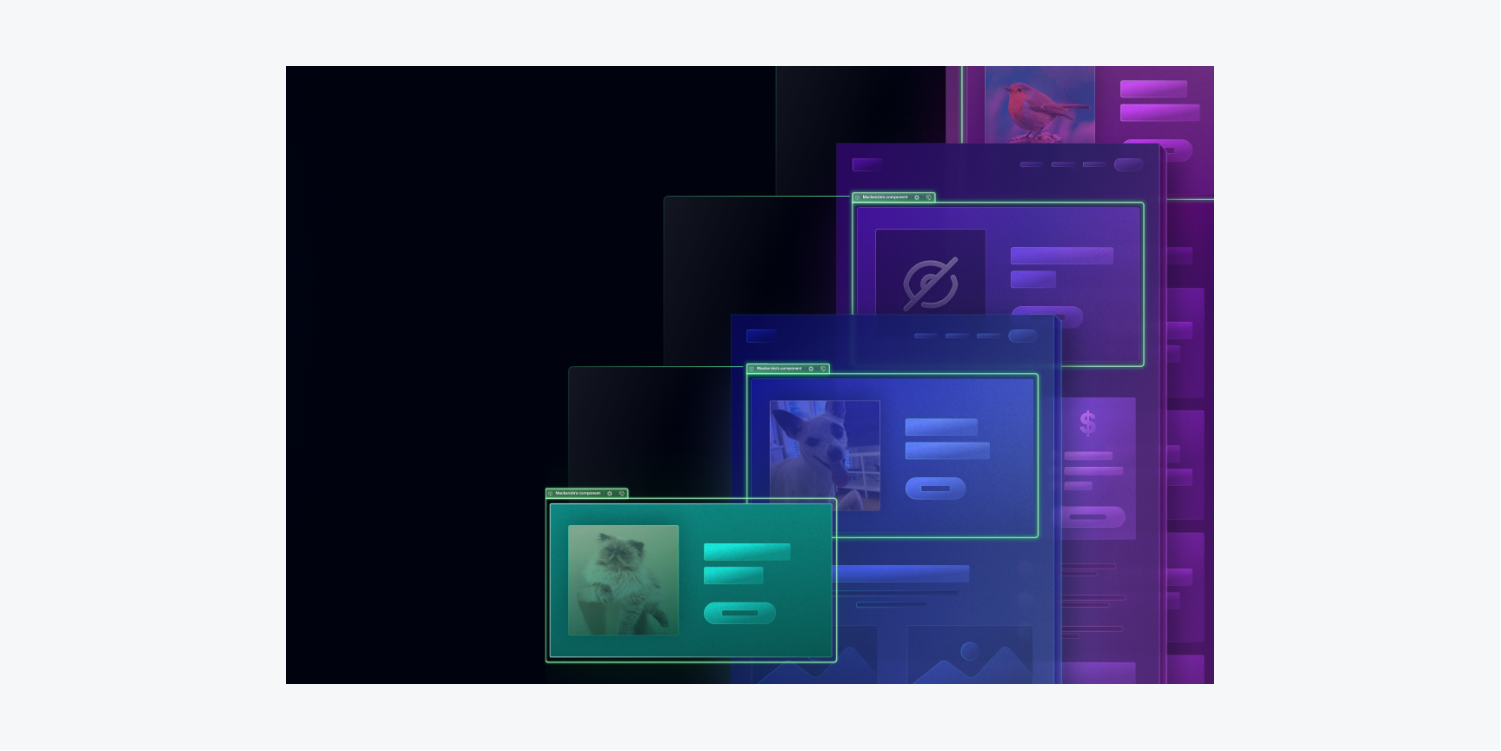
Components | Webflow University

Open a project view that shows the elements to be moved Click Manage tab Design Options panel and select Main Model from the drop down list Select the main
I ve just started to explore design options so bear with my ignorance How do you move an item from an option to the main model

Procedure 1 Open a project view that shows the elements to be moved 2 Click Manage tab Design Options panel

If it is the whole design option then just accept it and everything will move back to the main If it is a large portion then the above might
I always copy the element to the principal design option and to one or multiple secondary options The element ID of the principal design option
To move your existing elements to an option you need to switch to main model first You can do this by selecting from drop down list in Moving elements in your design Tap the element you want to move To select multiple elements tap and hold an element until a menu appears Drag the elements
Next while still in the plan view toggle the current option from Main Model to Option 2 by picking the option from the dropdown at the bottom of the