Powershell Get Process By Pid Powershell Get Process Stats Sacha s Blog Powershell Get Process Couldn t Connect To Remote Machine 6 Powershell Get Process Cmdlet How IT PowerShell Process Restart PID ITpuntoes Redes Sistemas Servicios E Internet Explorando Powershell Aug 20 2022 nbsp 0183 32 Check What Graphics Card or GPU is in PC in PowerShell 1 Open a PowerShell 3 Copy and paste either command below into PowerShell and press Enter see screenshots
Aug 11 2023 nbsp 0183 32 To Turn On or Off Windows Media Player in PowerShell 1 Open an elevated PowerShell 2 Copy and paste the command below you want to use into the elevated Mar 8 2022 nbsp 0183 32 Is it possible to scan all wifi networks with powershell I tried this but it doesn t work it only shows current connections Only works when I click bottom right on wifi connection and
ITpuntoes Redes Sistemas Servicios E Internet Explorando Powershell ID Windows Drivers Microsoft Learn 1 PowerShell 10 Polece Kt re Musisz Pozna Beitadmin pl Droga Get Process Remotely Including Username Using PowerShell Kill Pid All Answers Ar taphoamini PowerShell Get Process Parameters In PowerShell Get Process Windows PowerShell Tutorial For Beginners KaliTut PowerShell Script To Kill A Process On Windows Dzhavat Ushev Powershell How To Get Process Id By Its Service Name With A Script To
Powershell Get Process By Pid
 Powershell Get Process By Pid
https://sachabarbs.files.wordpress.com/2015/06/image_thumb.png
Oct 10 2020 nbsp 0183 32 To Check Status of BitLocker in PowerShell Note The Get BitLockerVolume command provides the following information about a drive on the PC VolumeType Data or
Templates are pre-designed files or files that can be used for various functions. They can save time and effort by supplying a ready-made format and layout for developing various type of content. Templates can be utilized for personal or expert tasks, such as resumes, invites, flyers, newsletters, reports, presentations, and more.
Powershell Get Process By Pid
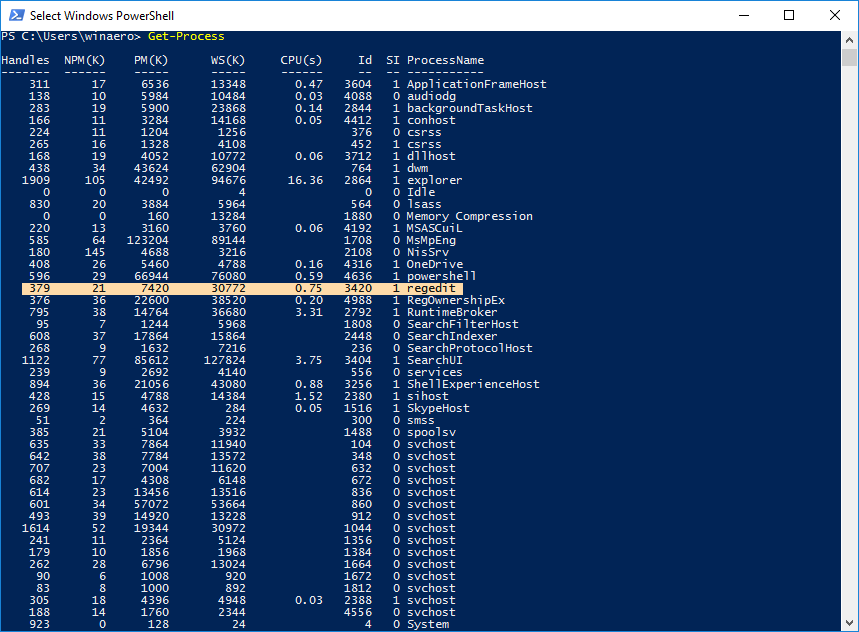
How To End A Process With PowerShell
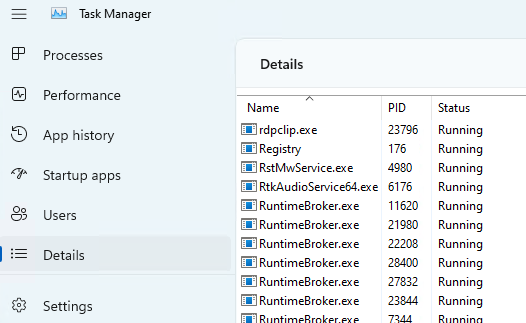
ID Windows Drivers Microsoft Learn
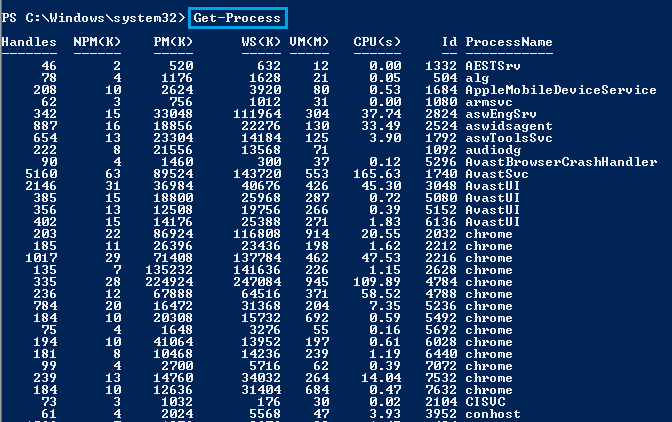
1 PowerShell 10 Polece Kt re Musisz Pozna Beitadmin pl Droga

Get Process Remotely Including Username Using PowerShell

PowerShell Get Process Parameters In PowerShell Get Process

Windows PowerShell Tutorial For Beginners KaliTut

Nov 7 2019 nbsp 0183 32 How to Enable or Disable Windows PowerShell 2 0 in Windows 10 Windows PowerShell is a task based command line shell and scripting language designed especially for

Jul 29 2022 nbsp 0183 32 How to See Full Details about a Windows 10 ISO file B Type the command below you want to use into the elevated PowerShell press Enter and go to step 8 below see

Nov 7 2017 nbsp 0183 32 One of many PowerShell security features is that you can t run a script simply by double clicking it s icon on desktop or in a folder Doing so will by default open script in

May 26 2021 nbsp 0183 32 How to Open Windows PowerShell in Windows 10 Windows 10 comes with Windows PowerShell 5 0 included Windows PowerShell is a task based command line shell
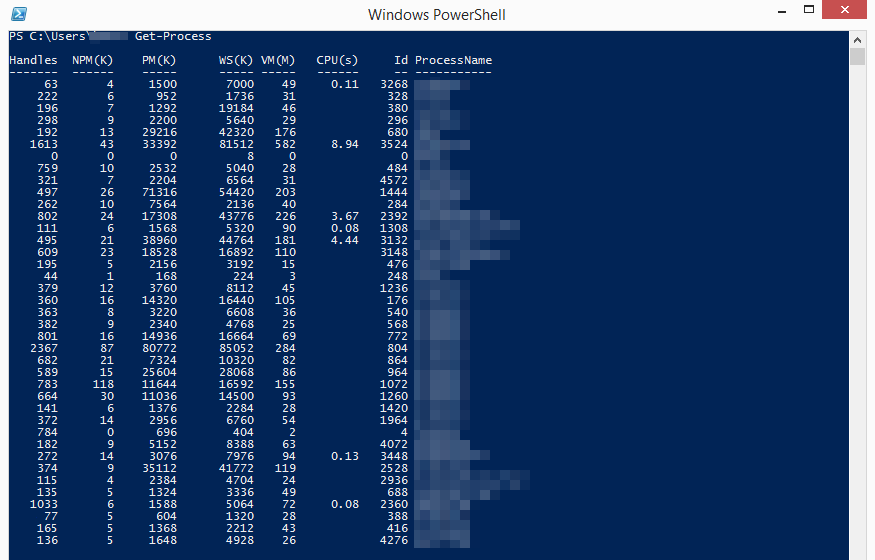
Dec 6 2019 nbsp 0183 32 How to Install or Uninstall Windows PowerShell ISE in Windows 10 The Windows PowerShell Integrated Scripting Environment ISE is a host application for Windows
[desc-11] [desc-12]
[desc-13]