Powershell Get Network Adapter Driver Version Mailbag How Do You Set Network Adapter Settings With PowerShell In D Link Releases New Driver For Its DUB 1312 USB 3 0 To LAN Adapter Connectify Usa Tu PC Con Windows 7 Como Un Hotspot La Cueva Del Logan Sort Windows Network Adapter By PCI Slot Via PowerShell Information Technology PowerShell Visualizzare Le Propriet Delle Aug 20 2022 nbsp 0183 32 Check What Graphics Card or GPU is in PC in PowerShell 1 Open a PowerShell 3 Copy and paste either command below into PowerShell and press Enter see screenshots
Aug 11 2023 nbsp 0183 32 To Turn On or Off Windows Media Player in PowerShell 1 Open an elevated PowerShell 2 Copy and paste the command below you want to use into the elevated Oct 10 2020 nbsp 0183 32 To Check Status of BitLocker in PowerShell Note The Get BitLockerVolume command provides the following information about a drive on the PC VolumeType Data or
Information Technology PowerShell Visualizzare Le Propriet Delle HP Realtek RTL8822BE Wi Fi Bluetooth Combo Adapter Walmart Get NetAdapterBinding Taking On PowerShell One Cmdlet At A Time Collecting Server Performance Metrics PowerShell Bradley Schacht PowerShell Disable IPv6 On Network Adapter In Windows Realtek Wireless USB Network Adapter Driver V 1030 31 0102 2018 How To Check Device Driver Versions On Windows 10 Windows Central Installing Configuring And Managing Windows Server Failover Cluster Realtek RTL8822BE IIEEE802 11AC A B G N WiFi Bluetooth4 1 NGFF
Powershell Get Network Adapter Driver Version

https://techcommunity.microsoft.com/t5/image/serverpage/image-id/50772i9D1C8360780DD633?v=v2
Mar 8 2022 nbsp 0183 32 Is it possible to scan all wifi networks with powershell I tried this but it doesn t work it only shows current connections Only works when I click bottom right on wifi connection and
Templates are pre-designed files or files that can be used for different purposes. They can conserve time and effort by providing a ready-made format and layout for producing different sort of material. Templates can be utilized for individual or professional tasks, such as resumes, invites, flyers, newsletters, reports, presentations, and more.
Powershell Get Network Adapter Driver Version

How To Reset Network Adapter Advanced Properties With PowerShell
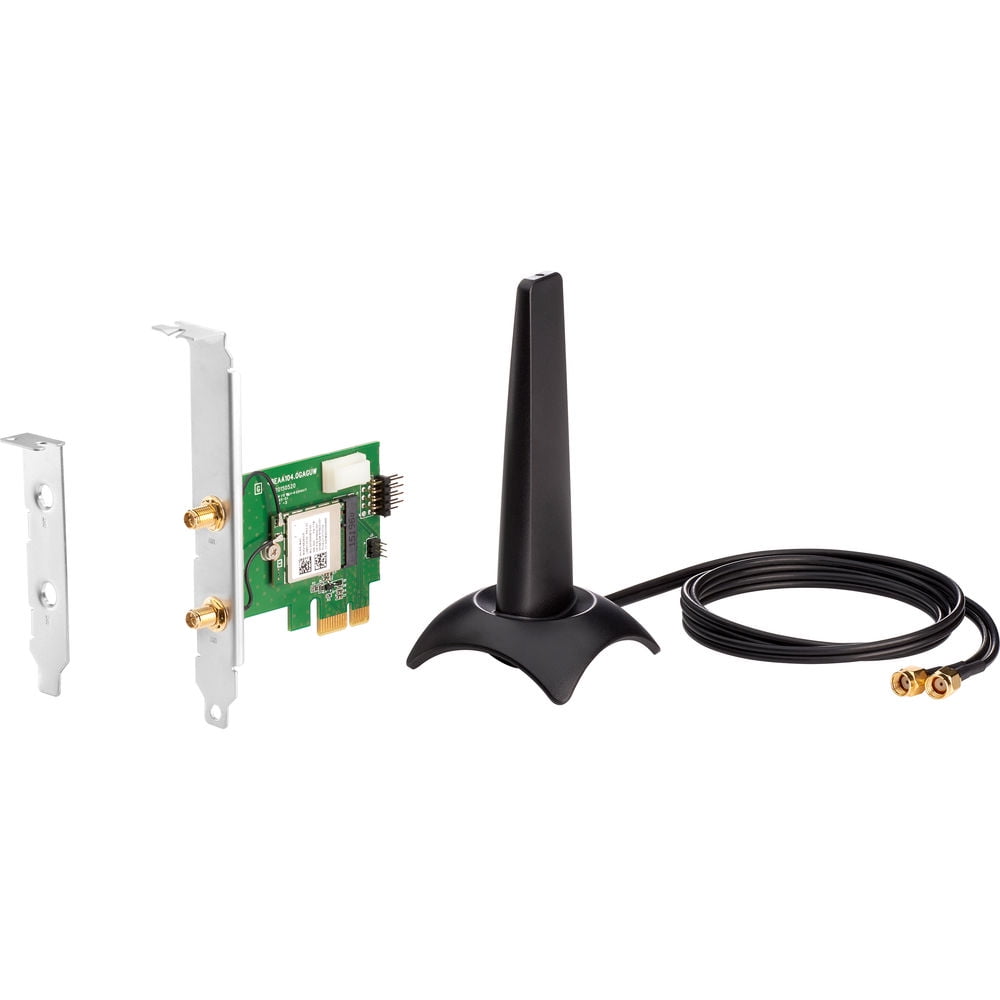
HP Realtek RTL8822BE Wi Fi Bluetooth Combo Adapter Walmart

Get NetAdapterBinding Taking On PowerShell One Cmdlet At A Time

Collecting Server Performance Metrics PowerShell Bradley Schacht

Realtek Wireless USB Network Adapter Driver V 1030 31 0102 2018

How To Check Device Driver Versions On Windows 10 Windows Central

Nov 7 2019 nbsp 0183 32 How to Enable or Disable Windows PowerShell 2 0 in Windows 10 Windows PowerShell is a task based command line shell and scripting language designed especially for

Jul 29 2022 nbsp 0183 32 How to See Full Details about a Windows 10 ISO file B Type the command below you want to use into the elevated PowerShell press Enter and go to step 8 below see

Nov 7 2017 nbsp 0183 32 One of many PowerShell security features is that you can t run a script simply by double clicking it s icon on desktop or in a folder Doing so will by default open script in

Dec 6 2019 nbsp 0183 32 How to Install or Uninstall Windows PowerShell ISE in Windows 10 The Windows PowerShell Integrated Scripting Environment ISE is a host application for Windows
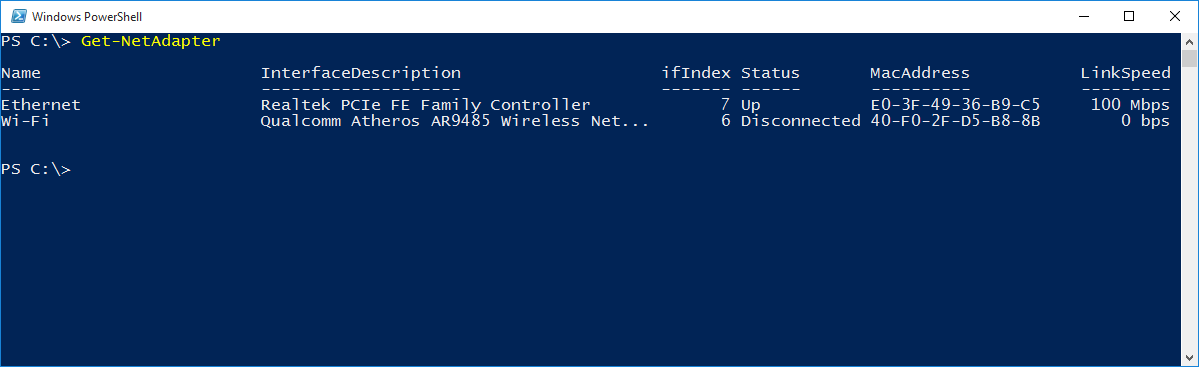
May 26 2021 nbsp 0183 32 How to Open Windows PowerShell in Windows 10 Windows 10 comes with Windows PowerShell 5 0 included Windows PowerShell is a task based command line shell
[desc-11] [desc-12]
[desc-13]