Powershell Get File Location Of Script Get File Size In KB MB GB Using PowerShell ShellGeek Determine The Location Of The Current PowerShell Script ItsMyCode PowerShell Get File Metadata ShellGeek Get location More PowerShell Location Tips 4sysops Powershell Get File Details Yooapo Web Nov 30 2022 nbsp 0183 32 the current PowerShell folder in the script is always the User Profile Folder e g c users Joe test with a script with only Get Location But should be the folder from where the script was launched how can I fix this powershell path working directory Share Follow edited Nov 30 2022 at 13 14 asked Oct 7 2019 at 21 43 ZEE
Web Oct 14 2017 nbsp 0183 32 23 3k 6 64 94 PSCommandPath will return the path including filename to the currently executing script FastEthernet Oct 14 2017 at 19 13 Add a comment 1 Answer Sorted by 9 Check out this answer on StackOverflow While the current answer is correct in most cases there are certain situations that it will not give you the correct answer Web A short demonstration of gregmac s excellent and detailed answer which essentially recommends PSCommandPath as the only reliable command to return the currently running script where Powershell 3 0 and above is used Here I show returning either the full path or just the file name Test ps1
Powershell Get File Details Yooapo 63 TUTORIAL WINDOWS 7 RESIZE PARTITION WITH VIDEO Resize PowerShell File Hash Knocks For No Meter Setting The Location Of Windows PowerShell Executable File With PowerShell How To Get File Creation Date ShellGeek Everything You Wanted To Know About PowerShell s Module Path Stefan Active Directory Gebruikersobjecten Maken Met PowerShell Technical PowerShell Get A File s MD5 Checksum MAKOLYTE Powershell Text Editor Jordstarter
Powershell Get File Location Of Script
 Powershell Get File Location Of Script
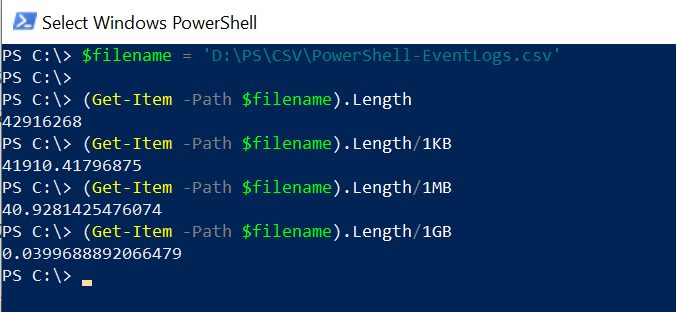
https://shellgeek.com/wp-content/uploads/2022/08/powershell-get-file-size-in-kb.png
Web Apr 6 2021 nbsp 0183 32 If you re working with separate files in Powershell chances are you need to refer to their file path However if you use the absolute path there is a good chance the script will fail when it is executed on a different machine
Pre-crafted templates provide a time-saving solution for developing a varied series of documents and files. These pre-designed formats and designs can be used for various personal and professional tasks, including resumes, invites, flyers, newsletters, reports, discussions, and more, enhancing the material creation process.
Powershell Get File Location Of Script
How To Get The File Owner Using PowerShell ShellGeek
63 TUTORIAL WINDOWS 7 RESIZE PARTITION WITH VIDEO Resize

PowerShell File Hash Knocks For No Meter

Setting The Location Of Windows PowerShell Executable File With
Everything You Wanted To Know About PowerShell s Module Path Stefan
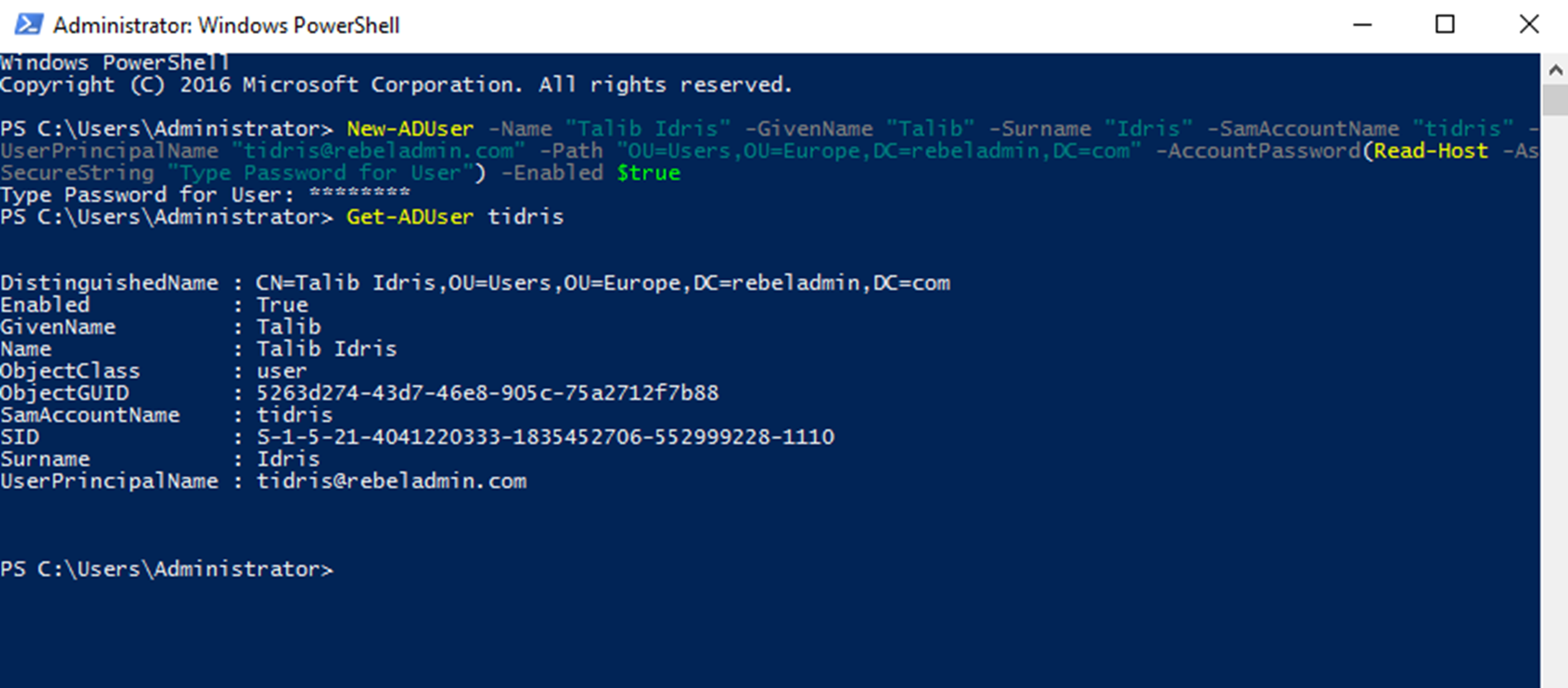
Active Directory Gebruikersobjecten Maken Met PowerShell Technical
Web I have a script script1 ps1 that lies in C FolderA What powershell code can I insert in the script that it will print what ever current location path of the script The goal is to make this script portable ie When in folderA the code will print C FolderA full path

Web Mar 29 2022 nbsp 0183 32 Getting the Working Directory in Windows PowerShell to Get the Current Location of the PowerShell Script Whenever we need to reference a common module or script we would like to use paths relative to the current script file That way the script can always find other scripts in the library
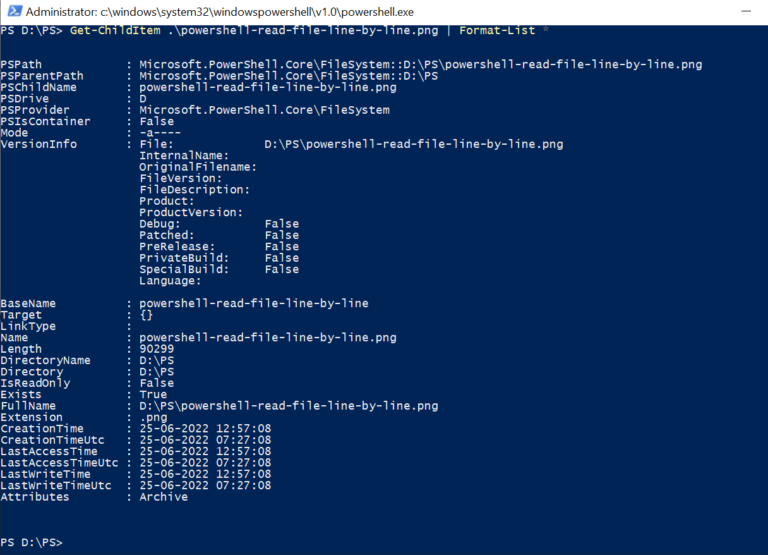
Web Jul 4 2013 nbsp 0183 32 Contains the directory from which a script is being run In Windows PowerShell 2 0 this variable is valid only in script modules psm1 Beginning in Windows PowerShell 3 0 it is valid in all scripts Don t be fooled by the poor wording PSScriptRoot is the directory of the current file

Web Nov 30 2014 nbsp 0183 32 You can use the information in the object such as the path and file name of the script myinvocation mycommand path or the name of a function myinvocation mycommand name to identify the current command This is particularly useful for finding the name of the script that is running

Web Mar 11 2022 nbsp 0183 32 Use PSScriptRoot to Get the File System Location of a PowerShell Script PSScriptRoot stores the full path of the running script s parent directory You can use the PSScriptRoot variable to get the directory where a script file is located For example Write Host quot Script s directory PSScriptRoot quot Run the script myscript2 ps1
Web The Get Location cmdlet gets an object that represents the current directory much like the print working directory pwd command When you move between PowerShell drives PowerShell retains your location in each drive You can use this cmdlet to find your location in each drive Web Description The Find Script cmdlet finds a specified script in registered repositories Examples Example 1 Find all available scripts PowerShell Find Script This command finds all available scripts Example 2 Find a script by name PowerShell Find Script Name quot Start WFContosoServer quot This command find the script named Start
Web Dec 8 2018 nbsp 0183 32 7 Answers Sorted by 97 From a powershell prompt use the gci cmdlet alias for Get ChildItem and filter option gci recurse filter quot hosts quot This will return an exact match to filename quot hosts quot