Powershell Get Current Process Id PowerShell Get Current Path YouTube The Logo For Windows Powershell On A Dark Background With Blue Swirls MPI Windows11 VS2019 c program Files microsoft Mpi bin Windows10 MPI mpi Blushm CSDN Jak Za Pomoc PowerShell Uzyska Informacj O U ytkownikach Aktualnie Web Mar 3 2015 nbsp 0183 32 How can I get full command and parent process id from powershell Ask Question Asked 8 years 7 months ago Modified 8 years 7 months ago Viewed 12k times 4 It is the command I run in powershell gwmi win32 process select ProcessID ParentProcessID CommandLine e GetOwner User And here is
Web PowerShell get process ID of called application I need to call an external application i e amp Notepad and then get the process ID of the called application objApp amp c Notepad exe WHILE get process ID objApp id select property Responding Start Sleep s 10 Echo quot STILL WAITING quot Echo quot Done quot Web The Get Process cmdlet gets the processes on a local computer n Without parameters this cmdlet gets all of the processes on the local computer You can also nspecify a particular process by process name or process ID PID or pass a process object through nthe pipeline to this cmdlet n
Jak Za Pomoc PowerShell Uzyska Informacj O U ytkownikach Aktualnie PowerShell ID 600 Root Dawn Jak Uzyska Informacje O Nieudanych Pr bach Logowania Za Pomoc PowerShell Your Guide To Updating To PowerShell 7 Powershell Gyzmos Xmind Windows Powershell Import Csv Cmdlet Examples Riset Get Current Process Id Get Current Directory In PowerShell 6 Ways Java2Blog Get Process Taking On PowerShell One Cmdlet At A Time Weekly Blog
Powershell Get Current Process Id
 Powershell Get Current Process Id
https://i.ytimg.com/vi/IKRI7q12ABw/maxresdefault.jpg
Web The retrieved processes are piped to the n lt code gt Format Table lt code gt command that adds the lt strong gt StartTime lt strong gt property to the standard lt code gt Get Process lt code gt output ndisplay lt p gt n lt h3 tabindex quot 1 quot id quot user content example 6 get version information for a process quot dir quot auto quot gt lt a class quot heading link quot href quot example 6 get
Pre-crafted templates offer a time-saving service for creating a diverse variety of documents and files. These pre-designed formats and layouts can be utilized for numerous individual and expert projects, including resumes, invitations, flyers, newsletters, reports, discussions, and more, enhancing the content creation procedure.
Powershell Get Current Process Id

Win32 Get Current Process Id DOS Geek

PowerShell ID 600 Root Dawn
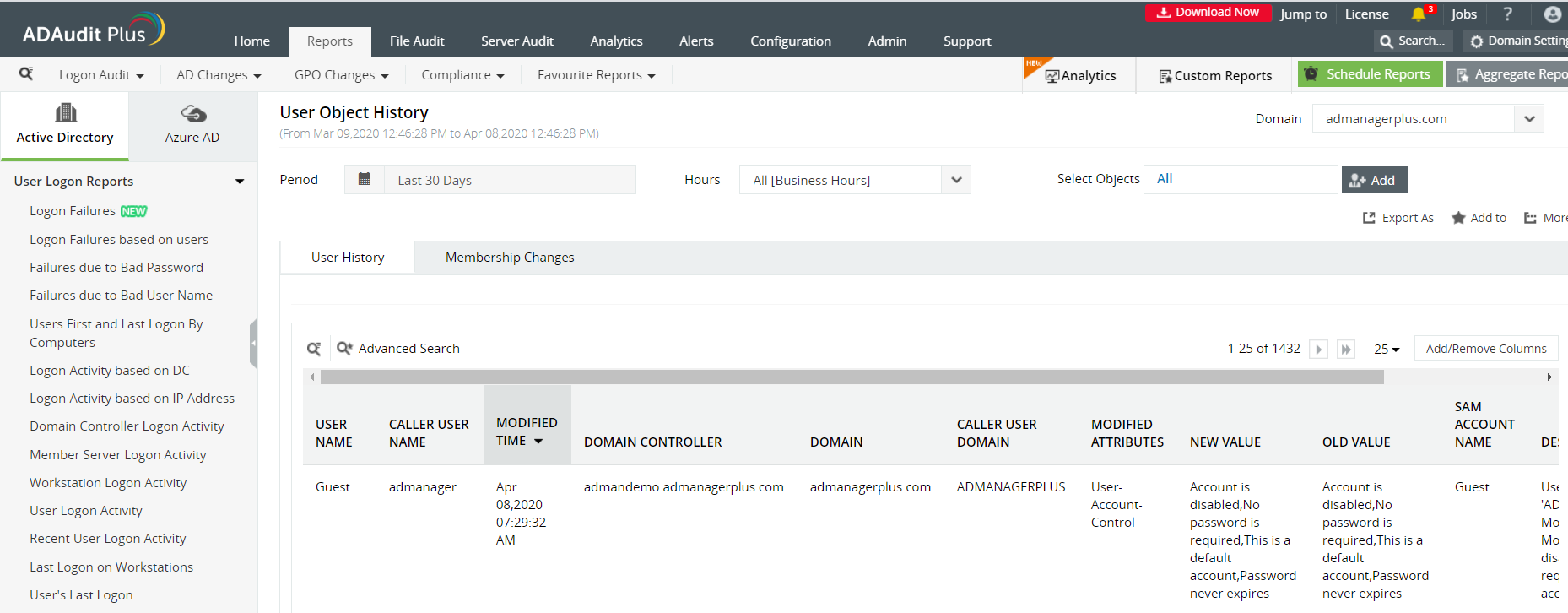
Jak Uzyska Informacje O Nieudanych Pr bach Logowania Za Pomoc PowerShell

Your Guide To Updating To PowerShell 7
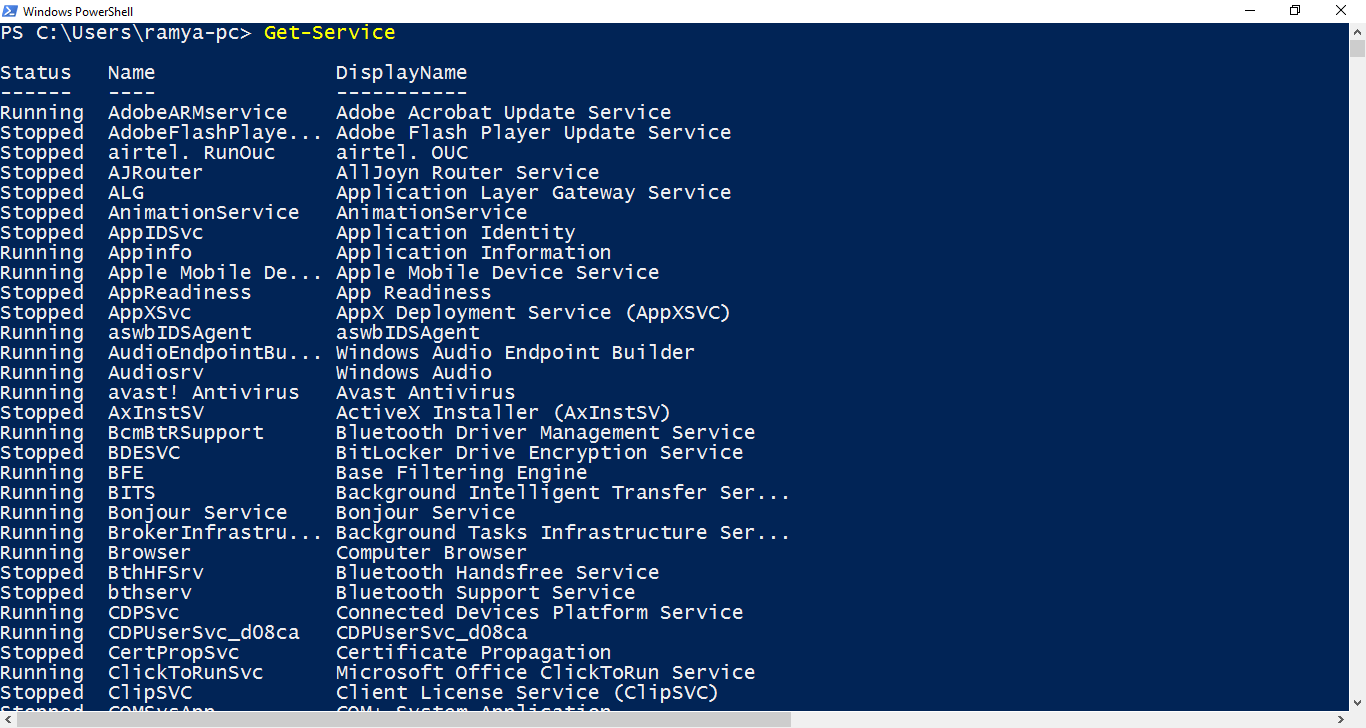
Windows Powershell Import Csv Cmdlet Examples Riset

Get Current Process Id

Web The Get Process cmdlet gets the processes on a local computer Without parameters this cmdlet gets all of the processes on the local computer You can also specify a particular process by process name or process ID PID or pass a process object through the pipeline to this cmdlet

Web When using Get WmiObject win32 process the objects returned have an attribute named ProcessId So in the question where you have procID quot GET PROCESS ID HERE quot use procID process ProcessId You could also use that in the filter assignment e g filter quot ProcessId 1234 quot

Web Sep 21 2022 nbsp 0183 32 I would like to get the process ID or handle of the current powershell script when I double click and run a PS1 file from Windows Explorer This works hwndPowerShell Get Process Name quot PowerShell quot But if I have multiple PowerShell console open how do I get the handle of the current script

Web Jan 26 2019 nbsp 0183 32 If you run the cmdlet without any parameters it will list all processes You can also use the process name without extension Get Process wmplayer Alternatively you can specify a process id like so Get Process id 25024 By default PowerShell will only display some of the properties on an object returned from a cmdlet like Get Process
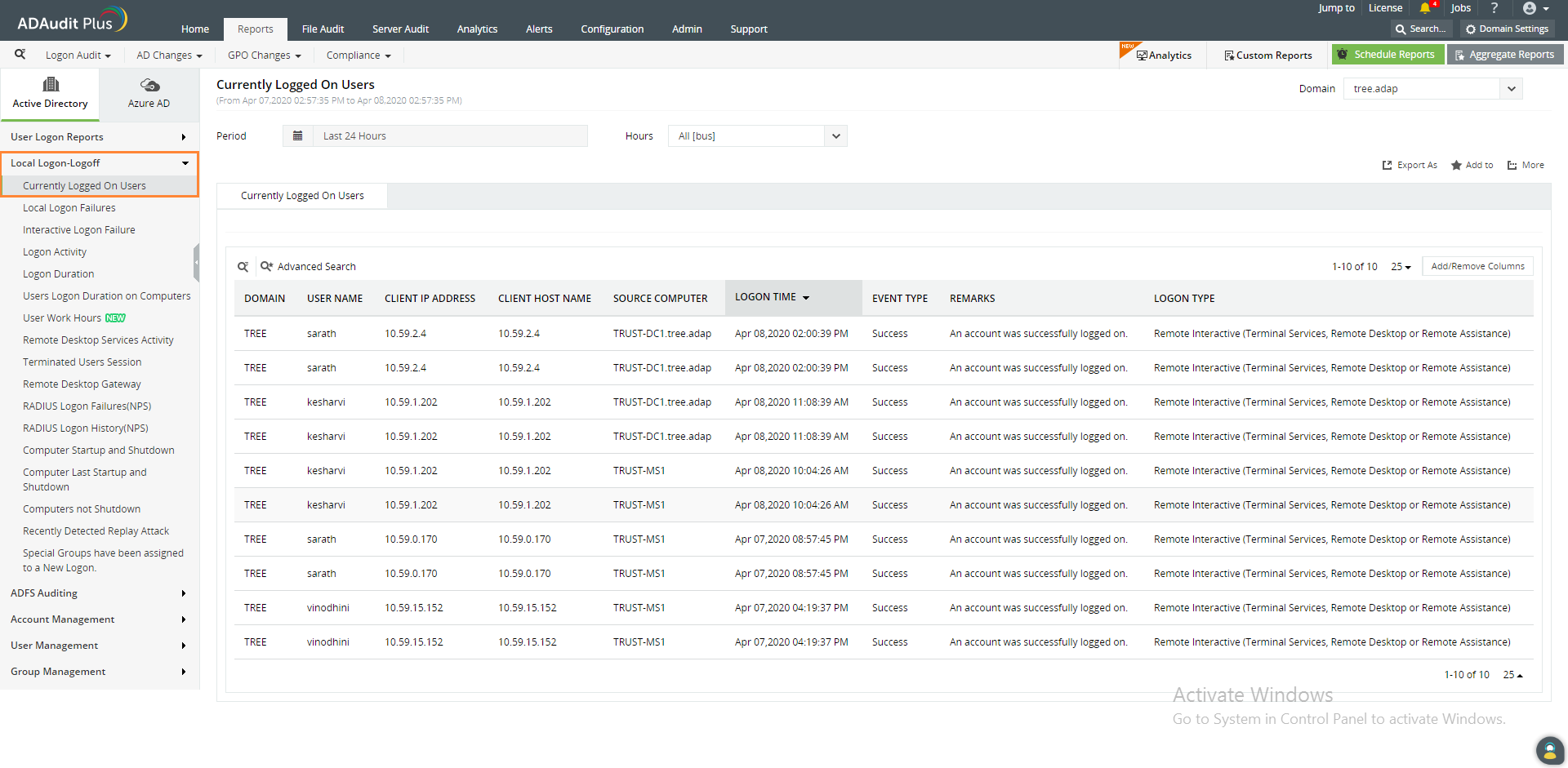
Web Dec 8 2022 nbsp 0183 32 The following command uses the Format Table cmdlet to display the process ID ProcessName and MachineName ComputerName properties of the process objects Get Process Name PowerShell ComputerName localhost Server01 Server01 Format Table Property ID ProcessName MachineName
Web Feb 15 2021 nbsp 0183 32 With Get Process you can find the process owner the process ID or even where on disk the process is located In this article you will learn how to use PowerShell s Get Process cmdlet through real world examples If wrangling processes to bend them to your will on Windows or Linux sounds like fun then keep reading Web You have 2 notepad exe s running in your example so PowerShell as requested runs 2 jobs The ID 50 and 52 are just the id assigned to the jobs To get the output you are looking for you first need to capture it If at the end of your script you put Get Job Receive Job you would have seen the PID s you
Web Sep 22 2017 nbsp 0183 32 Pretty much I want to have a keyboard shortcut that when pressed stores the current process for example say I m doing some research on Chrome then it would store the browser s PID in memory and switches to powershell Then when pressed again switches back to the stored process