Powershell Disable Firewall All Profiles PowerShell Command To Disable The Firewall HowPChub Disable Ipv6 On All Ethernet Adapters Using Powershell Disable The Firewall On A Windows Nano Server Using PowerShell Learn How To Turn ON OFF Windows Firewall Using CMD Or PowerShell Askit PowerShell Befehl Zum Deaktivieren Der Firewall Windows FAQ Web Jan 4 2023 nbsp 0183 32 1 How to Disable the Firewall Using Windows Security The Windows Security program allows you to disable the firewall in Windows 11 It is the most straightforward way to disable Microsoft Defender Firewall and you don t need to have any additional tools or software installed Here s how Click on Start and search for Windows
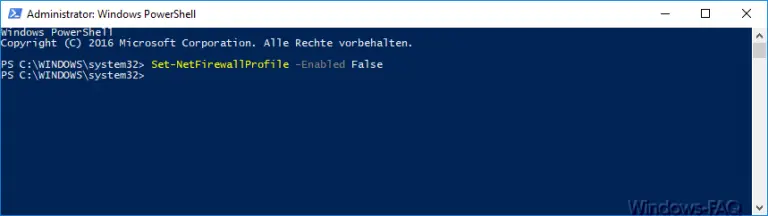
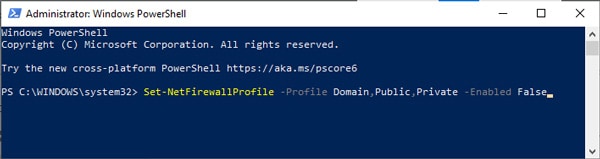
Web Jan 12 2024 nbsp 0183 32 Simply enter the respective profile name domain public or private Deactivation of the firewall using PowerShell is carried out immediately and without prompting There is no need to restart the client or server Turn Windows Firewall back on The Windows Firewall should be switched on again when the reasons for the Web Apr 25 2019 nbsp 0183 32 From PowerShell administrator prompt run the following command to disable Windows Firewall for all profiles Set NetFirewallProfile Profile Domain Public Private Enabled False To enable it back run Set NetFirewallProfile Profile Domain Public Private Enabled True
PowerShell Befehl Zum Deaktivieren Der Firewall Windows FAQ Como Ativar Ou Desativar O Firewall Usando O Powershell UpLinkBr How To Disable Active Directory Account Using PowerShell TheITBros Configuring Windows Firewall Rules With PowerShell Stack IT News Enable Disable Offline File Sync R PowerShell How To Disable Firewall In Windows 11 Powershell Disable Windows Firewall Phonebaldcircle Powershell Tip 64 Enable Or Disable The Windows Firewall Powershell How To Disable Firewall In Windows 11 Technoresult
Powershell Disable Firewall All Profiles
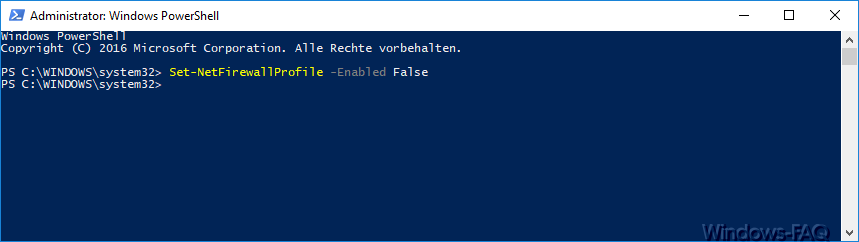 Powershell Disable Firewall All Profiles
https://howpchub.com/wp-content/uploads/2020/05/20200520050602.png
Web Aug 14 2022 nbsp 0183 32 Anyway disabling Windows Firewall with PowerShell can be done by going through the following steps Understanding Firewall Profiles in Windows Get Status of Windows Firewall with PowerShell Disable Windows Firewall with PowerShell Understanding Firewall Profiles in Windows
Pre-crafted templates provide a time-saving option for developing a diverse series of files and files. These pre-designed formats and designs can be utilized for numerous personal and professional jobs, consisting of resumes, invites, leaflets, newsletters, reports, presentations, and more, improving the material creation process.
Powershell Disable Firewall All Profiles
PowerShell Command To Disable The Firewall HowPChub
Como Ativar Ou Desativar O Firewall Usando O Powershell UpLinkBr

How To Disable Active Directory Account Using PowerShell TheITBros
Configuring Windows Firewall Rules With PowerShell Stack IT News
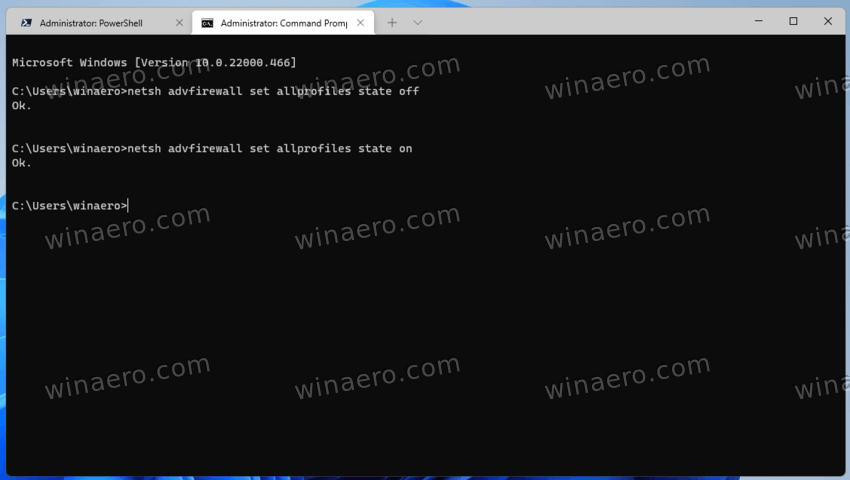
How To Disable Firewall In Windows 11

Powershell Disable Windows Firewall Phonebaldcircle
Web Aug 17 2023 nbsp 0183 32 In the next step we are going to disable the Windows Firewall Disable Windows Firewall in Windows Server 2012 2016 2019 Disable Windows Firewall on all three profiles PS C gt Set NetFirewallProfile Profile Domain Public Private Enabled False Check Windows Firewall status Check the status after you disable the Firewall
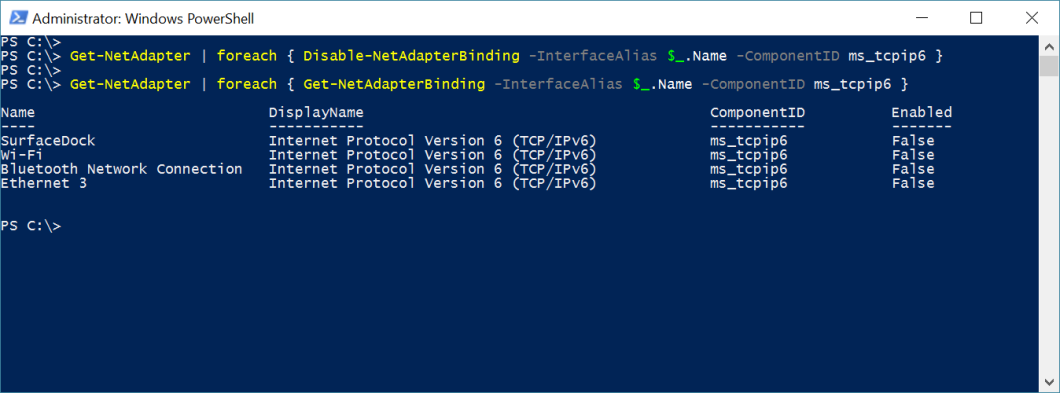
Web Nov 21 2023 nbsp 0183 32 The proper method to disable the Windows Firewall is to disable the Windows Firewall Profiles and leave the service running Use the following procedure to turn off the firewall or disable the Group Policy setting Computer Configuration Administrative Templates Network Network Connections Windows

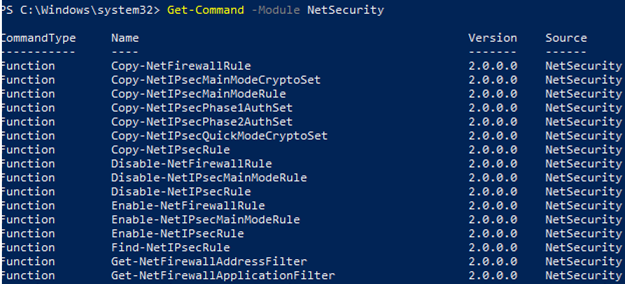
Web Aug 31 2023 nbsp 0183 32 Create Windows Firewall Rules Using PowerShell There are 9 PowerShell cmdlets to manage firewall rules on Windows New NetFirewallRule Copy NetFirewallRule Disable NetFirewallRule Enable NetFirewallRule Get NetFirewallRule Remove NetFirewallRule Rename NetFirewallRule Set NetFirewallRule Show NetFirewallRule
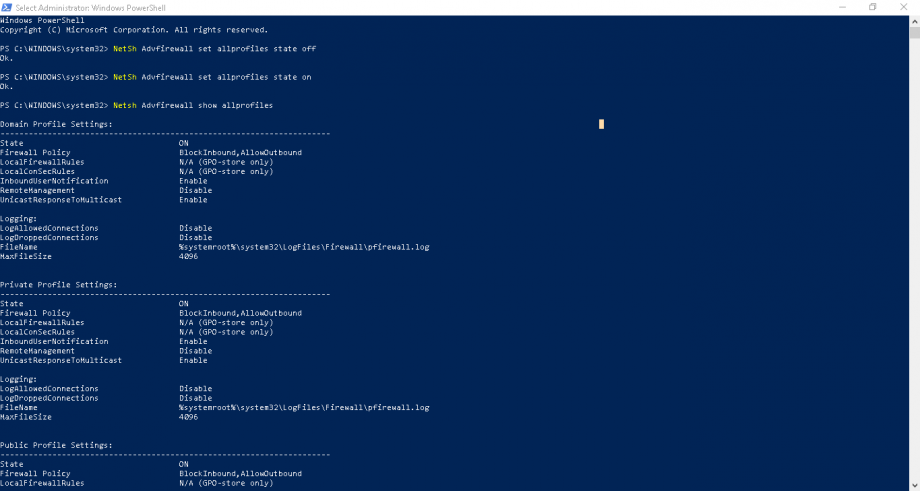
Web Dec 7 2023 nbsp 0183 32 This article delves into a PowerShell script that provides a streamlined method to enable or disable Windows Firewall profiles a crucial task for IT professionals Background The script presented is designed to enable or disable all Windows Firewall profiles namely Domain Public and Private

Web Sep 28 2020 nbsp 0183 32 To turn off or disable the above profiles using PowerShell you need to use the command Set NetFirewallProfile To disable the specific profile use Profile parameter You can pass 3 different profile names in this parameter Domain Public and Private For example Set NetFirewallProfile Profile Domain Enabled False
Web Nov 4 2020 nbsp 0183 32 Or set the specific profile instead All Set NetFirewallProfile Profile Public Enabled True To disable the firewall for all three network location use the command Set NetFirewallProfile All Enabled False Using the Set NetFirewallProfile cmdlet you can change profile options a default action logging a path to and a size of a log file Web Jan 5 2024 nbsp 0183 32 Enable or disable Windows Firewall by using PowerShell Let s see how to enable or disable Windows Firewall by using PowerShell If you want to disable Windows Firewall for all the
Web Description The Set NetFirewallProfile cmdlet configures options for the profiles including domain public and private that are global or associated with the input rules This cmdlet displays information that is presented on the Windows Firewall with Advanced Security Properties page with the tabs for domain private and public profiles