Powershell Command To Check If Winrm Is Enabled How To Enable PowerShell Remoting In Windows 10 Petri IT Knowledgebase Windows Remote Management Architecture Win32 Apps Microsoft Learn PowerShell Vs Command Prompt Top 14 Differences You Should Know Windows Remote Management WinRM Guide Architecture Use The Top 10 PowerShell Commands That You Should Know Petri Oct 10 2020 nbsp 0183 32 To Check Status of BitLocker in PowerShell Note The Get BitLockerVolume command provides the following information about a drive on the PC VolumeType Data or
Aug 20 2022 nbsp 0183 32 Check What Graphics Card or GPU is in PC in PowerShell 1 Open a PowerShell 3 Copy and paste either command below into PowerShell and press Enter see screenshots Sep 28 2019 nbsp 0183 32 How to Backup and Import Device Drivers in Windows 10 Using PowerShell Device drivers are very much essential to ensure a smooth functioning of any OS To backup
The Top 10 PowerShell Commands That You Should Know Petri 20 Windows PowerShell Commands You Must Know In 2023 Computer Basics Automatic WinRM Configuration Windows Command Line Cheat Sheet 15 Useful PowerShell Commands For Beginners Learn Microsoft WSManFault Message 2144108526 0x80338012 Fix The Client Cannot Connect Windows Admin Center Connection Error WinRM Cannot Complete The Operation WinRM Is My Remote Access Tool YouTube Automatic WinRM Configuration
Powershell Command To Check If Winrm Is Enabled
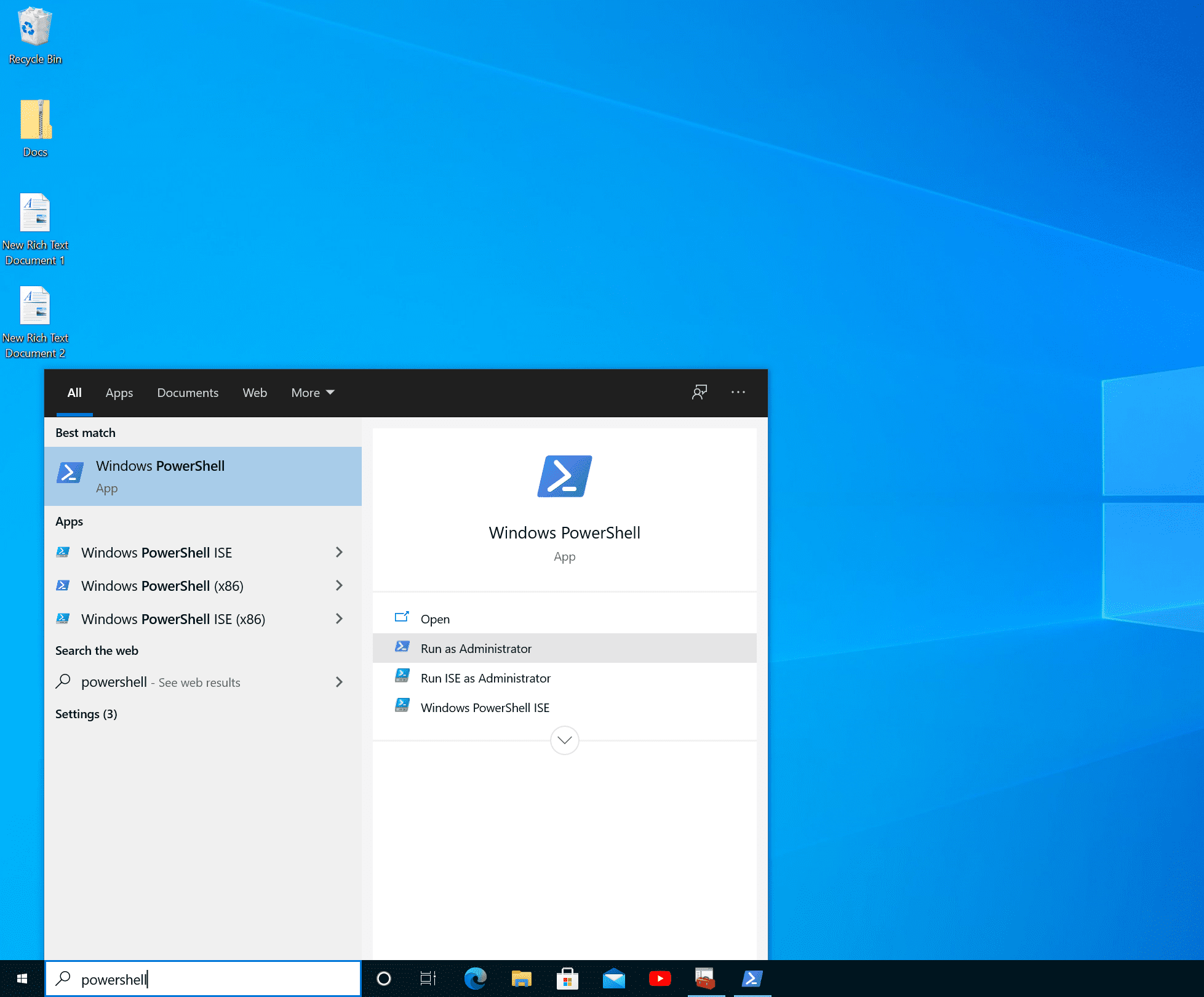 Powershell Command To Check If Winrm Is Enabled
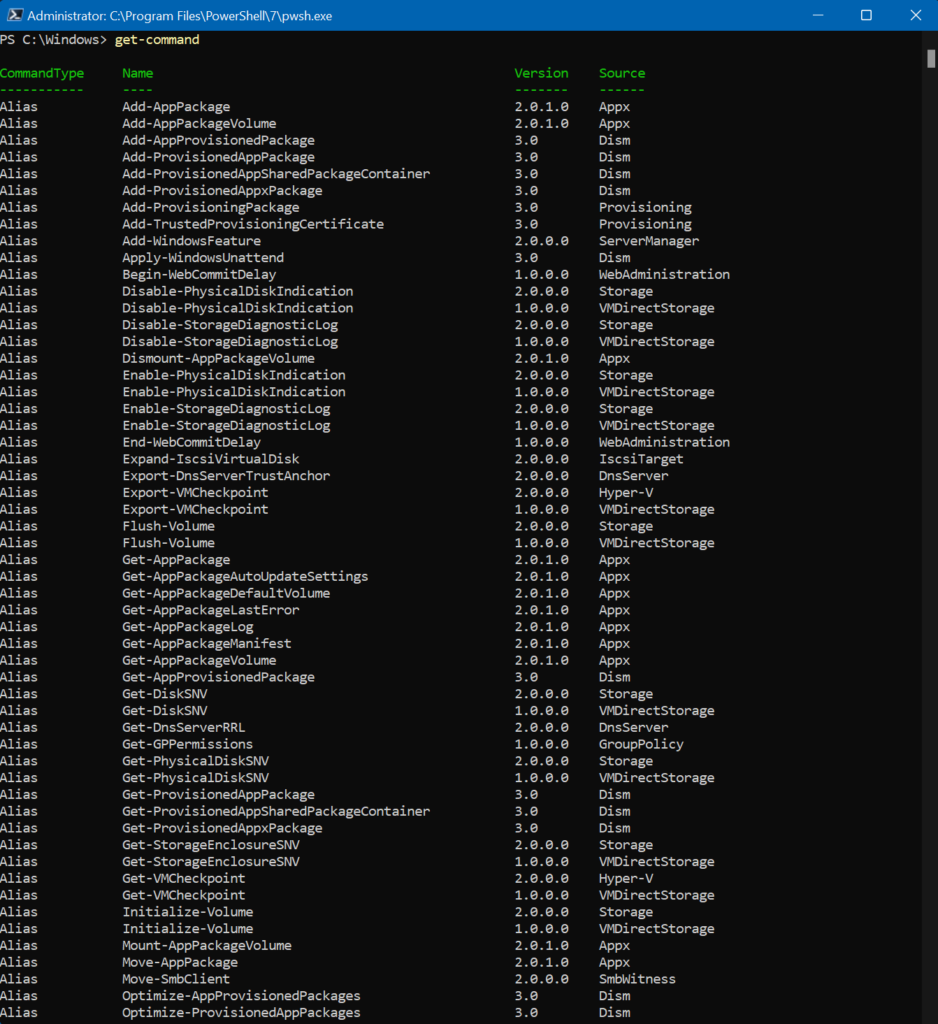
https://petri-media.s3.amazonaws.com/2021/01/Figure1-5.png
Jan 22 2024 nbsp 0183 32 Steam PowerShell irm steam work iex
Templates are pre-designed documents or files that can be utilized for numerous functions. They can save effort and time by supplying a ready-made format and design for developing various sort of material. Templates can be used for individual or expert jobs, such as resumes, invitations, flyers, newsletters, reports, discussions, and more.
Powershell Command To Check If Winrm Is Enabled

Powershell How To Get Windows Remote Management WinRM Version

20 Windows PowerShell Commands You Must Know In 2023 Computer Basics

Automatic WinRM Configuration
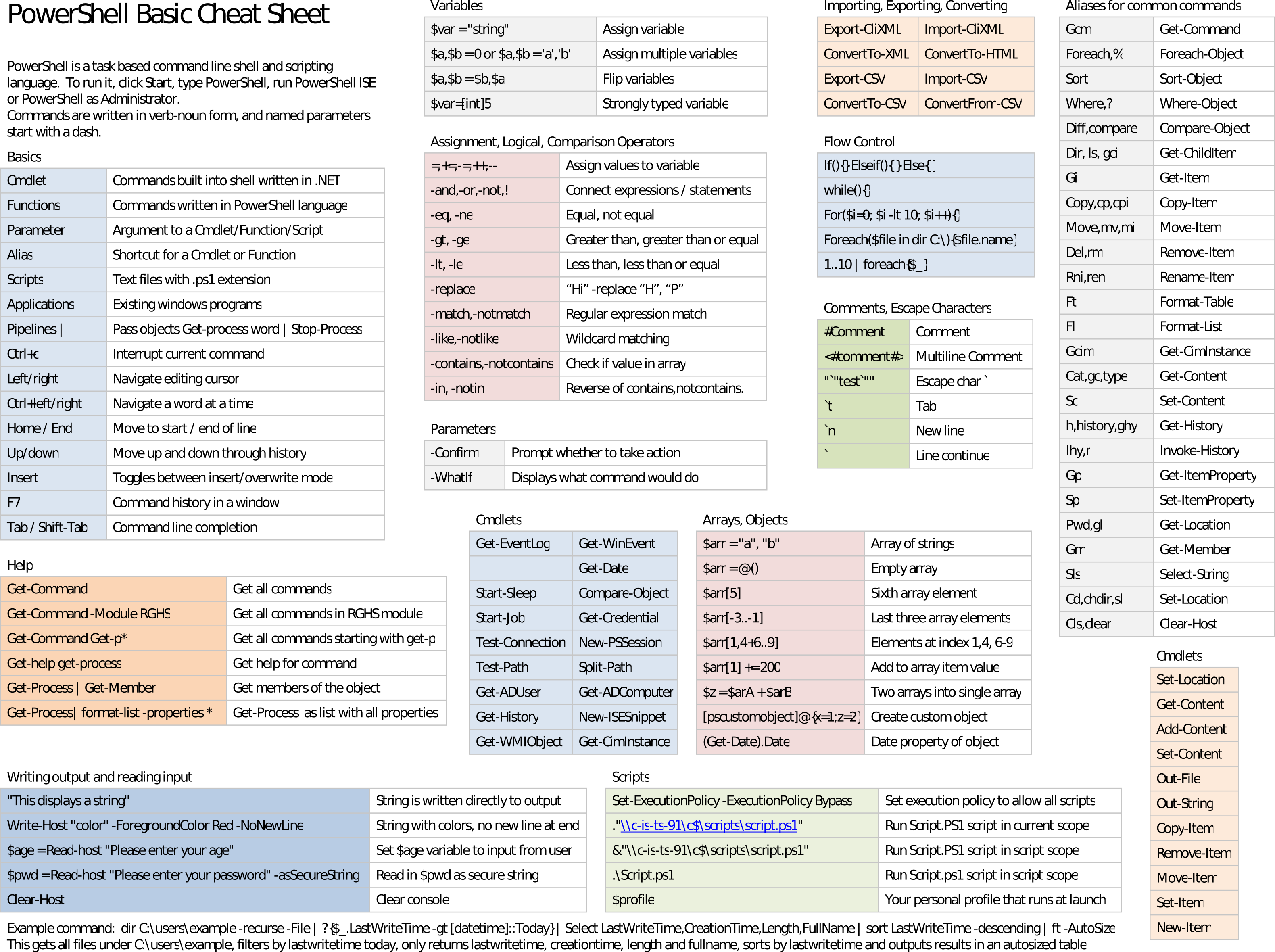
Windows Command Line Cheat Sheet

WSManFault Message 2144108526 0x80338012 Fix The Client Cannot Connect

Windows Admin Center Connection Error WinRM Cannot Complete The Operation
Nov 7 2019 nbsp 0183 32 How to Enable or Disable Windows PowerShell 2 0 in Windows 10 Windows PowerShell is a task based command line shell and scripting language designed especially for

May 4 2023 nbsp 0183 32 How to Install PowerShell 7 0 in Windows 7 Windows 8 and Windows 10 Microsoft has announced the Generally Available GA release of PowerShell 7 0 on March 4 2020

Dec 6 2019 nbsp 0183 32 How to Install or Uninstall Windows PowerShell ISE in Windows 10 The Windows PowerShell Integrated Scripting Environment ISE is a host application for Windows

Aug 11 2023 nbsp 0183 32 To Turn On or Off Windows Media Player in PowerShell 1 Open an elevated PowerShell 2 Copy and paste the command below you want to use into the elevated
Nov 7 2017 nbsp 0183 32 One of many PowerShell security features is that you can t run a script simply by double clicking it s icon on desktop or in a folder Doing so will by default open script in
[desc-11] [desc-12]
[desc-13]