Powershell Change Expired Password Remotely Laravel Password Expired Force Change Password Every 30 Days Using PowerShell Get All Users Are Password Never Expires In Domain Resetting An Expired Password Remotely N00py Blog Easi Easiest Expired Password Change How To Change Retrieve Password Last Set And Expiration Date PowerShell HeelpBook Web Aug 10 2021 nbsp 0183 32 There are two ways to reset a user account password in PowerShell The Set ADAccountPassword cmdlet included in the RSAT PowerShell module The Active Directory Service Interface ADSI method Now let s get down to business and have a look at both of them Prerequisites To reset an AD account password with PowerShell you
Web The basics The cmdlet to use is called Set ADAccountPassword To use it all you need to do is specify the account and the new password and that you are resetting it If you don t use the Reset option you have to also specify the user s old password The only tricky part is that the new password must be specified as a SecureString Web With PowerShell Change the Active Directory password for a user account Executing this code will reset the password for a single user in Azure Active Directory Password Read Host AsSecureString UserAccount Get LocalUser Name quot User02 quot UserAccount Set LocalUser Password Password Copied
Retrieve Password Last Set And Expiration Date PowerShell HeelpBook Find When User Password Expired With Powershell Askme4Tech How To Enable Multiple RDP Sessions On Windows BMITC CO LTD Resetting An Expired Password Remotely N00py Blog 2023 Apple ID Hacked CopyTrans Blog How To Change Expired Password In Outlook Web App IT World Change Expired Password For New MyPetroc Users YouTube Find Active Directory Users With Expired Password PowerShell
Powershell Change Expired Password Remotely
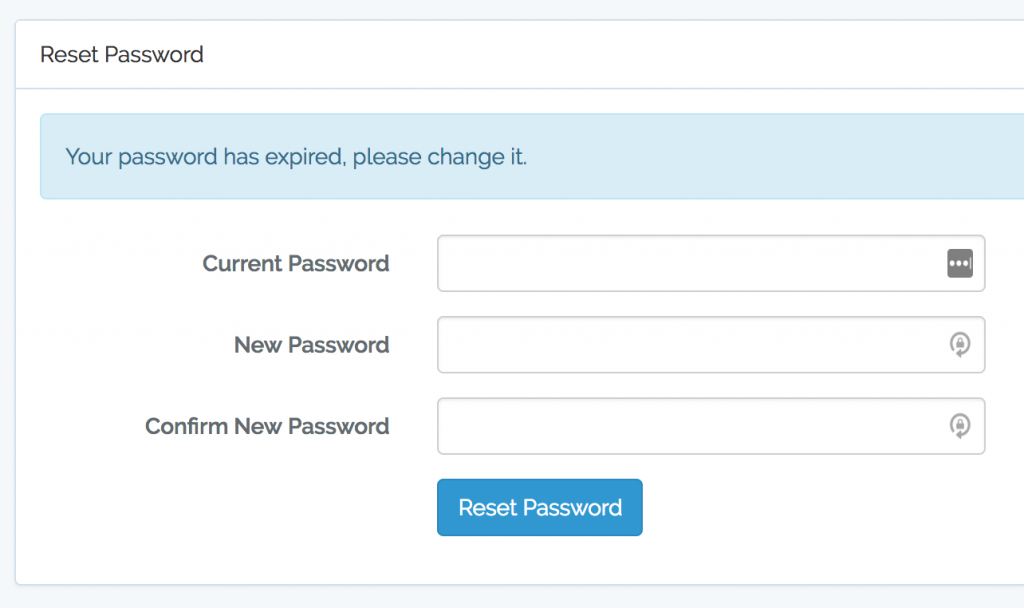 Powershell Change Expired Password Remotely
https://laraveldaily.com/uploads/2017/09/Screen-Shot-2017-09-26-at-9.25.05-PM-1024x608.png
Web I am trying to change password remotely of my server because I cannot access it using Remote Desktop So I found a way in Youtube for changing user password for the local
Templates are pre-designed files or files that can be used for various purposes. They can save effort and time by offering a ready-made format and design for developing different kinds of content. Templates can be used for personal or expert projects, such as resumes, invites, leaflets, newsletters, reports, presentations, and more.
Powershell Change Expired Password Remotely
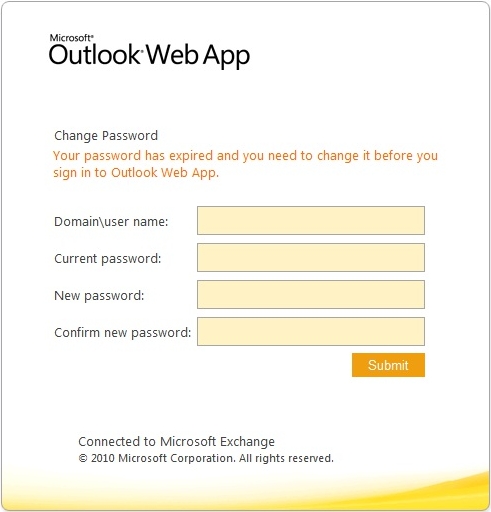
Resetting An Expired Password Remotely N00py Blog
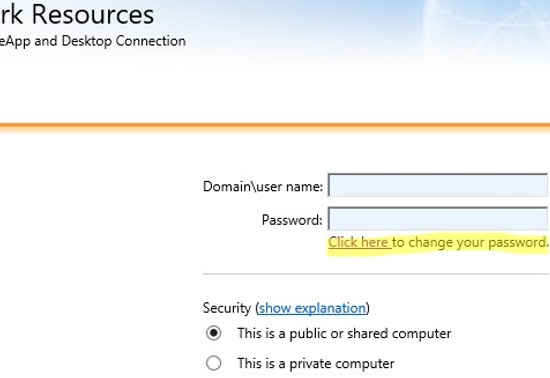

Find When User Password Expired With Powershell Askme4Tech
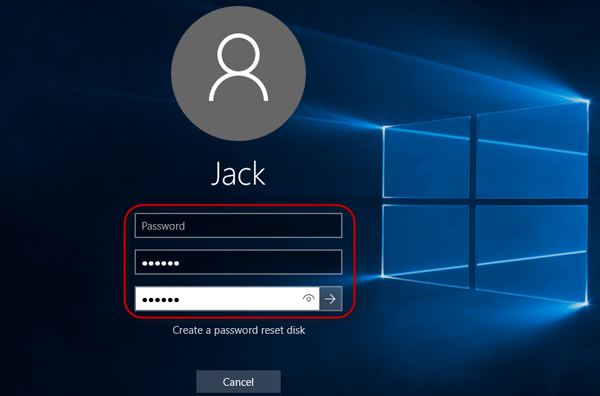
How To Enable Multiple RDP Sessions On Windows BMITC CO LTD

2023 Apple ID Hacked CopyTrans Blog

How To Change Expired Password In Outlook Web App IT World
Web Dec 20 2019 nbsp 0183 32 enter pssession 7 From there on you will see that your powershell prompt will change the name to remote computer machine like following MyRemoteMachine PS gt Which means that you can successfully execute now net command net user UserName NewPass domain

Web Jan 23 2019 nbsp 0183 32 function Set PasswordRemotely CmdletBinding DefaultParameterSetName Secure param Parameter ParameterSetName Secure Mandatory string UserName Parameter ParameterSetName Secure Mandatory securestring OldPassword Parameter ParameterSetName Secure Mandatory securestring
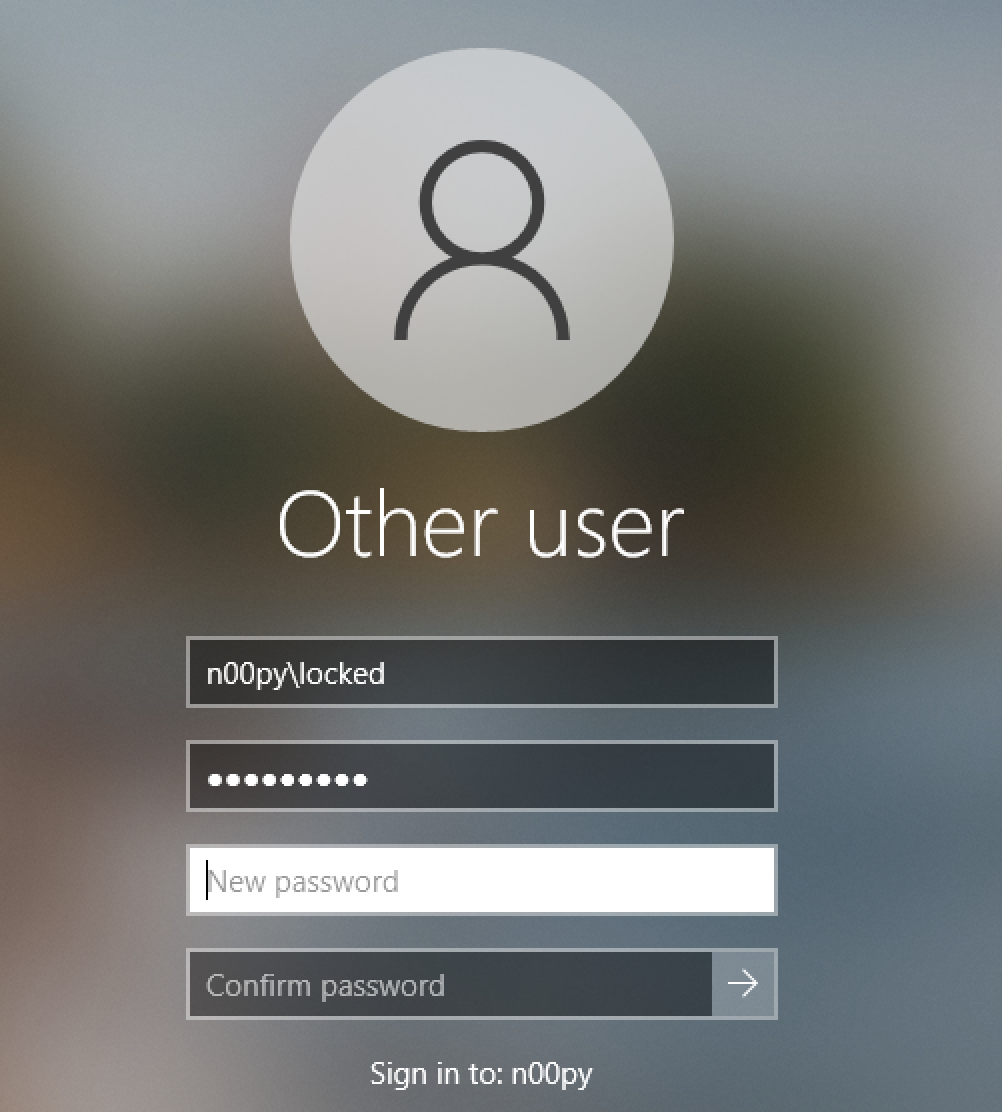
Web Sep 4 2018 nbsp 0183 32 try account ADSI quot WinNT Computer PUT THE USERNAME YOU WANT TO CHANGE HERE user quot account psbase invoke quot setpassword quot password Write Verbose quot tPassword Change completed successfully quot catch status quot FAILED quot Write Verbose quot tFailed to Change the administrator password
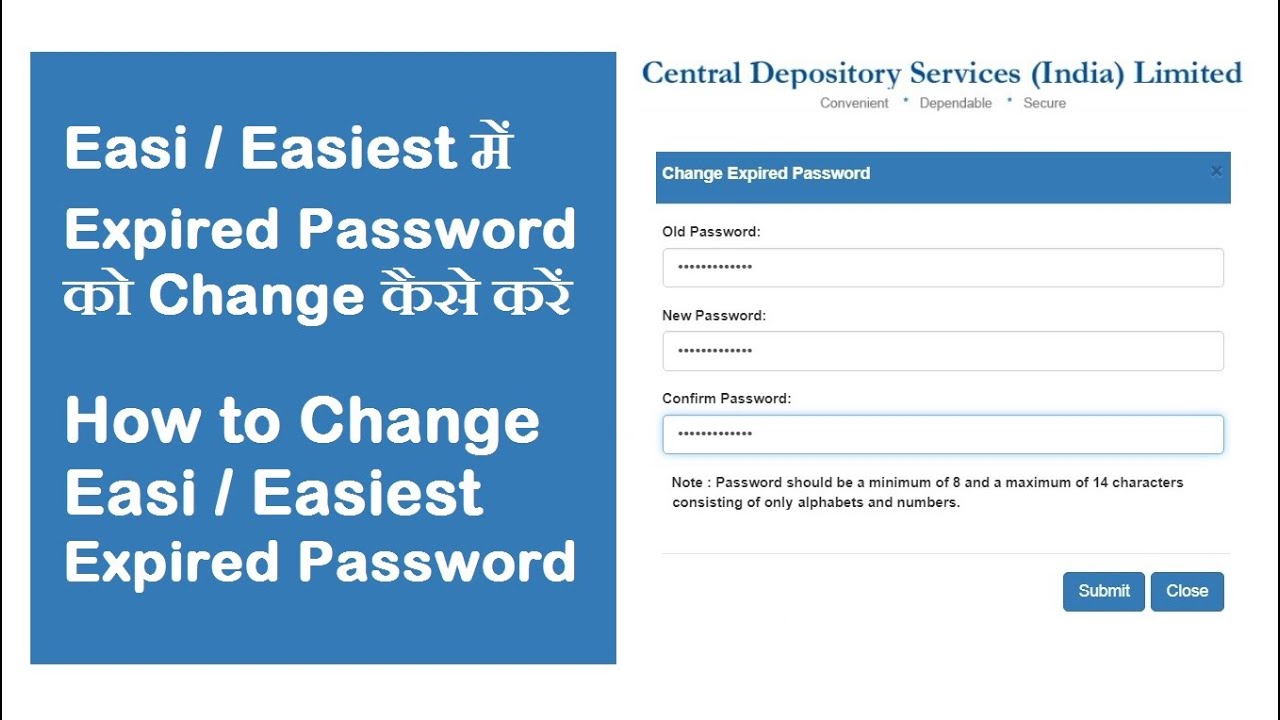
Web Apr 7 2017 nbsp 0183 32 18 INFORMATION I have a situation where I am forced to use a server Windows 2012 R2 that is NOT part of a domain and does NOT have AD This is not my choice is not optimal but out of my control I also have local users that connect to this server through RDP and the local users have a password expiration policy

Web PowerShell Set LocalUser AccountExpires lt DateTime gt AccountNeverExpires Description lt String gt FullName lt String gt InputObject lt LocalUser gt Password lt SecureString gt PasswordNeverExpires lt Boolean gt UserMayChangePassword lt Boolean gt WhatIf Confirm lt CommonParameters gt PowerShell
Web Nov 27 2013 nbsp 0183 32 How to set AD password to expired to be changed with PowerShell I need to reset a whole load of user passwords and then set them as expired or quot User must change password on next login quot The password is easy to change with SetADAccountPassword Web May 14 2019 nbsp 0183 32 Is there a setting I need to change that can allow users to change their expired passwords from RDP remotely It seems odd that it s telling them to change or update their password but doesn t give them the option to It should just show up once you login and prompt you to change it sames as server login Example here too about the
Web Win 7 setting the option quot Password never expires quot for a specific local user Basically you d create a script like so user adsi quot WinNT env computername administrator quot user UserFlags value user UserFlags value bor 0x10000 user CommitChanges