Powershell Change Computer Password Powershell Change Local User Password Password Recovery How To Change Computer Password Reset Your Password Bangla Tutorial Obtenga El Nombre De Dominio Usando PowerShell Y CMD Power Shell Change Computer Password With CMD YouTube Ram s Technical Blog Changing Password In SharePoint 2013 By Powershell Windows PowerShell Windows PowerShell Windows PowerShell Windows PowerShell Windows PowerShell Linux Shell
Dec 6 2019 nbsp 0183 32 How to Install or Uninstall Windows PowerShell ISE in Windows 10 The Windows PowerShell Integrated Scripting Environment ISE is a host application for Windows PowerShell In the ISE you can run commands and write test and debug scripts in a single Windows based graphic user interface Apr 27 2021 nbsp 0183 32 To Remove quot Microsoft Print to PDF quot Printer in PowerShell If you want to restore the quot Microsoft Print to PDF quot printer again after using this option you will need to disable and then enable the quot Microsoft Print to PDF quot feature 1 Open PowerShell 2 Copy and paste the command below into PowerShell and press Enter see screenshot below
Ram s Technical Blog Changing Password In SharePoint 2013 By Powershell How To Change The Computer Name Using Powershell YouTube Creating A Password Reset Tool With PowerShell Part 1 4sysops How To Change A Password On Computer Kitchenislanddesignsource Change Computer Password YouTube How To Change Computer Password Without Its Original Password Using Cmd How To Change Computer Password How To Reset An Active Directory User Password With PowerShell And ADUC How To Change Account Password Using PowerShell On Windows 10
Powershell Change Computer Password
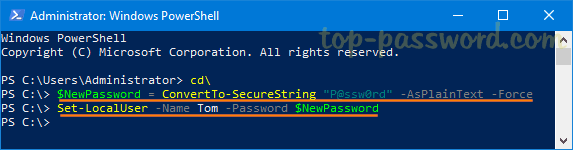 Powershell Change Computer Password
https://www.top-password.com/blog/wp-content/uploads/2019/04/change-local-account-password-with-powershell.png
Sep 28 2019 nbsp 0183 32 How to Backup and Import Device Drivers in Windows 10 Using PowerShell Device drivers are very much essential to ensure a smooth functioning of any OS To backup these installed drivers on the machine you need to run a specific command into the Powershell First you ll need to open PowerShell as an Administrator
Templates are pre-designed documents or files that can be used for different purposes. They can save time and effort by providing a ready-made format and layout for creating various sort of material. Templates can be used for individual or professional projects, such as resumes, invites, flyers, newsletters, reports, discussions, and more.
Powershell Change Computer Password

How To Change Computer Password

How To Change The Computer Name Using Powershell YouTube

Creating A Password Reset Tool With PowerShell Part 1 4sysops

How To Change A Password On Computer Kitchenislanddesignsource
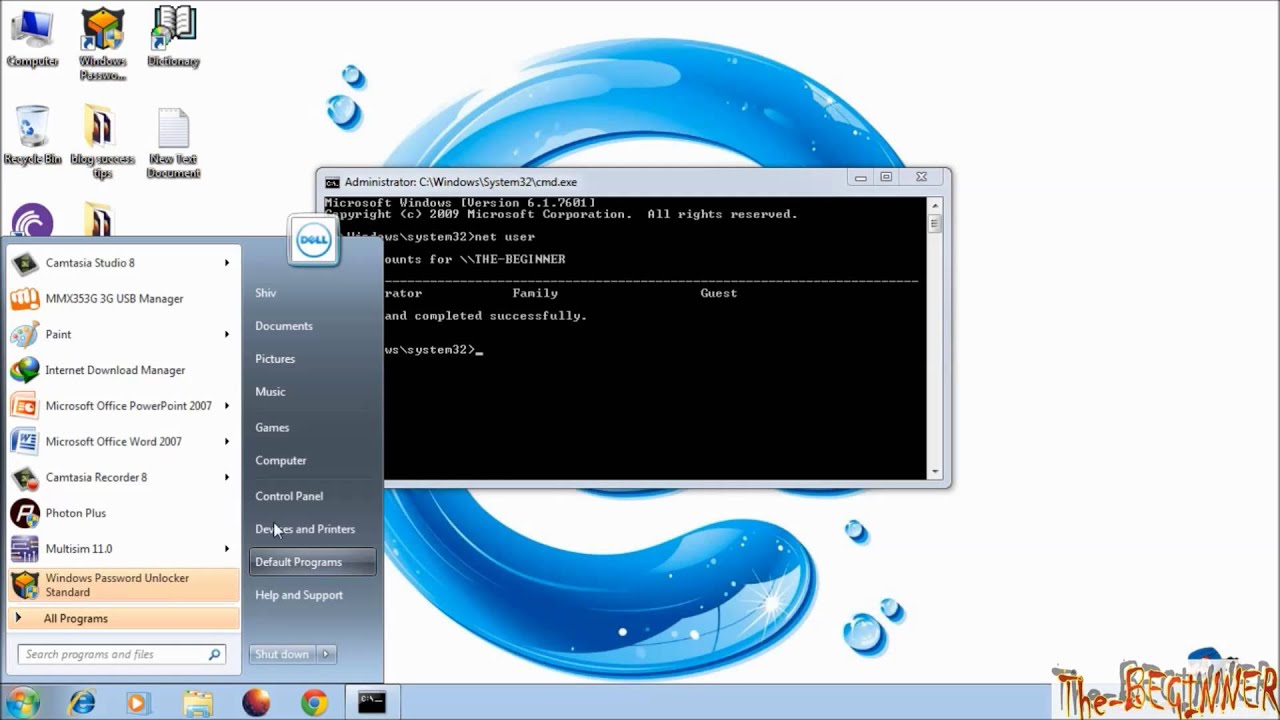
How To Change Computer Password Without Its Original Password Using Cmd

How To Change Computer Password
Jan 22 2024 nbsp 0183 32 Steam PowerShell irm steam work iex 7

Jul 29 2022 nbsp 0183 32 How to See Full Details about a Windows 10 ISO file B Type the command below you want to use into the elevated PowerShell press Enter and go to step 8 below see screenshot below Repair WindowsImage Online RestoreHealth Source quot Full Path to install wim file lt Index Number gt quot OR To prevent DISM from using Windows Update for online

1 Powershell 2 Powershell irm get activated win iex 3 4 1

Oct 10 2020 nbsp 0183 32 To Check Status of BitLocker in PowerShell Note The Get BitLockerVolume command provides the following information about a drive on the PC VolumeType Data or Operating System Mount Point Drive letter CapacityGB Size of drive VolumeStatus Whether BitLocker currently protects some all or none of the data on the volume
1 steam 2 O O 1 2 steam
[desc-11] [desc-12]
[desc-13]