Powershell Case Switch Example Switch Case In PowerShell Complete Guide To Switch Case In PowerShell PowerShell Basics Switch Case Statement Wildcard Syntax Examples PowerShell If If Else And Switch Examples Powershell Case Switch DO While Loop YouTube PowerShell Switch Statement Guide To PowerShell Switch Statement Sep 23 2020 nbsp 0183 32 Enable quot Windows Subsystem for Linux quot WSL in PowerShell 1 Open an elevated PowerShell 2 Copy and paste the command below into the elevated PowerShell and press
Jul 4 2019 nbsp 0183 32 PowerShell win10 win7 win11 4 quot DNS quot PowerShell 1 Win X quot Windows PowerShell quot 2
PowerShell Switch Statement Guide To PowerShell Switch Statement Switch Case Definition Of Switch Case Switch Case Is A Branching Of Java String Switch Case Example Olu turma Azot I tah Switch Case Example afakta Hedef Yapmak Master The PowerShell WhatIf Parameter Powershell 7 2 1 Is Not Available On Windows 10 Update Yet Edit Switch Panel 4 Free Stock Photo Public Domain Pictures Uxcell 10 Pcs Waterproof Case Switch Covers Caps Protectors Clear Black Switch Case Programming Reference The Structure Of Switch Statements
Powershell Case Switch Example
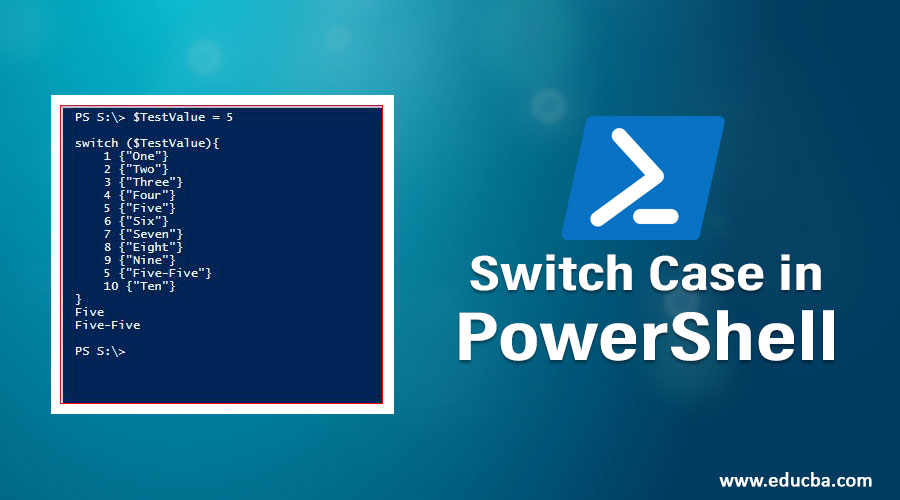 Powershell Case Switch Example
https://www.educba.com/academy/wp-content/uploads/2019/12/Switch-Case-in-PowerShell.jpg
Jan 12 2019 nbsp 0183 32 Win10
Templates are pre-designed documents or files that can be utilized for numerous purposes. They can conserve effort and time by supplying a ready-made format and layout for developing different sort of material. Templates can be used for personal or professional tasks, such as resumes, invites, leaflets, newsletters, reports, presentations, and more.
Powershell Case Switch Example
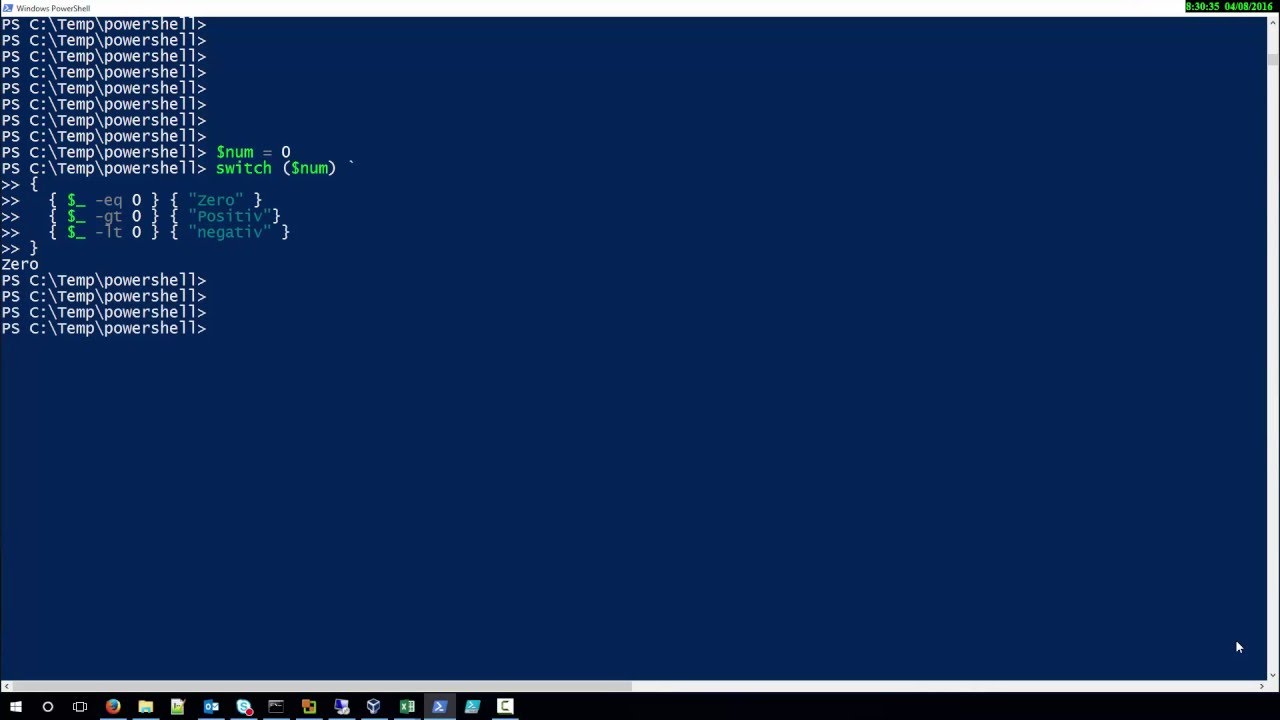
How To Use Switch In Powershell YouTube
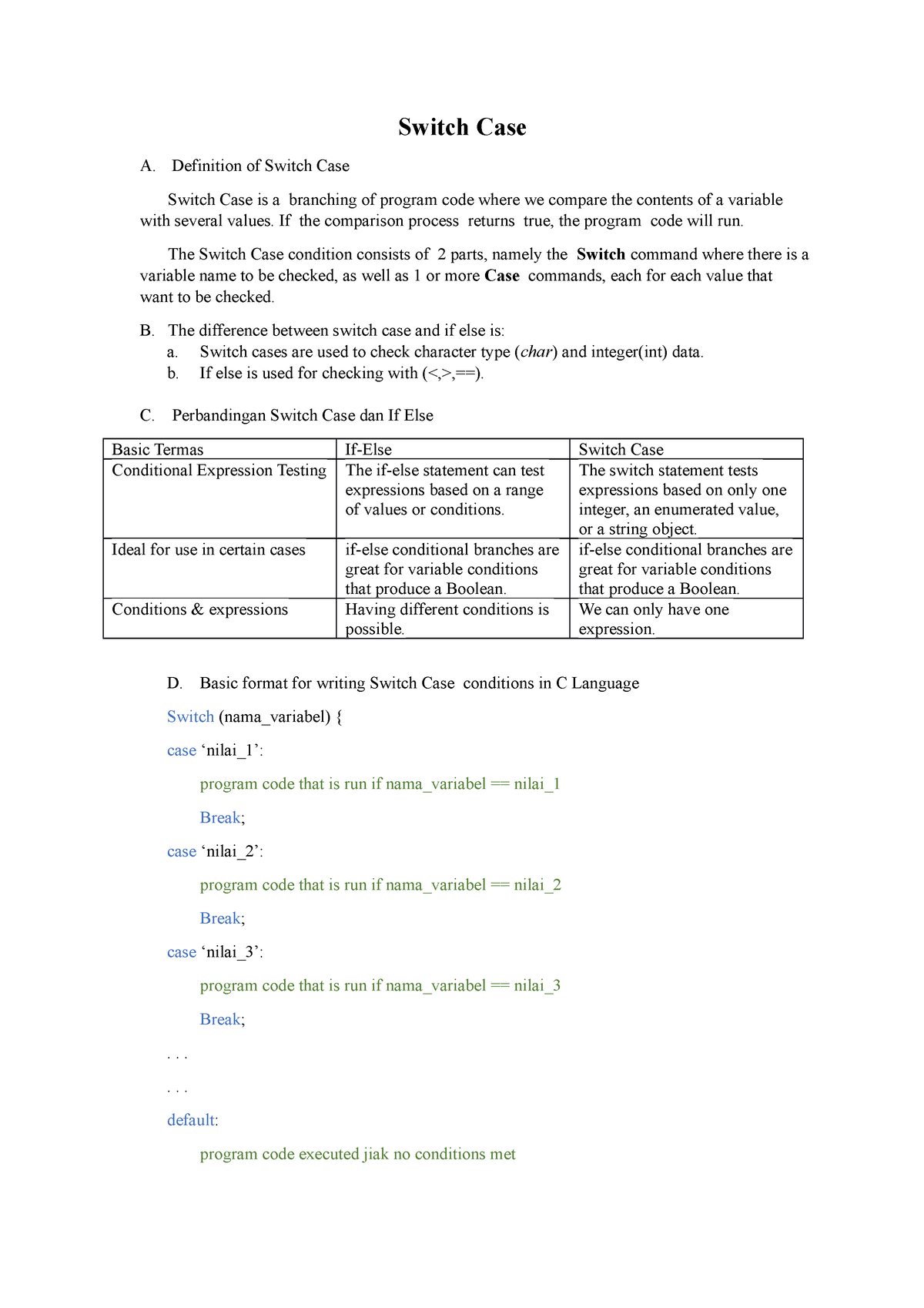
Switch Case Definition Of Switch Case Switch Case Is A Branching Of
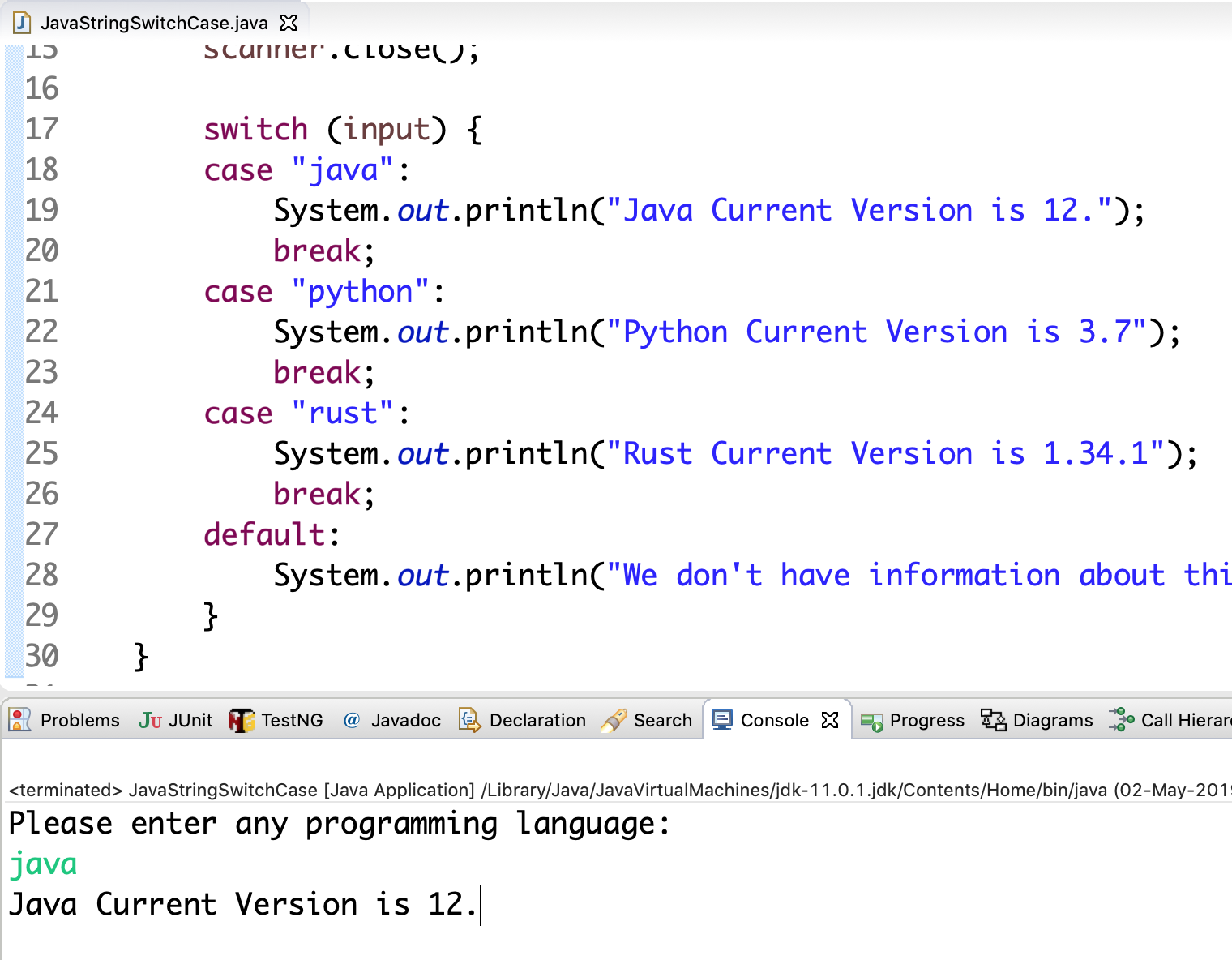
Java String Switch Case Example
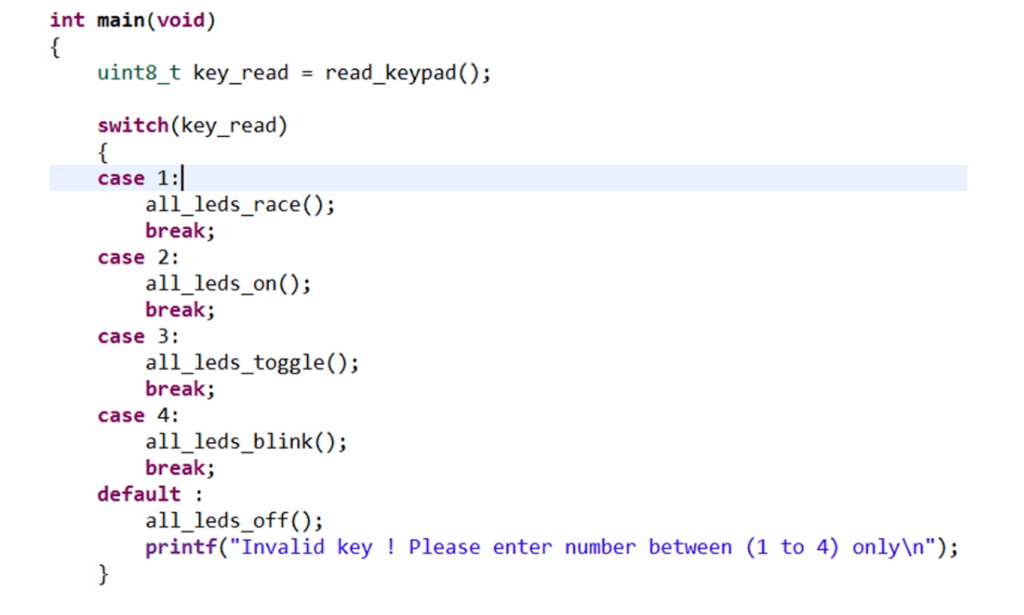
Olu turma Azot I tah Switch Case Example afakta Hedef Yapmak

Powershell 7 2 1 Is Not Available On Windows 10 Update Yet Edit

Switch Panel 4 Free Stock Photo Public Domain Pictures
Oct 10 2020 nbsp 0183 32 To Check Status of BitLocker in PowerShell Note The Get BitLockerVolume command provides the following information about a drive on the PC VolumeType Data or

Windows PowerShell quot quot Windows PowerShell lusrmgr Enter

The Powershell method does not work on Windows 7 Use the Method 2 Traditional instead Powershell Windows 7 2 The URL get activated win may

Mar 5 2024 nbsp 0183 32 wt Enter Windows 10
Dec 28 2024 nbsp 0183 32 2 To Reinstall and Re Register All Windows Apps for Current Account Only A Open Windows PowerShell B Copy and paste the command below in PowerShell and press
[desc-11] [desc-12]
[desc-13]