Powershell Cannot Find Mapped Network Drive C mo Mapear Unidades De Red Desde El S mbolo Del Sistema En Windows Mapped Network Drive Not Showing Windows 11 10 FIX YouTube How To Map Network Drives Using Powershell How To How To Map Network Drives Using Powershell How To Review What Is UNC Path And How To Use It May 26 2021 nbsp 0183 32 There will be segments including PowerShell and SQL PowerShell and Azure Automation and the future directions for PowerShell In addition several presentations will focus on cool ways of using PowerShell including setting up a MineCraft server using PowerShell to control sprinklers or an IOT based Theramin or a Tesla among other things
Aug 20 2022 nbsp 0183 32 How to Check What Graphics Card or GPU is in Windows PC A Graphics Processing Unit GPU is a single chip processor primarily used to manage and boost the performance of video and graphics Sep 28 2019 nbsp 0183 32 To backup these installed drivers on the machine you need to run a specific command into the Powershell First you ll need to open PowerShell as an Administrator To open an elevated PowerShell prompt in the taskbar search bar type powershell Now see the result Windows PowerShell which appears on the top
Review What Is UNC Path And How To Use It Mapped Network Drives Cannot Bind Cert With Add NetIPHttpsCertBinding R PowerShell Solved SAS EG 7 13 HF8 7 100 3 5532 64 bit Cannot Find Mapped Powershell Cannot Find Path LocalMachine Personal Because It Does SQL Server PowerShell No Puede Encontrar El Error De Ruta AnswaCode Linux Map Lsusb Entru To dev Path Stack Overflow Powershell Cannot Bind Argument To Parameter Because It Is An Empty How To Fix Mapped Network Drive Problems On Windows 10 October 2018
Powershell Cannot Find Mapped Network Drive
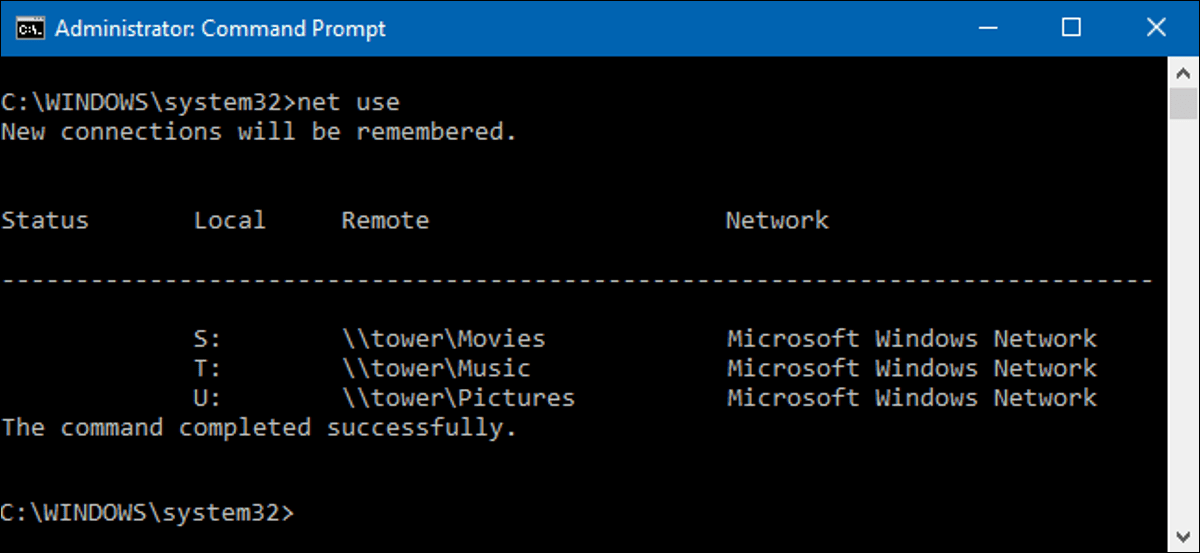 Powershell Cannot Find Mapped Network Drive
https://expertogeek.com/wp-content/uploads/2021/09/Como-mapear-unidades-de-red-desde-el-simbolo-del-sistema.png
Oct 10 2020 nbsp 0183 32 1 Open an elevated Powershell 2 Type the command below you want to use below into the elevated Powershell and press Enter see screenshots below See status of all drives Get BitLockerVolume OR See status for specific drive Get BitLockerVolume
Pre-crafted templates offer a time-saving solution for creating a diverse range of files and files. These pre-designed formats and designs can be utilized for different individual and expert tasks, consisting of resumes, invitations, flyers, newsletters, reports, discussions, and more, simplifying the material development process.
Powershell Cannot Find Mapped Network Drive
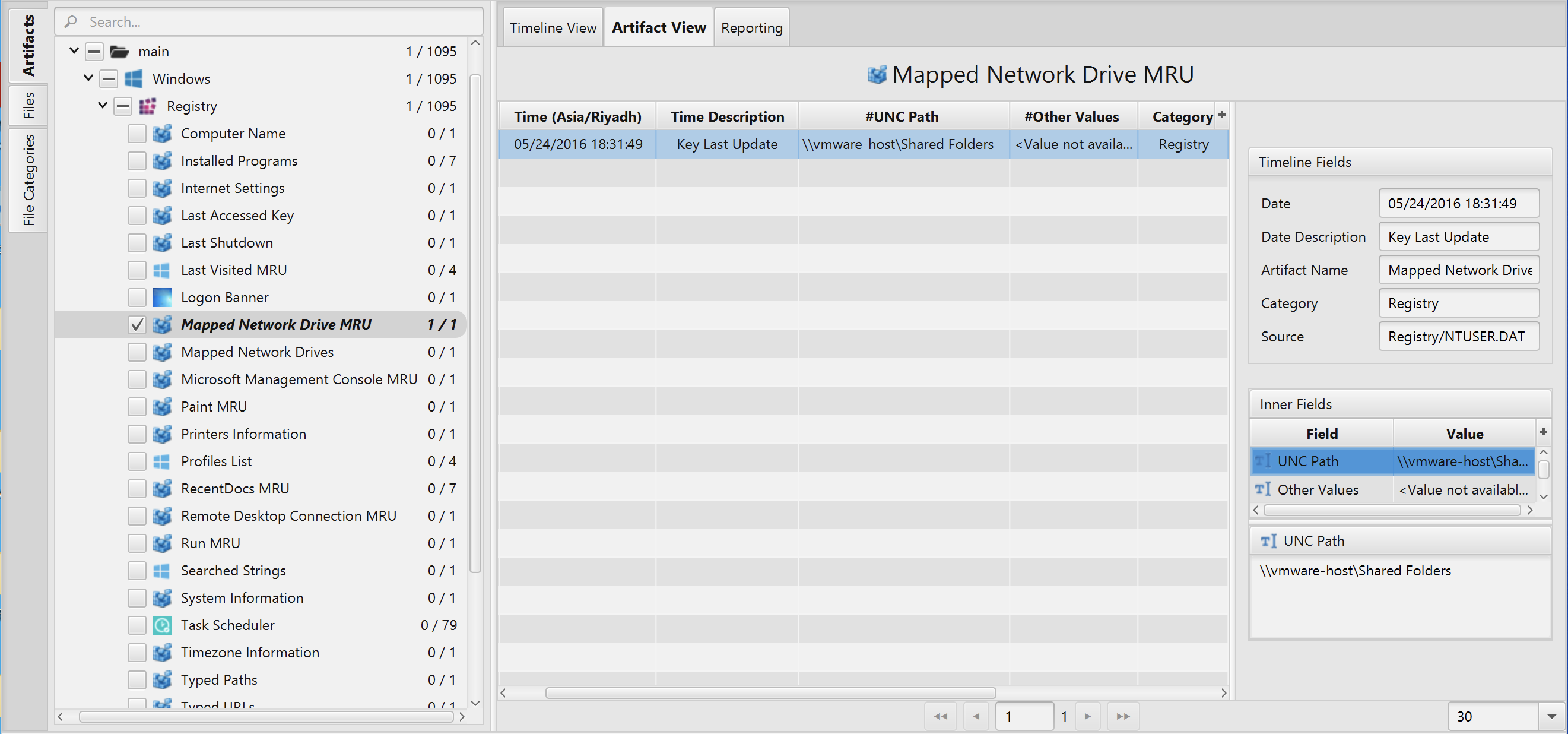
Mapped Network Drives
Mapped Network Drives

Cannot Bind Cert With Add NetIPHttpsCertBinding R PowerShell

Solved SAS EG 7 13 HF8 7 100 3 5532 64 bit Cannot Find Mapped

SQL Server PowerShell No Puede Encontrar El Error De Ruta AnswaCode

Linux Map Lsusb Entru To dev Path Stack Overflow

May 4 2023 nbsp 0183 32 1 Go to the Powershell latest release page on GitHub 2 Scroll down to the Assets section for PowerShell 7 0 3 or latest release and click tap on the link of the MSI file ex quot PowerShell 7 1 0 win x64 msi quot to install a 32 bit x86 or 64 bit x64 PowerShell 7 for your 32 bit or 64 bit Windows

Nov 7 2019 nbsp 0183 32 Windows 10 includes Windows PowerShell 5 0 by default that has some great new features that enhance security including enhanced transcription logging and AMSI protection However the Windows PowerShell 2 0 engine is still enabled and is now recognized as a security risk that can be used to run malicious scripts

Nov 7 2017 nbsp 0183 32 powershell exe ExecutionPolicy Bypass File quot E Users Kari OneDrive PS Scripts USBUpdate ps1 quot Note the above command can also be used to run script from a batch file or from Run prompt WIN R First part of command powershell exe will launch PowerShell

Dec 6 2019 nbsp 0183 32 For more details about Windows PowerShell ISE see Introducing the Windows PowerShell ISE Microsoft Docs Exploring the Windows PowerShell ISE Microsoft Docs Starting with Windows 10 build 19037 1 Windows PowerShell ISE is now a Feature on Demand installed by default and you will see it in the list in Optional Features Settings

Aug 11 2023 nbsp 0183 32 Hello Brink I am I am the user that Try3 mentioned I am running an activated full version of 10 Pro 64Bit My original problem is that when I put either a CD DVD in my optical drive I don t have any problems reading documents opening pictures amp videos or starting exe files but for some reason audio files will not play
[desc-11] [desc-12]
[desc-13]