Powershell Add Computer Password Solved Execute Powershell Add Computer Remotely Via 9to5Answer Add Computer PowerShell 7 PowerShell Tutorial Run PowerShell Commands On Remote Computer Password Recovery Active Directory Gebruikersobjecten Maken Met PowerShell Technical PowerShell Telegraph WEB To add a computer to a domain with PowerShell use the Add Computer cmdlet with the following syntax Add Computer ComputerName lt String gt NewName lt String gt
WEB Add the local computer to a domain or workgroup Move a computer account from one domain to another Add Computer will create new domain computer accounts as WEB To join remote computers to domain remotely invoke the Add Computer PowerShell cmdlet But this time use the ComputerName parameter To run the Add Computer cmdlet remotely you must ensure that
PowerShell Telegraph Install And Configure Windows Server 2012 With Windows Powershell Web Everything You Wanted To Know About PowerShell s Module Path Stefan Active Directory Comprehensive Guide From Installation And PowerShell Bulk Add Remove Users From Groups PeteNetLive How To Add Computer To A Domain Using PowerShell Jorge Bernhardt Join Domain Specific Dc Powershell DONIMAIN Active Directory Comprehensive Guide From Installation And Simple Powershell Script To Create Local User And Generate Password
Powershell Add Computer Password
 Powershell Add Computer Password
https://sgp1.digitaloceanspaces.com/ffh-space-01/9to5answer/uploads/post/avatar/948826/template_execute-powershell-add-computer-remotely-via-invoke-command20220624-4060849-u0ge1k.jpg
WEB Add Computer ComputerName computers Domain domain here Restart Using PowerShell is a great start but chances are you need more flexibility You may also want to add the computer to a specified
Pre-crafted templates provide a time-saving option for producing a diverse series of files and files. These pre-designed formats and designs can be used for different personal and expert jobs, consisting of resumes, invitations, leaflets, newsletters, reports, discussions, and more, streamlining the material production procedure.
Powershell Add Computer Password

Solved How Do I Join Windows 11 To A Local Domain Using Settings

Install And Configure Windows Server 2012 With Windows Powershell Web
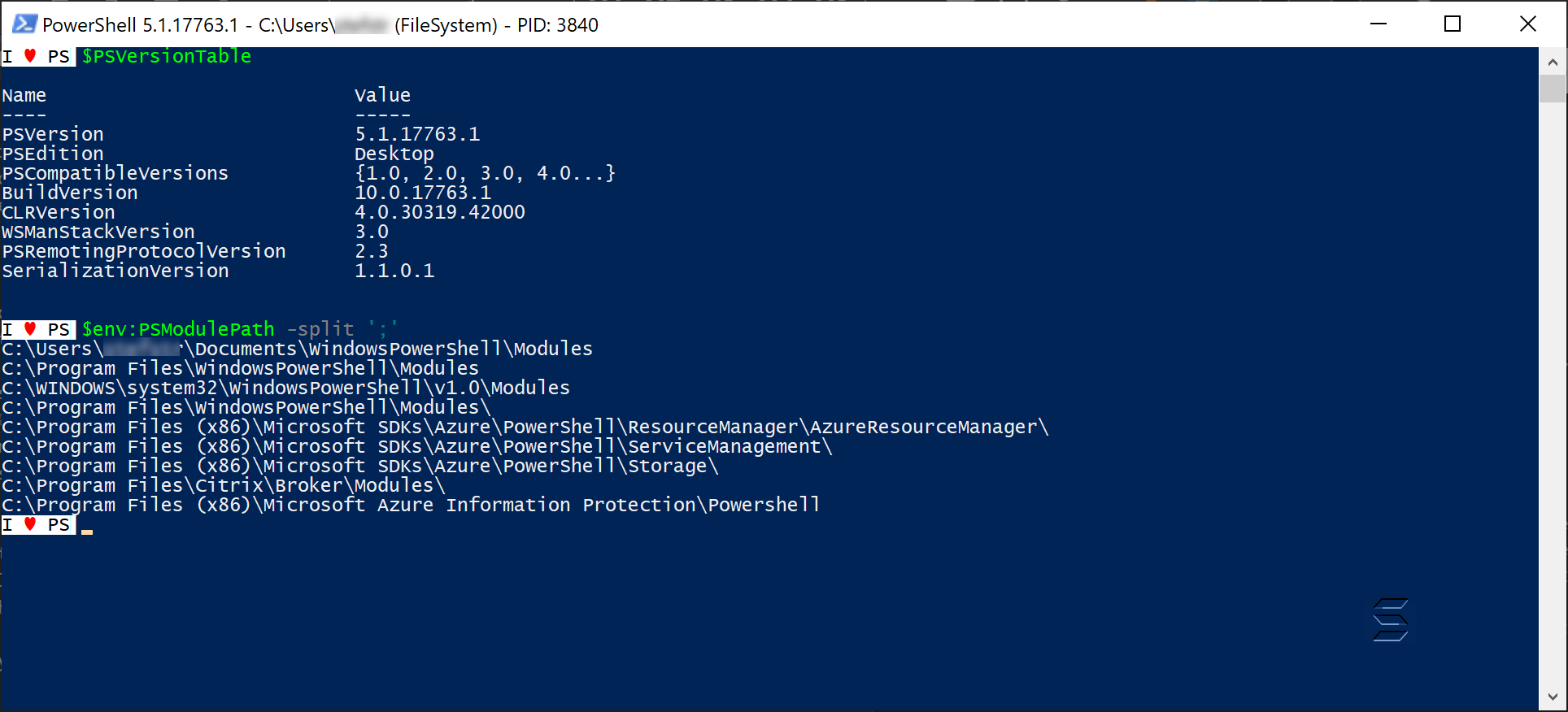
Everything You Wanted To Know About PowerShell s Module Path Stefan
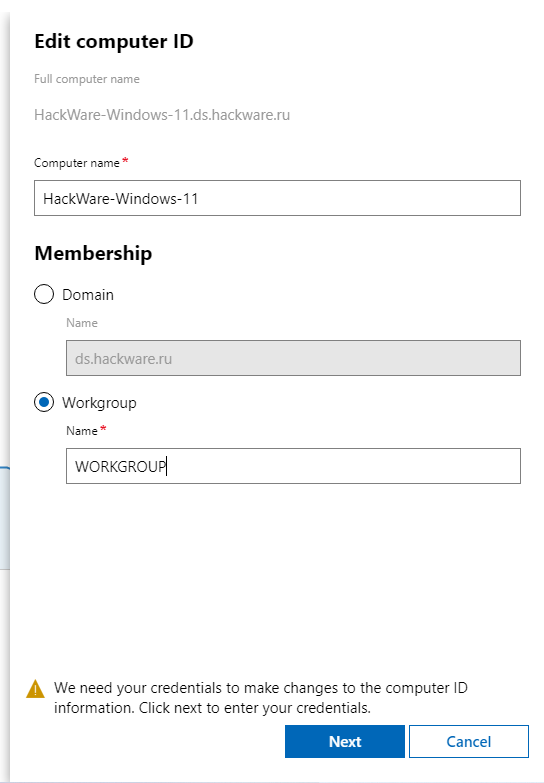
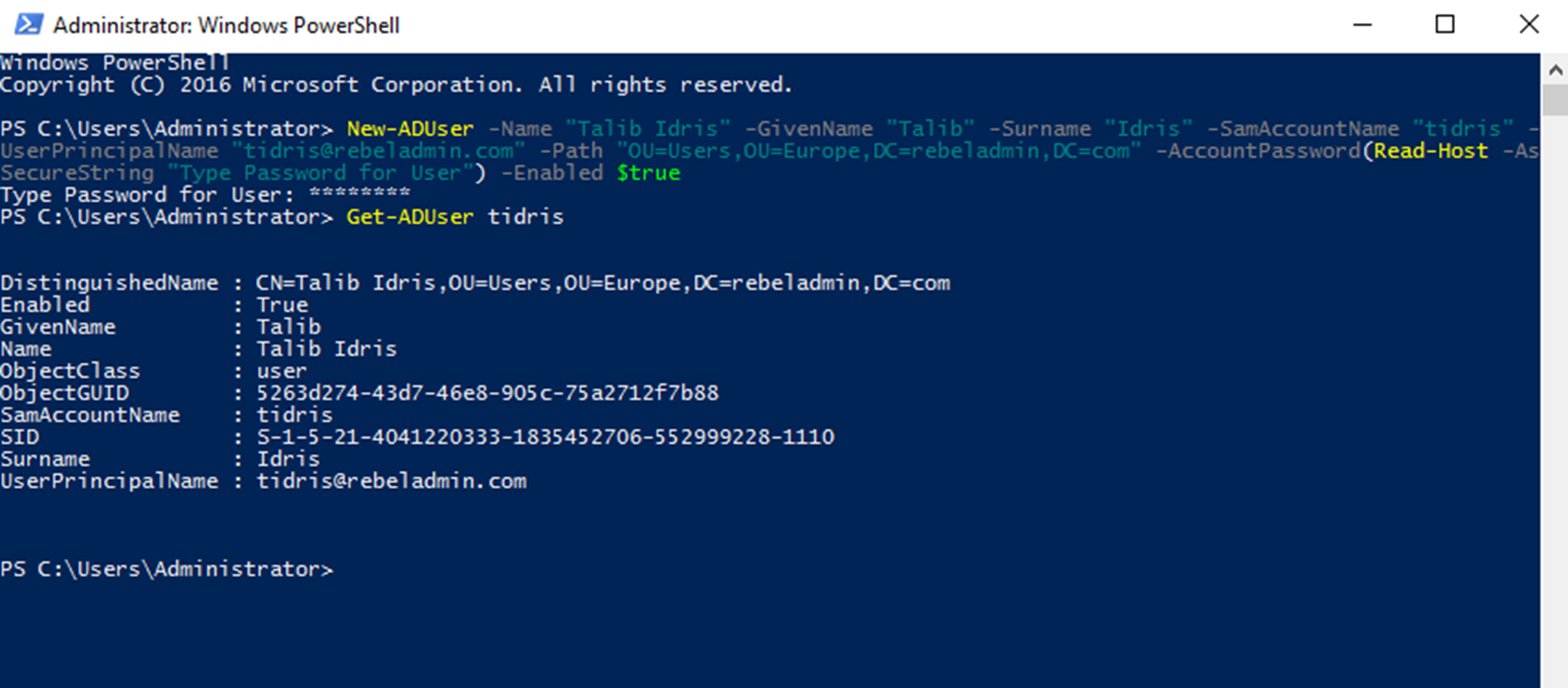
Active Directory Comprehensive Guide From Installation And

How To Add Computer To A Domain Using PowerShell Jorge Bernhardt

Join Domain Specific Dc Powershell DONIMAIN

WEB The new ADComputer object will always either be disabled or have a user requested or randomly generated password There is no way to create an enabled computer account

WEB Run this command to join a computer to the domain and specify the OU path Add Computer DomainName quot Domain02 quot OUPath quot OU testOU DC domain DC Domain DC com quot In the following
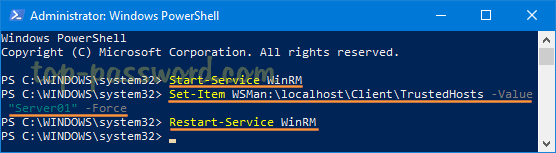
WEB Add Computer DomainName tomuc int Credential tomuc administrator Restart Verbose Or if you don t want to be prompted for credentials domain ccddbank
WEB In a PowerShell command prompt type add computer computername srvcore01 srvcore02 domainname ad contoso credential AD adminuser restart force and

WEB The Set ADAccountPassword cmdlet sets the password for a user computer or service account The Identity parameter specifies the Active Directory account to modify You
WEB Step 1 This is the simplest method to add a computer to a domain In this example you will be prompted for credentials followed by the required reboot Add Computer WEB This is a simple little not super secure Powershell script used to join computers to domains locally Modify the password username and domain variables to suit your
WEB If you must change or reset your account password because it s been compromised or it s too easy to guess and you want to set a more complex password you can use a few