Powershell 7 Zip Command Line 7 Zip Command Line Examples Home Healthcare 7 Zip Command Line Examples All Syntaxes Shared Here Unzip A Specific Subfolder In An Archive With The 7 Zip Command Line 7 Zip Command Line Basics Kwai Apk Backup Plan Using Robocopy 7 zip Command Line 7za exe MangoLassi Aug 20 2022 nbsp 0183 32 Check What Graphics Card or GPU is in PC in PowerShell 1 Open a PowerShell 3 Copy and paste either command below into PowerShell and press Enter see screenshots
Aug 11 2023 nbsp 0183 32 To Turn On or Off Windows Media Player in PowerShell 1 Open an elevated PowerShell 2 Copy and paste the command below you want to use into the elevated Oct 10 2020 nbsp 0183 32 To Check Status of BitLocker in PowerShell Note The Get BitLockerVolume command provides the following information about a drive on the PC VolumeType Data or
Backup Plan Using Robocopy 7 zip Command Line 7za exe MangoLassi Useful 7zip Command Line Examples For Terminal 7 Zip Command Line Examples How To Backup Large Databases Recommendation SqlBak Blog 7 Zip Is Installed Is Not Being Found With Registry Search By 7 ZIP CATALOGUE Catalogue Excel VBA HTML De Snippets Capitalise Le CATALOGUE Catalogue Excel VBA HTML De Snippets Capitalise Le CATALOGUE Catalogue Excel VBA HTML De Snippets Capitalise Le
Powershell 7 Zip Command Line
 Powershell 7 Zip Command Line
https://thedeveloperblog.com/images/site_image_10449.jpg
Mar 8 2022 nbsp 0183 32 Is it possible to scan all wifi networks with powershell I tried this but it doesn t work it only shows current connections Only works when I click bottom right on wifi connection and
Templates are pre-designed documents or files that can be used for various purposes. They can conserve effort and time by offering a ready-made format and design for creating different type of content. Templates can be used for personal or expert tasks, such as resumes, invites, leaflets, newsletters, reports, presentations, and more.
Powershell 7 Zip Command Line
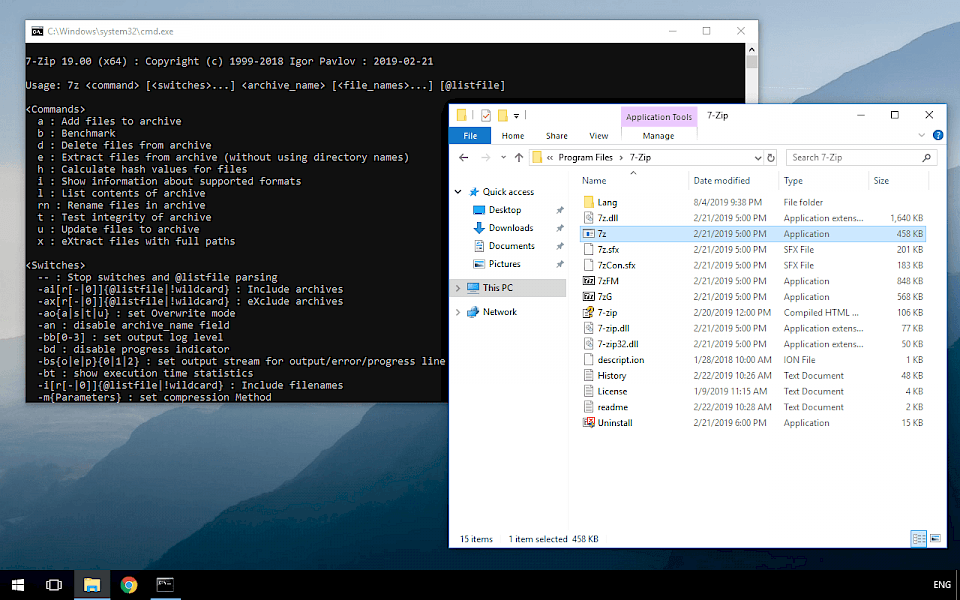
Useful 7zip Command Line Examples For Terminal
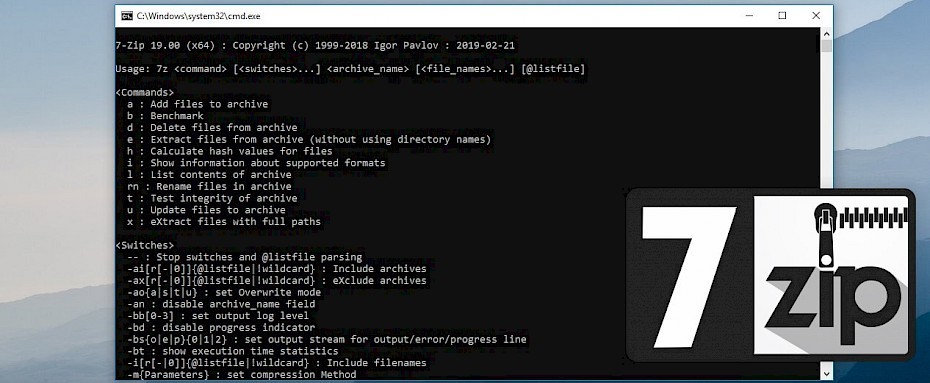
Useful 7zip Command Line Examples For Terminal

7 Zip Command Line Examples

How To Backup Large Databases Recommendation SqlBak Blog
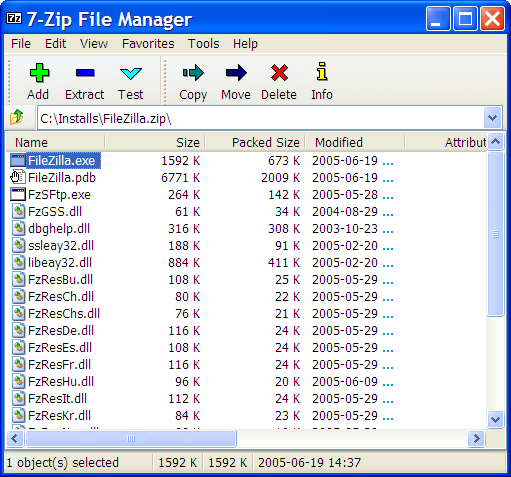
7 ZIP
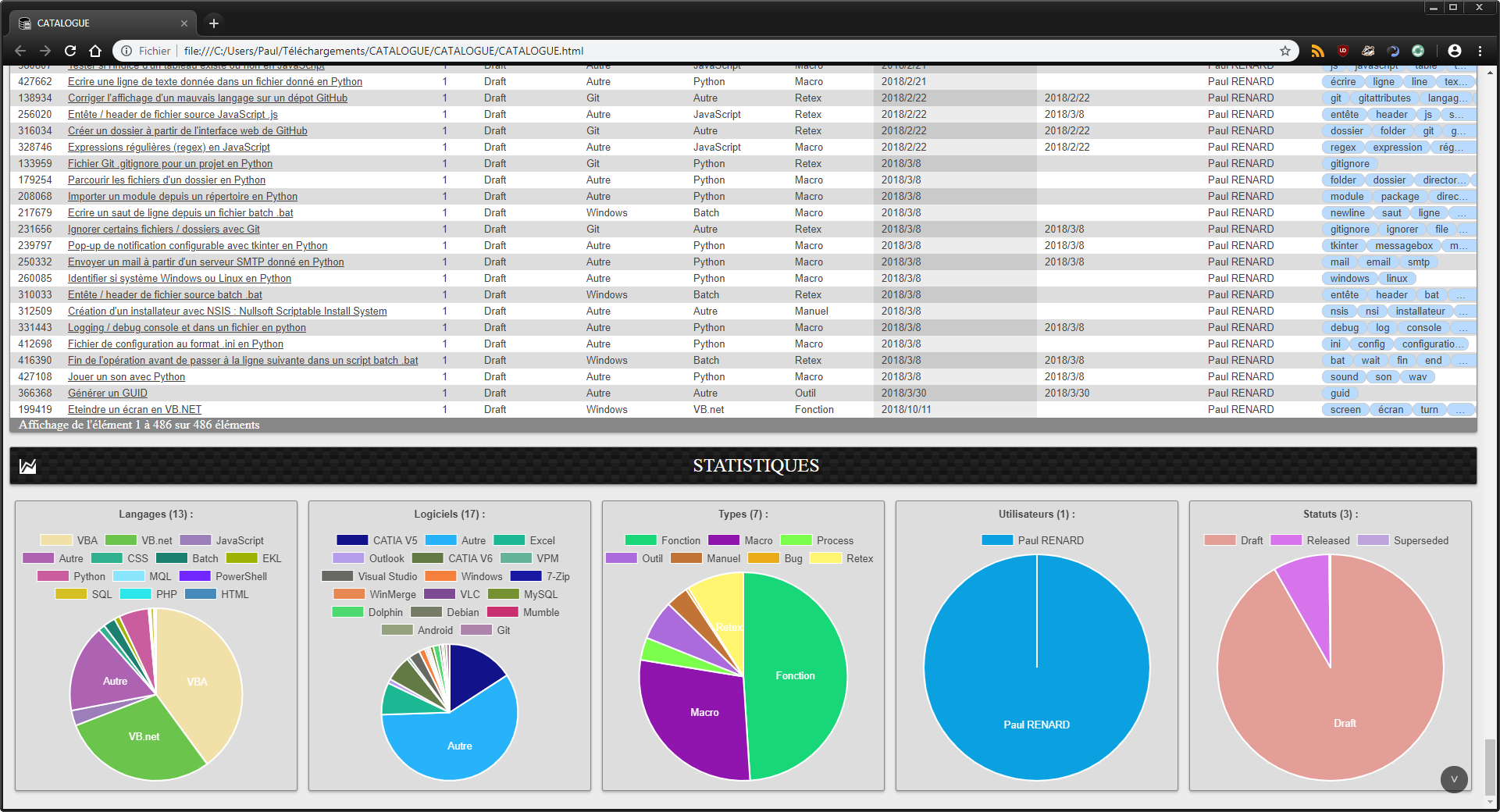
CATALOGUE Catalogue Excel VBA HTML De Snippets Capitalise Le

Nov 7 2019 nbsp 0183 32 How to Enable or Disable Windows PowerShell 2 0 in Windows 10 Windows PowerShell is a task based command line shell and scripting language designed especially for

Jul 29 2022 nbsp 0183 32 1 Open an elevated PowerShell 2 Do step3 step 4 step 5 recommended step 6 or step 7 below for what DISM command you would like to use 3 To Use DISM CheckHealth

Nov 7 2017 nbsp 0183 32 One of many PowerShell security features is that you can t run a script simply by double clicking it s icon on desktop or in a folder Doing so will by default open script in

Dec 6 2019 nbsp 0183 32 How to Install or Uninstall Windows PowerShell ISE in Windows 10 The Windows PowerShell Integrated Scripting Environment ISE is a host application for Windows

May 26 2021 nbsp 0183 32 How to Open Windows PowerShell in Windows 10 Windows 10 comes with Windows PowerShell 5 0 included Windows PowerShell is a task based command line shell
[desc-11] [desc-12]
[desc-13]