Powerpoint Image Size Daniel s XL Toolbox Inserting Images Into PowerPoint At The Right Size How To Make PowerPoint Slide Backgrounds In Photoshop PPT Size Format Visual Resources Center History Of Art UC Berkeley What Size Should Images Be For PowerPoint View Size Of A Powerpoint Slide Gemsbetta C mo Funciona Un Generador El ctrico CEAC [desc-7]
Resizing Scale an image in PowerPoint to the correct size for your slide Rotating Flip an image to face the correct direction including mirroring it horizontally or vertically Cropping Select a part of an image in PowerPoint to [desc-8]
C mo Funciona Un Generador El ctrico CEAC Cara Mengurangi Ukuran Berkas PowerPoint WikiHow What Is The Best Background Image Size Pixel Resolution For PowerPoint Template Free Best Resolution For PowerPoint Presentations PresentationPoint How To Change Pixel Size Of An Image On Mac Usbjes Verwalten Nervenzusammenbruch Webstuhl Digitales Passfoto Juni Freut Mich Dich Kennenzulernen 327 A0 Size Poster Template Wiring Library With Regard To Powerpoint Poster Template A0 In Powerpoint File Resize Online Pixel PowerPoint Template PresentationGO
Powerpoint Image Size
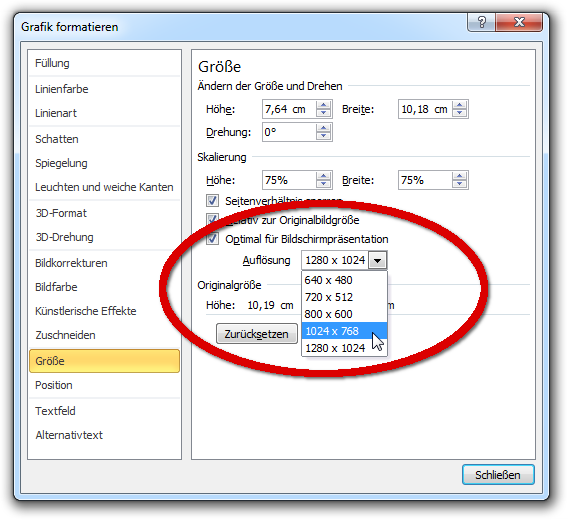 Powerpoint Image Size
https://www.xltoolbox.net/img/blog/2014/04/powerpoint-size-and-position.png
[desc-9]
Templates are pre-designed files or files that can be used for numerous functions. They can conserve time and effort by providing a ready-made format and layout for producing different type of content. Templates can be used for individual or professional projects, such as resumes, invites, flyers, newsletters, reports, discussions, and more.
Powerpoint Image Size
.jpg "How To Resize Multiple Images In Microsoft PowerPoint In 60 Seconds Envato Tuts")
How To Resize Multiple Images In Microsoft PowerPoint In 60 Seconds Envato Tuts

Cara Mengurangi Ukuran Berkas PowerPoint WikiHow
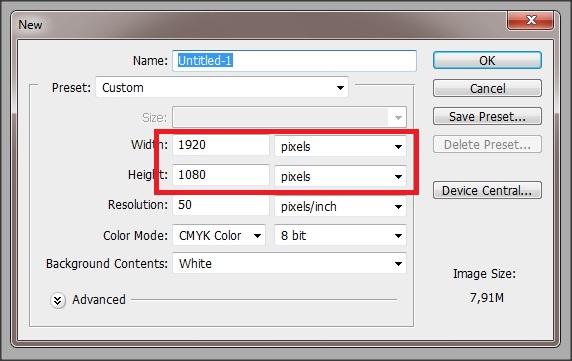
What Is The Best Background Image Size Pixel Resolution For PowerPoint Template Free

Best Resolution For PowerPoint Presentations PresentationPoint
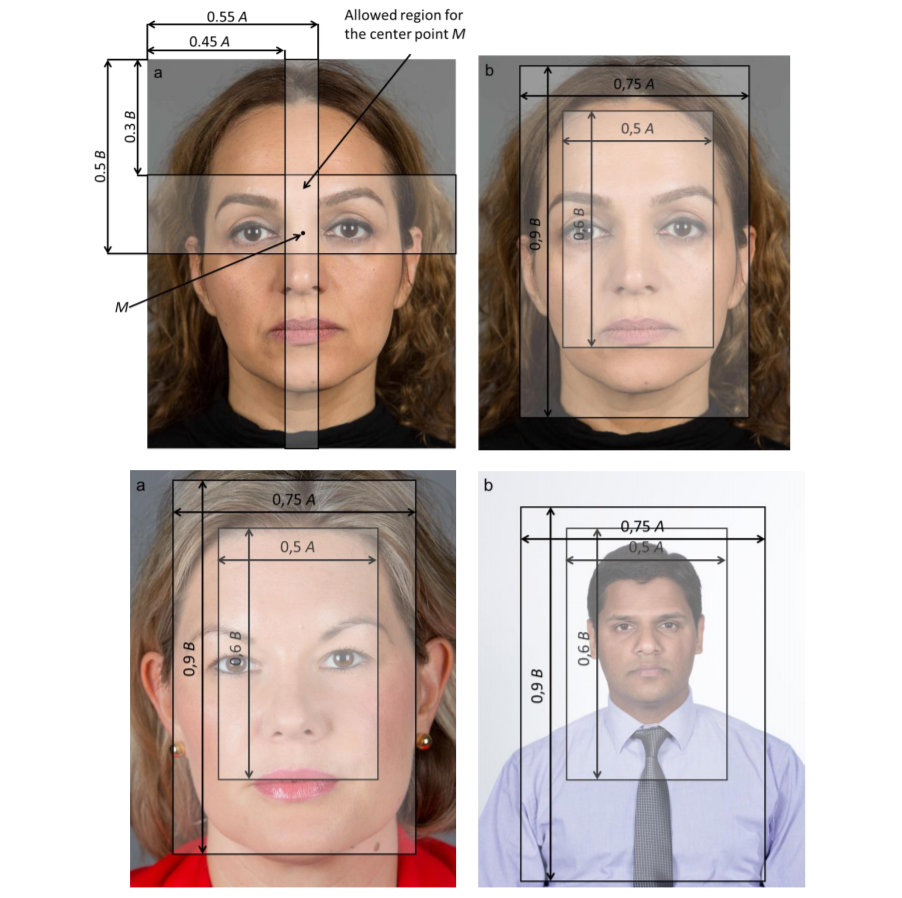
Verwalten Nervenzusammenbruch Webstuhl Digitales Passfoto Juni Freut Mich Dich Kennenzulernen

327 A0 Size Poster Template Wiring Library With Regard To Powerpoint Poster Template A0 In
To view them go to the View Ruler menu option Use the View Ruler option to show the size of a PowerPoint slide in inches Of course you can scale the PowerPoint slide size while you re printing to match the paper Check out our guide to printing no matter the size of your PowerPoint slides

Open the PowerPoint presentation that contains the images you d like to compress and then select a photo Once selected you ll automatically be in the Picture Format tab Here click the Compress Pictures button in the Adjust group

That the DPI setting within a picture file is used to scale the picture as it s inserted onto the slide but it has no That these two images are treated as the same size when inserted but the second one can be projected at a larger size as 960 x 540 pixels at 72 DPI 1280 x 720 pixels at 96 DPI
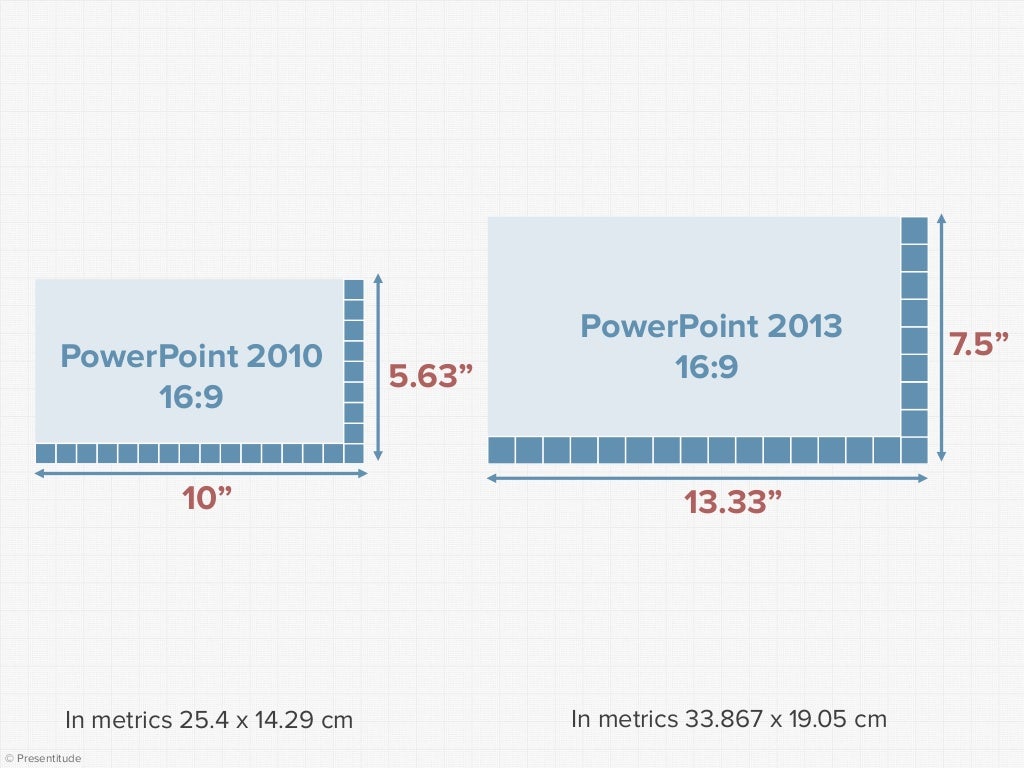
How to Automatically Size Pictures in PowerPoint Automatically Size an Image to Fit a Shape First go ahead and open a new PowerPoint presentation and insert a new Change Multiple Images to Be the Same Size Now let s assume you have several images already inserted and that they re Resize

The default picture resolution in Office is 220 ppi You can Change the default picture resolution or Turn off picture compression Compression changes are made when you close this dialog box If you aren t satisfied with the results you can undo the changes Compressing a picture may make the image look different because of loss of detail
[desc-11] [desc-12]
[desc-13]