Power Query Text Contains Example Solved Power Query Text And Number Format Microsoft Power BI Community Power Query M Functions Extracting Using Text Start Text PositionOf IF Function In Power Query For Advanced Excel In PPC Power Query Remove Text Between Delimiters Reusable Custom Function Text Contains For Multiple Values Power Query TechTalk7 Do you want to learn how to work with text data in Power Query Power Query has a lot of different text functions that can help you manipulate text data But it can be hard to know where to start In this article I will show you all the text functions in Power Query and give you more than 150 examples to help you understand how to use them
Syntax Text Contains text as text substring as text optional comparer as function as logical Remarks Detects whether text contains the value substring Returns true if the value is found This function doesn t support wildcards or regular expressions List to filter column using Text Contains function 11 05 2021 12 24 PM I have a query with a column that I want to filter based on a list that has multiple items I want to use the filter logic contains any including partial matches of
Text Contains For Multiple Values Power Query TechTalk7 Use Power Query Text Tools To Make Power Bi More Powerful YouTube How To Manipulate Text In Power Query Using AI YouTube Was Ist Power Query Power Query Microsoft Learn 11 2 How To Split Trim Text In Power BI Power Query Power BI Powerquery Power Query Custom Column With Numbers And Text Stack Remove Leading Zeros From Text In Power Query YouTube Solved Power Query Text Contains Function To Return True LIKE Vs CONTAINS In SQL Server My Tec Bits
Power Query Text Contains Example

https://community.powerbi.com/t5/image/serverpage/image-id/688733i9024A619AD90F5A6?v=v2
The is short hand for the current item and in Text Contains FindStrings TextCol refers to the current item in WordList As the function works through the WordList the result from Text Contains is used by List Transform to modify WordList into a new list Text Contains returns TRUE or
Pre-crafted templates offer a time-saving service for creating a varied range of documents and files. These pre-designed formats and designs can be utilized for different personal and professional jobs, including resumes, invites, flyers, newsletters, reports, presentations, and more, streamlining the content creation procedure.
Power Query Text Contains Example
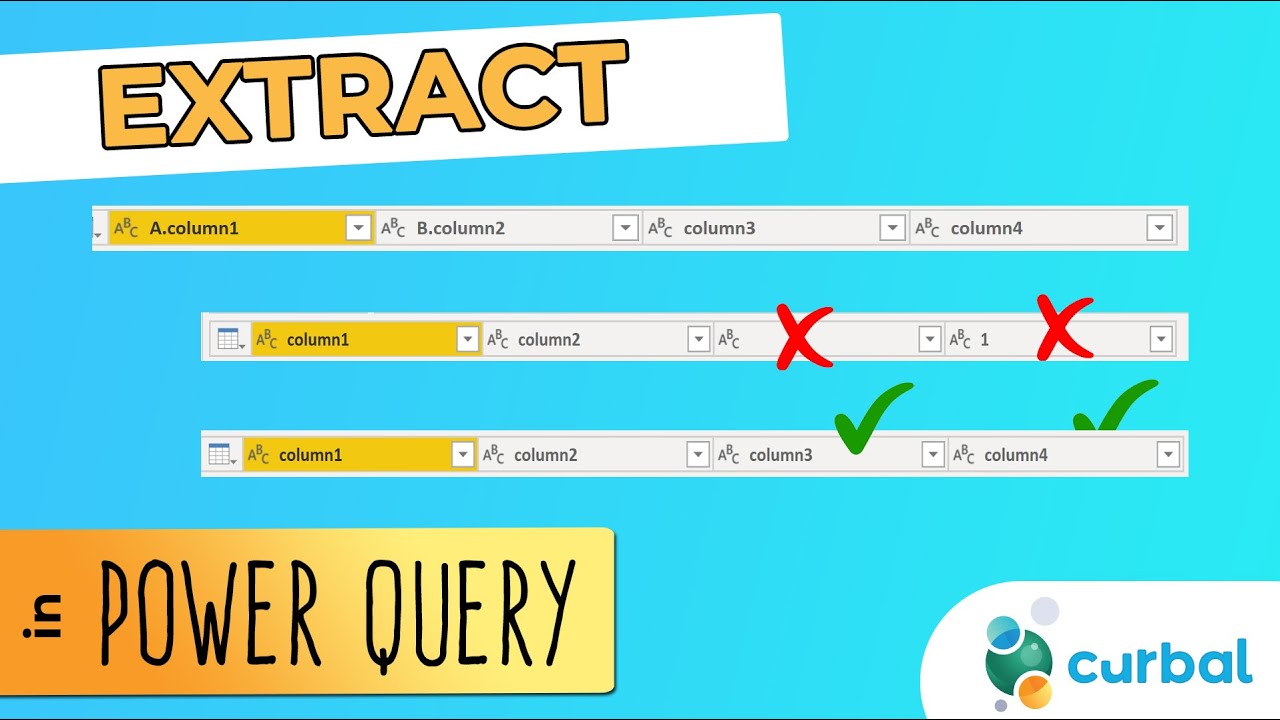
Extract Function In Power Query Removes All The Text Here Is How To

Use Power Query Text Tools To Make Power Bi More Powerful YouTube

How To Manipulate Text In Power Query Using AI YouTube
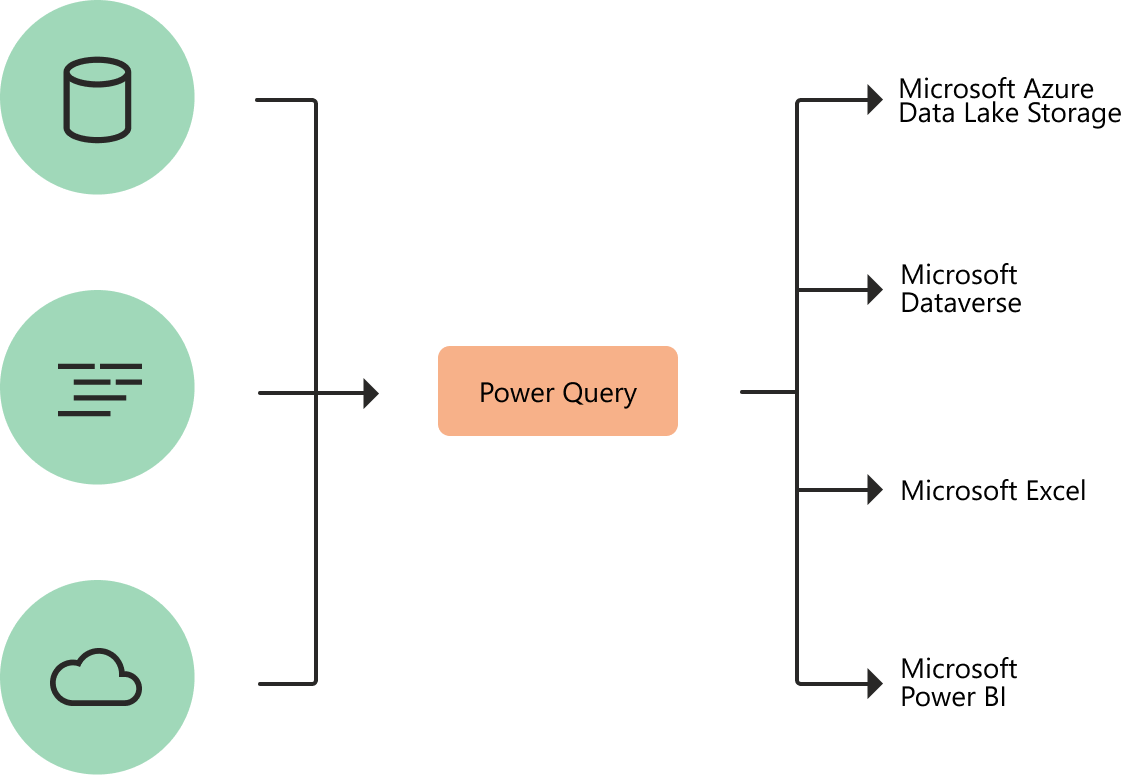
Was Ist Power Query Power Query Microsoft Learn

Powerquery Power Query Custom Column With Numbers And Text Stack

Remove Leading Zeros From Text In Power Query YouTube

In Power Query you can use the Text Contains a function that you can use to test whether a sub string is in the string or not Apart from this function we can also use the IF statement to test for a substring In the below example we have a list of names with the suffix for male and female

The correct syntax in Power Query would be as follows Pay very close attention to the capitalisation as M code is entirely case sensitive if Text Contains Product AB and Text Contains Product CD then EF else your escape value goes here like null or Error or similar Pete

Syntax Text Contains text as nullable text substring as text optional comparer as nullable function as nullable logical Description Detects whether text contains the value substring Returns true if the value is found This function doesn t support wildcards or regular expressions

Let Text ContainsAny text as text substrings as list optional comparer as nullable function as logical List MatchesAny substrings each Text Contains text comparer in Text ContainsAny If you want the matching substrings themselves then this function Text Substrings should return them in a list

Text Contains Returns true if a text value substring was found within a text value string otherwise false Text EndsWith Returns a logical value indicating whether a text value substring was found at the end of a string Text PositionOf Returns the first position of the value 1 if not found Text PositionOfAny
Solution Below are formulas for Text ContainsAny and Text ContainsAll where String contains comma separated values which need to be found and Data has text where string needs to be found Text ContainsAny List AnyTrue List Transform Text Split String x Text Contains Data x Powerquery text search asked Jul 15 2022 at 22 14 Nick 755 1 7 33 1 Answer Sorted by 2 try this code for query Table2 after creating query lookfor let Source Excel CurrentWorkbook Name Table2 Content Changed Type Table TransformColumnTypes Source Column1 type text
Table AddColumn LastStep Is Invited each Table Contains Table SelectRows Correspondance each Text Contains Subject Event Name Name Example of the tables Correspandance Table Crossjoin Event Relation table with the desired Is Invited column Hope someone can show me