Power Bi Hide Blank Rows Hide Tables In Power BI Ben s Blog How To Hide A Column In Power Bi Microsoft Power BI Community How To Group Rows In Power Bi Table Visual Printable Templates Powerbi Hide Particular Columns In Power BI using Analysis Services 15 Power BI I Master Power BI Web In this Power BI tutorial we ll show you a simple and effective method for removing empty rows from your data Say goodbye to tedious manual deletions and h
Web Jun 27 2023 nbsp 0183 32 Hidden rows can cause blank rows to appear in your matrix To resolve this issue unhide any hidden rows in your data source Additionally if you re using a custom theme in Power BI it may be causing the blank rows to appear Try switching to a default theme to see if that resolves the issue Web Aug 6 2023 nbsp 0183 32 To add blank rows to a Matrix Visual in Power BI create a new empty measure Rename the measure with a space to give the look that it is blank Blank Rows can be removed by filtering at the visual or page level Blank rows can also be removed by filtering a data model in Power Query Table of Contents How to add Blank Rows to a
15 Power BI I Master Power BI Power BI Brengt Je Kwaliteitsmanagementsysteem Tot Leven Arrix nl Using Rank Metrics Power BI Tips Hide Rows If Cell Is Blank In Excel YouTube Toamna Mla tin Biban How To Delete Unnecessary Lines In Power Bi Table How To Delete A Row In Power BI Zebra BI Solved Hide Blanks Values In Matrix Hierarchy Microsoft Power BI Hiding Measures By Using Object level Security In Power BI SQLBI Pagination Shows Blank Rows If Number Of Rows Are Less Than Page Size
Power Bi Hide Blank Rows
 Power Bi Hide Blank Rows
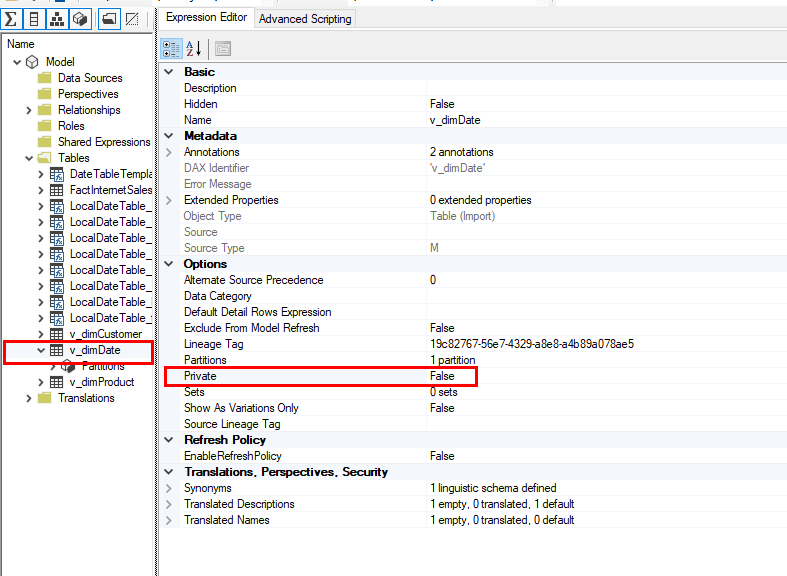
https://datakuity.com/wp-content/uploads/2021/12/image-6-787x576.png
Web Feb 13 2024 nbsp 0183 32 There are three main ways to remove null rows in Power query Using the Remove Rows feature This is the simplest way to remove blank rows in Power BI However it can be time consuming if there are a lot of blank rows Using the Conditional Formatting feature This is a more efficient way for Power query remove null rows
Pre-crafted templates provide a time-saving solution for developing a varied range of files and files. These pre-designed formats and layouts can be used for various individual and professional jobs, consisting of resumes, invites, flyers, newsletters, reports, presentations, and more, simplifying the material creation procedure.
Power Bi Hide Blank Rows

Solved Hide Index Column In Data And Connect Row To Slide

Power BI Brengt Je Kwaliteitsmanagementsysteem Tot Leven Arrix nl

Using Rank Metrics Power BI Tips
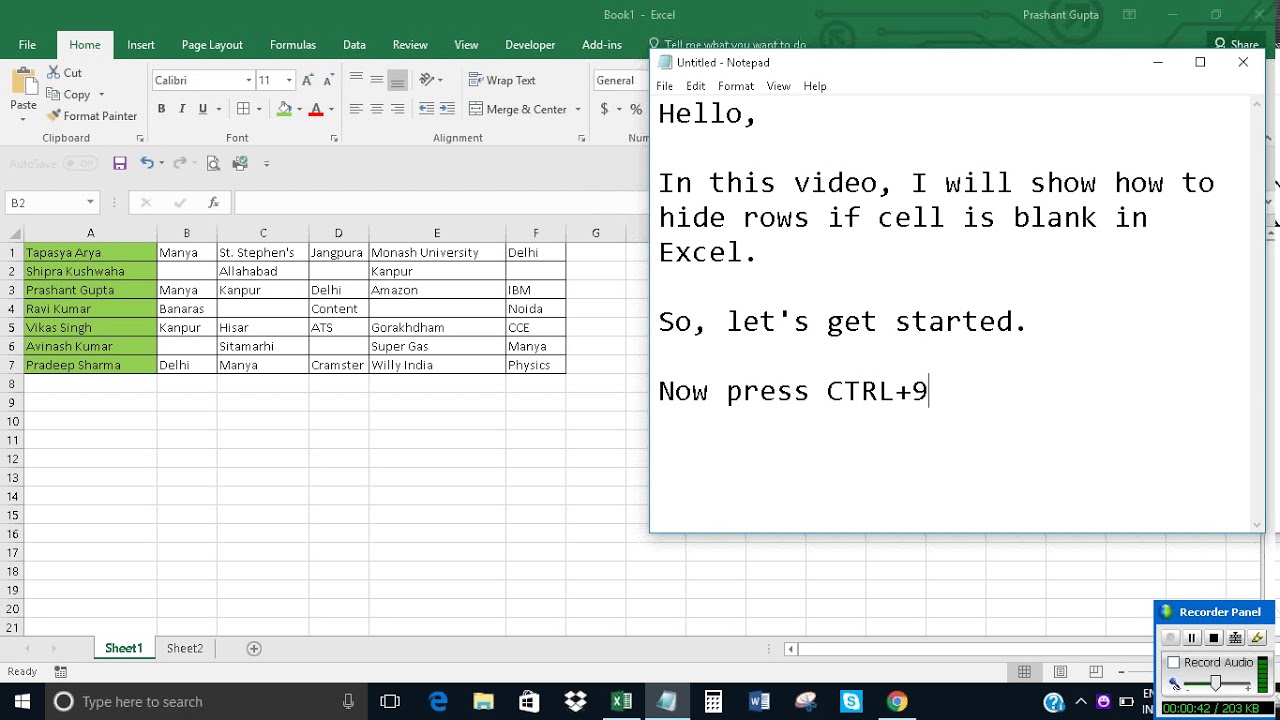
Hide Rows If Cell Is Blank In Excel YouTube

How To Delete A Row In Power BI Zebra BI

Solved Hide Blanks Values In Matrix Hierarchy Microsoft Power BI

Web When you have blank values in your data table you can use Power Query transformations to remove the row with blank values There are two transformations that are used very often for this purpose Remove Empty and Remove blank rows

Web Dec 19 2023 nbsp 0183 32 To do so click the Home tab along the top ribbon then click the Transform data icon To remove the blank rows click the Remove Rows icon then click Remove Blank Rows This will automatically remove all of the blank rows in the table
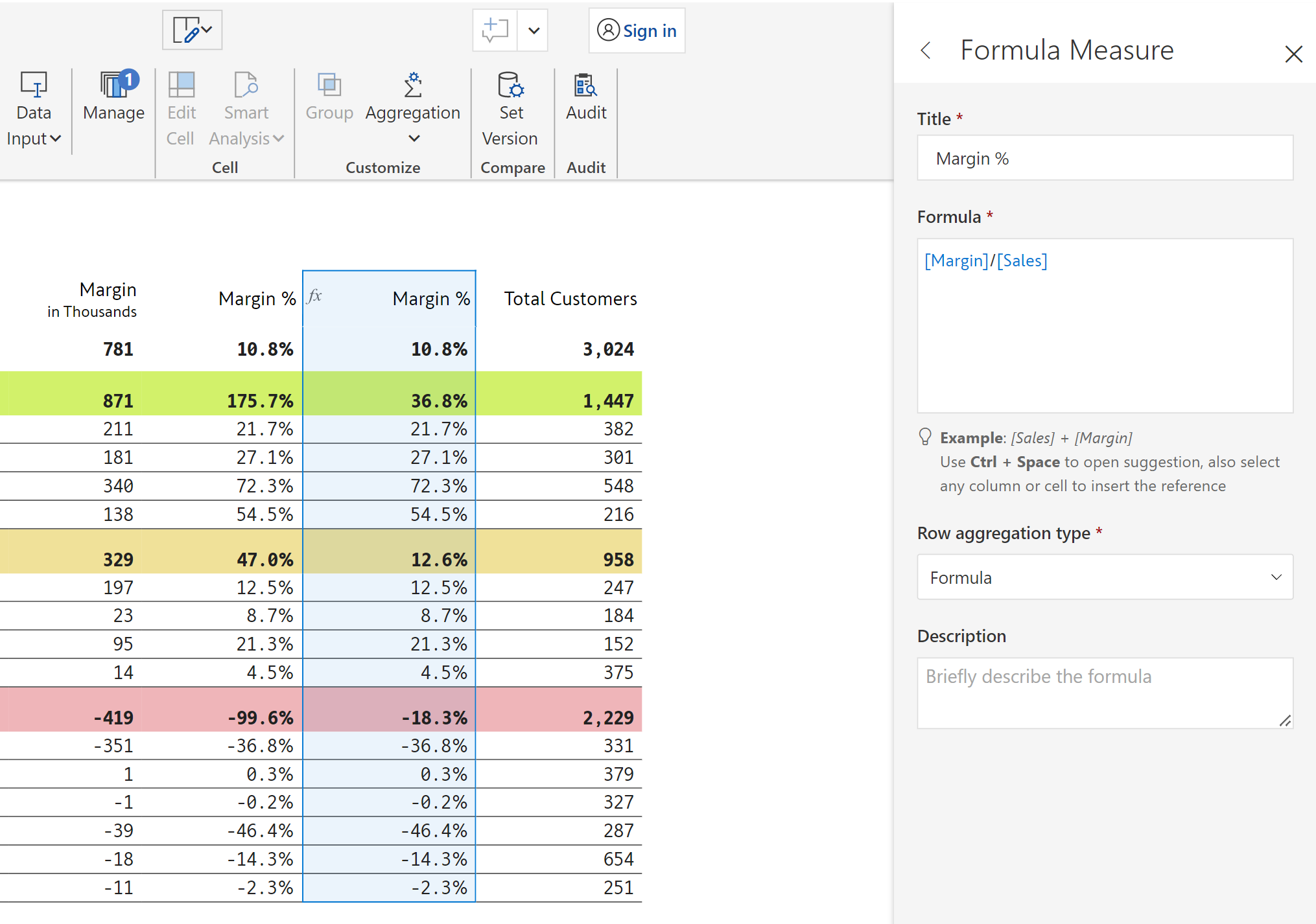
Web June 27 2023 Empty rows in Power BI can significantly impact the accuracy of your data analysis making it essential to remove them to maintain data integrity In this article we will discuss why empty rows matter how to identify them and various techniques to remove them from your dataset

Web Jun 27 2023 nbsp 0183 32 Step by Step Guide on Removing Blank Rows in Power BI Dax Using DAX Functions to Remove Blank Rows in Power BI Removing Blank Rows from Specific Columns in Power BI Dax Tips and Tricks for Efficiently Handling Blank Rows in Power BI Dax Common Errors and How to Fix Them When Removing Blank Rows in Power BI

Web Apr 7 2020 nbsp 0183 32 Hiding blank rows amp Columns 04 07 2020 10 51 AM Hello All I would be grateful if someone can let me know a way to hide blank rows and columns in a matrix visualization of Power BI Service line and country are columns from a table but the values are Measures Service line USA Canada Mexico
Web 1 Answer Sorted by 2 Your function looks fine The FILTER removes any rows with a blank Report value and then the AVERAGEX evaluates for just those rows FYI for this construction you don t necessarily need FILTER you can just write the following since CALCULATE supports basic filtering Web Jan 18 2022 nbsp 0183 32 To hide the blank you can make use of the broader conditional formatting options for the default Power BI visuals You just have to set a conditional formatting rule that if the value is blank the colour should be the same as the background
Web Mar 9 2022 nbsp 0183 32 hiding columns in Matrix Power BI gt Hide NULL or BLANK values in Matrix visual 1 Toggle off the Word wrap option under the Column headers tab 2 Adjust the size of the Values field s with all blank values for example vs BG you need to hide small enough to be invisible manually