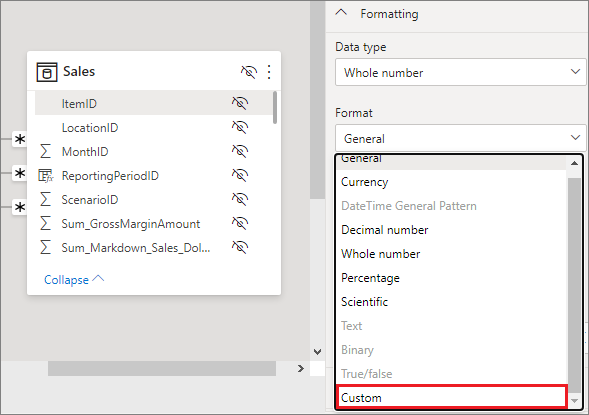
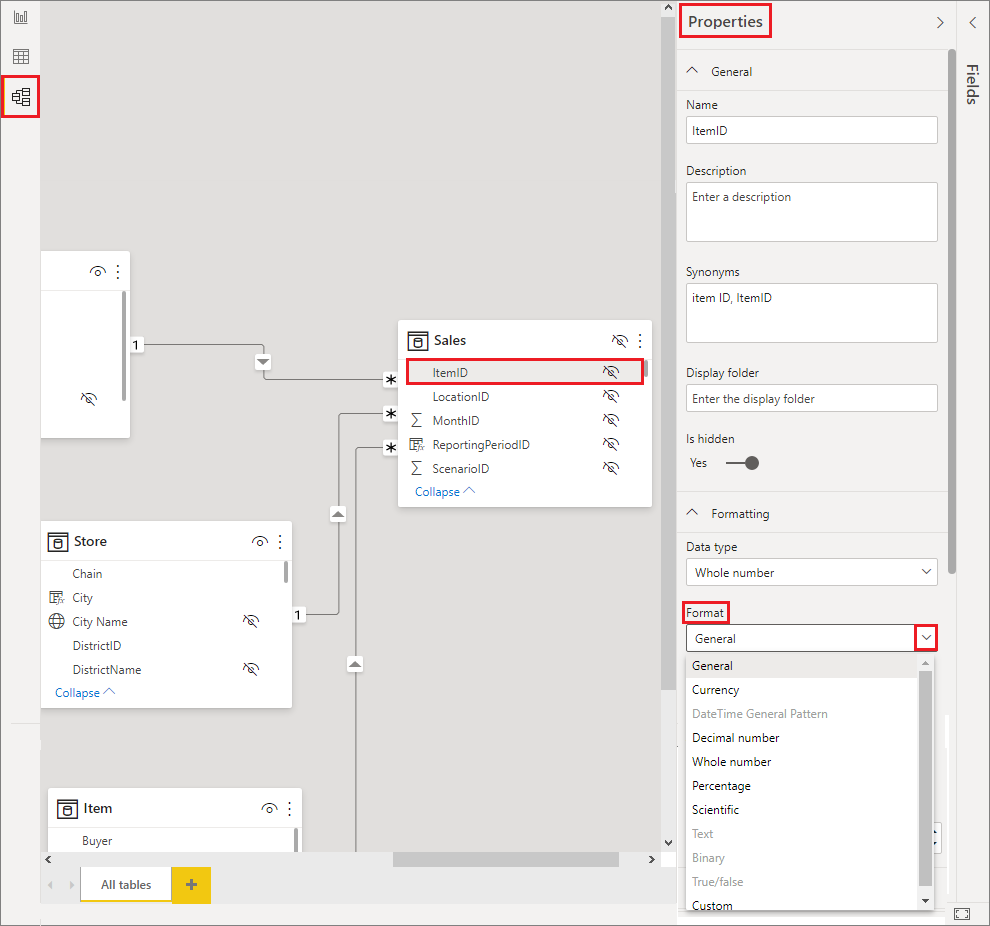
Power Bi Format Numbers Use Custom Format Strings In Power BI Desktop Power BI Microsoft Learn Sankey Chart Not Displaying Correctly In Power Bi Issue 544 How To Format Matrix Table In Power Bi Design Talk Format Function In Power Bi IMAGESEE Microsoft Power BI Data Analysis Professional Second Edition Credly Web Sep 11 2019 nbsp 0183 32 Let s start with the basics of formatting numeric values The first thing to point out is that custom format strings are built up using a series of placeholder characters that allow you to control things like thousands separators the number of decimal places whether digits are displayed in a placeholder and so on
Web Jul 12 2023 nbsp 0183 32 Number types Power BI Desktop supports three number types Decimal number Fixed decimal number and Whole number You can use the Tabular Object Model TOM Column DataType property to specify the DataType Enums for number types Web Apr 18 2023 nbsp 0183 32 To create a dynamic format string In the Data pane select the measure for which you want to specify a dynamic format string In the Measure tools ribbon gt Formatting section gt Format listbox select Dynamic A new listbox with Format already selected appears to the left of the DAX formula bar
Microsoft Power BI Data Analysis Professional Second Edition Credly Activops Power BI L importance De La Donn e De Qualit Sql server In A Power BI Card Can I Display Title Right Above Data Bismart Blog With Information Of Big Data Artificial Intelligence And Formatting Numbers As Text Using FORMAT In Power BI Desktop YouTube Power BI Template Bootstrap 5 Admin Dashboard With Admin Theme Power BI Best Practices Part 6 Multi Row Cards How To Simply Convert Text Values Into Numbers In Power Bi Power Bi Images Power BI Brengt Je Kwaliteitsmanagementsysteem Tot Leven Arrix nl
Power Bi Format Numbers
 Power Bi Format Numbers
https://learn.microsoft.com/en-us/power-bi/create-reports/media/desktop-custom-format-strings/custom-format-strings-01.png
Web Jan 28 2021 nbsp 0183 32 Custom Formatting Strings in Power BI Control how data is displayed in Power BI using your own formats Like hiding negative or zero values using symbols or custom number formats
Templates are pre-designed documents or files that can be utilized for different purposes. They can save time and effort by supplying a ready-made format and layout for creating different sort of content. Templates can be utilized for personal or expert tasks, such as resumes, invites, flyers, newsletters, reports, discussions, and more.
Power Bi Format Numbers
Use Custom Format Strings In Power BI Desktop Power BI Microsoft Learn

Activops Power BI L importance De La Donn e De Qualit

Sql server In A Power BI Card Can I Display Title Right Above Data
Bismart Blog With Information Of Big Data Artificial Intelligence And
Power BI Template Bootstrap 5 Admin Dashboard With Admin Theme
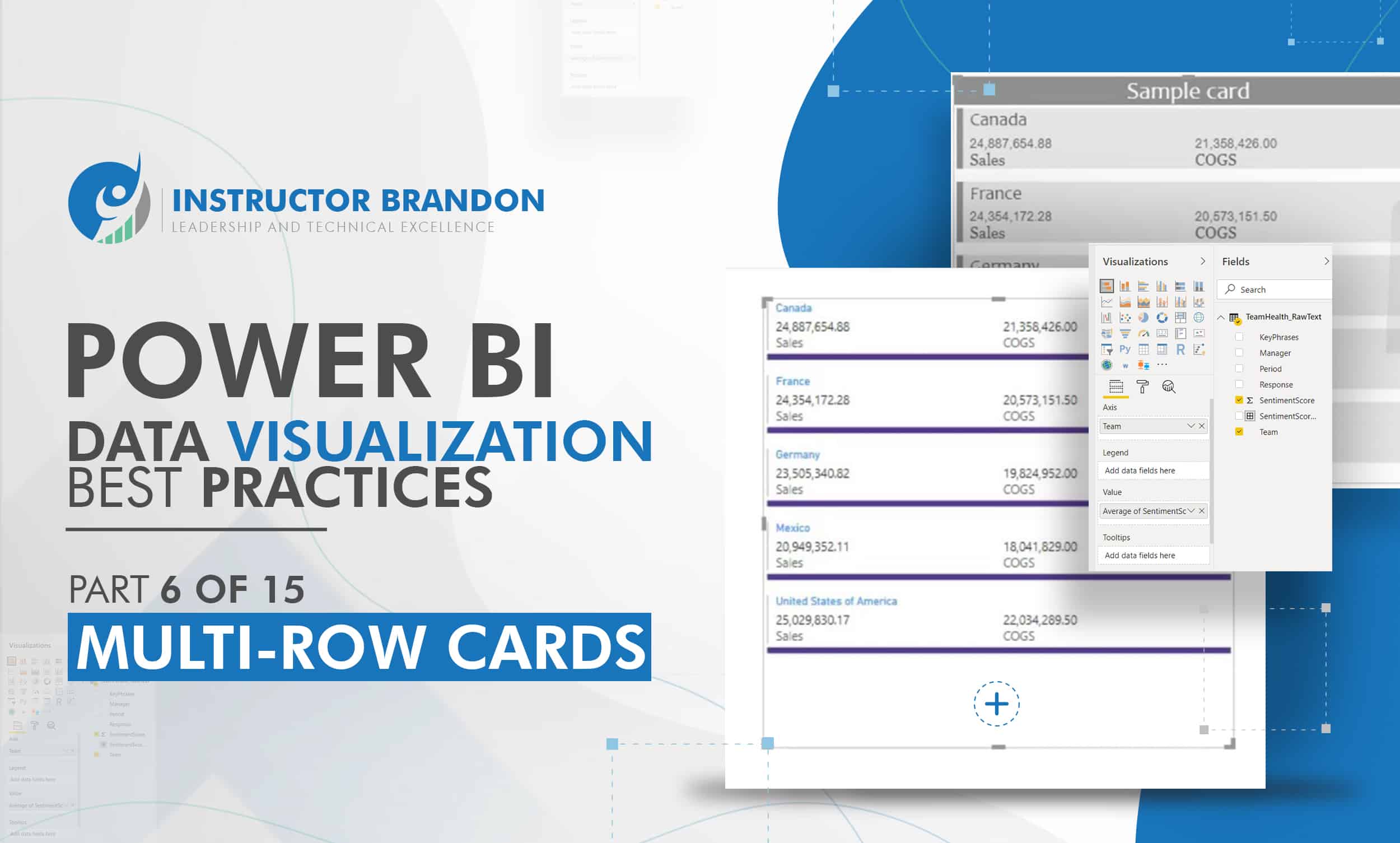
Power BI Best Practices Part 6 Multi Row Cards

Web Dec 21 2022 nbsp 0183 32 Date formatting and time formatting characters a c d h m n p q s t w and can t be displayed as literal characters the numeric formatting characters 0 E e comma and period and the string formatting characters amp lt gt and

Web Nov 16 2021 nbsp 0183 32 Tip 1 Using Excel formatting syntax to format numbers In Power BI Desktop I m doing this in table view but theoretically wherever the Column Tools menu appears this will also work Here is an example of what my data looks like before the formatting is applied Before picture The highlighted values are what I want to show as

Web Apr 20 2023 nbsp 0183 32 You can format numbers and dates in data regions in a Power BI paginated report by selecting a format from the Number page of the corresponding data region s Properties dialog box

Web Oct 10 2023 nbsp 0183 32 FORMAT accepts a set of predefined format strings to format numbers EVALUATE quot General Number quot FORMAT 12345 67 quot General Number quot quot Currency quot FORMAT 12345 67 quot Currency quot quot Fixed quot FORMAT 12345 67 quot Fixed quot quot Standard quot FORMAT 12345 67 quot Standard quot quot Percent quot FORMAT 12345 67

Web September 2 2023 How to Scale and Format Numbers Dynamic in Power BI If you use Power BI to build reports or dashboards you probably realize the importance of adding numbers and making them more readable for your audience In order to create visually appealing data visualizations you need to format your numbers correctly
[desc-11] [desc-12]
[desc-13]