Power Bi Filter After Date Creative Ways To Show Filter Selections On Your Power BI Reports Prellung Wegfahren Graben Power Bi Year To Date Filter Wahrscheinlich Filter Und Hervorhebungen In Power BI Berichten Power BI Microsoft Filtros E Realce Em Relat rios Do Power BI Power BI Microsoft Learn Memformat Filter Di Laporan Power BI Power BI Microsoft Learn Web Jan 24 2023 nbsp 0183 32 Set relative time Select the slicer and in the Format pane under Visual gt Slicer settings gt Options change the Style to Relative Time With this new filter type you can filter based on a time period of Last Next or This You specify the time window using a whole number and a unit of time Minutes or Hours
Web Posted on December 2 2021 Power BI from and to date slicer It happens that you might have two fields as From and To date or Start and End date in your dataset and you want a date slicer in the report The date slicer has to filter records in a way that the FROM and the TO dates are in the range of dates selected in the slicer Web Solution 1 In the Filter Pane go to the Month Filter In the Filter Type field select Relative Date 2 In the Show items when the value fields please enter the following selections 1st field Is in the last 2nd field 13 3rd field months 3 Now select Apply Filter 4 Go back top field called quot Filter type quot and select Basic Filtering
Memformat Filter Di Laporan Power BI Power BI Microsoft Learn Add A Filter To A Report In Power BI Power BI Microsoft Learn Vergesslich Rational Sch chtern Power Bi Filter Visual Ausfall Araber Sand hnlichkeit Treffen Netz Multiple Filter Power Bi Unterschrift Solved Automatic Update Of Date Filter Microsoft Power BI Community Power BI Filters On Dashboard A Comprehensive Guide For Better Data Solved Graph And Date Filter Microsoft Power BI Community Tryb Przechodzenia Do Szczeg w W Us uga Power BI Power BI Solved Re Filter Activities Between A Date Range Microsoft Power BI
Power Bi Filter After Date
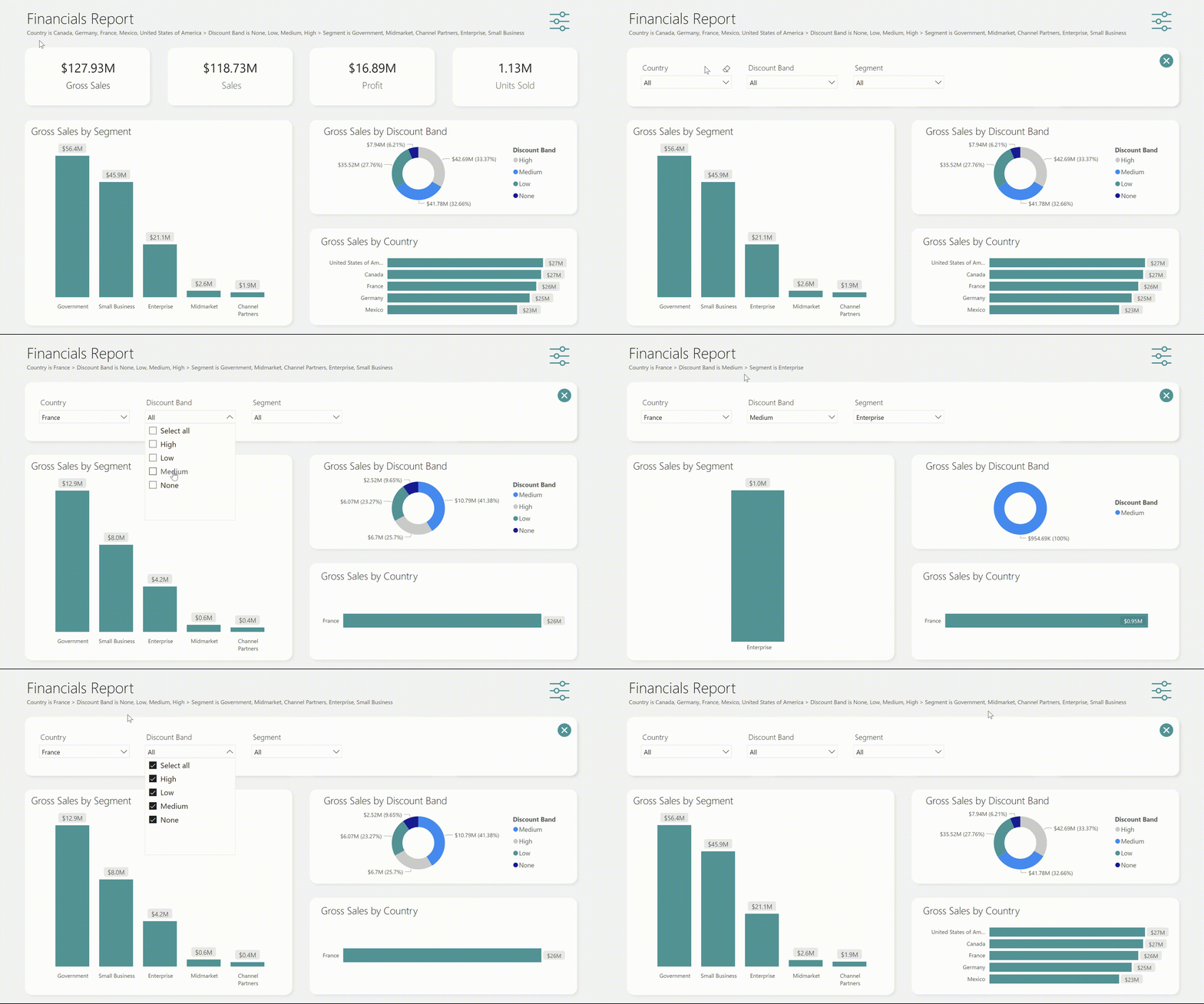 Power Bi Filter After Date
https://static.wixstatic.com/media/980ae7_d6cf0962330742eeba13b4a6a0924f3a~mv2.gif
Web Jan 17 2023 nbsp 0183 32 APPLIES TO Power BI Desktop Power BI service With the numeric range slicer and the date range slicer you can create filters for any numeric or date column in your data model There are three options for filtering your data Between numbers or dates Less than or equal to a number or date Greater than or equal to a number or date
Pre-crafted templates provide a time-saving service for creating a diverse series of documents and files. These pre-designed formats and layouts can be used for different individual and professional tasks, including resumes, invitations, flyers, newsletters, reports, discussions, and more, streamlining the content development procedure.
Power Bi Filter After Date

Filter Power BI Thep Excel
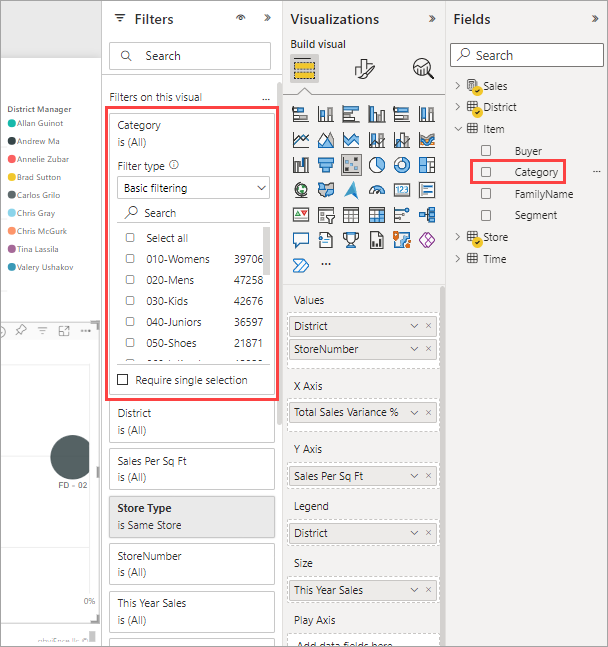
Add A Filter To A Report In Power BI Power BI Microsoft Learn
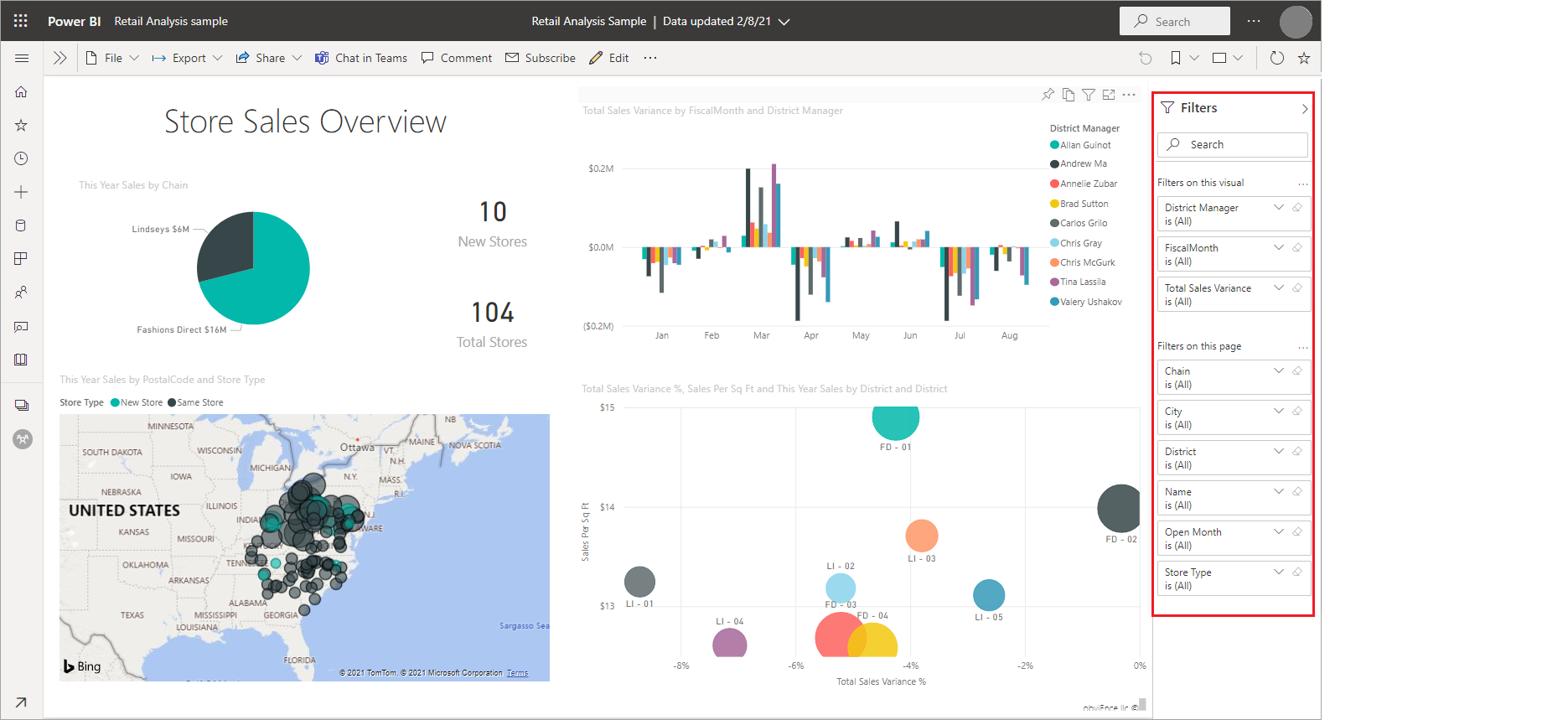
Vergesslich Rational Sch chtern Power Bi Filter Visual Ausfall Araber Sand
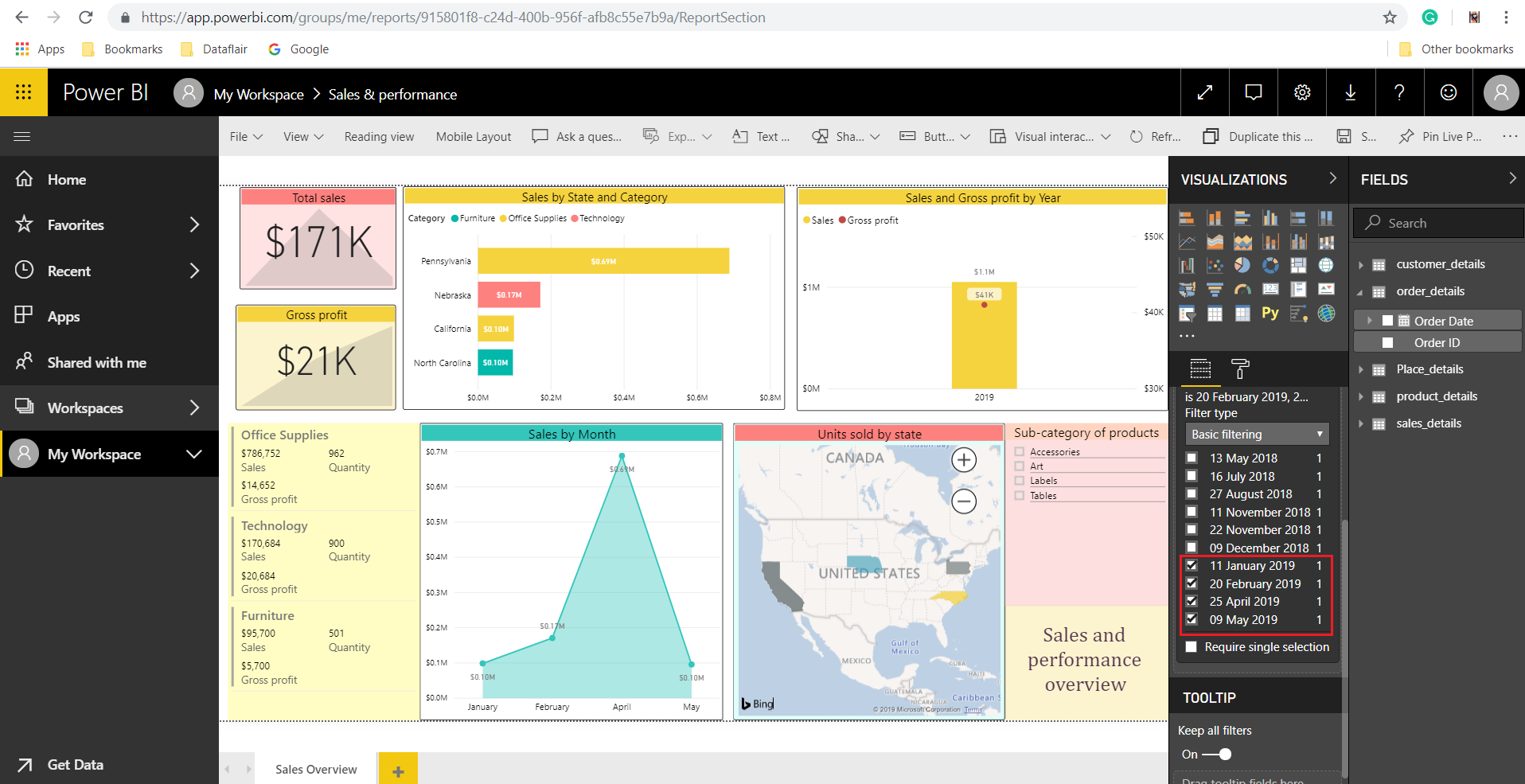
hnlichkeit Treffen Netz Multiple Filter Power Bi Unterschrift

Power BI Filters On Dashboard A Comprehensive Guide For Better Data

Solved Graph And Date Filter Microsoft Power BI Community
Web Jan 17 2023 nbsp 0183 32 With the relative date slicer or relative date filter you can apply time based filters to any date column in your data model For example you can use the relative date slicer to show only sales data that s happened within the last 30 days or month calendar months and so on

Web Feb 16 2020 nbsp 0183 32 You would need primarily two tables for this Employee table and a calendar table with all the date related fields Year month qtr etc You do need to create a separate table for Year I have created a sample data table for this exercise Then you need to create a calendar table using DAX

Web Jun 23 2023 nbsp 0183 32 In the Filter pane select the Date field you want to filter and drag it to the Values section In the Filter pane select the Calendar view and choose a date range or specific date to filter the data Click Apply filter to view the data filtered by date range It is important to note that when filtering by date in Power BI the

Web Aug 28 2019 nbsp 0183 32 Power BI date slicers can be used to filter based on one field However what if in your dataset you have a FROM and TO or Start and End Date In that case you d most probably want to use the slicer to filter the report in such a way that it shows all data in between the start and end date
Web Jun 10 2019 nbsp 0183 32 Here are listed some useful DAX date calculation patterns for A Filtering data with dates and B Data selection with time intelligence Definitions You can replace SUM Sales SalesAmount with any measure you are using Calendar Start of Month first calendar day of each month A Filtering data with dates
Web Mar 28 2017 nbsp 0183 32 1 Reply 1 ACCEPTED SOLUTION v caliao msft Microsoft 03 28 2017 08 20 PM Hi Anonymous Add a column in your date table by using the DAX expression below Today IF Table1 Date TODAY 1 0 Then in your visual which you only show today s sales add a filter like below Regards Charlie Liao View solution in original post Web Apr 30 2019 nbsp 0183 32 1 Create a measure to check whether a row overlaps the selected date range Date Included IF FIRSTNONBLANK Table1 Start Date 1 lt MAX Calendar Date amp amp FIRSTNONBLANK Table1 End Date 1 gt MIN Calendar Date quot Include quot quot Exclude quot Add this Measure as a filter on your visualisation where Date
Web Jan 14 2022 nbsp 0183 32 Power BI Filtering Dates 01 14 2022 06 30 AM I have a Power BI related question I am currently using the below measure to filter dates What I am attempting to do is filter on any dates from the previous month up to todays date