Postgresql Forgot Password Ubuntu How To Reset Root Password On Ubuntu Linux Mining Reset Ubuntu Password How To Reset Ubuntu Password Ubuntu Forgot How To Reset Ubuntu Password Forgot Ubuntu Password YouTube Cara Mengganti Kata Sandi Administratif Root Ubuntu Jika Lupa Blog How To Reset Forgotten Root Password In Ubuntu WEB Jan 12 2019 nbsp 0183 32 How to reset your forgotten password in PostgreSQL postgres The moment you realize the problem It s a good practice even for your local DB server to provide a password for each user PostgreSQL s default user who is also an admin is
WEB Jan 4 2024 nbsp 0183 32 For Ubuntu users there are multiple ways to reset the PostgreSQL server s root password This guide discusses various methods and provides step by step instructions Solution 1 Using the pg pass file WEB In this comprehensive guide we ll explore the ins and outs of resetting passwords in PostgreSQL We ll cover Common scenarios where password resets are needed Step by step instructions for each reset method Best practices for managing Postgres passwords Troubleshooting advice for sticky situations
How To Reset Forgotten Root Password In Ubuntu Sysadmin Siap Dalam Kondisi Apapun Mandriva Putri Blog How To Reset Forgotten Password On Ubuntu 20 04 BENISNOUS Password Linux How To Reset Your Forgotten Password In Ubuntu 20 04 BENISNOUS How To Reset Forgotten Root Password In Ubuntu Linux How To Install PostgreSQL 9 6 On Ubuntu 18 04 LTS Perlubantuan Reset Forgotten Password In Ubuntu Ubuntu Tutorials How To Reset Forgotten Root Password In Ubuntu Linux
Postgresql Forgot Password Ubuntu
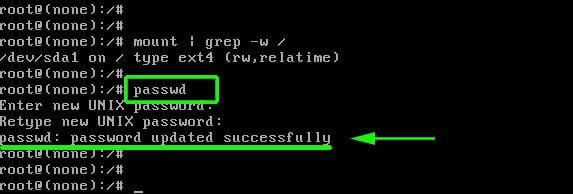 Postgresql Forgot Password Ubuntu
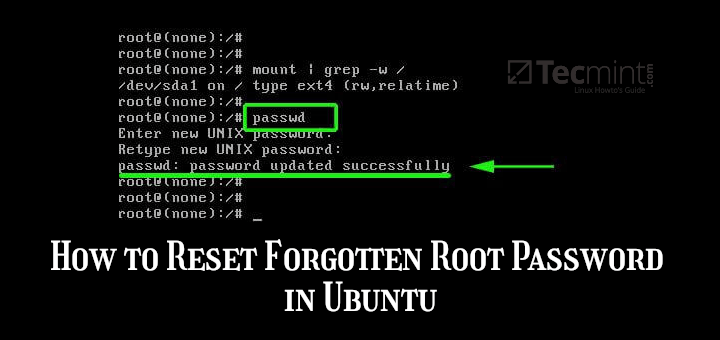
https://www.tecmint.com/wp-content/uploads/2020/04/Reset-Root-Password-in-Ubuntu.jpg
WEB Sep 18 2022 nbsp 0183 32 In general you can use the ALTER ROLE command to set the password ALTER ROLE postgres WITH PASSWORD postgres Reference ALTER ROLE PostgreSQL Docs But setting a password on the postgres user seems counter productive If you re connecting locally you have identity authentication so a password
Templates are pre-designed documents or files that can be utilized for numerous functions. They can save effort and time by offering a ready-made format and layout for creating different kinds of material. Templates can be used for personal or professional jobs, such as resumes, invitations, flyers, newsletters, reports, presentations, and more.
Postgresql Forgot Password Ubuntu
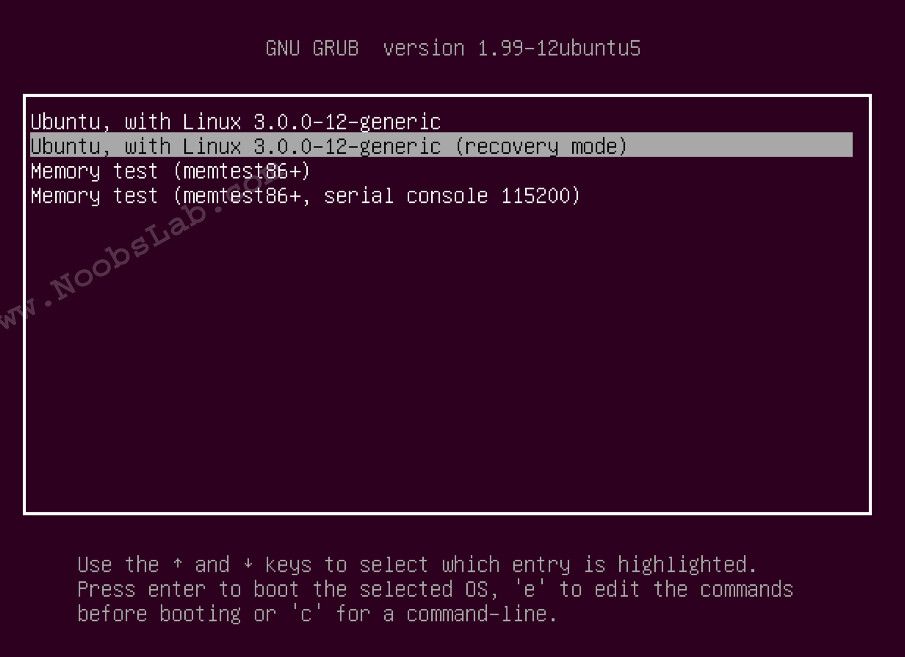
Reset Your Forgotten Password Quickly Ubuntu Linux Mint And Related

Sysadmin Siap Dalam Kondisi Apapun Mandriva Putri Blog
How To Reset Forgotten Password On Ubuntu 20 04 BENISNOUS

Password Linux
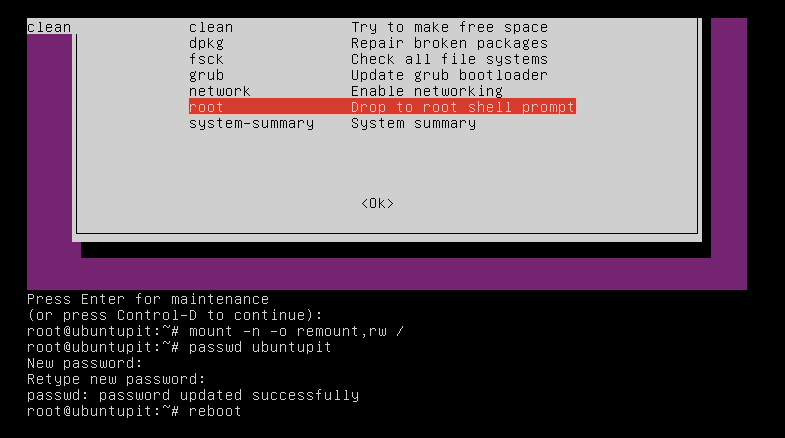
How To Reset Forgotten Root Password In Ubuntu Linux

How To Install PostgreSQL 9 6 On Ubuntu 18 04 LTS Perlubantuan
WEB Restore the pg dba conf file restart the PostgreSQL database server and connect to the PostgreSQL database server with the new password In this tutorial you have learned how to reset the password of the postgres user

WEB Mar 7 2015 nbsp 0183 32 In general you can use the following procedure Go to the terminal and type sudo u postgres psql When you re logged in and the psql prompt appears then issue this SQL command ALTER USER postgres PASSWORD newpassword

WEB Jun 16 2021 nbsp 0183 32 If you want to reset your password you need to go to the pg hba conf file You can do this by giving in the following command into Linux sudo subl etc postgresql 12 main pg hba conf

WEB Mar 10 2020 nbsp 0183 32 This is a newbie level recipe to reset the superuser password which works on all fresh installations of PostgreSQL on Linux Go to the shell and switch user to postgres in user shell sudo su postgres
WEB I either forgot or mistyped during the installation the password to the default user of PostgreSQL I can t seem to be able to run it and I get the following error psql FATAL password authentication failed for user quot hisham quot hisham agil hisham psql
WEB Jan 7 2023 nbsp 0183 32 Connect to the Postgres prompt sudo u postgres psql Log in into your PostgreSQL Change set the password for user postgres password postgres And that s it Your postgres user is now protected with the password you chose WEB Apr 2 2013 nbsp 0183 32 For those on Linux Ubuntu here should work identically with other distros you can simply run the psql CLI under user postgres using sudo and set the password from there eg sudo u postgres psql psql 14 1 Ubuntu 14 1 2 pgdg20 04 1 Type quot help quot for help postgres password postgres Enter new password Enter it again
WEB ALTER USER postgres with encrypted password your password This will change to user postgres and connect to localhost as user postgres to the database named postgres and then set the password If you need further clarification please ask