Portrait Graphic Design Self Portrait On Behance Create A Stylish Vector Portrait In Illustrator And Photoshop WPAP Art Portrait Illustrations Tutorials Inspiration Graphic Typography Portrait On Behance Illustrated Portraits New Style On Behance Illustration Art Drawing Web Discover 55 000 Portrait designs on Dribbble Your resource to discover and connect with designers worldwide
Web Portraits Choose from the widest and most diverse choice of portraits illustrators in the world Go Portraits random a z location All UK North America Europe China Aus NZ South America Related styles Explore similar styles to help Web Browse Getty Images premium collection of high quality authentic Graphic Designer Portrait stock photos royalty free images and pictures Graphic Designer Portrait stock photos are available in a variety of sizes and formats to fit your needs
Illustrated Portraits New Style On Behance Illustration Art Drawing Amazing Graffiti Portrait Painting By Francoise Nielly Inspiration JamesFranco popart poster portrait art Vector Portrait 30 Adobe Illustrator Draw Is Free ArfaanMahrianne 28 Amazing Portrait Illustrations By Evgeny Parfenov Inspiration Pin By On ADVERTISING DIGITAL ART Collage Art Projects Vector Portraits On Behance Vector Portrait Illustration Vector 100 Amazing Typographic Portraits Splashnology Typography Portrait Andy Warhol Pop Art Marilyn Monroe Portrait Illustrator Tutorials
Portrait Graphic Design
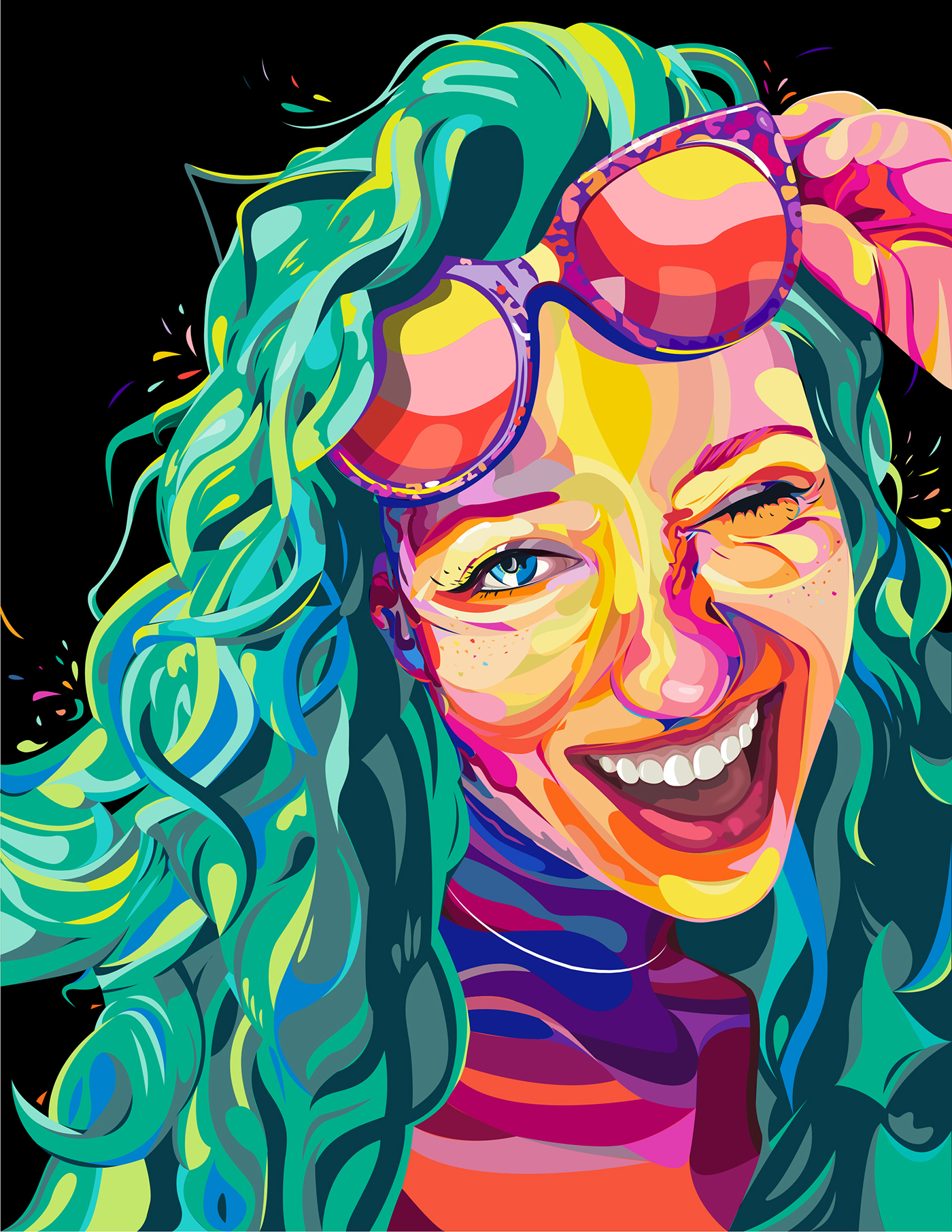 Portrait Graphic Design
https://mir-s3-cdn-cf.behance.net/project_modules/1400/af12af22395267.56311fb7abeab.jpg
Web Find amp Download Free Graphic Resources for Portrait Design 97 000 Vectors Stock Photos amp PSD files Free for commercial use High Quality Images
Pre-crafted templates offer a time-saving solution for producing a diverse variety of documents and files. These pre-designed formats and designs can be made use of for various personal and professional tasks, including resumes, invitations, flyers, newsletters, reports, presentations, and more, enhancing the material development procedure.
Portrait Graphic Design

28 Amazing Portrait Illustrations By Evgeny Parfenov Inspiration

Amazing Graffiti Portrait Painting By Francoise Nielly Inspiration

JamesFranco popart poster portrait art Vector Portrait

30 Adobe Illustrator Draw Is Free ArfaanMahrianne

Pin By On ADVERTISING DIGITAL ART Collage Art Projects

Vector Portraits On Behance Vector Portrait Illustration Vector

Web How to create your portrait illustration design If you want an amazing portrait illustration that stands out from the competition work with a professional designer Find and hire a designer to make your vision come to life or host a design contest and get ideas from designers around the world

Web What makes a good portrait design A great design shows the world what you stand for tells a story and makes people remember your brand Graphic design communicates all of that through color shape and other design elements Learn how to make your portrait design tell your brand s story

Web Oct 22 2012 nbsp 0183 32 In this tutorial we re going to talk about how to create an illustrated self portrait in a geometric style We ll be using a photograph of ourselves as the base of the illustration drawing a sketch from that and then creating the final piece Let s get started

Web Create a literally unreal self portrait with a composite image Digitally cut and paste elements from different photos and combine them through post processing in any way you like Send yourself into space defy gravity or create hallucinatory illusions your imagination is

Web Photoshop How to Create Graphic Portraits from Photos Blue Lightning TV Photoshop 1M subscribers Join Subscribe 2 6K Share Save 81K views 4 years ago Photoshop CC 2019 tutorial showing how to
Web Portrait web photos or print project images Your images define you Photography allows you to visually connect with your customers and clients Graphic Design Logos posters print ads billboards graphics signs product packaging print is very much alive Web Check out our custom graphic design portrait selection for the very best in unique or custom handmade pieces from our shops
Web Jul 24 2014 nbsp 0183 32 Paste image into Photoshop Right click the layer in the Layers panel and choose Duplicate Image Go to Image Adjustments Posterize and adjust the first layer to 4 levels and the second duplicated layer to 2 levels Go to Filter Filter Gallery and select the Cutout filter