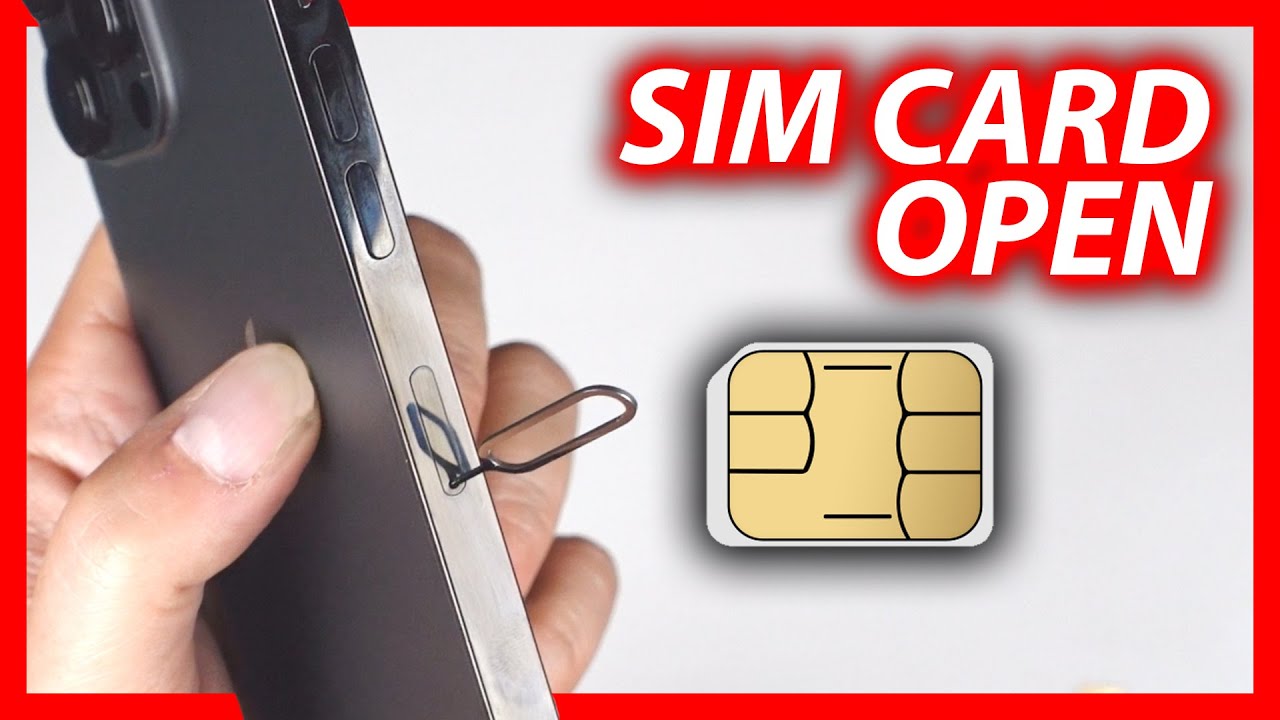
Pixel 4 Sim Card Location Google Pixel How To Insert Remove SIM Card YouTube Galaxy Z Fold 4 How To Insert SIM Card Check Mobile Settings YouTube Samsung Galaxy Z Flip 5 How To Insert SIM Card YouTube Google Pixel 4A SIM Card How To Insert And Remove YouTube How To Remove Sim Card From IPhone 14 Pro Max How To Insert Sim Card Get help with your Pixel phone You can get help with your phone in several ways For immediate help visit the Pixel Phone Help Center and find answers to the most common questions You can also visit
Transfer data from an iPhone to a Pixel You can transfer your iPhone data such as texts photos music contacts apps and calendars to a Pixel device Pixel phones have support options for in warranty and out of warranty damage The availability of mail in and walk in options depends on your phone s warranty status and your location Find a r
How To Remove Sim Card From IPhone 14 Pro Max How To Insert Sim Card Samsung Galaxy Z Flip 5 How To Insert SIM Card No MicroSD YouTube IPhone 14 How To Install A SIM Card And Setup ESIM YouTube How To Install A SIM Card To Samsung Galaxy A54 5G YouTube Dual SIM IPhone 14 14 Pro How To Insert SIM Cards SIM Card Manager Google Pixel 4 4XL How To Insert Sim Card Properly Double Check How To Install The Google Pixel 7 And Pixel 7 Pro s SIM Card YouTube How To Insert SIM Card In Google Pixel 8 Pro Check Cellular Settings Google Pixel 7 How To Insert A SIM Card And Setup ESIM YouTube
Pixel 4 Sim Card Location
 Pixel 4 Sim Card Location
https://i.ytimg.com/vi/HVvxUkkDhWs/maxresdefault.jpg
After a software update your Pixel battery normally drains more than usual as the phone works to download optimize and set up the new software Older devices can t always run newer Android
Pre-crafted templates provide a time-saving solution for creating a varied range of files and files. These pre-designed formats and designs can be used for various individual and professional tasks, consisting of resumes, invitations, leaflets, newsletters, reports, discussions, and more, simplifying the content creation process.
Pixel 4 Sim Card Location

How To Insert SIM Card In Samsung Galaxy S23 Ultra Dual SIM Slot

Samsung Galaxy Z Flip 5 How To Insert SIM Card No MicroSD YouTube
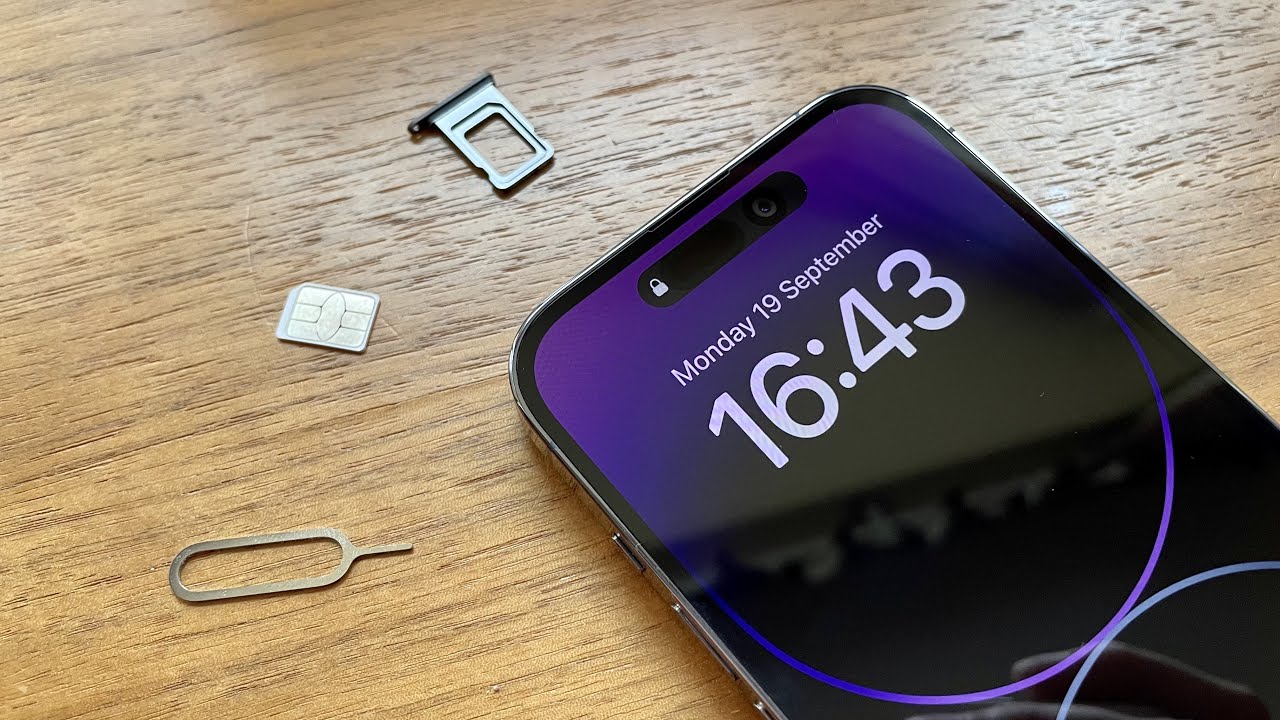
IPhone 14 How To Install A SIM Card And Setup ESIM YouTube
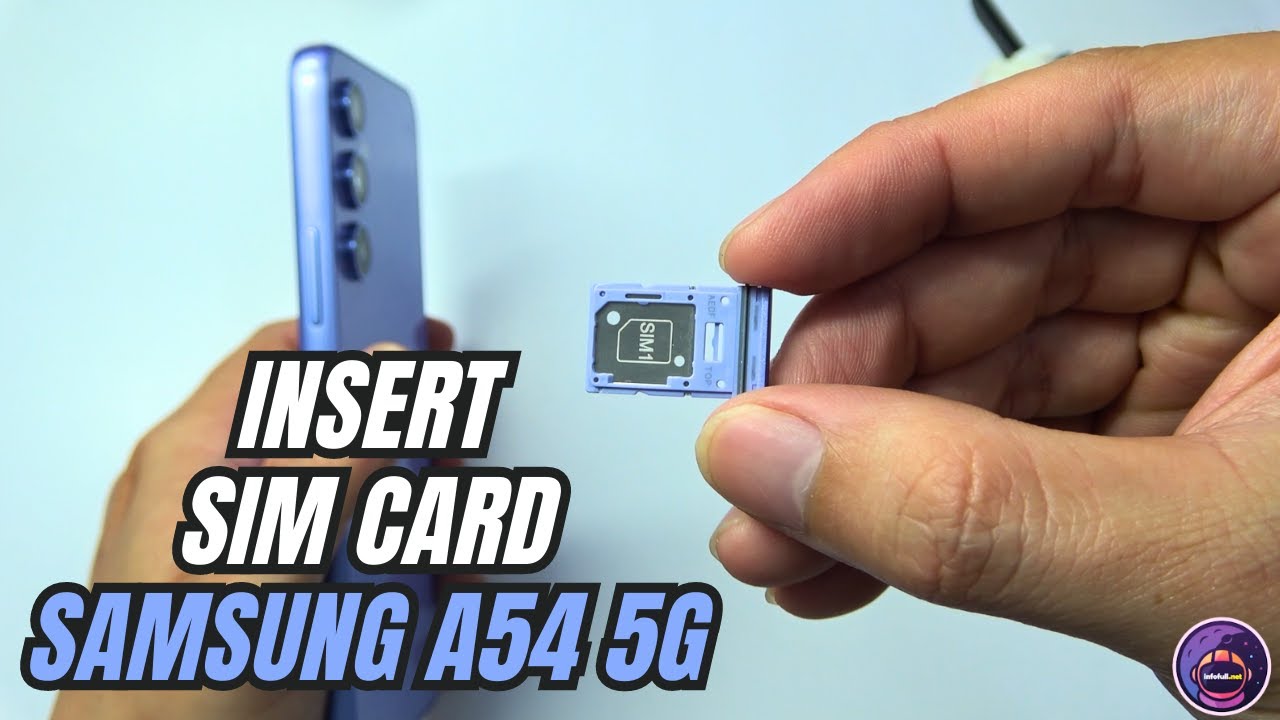
How To Install A SIM Card To Samsung Galaxy A54 5G YouTube

Google Pixel 4 4XL How To Insert Sim Card Properly Double Check

How To Install The Google Pixel 7 And Pixel 7 Pro s SIM Card YouTube

Official Pixel Phone Help Center where you can find tips and tutorials on using Pixel Phone and other answers to frequently asked questions

Dec 11 2024 nbsp 0183 32 Our software update is being released in phases New features will gradually roll out across all regions Learn more about Pixel software updates

Manage your Pixel Buds and get the latest firmware on your computer through the Pixel Buds web companion app You can also manage and adjust features such as Active Noise Cancellation Sound

Transfer data from an Android device to a Pixel You can transfer data such as texts photos music contacts calendars and apps from a current Android device or a current Pixel device
Extended Repair Program for Pixel 8 Google has determined that a limited number of Pixel 8 devices may experience display related vertical line and flickering issues Google is offering an Extended
[desc-11] [desc-12]
[desc-13]