Pivot Table Multiple Drop Down List Drop Down List With Hierarchy Smartsheet Community Solved Multiple Drop down List Does Not Work Power Platform Community How To Create A Pivot Table How To Excel Excel Non nested Data Column In Pivot Tables How To Select Multiple Fields In Pivot Table Field List Infoupdate Web Jul 13 2021 nbsp 0183 32 All you need to do is click refresh Your dropdown list is populated by pivot table more Get Your Video Workbook Template Here 187 187 https cutt ly up4v2006MFD Let your pivot table
Web Dec 5 2023 nbsp 0183 32 How to add fields to Values area Pivot table features Summarize and analyze Count Unique distinct list Extract unique distinct records Count unique distinct values Sort data Group data Multiple levels See data behind a pivot table cell Row and column grand totals How to insert a pivot chart How to insert Slicers How to refresh a Pivot Table Web Aug 10 2020 nbsp 0183 32 The second drop down list in the column quot B quot contains all values of the origin countries 1st row of the pivot table I would like to show in a column quot C quot for each row and after selecting the value for the both drown lists in the columns B and C the value of the cost extracted from the pivot table
How To Select Multiple Fields In Pivot Table Field List Infoupdate Pivot Table Dropdown Field List Missing AuditExcel co za Pivot Table Drop Down List Shows Old Items YouTube How To Make A Drop Down List In Excel Bsuperior Hot Sex Picture Pivot Table Count Of Multiple Columns Brokeasshome Pivot Table Dropdown Field List Missing AuditExcel co za Excel Data Validation Drop Down Lists With Vlookup Function Tutorial Excel Pivot Table Issue Grouping Three Fields columns Into One How To Generate Multiple Pivot Table Sheets From Single Pivot Table In
Pivot Table Multiple Drop Down List

https://aws.smartsheet.com/storageProxy/image/images/u!1!pYDW6Q9_s3Y!ZhjW2WtldyQ!Hi7ddCMqbpQ
Web Nov 2 2022 nbsp 0183 32 To set up the drop down lists in the first column Regions follow these steps First select all the data cells in the Regions column Next on the Excel Ribbon s Data tab in the Data Tools group click the Data Validation button When the Data Validation dialog box open go to the Settings tab First click in the Allow box
Templates are pre-designed files or files that can be utilized for numerous purposes. They can conserve effort and time by providing a ready-made format and layout for producing various type of material. Templates can be utilized for individual or professional projects, such as resumes, invites, flyers, newsletters, reports, presentations, and more.
Pivot Table Multiple Drop Down List
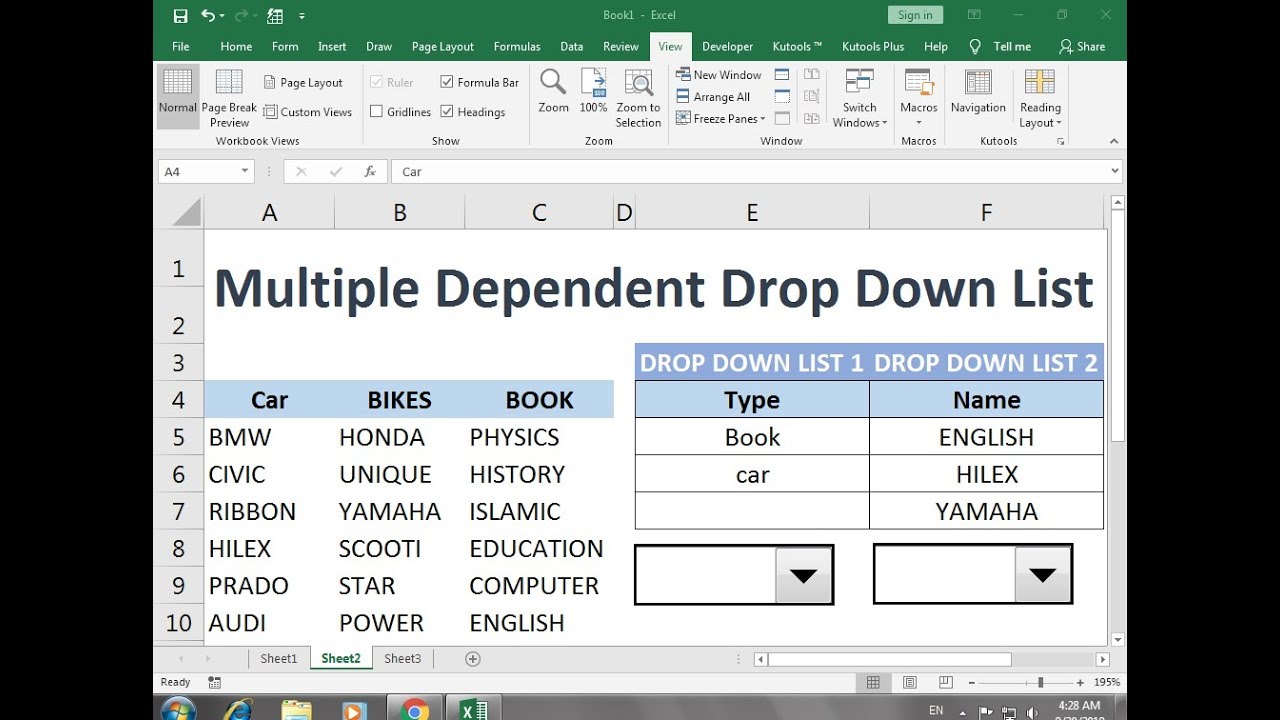
Multiple Dependent Drop down List Excel Template 2023 Template Printable

Pivot Table Dropdown Field List Missing AuditExcel co za
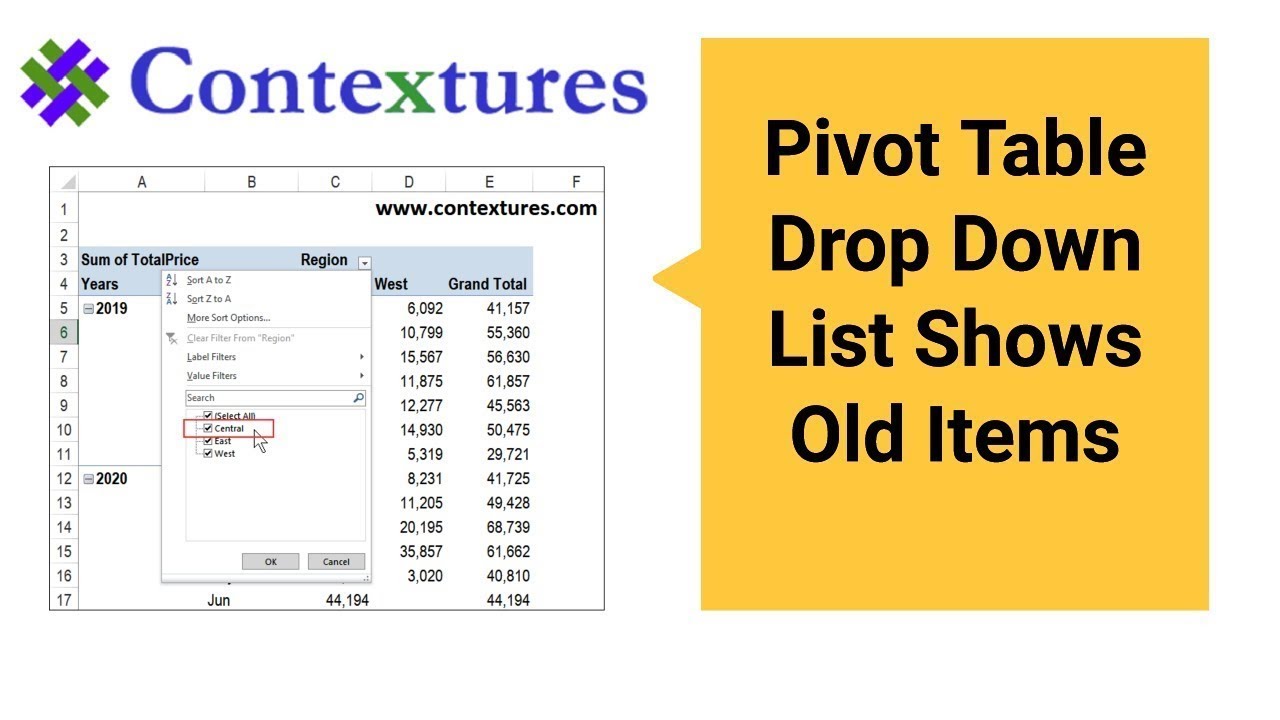
Pivot Table Drop Down List Shows Old Items YouTube
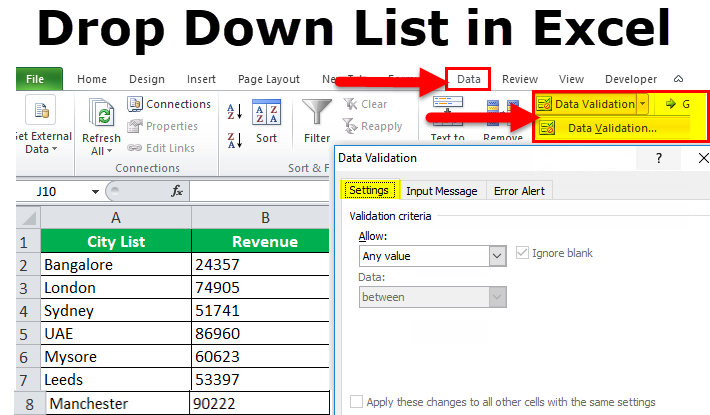
How To Make A Drop Down List In Excel Bsuperior Hot Sex Picture

Pivot Table Dropdown Field List Missing AuditExcel co za
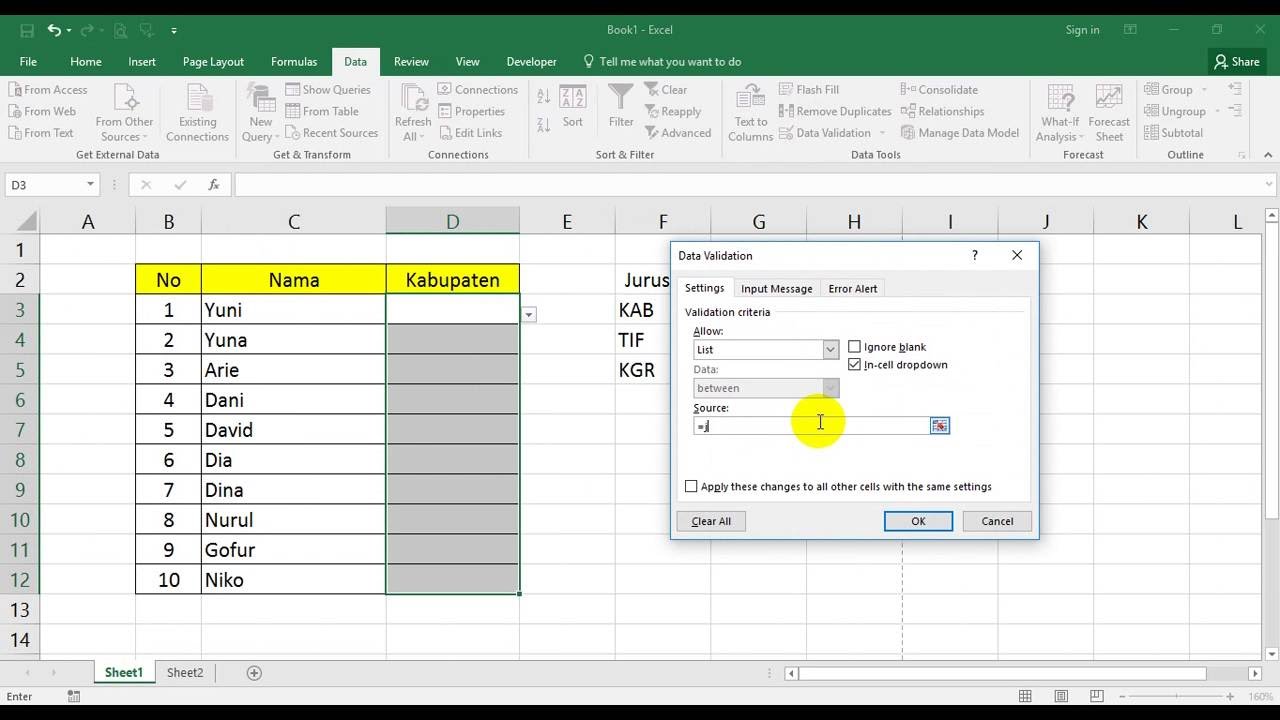
Excel Data Validation Drop Down Lists With Vlookup Function Tutorial

Web Here is a Guide on Working with a Pivot Table Drop Down List We can create a drop down menu in preparing a pivot table to ensure that there aren t spelling mistakes This also prevents values that we do not allow to be entered into the table The steps below will walk through the process

Web Nov 11 2015 nbsp 0183 32 Need to select multiple items from a Pivot Table Drop Down I have a Pivot Table where I need to select multiple diagnosis codes from a drop down in the report filter I can go in the drop down and check each diagnosis code I need but that is time consuming there are over a 1000 diag codes I need to filter for

Web Feb 21 2017 nbsp 0183 32 However when we filter for more than one item the cell that contains the filter drop down menu displays the phrase Multiple Items There is no way to see what items the pivot table is being filtered for unless we open the filter drop down menu and scroll through the list
Web Dec 8 2020 nbsp 0183 32 1 15K subscribers Subscribe 10K views 2 years ago Solutions In this video we learn how to combine Tables Pivot Tables and Data Validation to create a series of dependent drop down

Web Nov 18 2014 nbsp 0183 32 Our first step is to create the source tables that we will use for the contents of the drop down lists In the image above the Lists sheet contains the lists for each drop down The list in column B contains the Category items for the parent list
Web Sep 27 2023 nbsp 0183 32 Select one or more cells for your dropdown D3 D7 in our case On the Data tab in the Data Tools group click Data Validation In the Allow drop down box select List In the Source box enter the formula that indirectly refers to Table1 s column named Items INDIRECT quot Table1 Items quot When done click OK Web Using Data from Nested Pivot Table for Drop Down List I have a table where each row contains the building name the building section the floor number and the room number I would like to create multiple drop down lists In
Web Created on December 10 2022 Can a drop down list be connected to multiple pivot tables and a chart at the same time I have a dashboard for work that has a lot of data and it would be easier to have one set of drop down lists connected to the two pivot tables I have and a line bar chart