Pivot Table In Excel Is Grayed Out Excel Developer Tab Insert Grayed Out The Best Developer Images How To Unlock Grayed Out Menus In Excel Sheetaki Excel Field List Is Greyed Out In PivotTable Stack Overflow Why Is Insert Grayed Out In Excel Printable Templates Free How To Unlock Grayed Out Menus In Excel Sheetaki Web Jul 23 2014 nbsp 0183 32 Pivot Chart Select Data Source Buttons Greyed Out I ve created a new workbook and in it I created a new pivot table and chart When I right mouse click on the
Web Sep 6 2019 nbsp 0183 32 I don t know what changed as I do basic pivot tables all day but when i pivot out some data then go to right click and collapse the basic options are grayed out I Web Oct 11 2018 10 19 AM Help quot Show Value As quot calculations in Pivot Table Grayed Out I m trying to do a basic quot Show Value As quot calculation in my pivot table I want the column
How To Unlock Grayed Out Menus In Excel Sheetaki Outlook Get Add ins Button Is Grayed Out 5 Fixes Technipages Solved Print Area Is Grayed Out In Excel 2 Easy Solutions Merge And Center In Excel Is Grayed Out Safemopla How To Unlock Grayed Out Menus In Excel Sheetaki Save Button Grayed Out In Word Excel PowerPoint Fix Excel Data Not Showing Excel Worksheet Area Is Grayed Out Blank Fix Pause Updates Option Is Grayed Out In Windows 11 10 Solved Print Area Is Grayed Out In Excel 2 Easy Solutions
Pivot Table In Excel Is Grayed Out
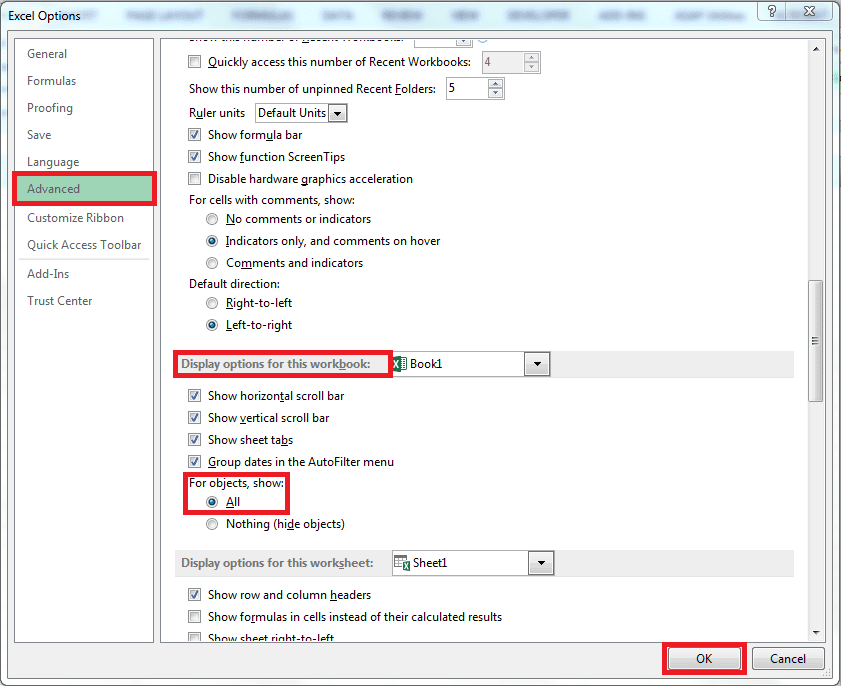 Pivot Table In Excel Is Grayed Out
https://ik.imagekit.io/ag/wp-content/uploads/2014/10/Excel_Options_asKeygeek1.png
Web May 19 2021 nbsp 0183 32 If I filter my row to a certain product that does not have data in all columns months the calculations outside the table to not work I went to PivotTable Options
Templates are pre-designed documents or files that can be utilized for various functions. They can conserve time and effort by supplying a ready-made format and design for developing different kinds of content. Templates can be utilized for personal or professional projects, such as resumes, invitations, leaflets, newsletters, reports, discussions, and more.
Pivot Table In Excel Is Grayed Out
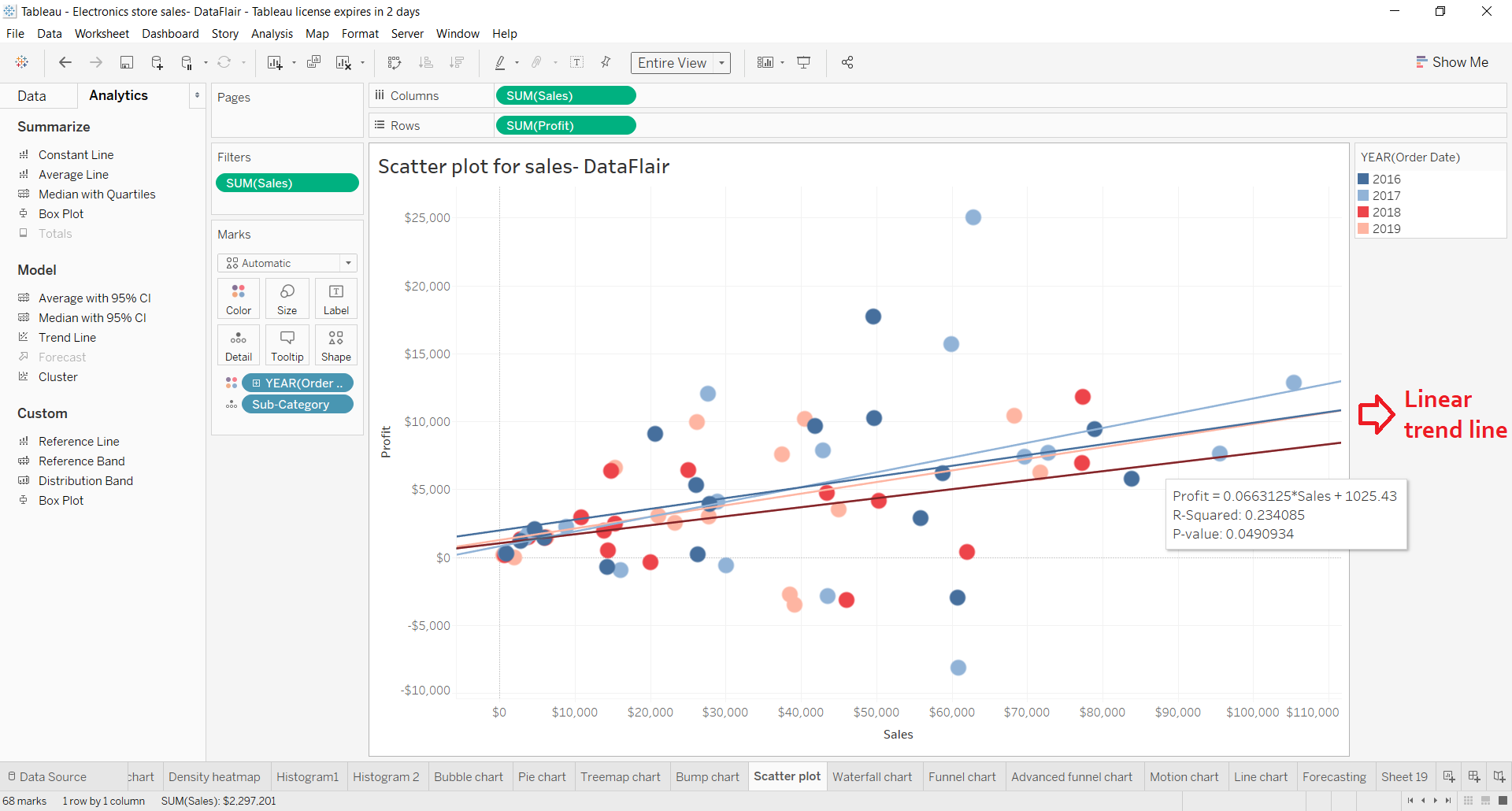
Excel Trendline Greyed Out Amelaiowa

Outlook Get Add ins Button Is Grayed Out 5 Fixes Technipages

Solved Print Area Is Grayed Out In Excel 2 Easy Solutions
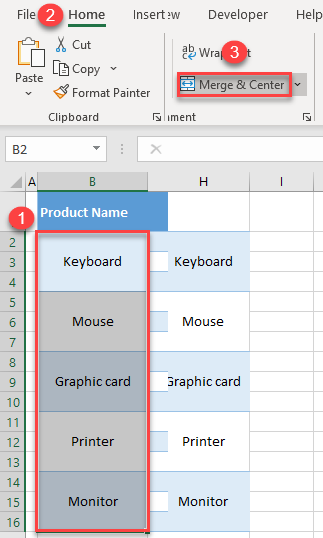
Merge And Center In Excel Is Grayed Out Safemopla
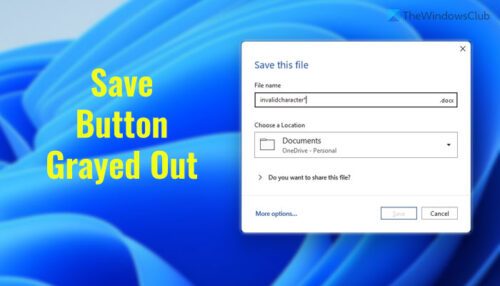
Save Button Grayed Out In Word Excel PowerPoint

Fix Excel Data Not Showing Excel Worksheet Area Is Grayed Out Blank
Web Mar 7 2022 nbsp 0183 32 1 Answer Sorted by 0 Create a relationship on date between the two tables Create a measure for your calculation I recommend you don t include the 100 part but

Web Apr 9 2022 nbsp 0183 32 I cannot change the summary function summarized by in the fields settings it s grayed out and I cannot use the functions such as Average Count Max I am not

Web May 5 2022 nbsp 0183 32 In Microsoft Excel when attempting to use controls on the PowerPivot ribbon you find that the controls are grayed out as in the following figure The behavior may

Web Mar 15 2023 nbsp 0183 32 1 I am suddenly having trouble with pivot tables I have a simple range 20 columns by 660 rows that is the source for my pivot table I have a simple pivot table
Web Dec 19 2013 nbsp 0183 32 0 The options which are greyed out on the ribbon are not available when you only have a single linked table If you go back to your workbook and add a second linked
Web Jul 28 2022 nbsp 0183 32 1 Reply Riny van Eekelen replied to dparke44 Jul 28 2022 09 29 PM dparke44 I m not a frequent user of Excel on line myself and don t recall that there ever Web Sep 28 2016 nbsp 0183 32 However the date grouping feature doesn t always work The Group Field button on the Analyze Options tab of the PivotTable tools ribbon might be disabled or grayed out Let s take a look at why this
Web Nov 15 2019 nbsp 0183 32 As you have checked quot Prefer the Excel Data Model when creating PivotTables QueryTables and Data Connections quot via File gt Options gt Data you may try