Pip List Installed Packages How To Use Pip Install Update Uninstall Packages Show List Freeze Pip List Installed Packages The 16 Correct Answer Brandiscrafts Hyperskill Pip Upgrade All Packages The 14 Top Answers Brandiscrafts Pip Install Install And Remove Python Packages FavTuts List Packages in a Console with Pip To list all installed packages from a Python console using pip you can utilize the following script import pkg resources installed packages pkg resources working set installed packages list sorted s s i key i version for i in installed packages
Pip list This command will display a list of all the Python packages installed in your Python environment and their versions You can also redirect the output to a text file Optional If you want to save the list of installed packages to a text file you can use the following command pip list installed packages txt Found existing installation numpy 1 8 0rc1 Uninstalling numpy Cleaning up Exception Traceback most recent call last File Library Python 2 7 site packages pip 1 4 1 py2 7 egg pip basecommand py line 134 in main status self run options args File Library Python 2 7 site packages pip 1 4 1 py2 7 egg pip commands install py
Pip Install Install And Remove Python Packages FavTuts How To List Installed Python Packages ActiveState Managing Packages Python Numerical Methods List All The Packages Modules Installed In Python Pip DataScience How To Uninstall Pip Python Packages Code2care How Do I Update PIP To Latest Version Check If PIP Package Is Installed Python The Packages Installed By Pip Arrange Scattered Stack Overflow How To Install And Use Python Packages On Raspberry Pi Raspberry List All The Packages Modules Installed In Python Pip DataScience
Pip List Installed Packages
 Pip List Installed Packages
https://www.favtuts.com/wp-content/uploads/2022/02/how-to-use-pip.png
Where can I find a complete list of all the packages libraries that can be installed using pip note I don t mean package that I have already installed I mean all possible packages available using pip Also note this would be the equivalent for the R programming language
Pre-crafted templates offer a time-saving solution for developing a varied range of documents and files. These pre-designed formats and designs can be made use of for various personal and expert jobs, consisting of resumes, invitations, flyers, newsletters, reports, discussions, and more, enhancing the material production process.
Pip List Installed Packages

PIP Python StackLima

How To List Installed Python Packages ActiveState
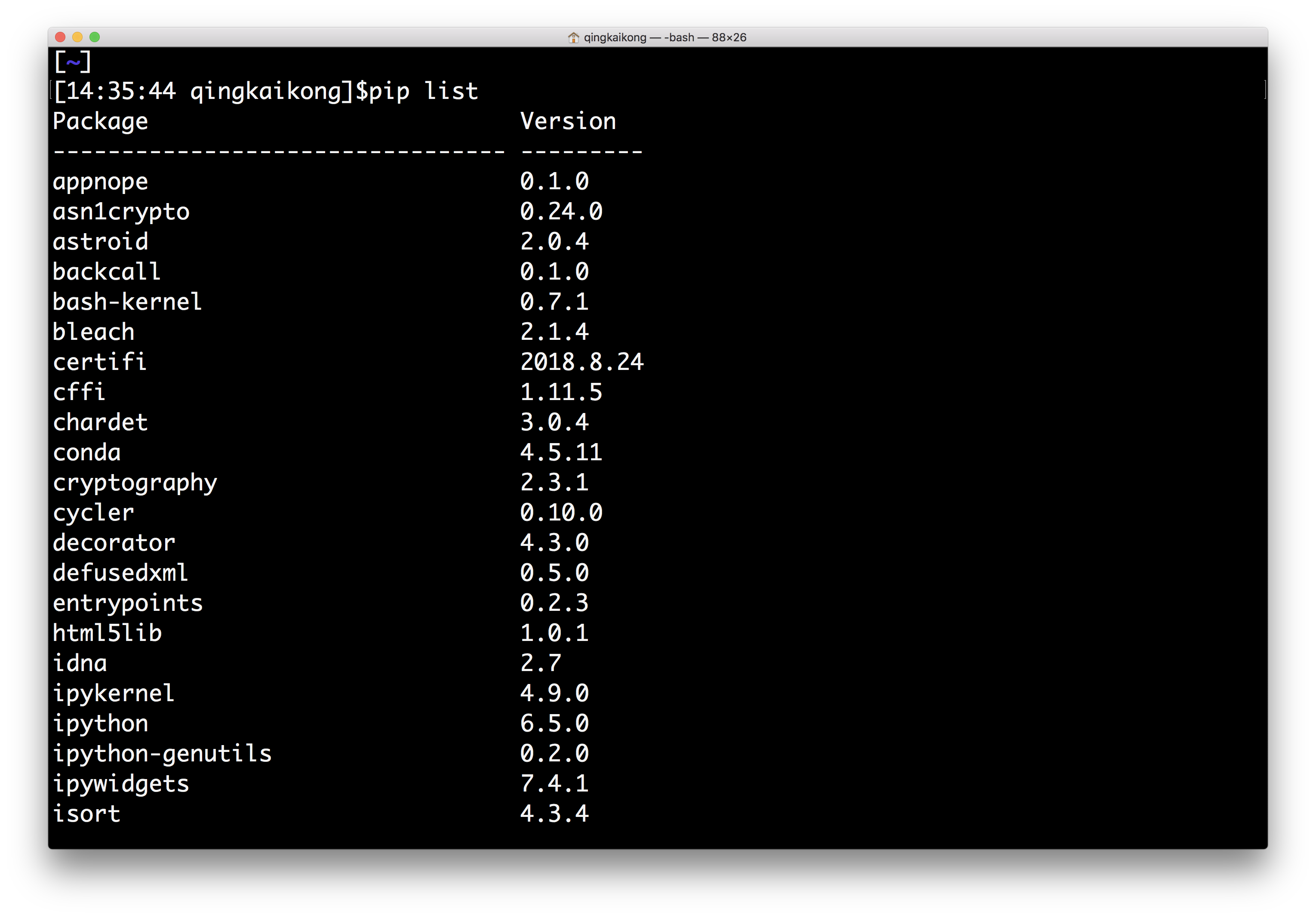
Managing Packages Python Numerical Methods
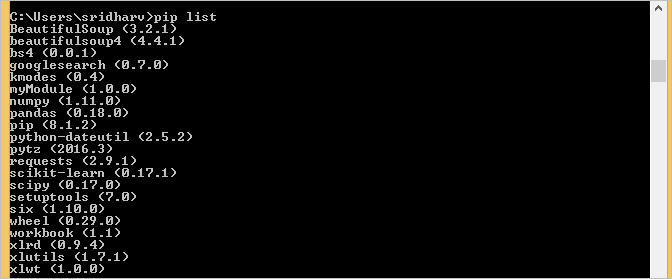
List All The Packages Modules Installed In Python Pip DataScience
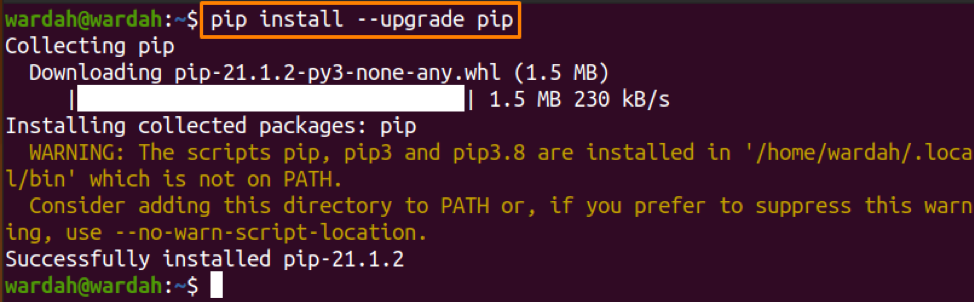
How Do I Update PIP To Latest Version Check If PIP Package Is Installed

Python The Packages Installed By Pip Arrange Scattered Stack Overflow

Yes you should be using pip as your python package manager http pypi python pypi pip with pip installed packages you can do a pip freeze and it will list all installed packages You should probably also be using virtualenv and virtualenvwrapper When you start a new project you can do mkvirtualenv

How to know what packages are installed with pip I have Python installed in Windows and used pip to install lots of things How can I know what packages I installed with pip PeterWood I guess it means pip install
Pip list installed packages along with package version 1 List all the packages modules installed in python Using pip list open Anaconda prompt and type the following command pip list This will get the list of installed packages along with their version in angular braces which is shown below

In order to see a list of all packages installed using pip you can use pip list command in the terminal Get a List of installed pip packages Syntax pip list options

Import pip installed packages pip get installed distributions installed packages list sorted s s i key i version for i in installed packages print installed packages list As a too long one liner sorted s s i key i version for i in pip get installed distributions Giving
[desc-11] [desc-12]
[desc-13]