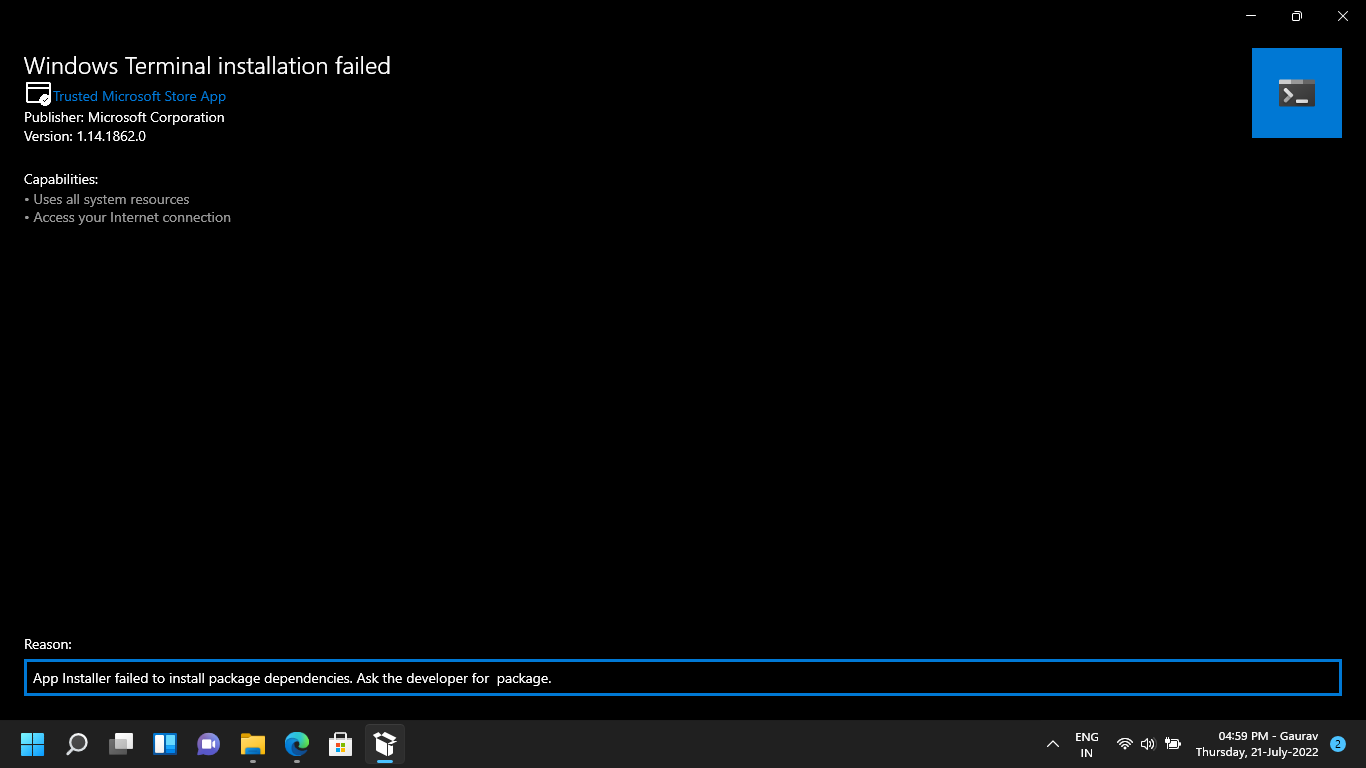
Pip Install Package Dependencies Pycharm Pip Install Lineshohpa How To Fix App Installer Failed To Install Package Dependencies ask The Fix App Installer Failed To Install Package Dependencies Ask Microsoft App Installer Failed To Install Package Dependencies Ask The Developer Pip autoremove Remove A Package And Its Unused Dependencies Data Web Jul 12 2012 nbsp 0183 32 In current pip version 1 3 1 you can see the dependencies of an installed package by using pip show lt package gt
Web Aug 14 2018 nbsp 0183 32 Download the package using pip on a machine with internet connection then turn the package into a tar file mkdir some directory pip download some package Web Aug 10 2023 nbsp 0183 32 The most common usage of pip is to install from the Python Package Index using a requirement specifier Generally speaking a requirement specifier is
Pip autoremove Remove A Package And Its Unused Dependencies Data Install Pip Visual Studio Code Watergre How To Package Python Dependencies With PIP Setuptools ActiveState Using Python s Pip To Manage Your Projects Dependencies Real Python How To Install Python Pip Package Manager With Example CodeBerry Python Virtual Environments And Package Dependencies With A Pip Cheat Sheet Python 3 UnicodeDecodeError When Pip Install Package LonelyWaiting Pip Uninstall Package And Dependencies The 25 Detailed Answer
Pip Install Package Dependencies
 Pip Install Package Dependencies
https://www.tabnine.com/blog/wp-content/uploads/2021/08/pycharm_venv10.png
Web Dec 2 2020 nbsp 0183 32 each line contain the package name and the version your project depend on it s the same output as pip freeze since pip freeze gt requirements txt create the file
Templates are pre-designed files or files that can be utilized for different purposes. They can conserve time and effort by offering a ready-made format and design for developing different kinds of material. Templates can be utilized for individual or expert projects, such as resumes, invites, flyers, newsletters, reports, presentations, and more.
Pip Install Package Dependencies

Debugging Pip Install Cache One

Install Pip Visual Studio Code Watergre
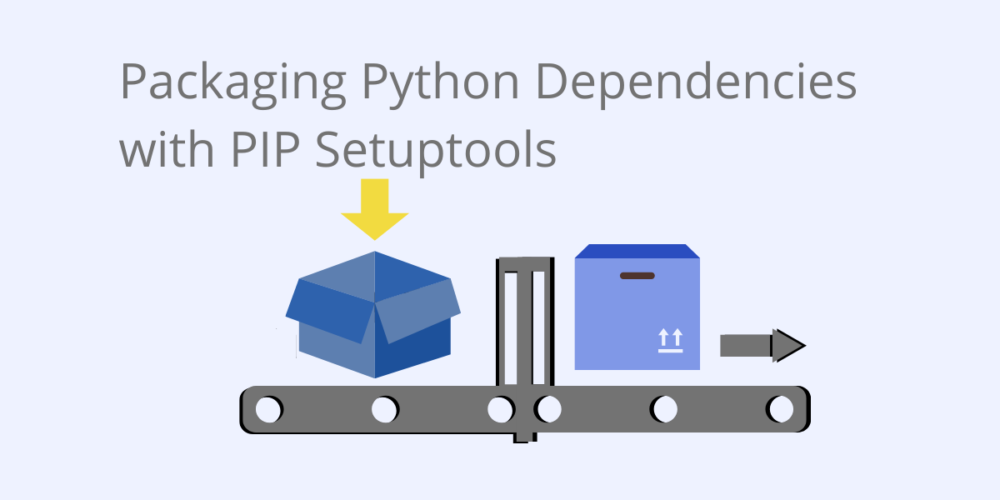
How To Package Python Dependencies With PIP Setuptools ActiveState
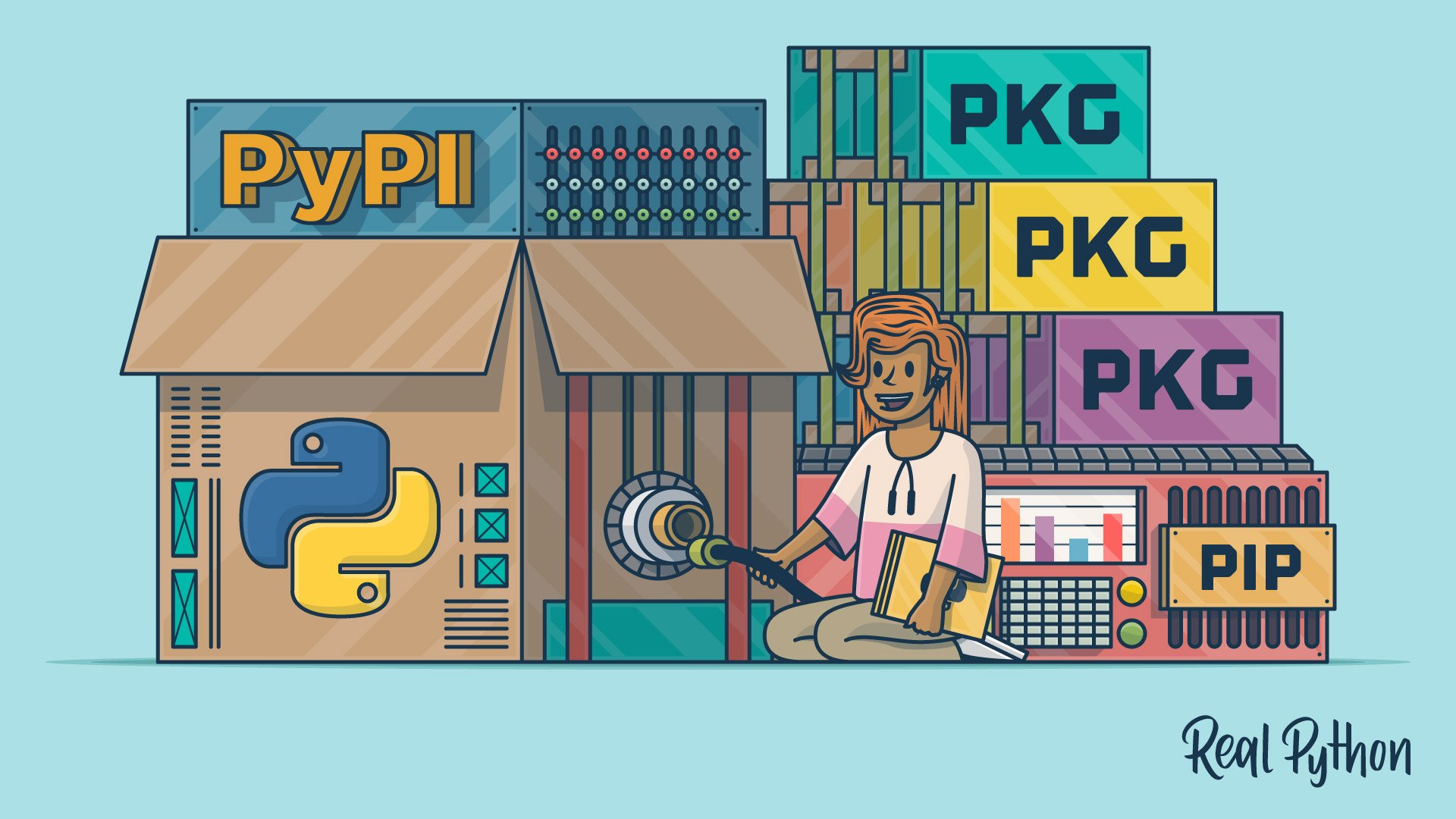
Using Python s Pip To Manage Your Projects Dependencies Real Python
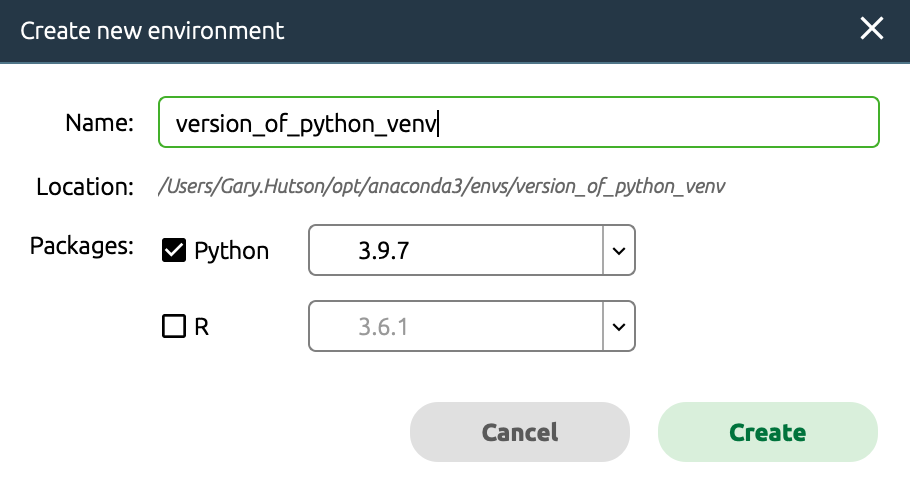
Python Virtual Environments And Package Dependencies With A

Pip Cheat Sheet

Web pip install has several stages Identify the base requirements The user supplied arguments are processed here Resolve dependencies What will be installed is determined here

Web 1 day ago nbsp 0183 32 The following command will install the latest version of a module and its dependencies from the Python Package Index python m pip install SomePackage

Web Apr 26 2016 nbsp 0183 32 You may be interested by pip tools a python package that can be used to build a requirements txt file that takes into account all underlying dependencies It can be
Web Windows Creating a virtual environment 182 venv for Python 3 and virtualenv for Python 2 allow you to manage separate package installations for different projects They

Web Feb 6 2020 nbsp 0183 32 How to install python packages with all dependencies offline via pip3 Ask Question Asked 3 years 6 months ago Modified 3 years 6 months ago Viewed 42k times
Web Nov 16 2019 nbsp 0183 32 Declare static dependencies and allow pip to decide what versions to install install requires numpy 1 16 5 python version gt quot 2 quot and python version lt quot 3 quot Web It s important to be clear that pip determines package dependencies using install requires metadata not by discovering requirements txt files embedded in projects See also
Web Installing packages for your project 182 Pipenv manages dependencies on a per project basis To install packages change into your project s directory or just an empty