Pip Install Latest Version How To Upgrade update Pip To The Latest Version YouTube Installer Pip Windows 10 2021 Pip Upgrade To 22 3 Windows10 4 By Datafiend Packaging Install Pip On Linux Linux Tutorials Learn Linux Configuration Mac Pip Install Guide How To Install Pip 2 Different Ways Web May 5 2022 nbsp 0183 32 Just run the following python m pip install upgrade pip Bear in mind that this command will try to uninstall the current version and replace it with the new one Upgrading pip on Ubuntu If you see the message Not uninstalling pip at usr lib python3 dist packages outside environment usr it s because you re using Ubuntu
Web Mar 23 2020 nbsp 0183 32 pip in macOS can be downloaded and installed using command line by going through the following steps Download the get pip pyfile and store it in the same directory as python is installed or Use the following command to download pip directly curl https bootstrap pypa io get pip py o get pip py Web Aug 17 2023 nbsp 0183 32 Install pip pip and pip2 pip3 Check installed packages pip show List installed packages pip list pip freeze Install a package pip install Install a package from local or GitHub Update a package pip install upgrade Update pip itself Uninstall a package pip uninstall Check for dependencies pip check
Mac Pip Install Guide How To Install Pip 2 Different Ways How To Install Pip On Kali Linux Linux Tutorials Learn Linux Tutorial Python Install Pip DataCamp Pip Install Specific Package Version Ercopy Three Easy Methods To Upgrade Pip To The Latest Version Ondemandrelop blogg se Pip Install Latest Version Pip Install Specific Version How To Install A Specific Python Package How To Install Python 3 7 Pip Tkinter On Windows 10 YouTube Python PIP Package Manager AskPython
Pip Install Latest Version
 Pip Install Latest Version
https://i.ytimg.com/vi/lWtMmtGywy8/maxresdefault.jpg
Web Jun 9 2022 nbsp 0183 32 Download PIP Before installing PIP we have to download the get pip py file We can do this two ways Go to https bootstrap pypa io get pip py and save this file as get pip py in the same folder where Python is located By default the Python installation is stored in the folder AppData
Templates are pre-designed documents or files that can be utilized for numerous purposes. They can conserve effort and time by offering a ready-made format and design for producing various kinds of content. Templates can be used for individual or professional jobs, such as resumes, invitations, leaflets, newsletters, reports, presentations, and more.
Pip Install Latest Version

Install And Use PIP Python Tutorial 30 YouTube
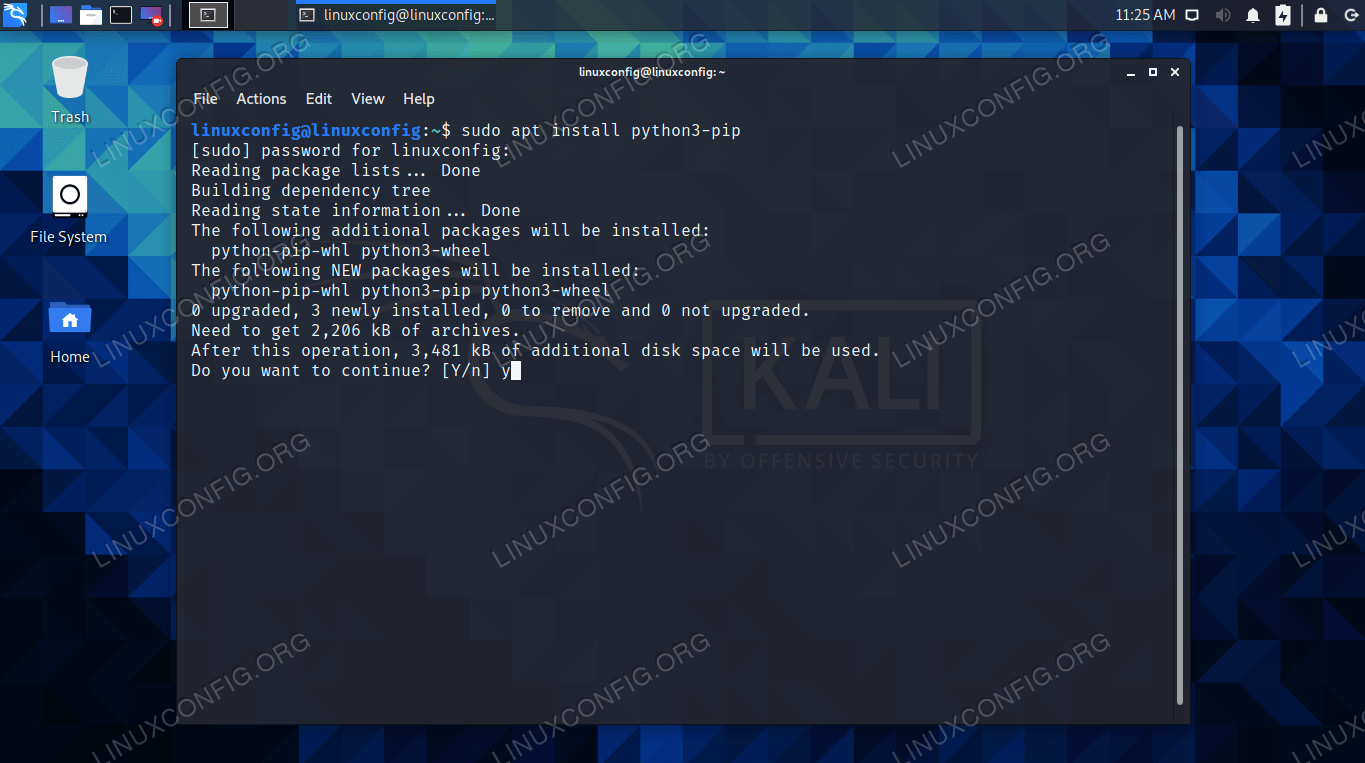
How To Install Pip On Kali Linux Linux Tutorials Learn Linux
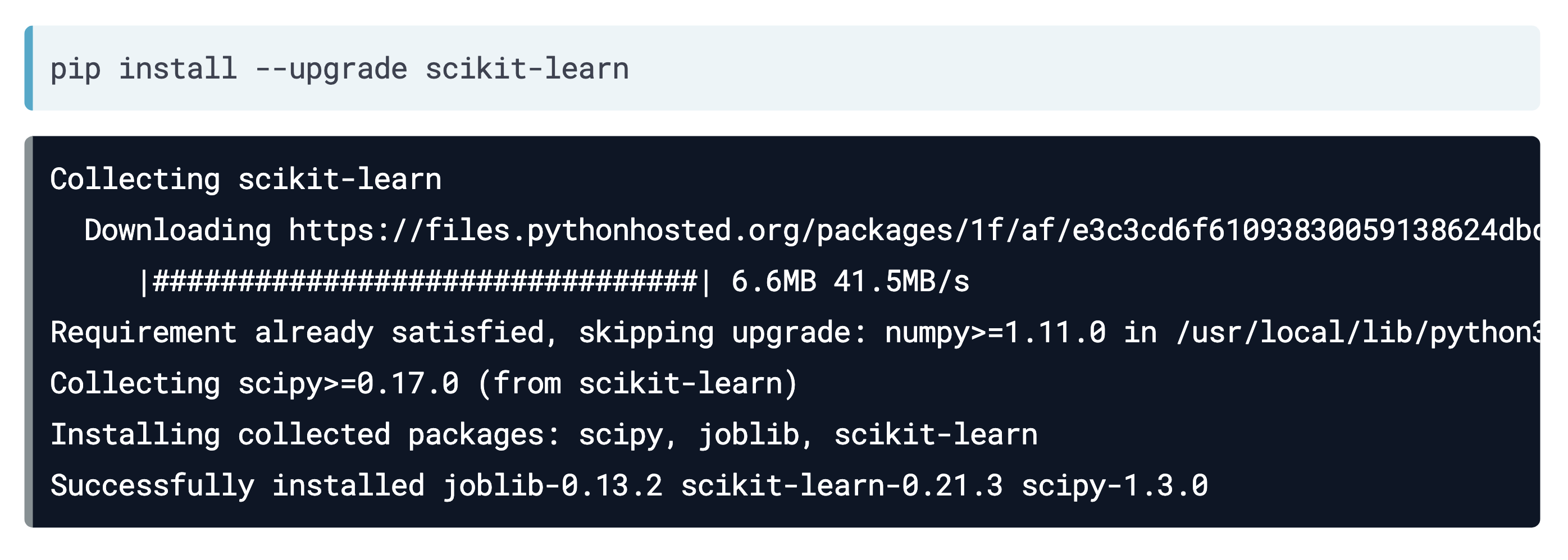
Tutorial Python Install Pip DataCamp
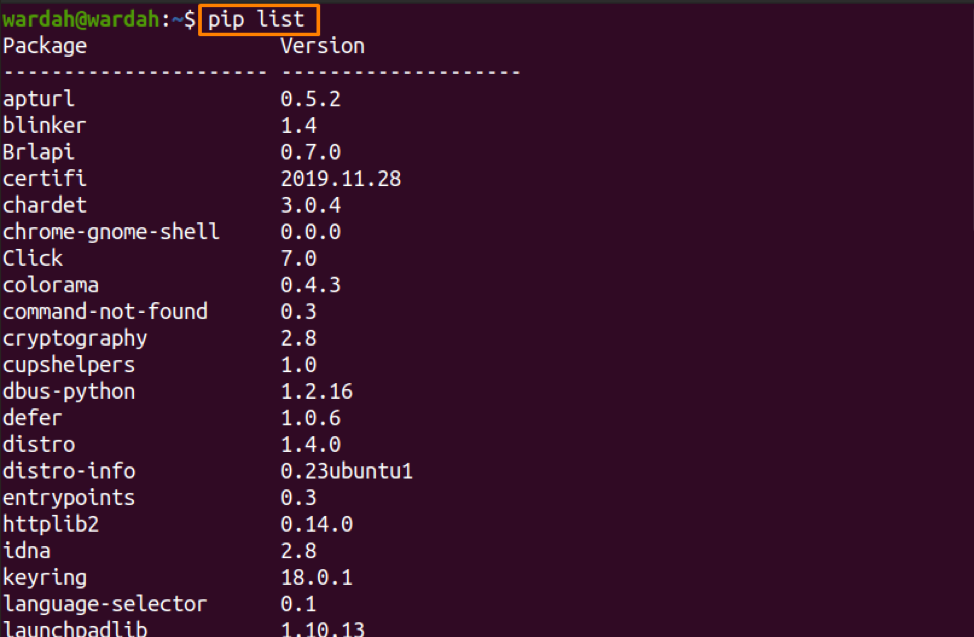
Pip Install Specific Package Version Ercopy
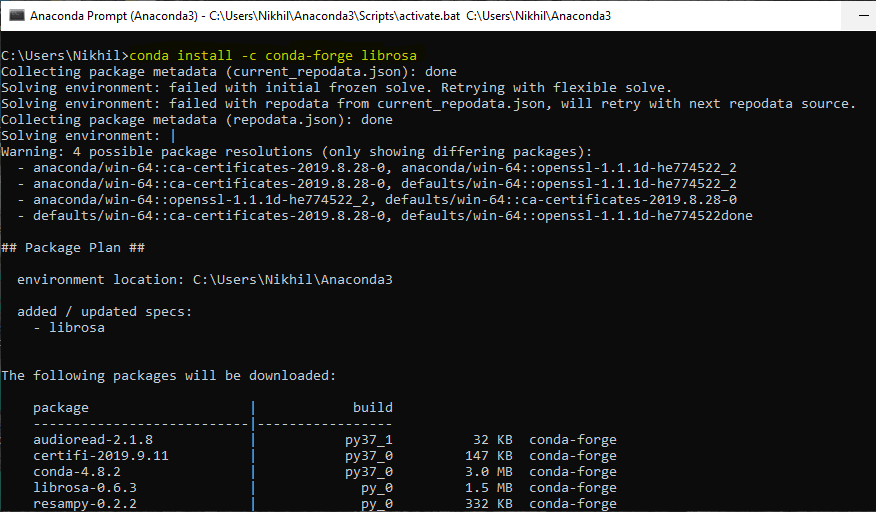
Ondemandrelop blogg se Pip Install Latest Version
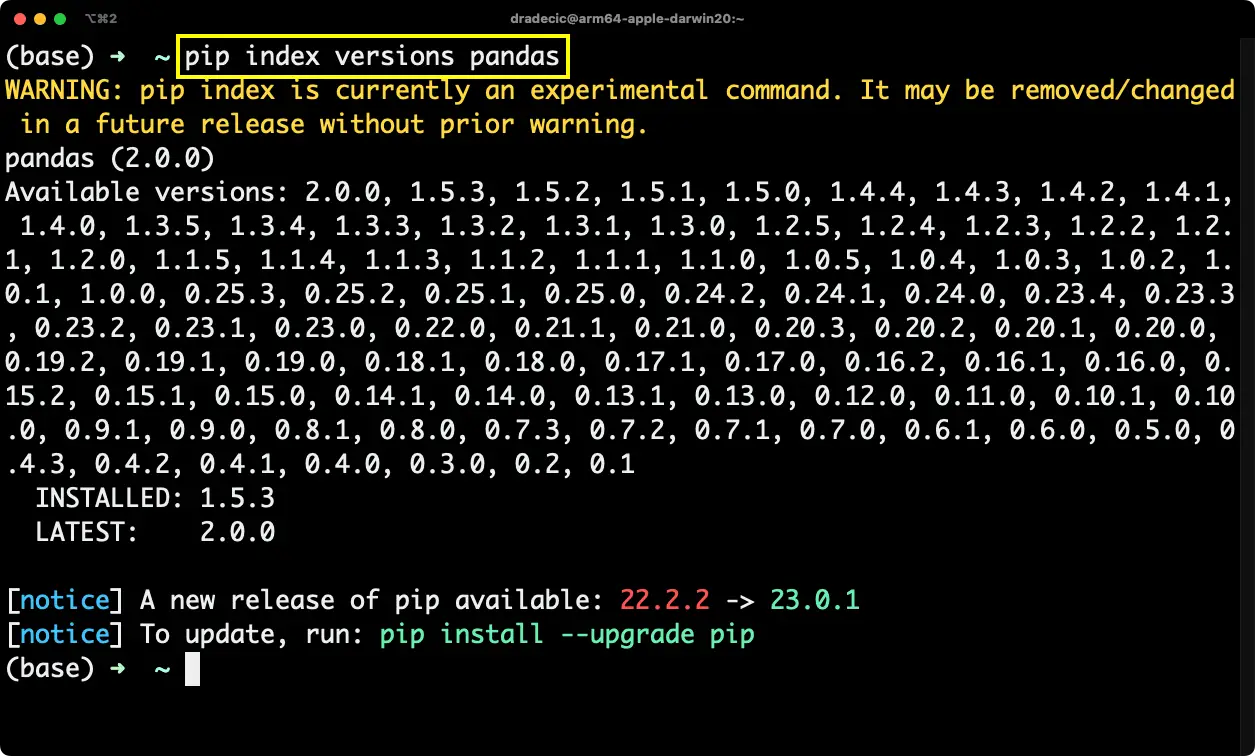
Pip Install Specific Version How To Install A Specific Python Package

Web May 13 2018 nbsp 0183 32 In my requirements common txt I have the following line with version django simple captcha 0 5 the problem is that when I run pip install r requirements common txt as I have version 0 5 3 of that package it wouldn t update it to latest version 0 5 6 only pip upgrade requirements common txt would upgrade to

Web Jul 22 2023 nbsp 0183 32 Latest version Released Jul 22 2023 The PyPA recommended tool for installing Python packages Project description pip is the package installer for Python You can use pip to install packages from the Python Package Index and other indexes Please take a look at our documentation for how to install and use pip Installation Usage

Web Apr 16 2018 nbsp 0183 32 pip install django 1 9 upgrade If using the first option make sure to include the quot micro quot version number as in quot major minor micro quot For example pip install django 1 9 0 upgrade upgrades to 1 9 13 as desired but pip install django 1 9 upgrade i e without the 0 upgrades to 1 11 15 instead

Web Once pip has the set of requirements to satisfy it chooses which version of each requirement to install using the simple rule that the latest version that satisfies the given constraints will be installed but see here for an exception regarding pre release versions

Web Sep 21 2023 nbsp 0183 32 The following command will install the latest version of a module and its dependencies from the Python Package Index python m pip install SomePackage Note For POSIX users including macOS and Linux users the examples in this guide assume the use of a virtual environment
[desc-11] [desc-12]
[desc-13]