Pip Install In Google Colab Python Google Colab Numpyprint Module Not Found After Pip Install Getting Started With Google Colab Content Simplicity Stable Diffusion Google Colab Geopandas In Google Colab Stack Overflow Python Import Advanced Techniques And Tips Real Python By default pip will install packages from the Python Package Index https pypi Similar to linux repository YUM APT NPM for Node js etc Python actually has another more primitive package manager called easy install which is installed automatically when you install Python itself
Install the Google Cloud CLI optional Install the Cloud Client Libraries for Python optional Install other useful tools Set up authentication optional Installing Python Python s Output 12 Conclusion Installing a library permanently in Colab is a simple process that involves using the pip command and creating a virtual enviroment inside your Google Drive By following the steps outlined in this blog post you can ensure that the library you need is always available in your Colab notebook save time when working with a new notebook by ensuring you have the necessary
Python Import Advanced Techniques And Tips Real Python Google Colab pip Using Pytorch With Colab Pro 25 GB Ram But Only Has 16 GB All The Time Interpreting Some Toy Neural Networks Python Pip Install Git url Issue Google Colab Stack Overflow C OpenCv Is Pre installed In Google Colab But I Want To Add One Nh p D Li u V o Google Colaboratory Installation How To Install Zipline On Google Colab Stack Overflow Running Python Commands In A Terminal In Google Colab Stack Overflow
Pip Install In Google Colab
 Pip Install In Google Colab
https://i.stack.imgur.com/scd0e.png
Updated Instructions to install Conda on Google Colab Oct 2021 The process is much simpler with condacolab python library Steps Import condacolab python library Install condacolab pip install q condacolab import condacolab condacolab install Post kernel restart check condacolab installation import condacolab condacolab check Environment
Pre-crafted templates provide a time-saving option for creating a diverse series of files and files. These pre-designed formats and layouts can be utilized for various personal and expert projects, including resumes, invites, leaflets, newsletters, reports, presentations, and more, streamlining the content development procedure.
Pip Install In Google Colab
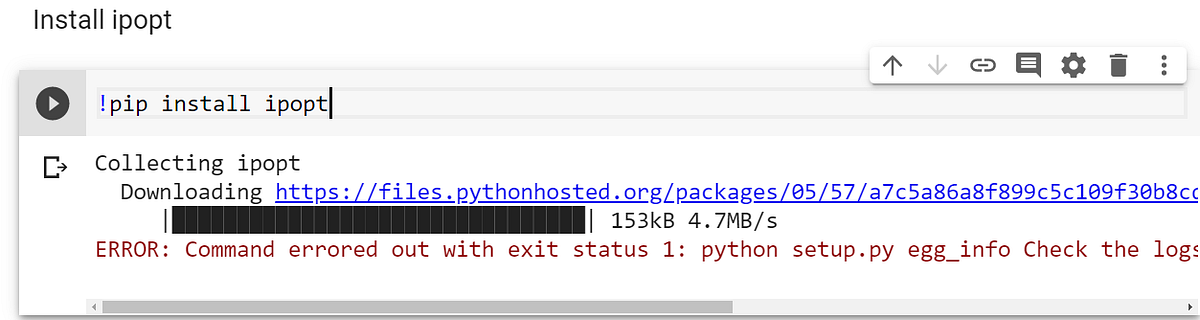
Install Ipopt Using Pip Install On Google Colab By Ibrahim Shodeko

Google Colab pip

Using Pytorch With Colab Pro 25 GB Ram But Only Has 16 GB All The Time
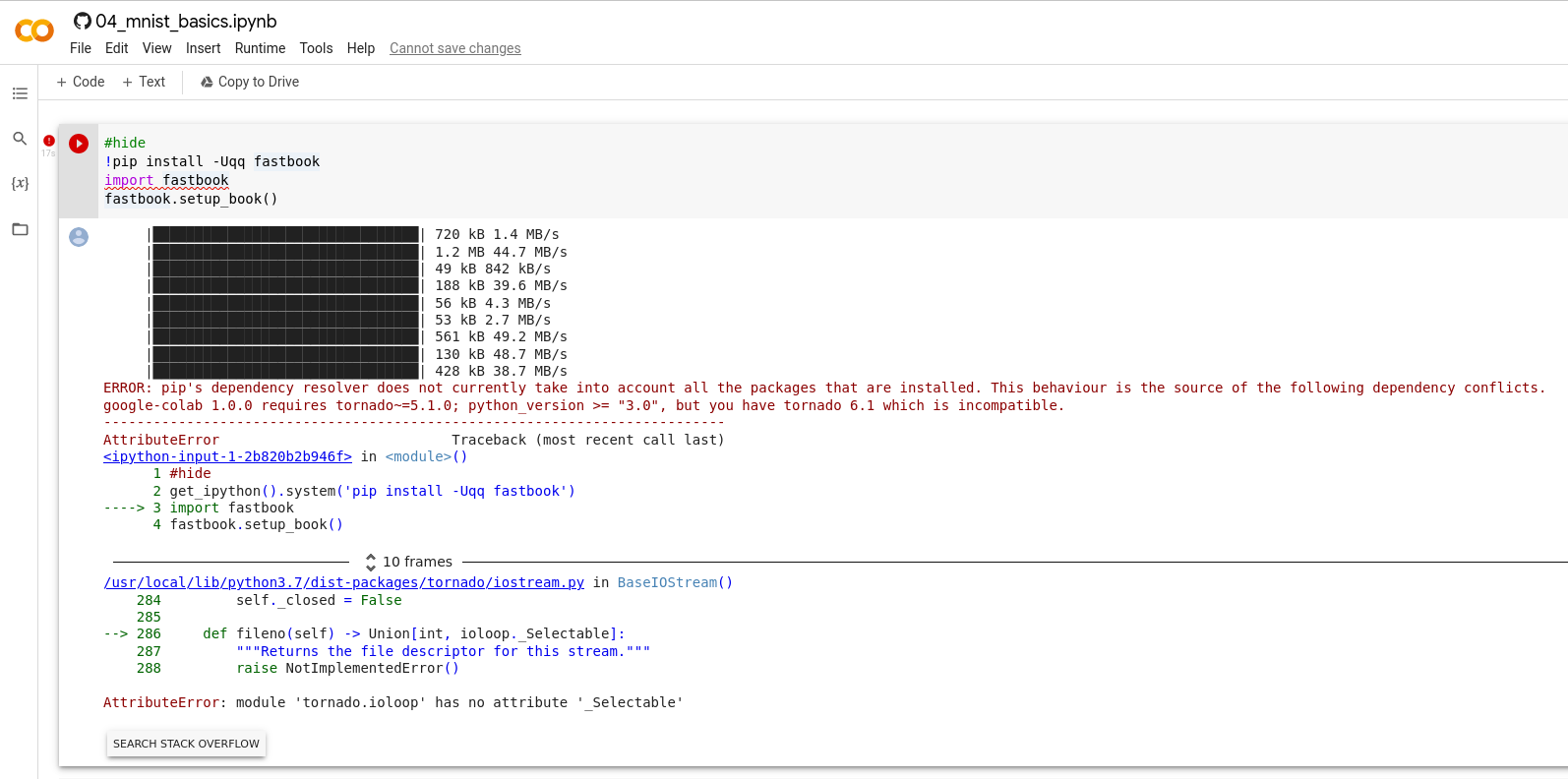
Interpreting Some Toy Neural Networks

C OpenCv Is Pre installed In Google Colab But I Want To Add One

Nh p D Li u V o Google Colaboratory

Pip install google colab Copy PIP instructions Latest version Released Jul 8 2019 Google Colaboratory tools Navigation Project description Release history Download files Homepage Project description Colaboratory specific python libraries Google Colaboratory tools

1 pip list v Or even search through the files using grep 1 pip list v grep tensorflow How to Install Python Packages in Google Colab Installing a Python package in Google Colab is simple using the pip command along with the exclamation mark
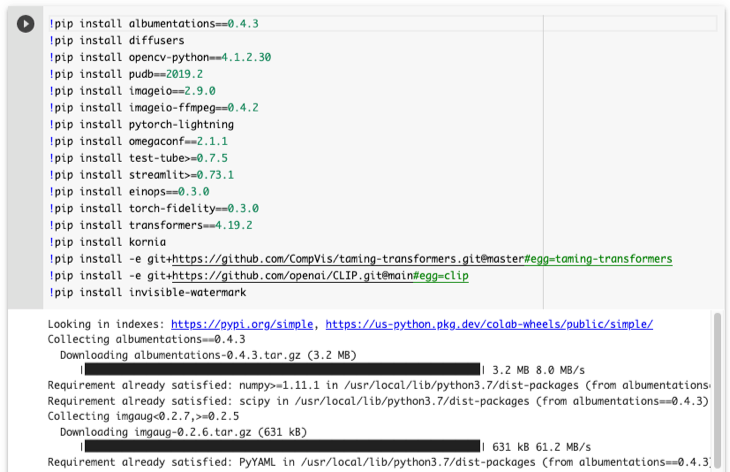
The key steps to upgrade Python in Google Colab Install newest Python version with apt Set new Python as default with update alternatives Install pip ipython jupyter and relink colab libraries Restart the Colab runtime Reinstall any packages you want under the new Python Following this process allows your notebooks to leverage the

To import a library that s not in Colaboratory by default you can use pip install or apt get install pip install matplotlib venn apt get qq install y libfluidsynth1

Open a terminal or command prompt and activate your new environment by running conda activate env name Replace env name with the name of your new environment Before proceeding with the installation please check the compatibility of the colab package with your Python version Some packages may not be compatible with all Python versions
COIN OR CBC is a multi threaded open source C oin or b ranch and c ut mixed integer linear programming solver written in C under the Eclipse Public License EPL CBC is generally a good choice for a general purpose MILP solver for medium to large scale problems apt get install y qq coinor cbc How to easily install private Python packages in Google Colab An elegant alternative to zipping projects ensure that the json file has keys username name of repository account holder access token your GitHub access token Please note that the package is an Early Access Release and will likely have improvements in the future
Colab notebooks allow you to combine executable code and rich text in a single document along with images HTML LaTeX and more When you create your own Colab notebooks they are stored in your Google Drive account You can easily share your Colab notebooks with co workers or friends allowing them to comment on your notebooks or even edit them