Phone Number Format Excel How To Format Numbers In Excel With Millions Separators Mobile Legends How To Change Number Column In Excel Printable Forms Free Online How To Apply Phone Number Format In Excel YouTube How To Format Phone Numbers In Microsoft Excel How To Use Excel Phone Number Format Software YouTube Web May 20 2023 nbsp 0183 32 In this blog post we ll explore some of the best methods to format phone numbers in Excel that will save you time and effort while increasing the usability of your data Method 1 Custom Format One way to format phone numbers in Excel is to use Excel s built in custom number format Here s how Step 1
Web May 22 2022 nbsp 0183 32 So Here are the ways to format a phone number in Excel 1 Format Numbers Using Excel s Special Number Format If you are a resident of Portugal Russia China France or the United States then there is a pre format in Excel for phone numbers To use the special number format type your number in the active cell Web Enter the formula In the formula bar type TEXT followed by the cell reference containing the phone number a comma and the desired format in quotation marks e g quot quot Press Enter After entering the formula press Enter to apply the format to the cell Using custom number formats
How To Use Excel Phone Number Format Software YouTube How To Convert Phone Numbers To Consistent Format In Excel Excel Number Formatting Special Phone Numbers Learn Excel Now Number Formats In Excel Deskbright Microsoft Excel Tutorial Number Format German Pearls Phone Number List Template Free Samples Examples Format Resume Text To Number Format Formula In Excel Excel Quickie 77 YouTube All About Custom Excel Number Format Excel Unlocked Phone List As Excel Template Free Of Charge
Phone Number Format Excel
 Phone Number Format Excel
https://i.ytimg.com/vi/-_WqatnyMvY/maxresdefault.jpg
Web May 20 2023 nbsp 0183 32 The best way to format phone numbers in Excel is by using a custom format This ensures that all phone numbers in your document have a uniform appearance making them easier to read You can create your custom format based on the phone number structure you re using including the area code country code and other
Templates are pre-designed files or files that can be used for various purposes. They can save effort and time by providing a ready-made format and layout for creating various sort of content. Templates can be utilized for individual or professional projects, such as resumes, invites, flyers, newsletters, reports, discussions, and more.
Phone Number Format Excel
Excel Phone Number Format With Country Code Add Area Codes To Phone
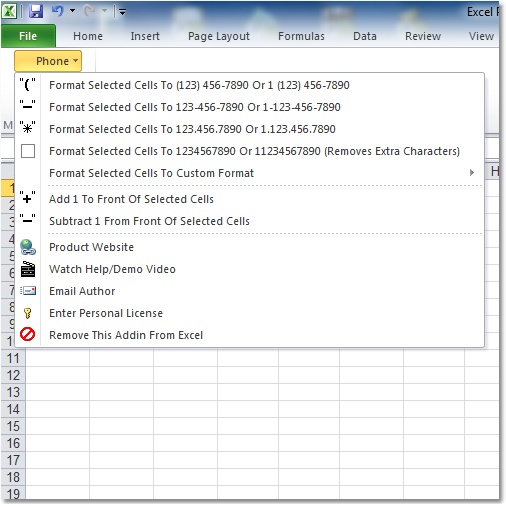
How To Convert Phone Numbers To Consistent Format In Excel
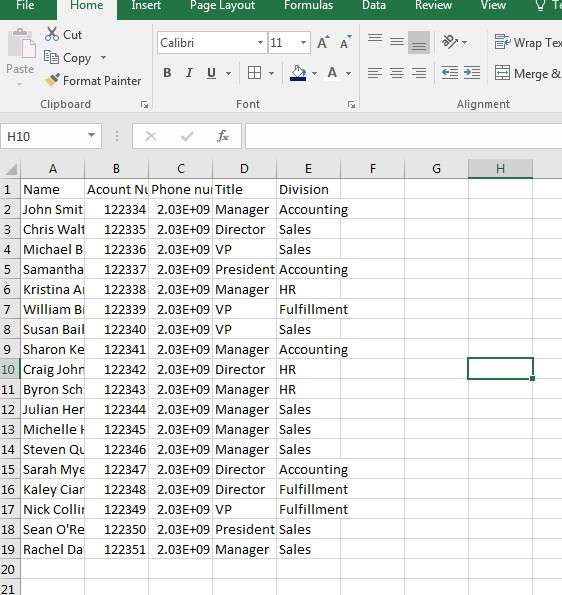
Excel Number Formatting Special Phone Numbers Learn Excel Now
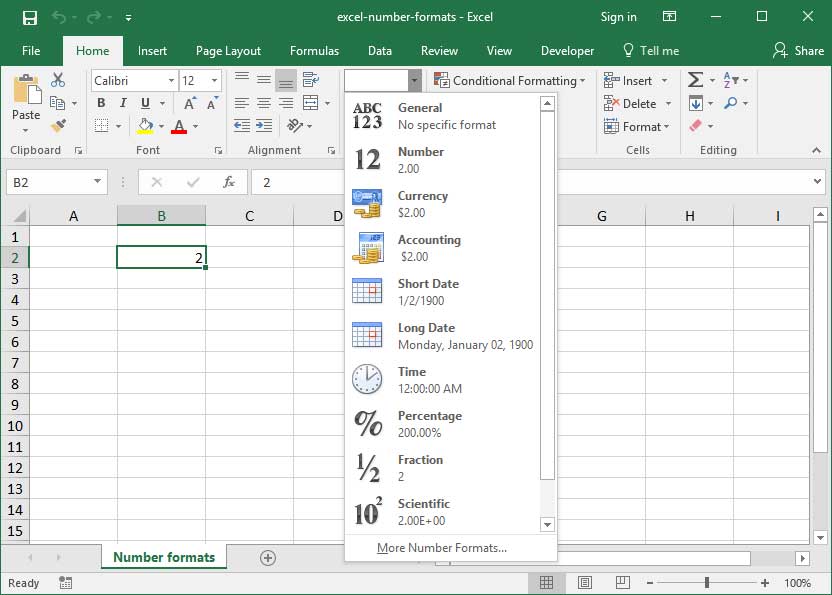
Number Formats In Excel Deskbright

Phone Number List Template Free Samples Examples Format Resume
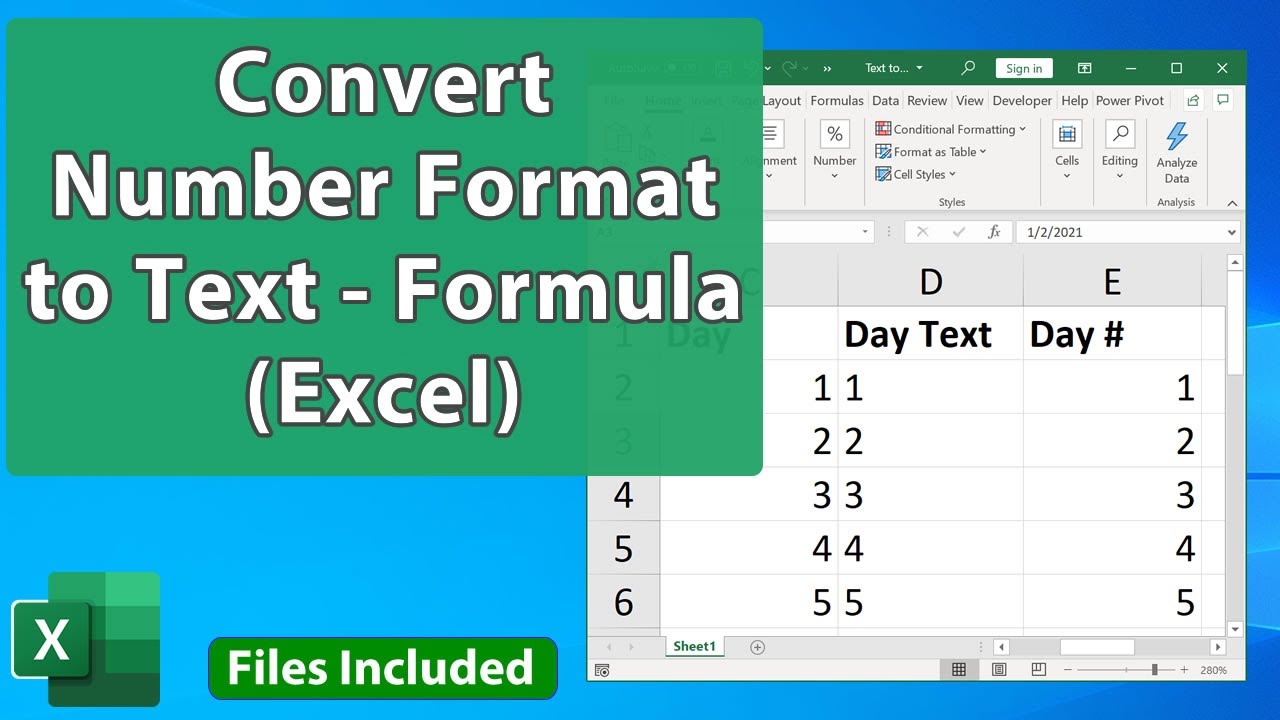
Text To Number Format Formula In Excel Excel Quickie 77 YouTube
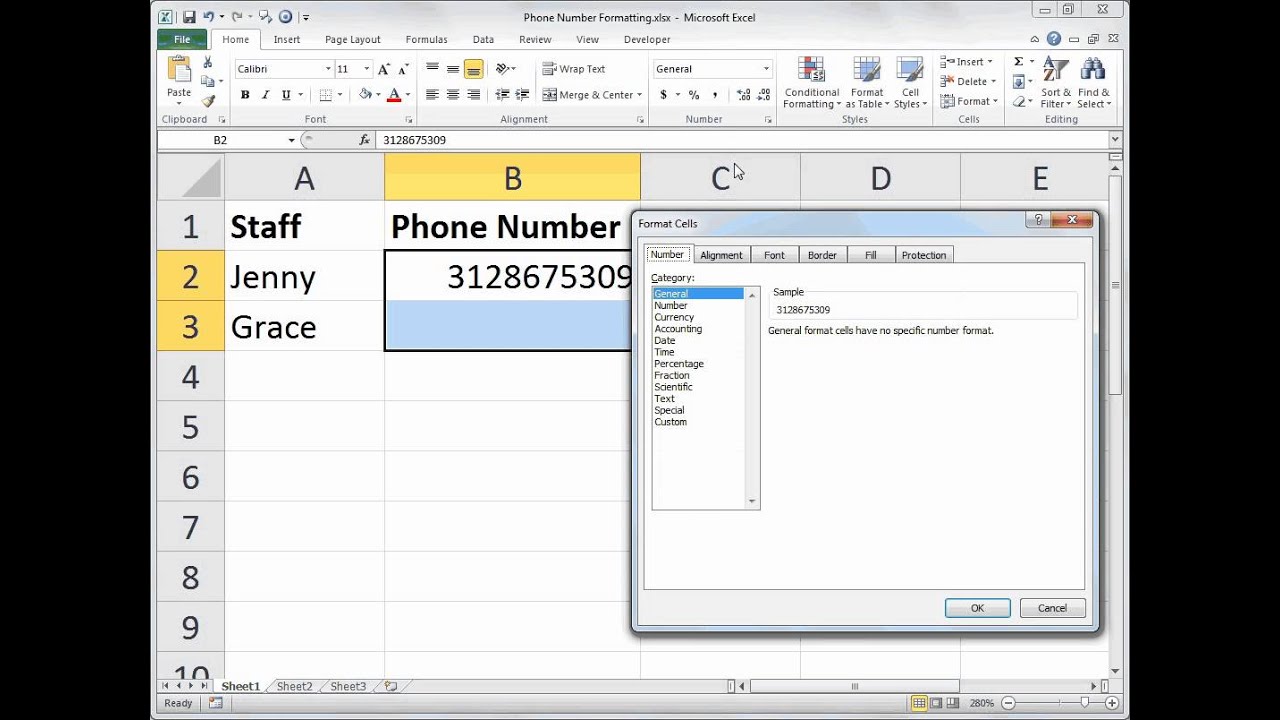
Web Display numbers as phone numbers Select the cell or range of cells that you want to format How to select cells or ranges On the Home tab click the Dialog Box Launcher next to Number In the Category box click Special In the Type list click Phone Number
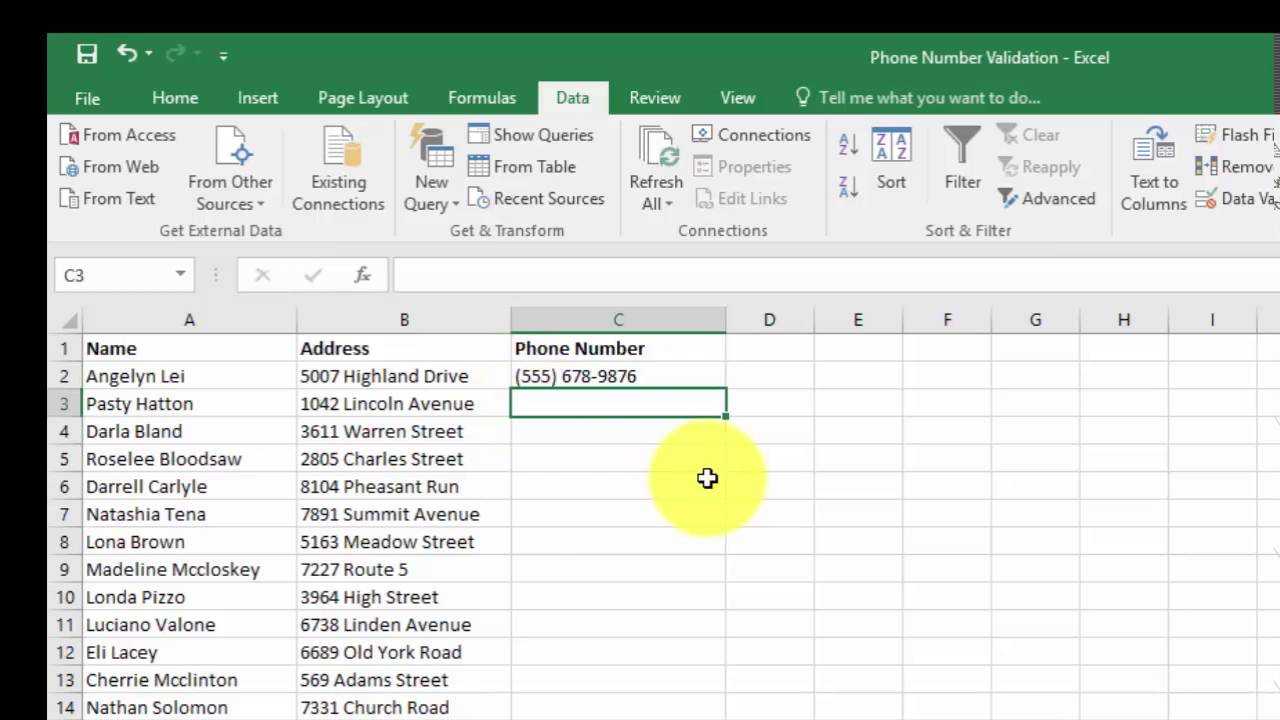
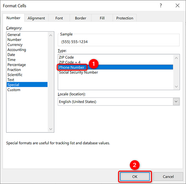
Web Dec 17 2021 nbsp 0183 32 On the quot Home quot tab in the quot Number quot section click quot Number Format quot an arrow icon at the bottom right corner You will see a quot Format Cells quot window Here from the quot Category quot list on the left select quot Special quot In the quot Type quot section on the right click quot Phone Number quot Then click quot OK quot at the bottom

Web Select the Number tab and from the list of Categories select the Special option You will now see a list of formatting Type options on the right side of the dialog box Select the Phone Number option from the list and click OK
Web Dec 21 2023 nbsp 0183 32 How to Use Phone Number Format in Excel 8 Examples Here we have used the following table to demonstrate the examples of using phone number format in Excel For creating the article we have used Microsoft Excel 365 version you can use any other version according to your convenience

Web In cell F5 Excel s built in telephone Phone Number format has been applied to display the numbers in a format common in the US Alternatively you can concatenate values manually as explained below Note TEXTSPLIT is only available in Excel 365 See below for an alternative formula that will work in older versions of Excel
Web Dec 19 2023 nbsp 0183 32 1 Using the TEXT Function to Make a Specific Format for All Phone Numbers For the first method we ll use the TEXT function to change the phone number format Our initial data is in the same format Steps Firstly type the following formula in cell D5 TEXT C5 quot quot Let s look a closer look at the TEXT function Web Guide November 24 2023 How to Format Phone Numbers in Excel If you are working with large amounts of data it s important to have it properly formatted for better organization and readability In this article we ll guide you through the process of formatting phone numbers in Microsoft Excel
Web Dec 19 2023 nbsp 0183 32 Formatting Cells to Write Phone Number in Excel For this set of methods I have selected the following dataset which includes each person s name and phone number As we can see above Excel enters a phone number as a series of numbers 1 1 Formatting Cells as Special Category