Pgsql Restart Centos 7 CentOS 7 YUM PostgreSQL 11 Restarting Named Service Unixmen PostgreSQL13 X Linux linux postgresql13 CSDN Finashell DevOps SysAdmins How To Graceful Restart Centos 7 Along With Mysql Web Jun 19 2021 nbsp 0183 32 Type the below command to restart the PostgreSQL services Here restart is the keyword behind the operation sudo systemctl restart postgresql 13 service In the below image the PostgreSQL
Web centos 7 pg hba conf postgresql I installed PostgreSQL 10 1 under a CentOS 7 3 environment The service is started postmaster pid file present under Web Feb 19 2016 nbsp 0183 32 Unable to start postgresql 9 5 on CentOS 7 I followed this page https wiki postgresql wiki YUM Installation for installing the database server on
DevOps SysAdmins How To Graceful Restart Centos 7 Along With Mysql CrownCloud Wiki Opening A Port On Centos CentOS 7 Yum PostgreSQL 14 centos pgsql CSDN Centos 7 ifconfig ens33 IP Jenkins Linux Php Pgsql Rpm PostgreSQL 10 7 Rpm CentOS 6 8 CSDN Web lanproxy Jarod Blog Zabbix Cannot Connect To The Database CentOS 8 Restart Network
Pgsql Restart Centos 7
 Pgsql Restart Centos 7
https://upload.jianshu.io/users/upload_avatars/21338815/15d4c8f7-c86a-4553-8a42-9837ca5f84b0.jpg
Web Dec 5 2023 nbsp 0183 32 How to Install PostgreSQL on CentOS 7 Using the CentOS Repositories 1 Access Your Server 2 Install PostgreSQL on CentOS 7 3 Initialize the Database 4 Start the Database 5 Optional Enable
Templates are pre-designed documents or files that can be used for different functions. They can conserve time and effort by providing a ready-made format and layout for creating different kinds of material. Templates can be used for personal or expert projects, such as resumes, invites, flyers, newsletters, reports, discussions, and more.
Pgsql Restart Centos 7

netdata
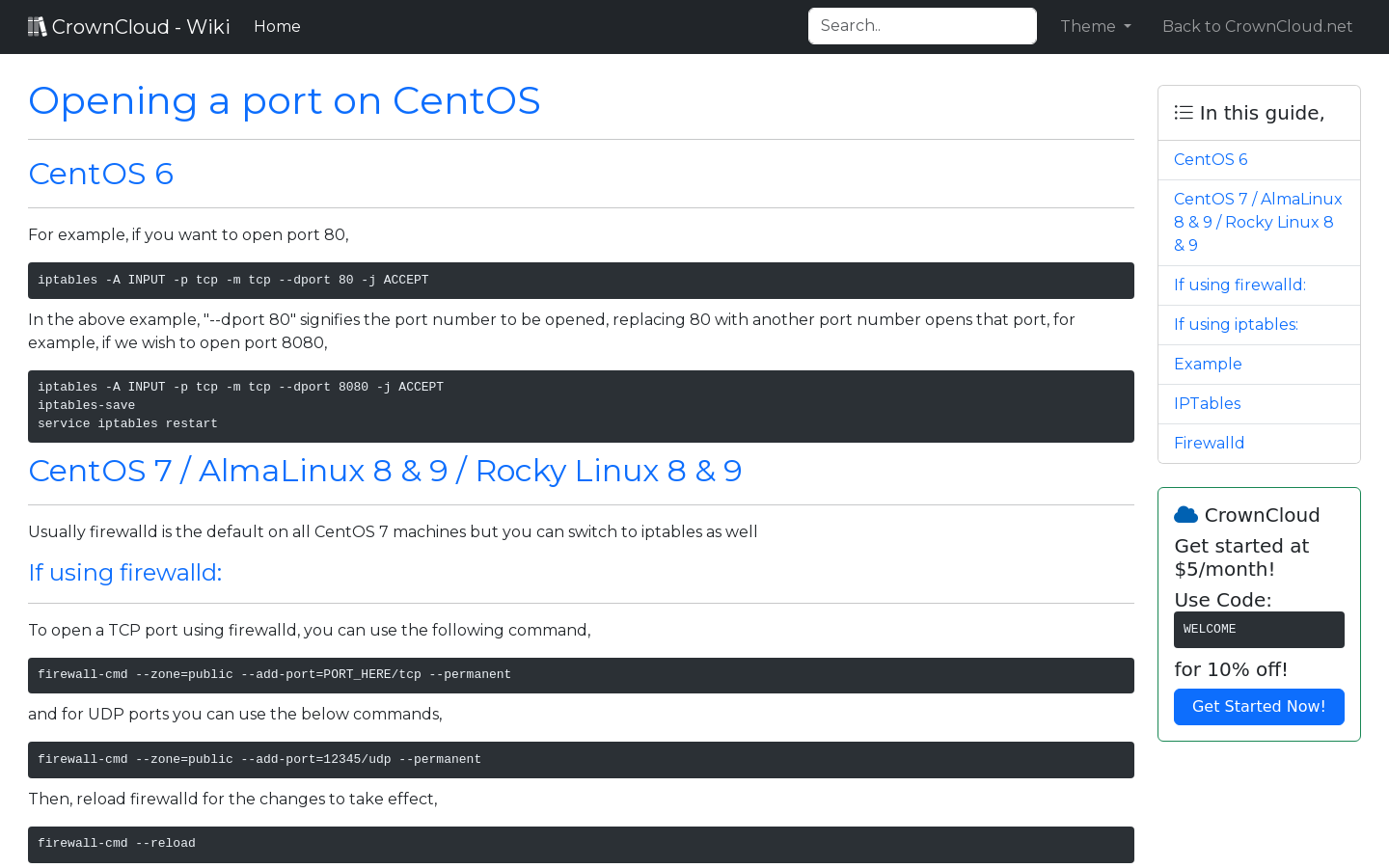
CrownCloud Wiki Opening A Port On Centos

CentOS 7 Yum PostgreSQL 14 centos pgsql CSDN

Centos 7 ifconfig ens33 IP
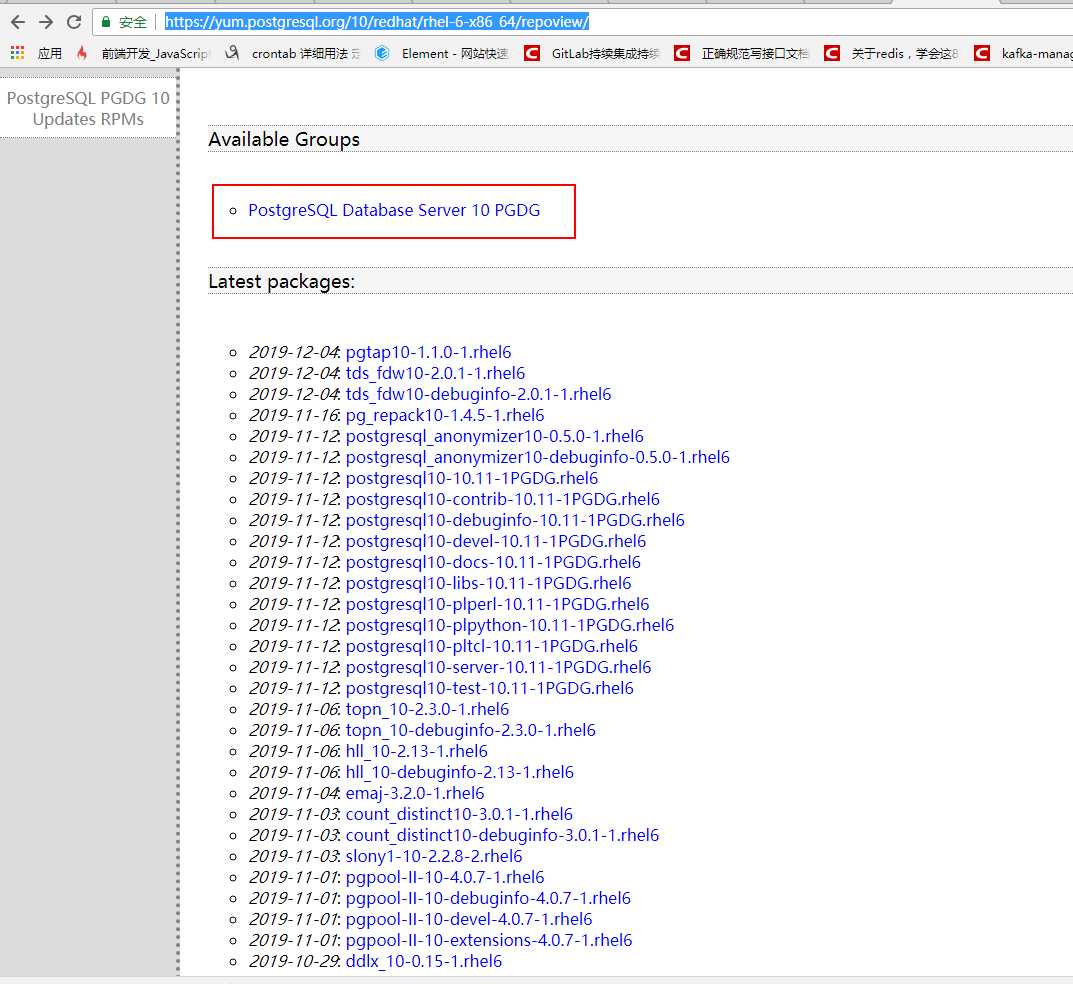
Php Pgsql Rpm PostgreSQL 10 7 Rpm CentOS 6 8 CSDN

Web lanproxy Jarod Blog

Web Nov 22 2022 nbsp 0183 32 How to Restart PostgreSQL Service Server To restart the default or primary PostgreSQL server on your system simply run the following command sudo systemctl restart postgresql The above

Web Aug 7 2017 nbsp 0183 32 PostgreSQL Restart Command If the pgsql version you are running was compiled from source code scratch then you will have to stop and start the service manually for example su postgres

Web Jan 8 2020 nbsp 0183 32 Now install a repository configuration package using the official PostgreSQL repository for CentOS sudo yum install

Web Apr 10 2019 nbsp 0183 32 1 look at this thread stackoverflow questions 30490425 B Termeer Aug 14 2017 at 10 04 Add a comment 5 Answers Sorted by 26 If you are

Web May 1 2023 nbsp 0183 32 To restart the PostgreSQL server on CentOS 7 execute the sudo systemctl restart postgresql command By stopping and restarting the PostgreSQL
Web Apr 19 2018 nbsp 0183 32 Since you moved those files to home and back you might need to restore their security contexts Could you add the output of restorecon Rv n var lib pgsql to Web Mar 3 2016 nbsp 0183 32 3 Answers Sorted by 18 Welcome to the world of systemd Try something like service postgresql 9 2 stop If that does not work try to find the correct servicename
Web Dec 28 2020 nbsp 0183 32 Best way to gracefully restart CentOS or RHEL The procedure is Synchronize cached writes to persistent storage as root user by flushing everything to