Pdf Editor Apple Ipad MacBook Ipad Apple IPad Pro 11 Inch Display 64GB 3rd Gen 2018 Model WiFi Only Model IPad 2 Design And Decorate Your Room In 3D Apple Preview Review Your Mac Has A Solid PDF Editor Hidden In This Apple IPad Smart Case Red MD579LL A B H Photo Video WEB Aug 3 2023 nbsp 0183 32 Easily mark up and annotate documents on your iPad with your Apple Pencil and these great apps
WEB Apr 4 2024 nbsp 0183 32 Your iPad comes with many tools for editing PDF files when you re on the go Thanks to helpful tools like Markup and the latest features in the Files app you can easily fill out and sign important documents draw type highlight text and even add remove or WEB Here s how to edit a PDF on an iPad To begin go to the Edit PDFs with Comments page in your browser Tap the Select a file button You ll be prompted to navigate to the file s location whether on your device or on a cloud based service Click on the file you want to upload and sign in
Apple IPad Smart Case Red MD579LL A B H Photo Video The Apple IPad MacBook Pro YouTube Apple Write On Pdf App Hooliadvantage Apple IPad Smart Cover PRODUCT RED MR632ZM A B H Photo Video Fill In PDFs With This Free PDF Editor For IPhone IPad Apple Zru il Pl ny Na V robu Levn ho IPadu S Plastov m T lem A APPLE IPad Pro IPAD PRO 11 WI FI 64GB 2 DnzBL m16058342898 Free Images Hand Apple Ipad Technology Pattern Finger Tablet IPad IPad Pro 11 256GB 2018 Www proviasnac gob pe
Pdf Editor Apple Ipad
 Pdf Editor Apple Ipad
https://get.pxhere.com/photo/laptop-smartphone-macbook-apple-ipad-technology-gadget-brand-electronics-design-multimedia-screenshot-personal-computer-tablet-computer-electronic-device-computer-hardware-personal-computer-hardware-2662.jpg
WEB Jun 25 2024 nbsp 0183 32 1 PDFelement Free PDF Editor PDFelement for iOS is the best pdf editor app for iPhone and iPad It allows you to edit pdf text on iPad and iPhone annotate PDF documents with a wide selection of annotating tools combine and split PDF files change PDF page size and more TRY IT FREE
Pre-crafted templates offer a time-saving option for developing a diverse series of documents and files. These pre-designed formats and layouts can be utilized for different personal and expert tasks, including resumes, invites, leaflets, newsletters, reports, discussions, and more, streamlining the material development procedure.
Pdf Editor Apple Ipad
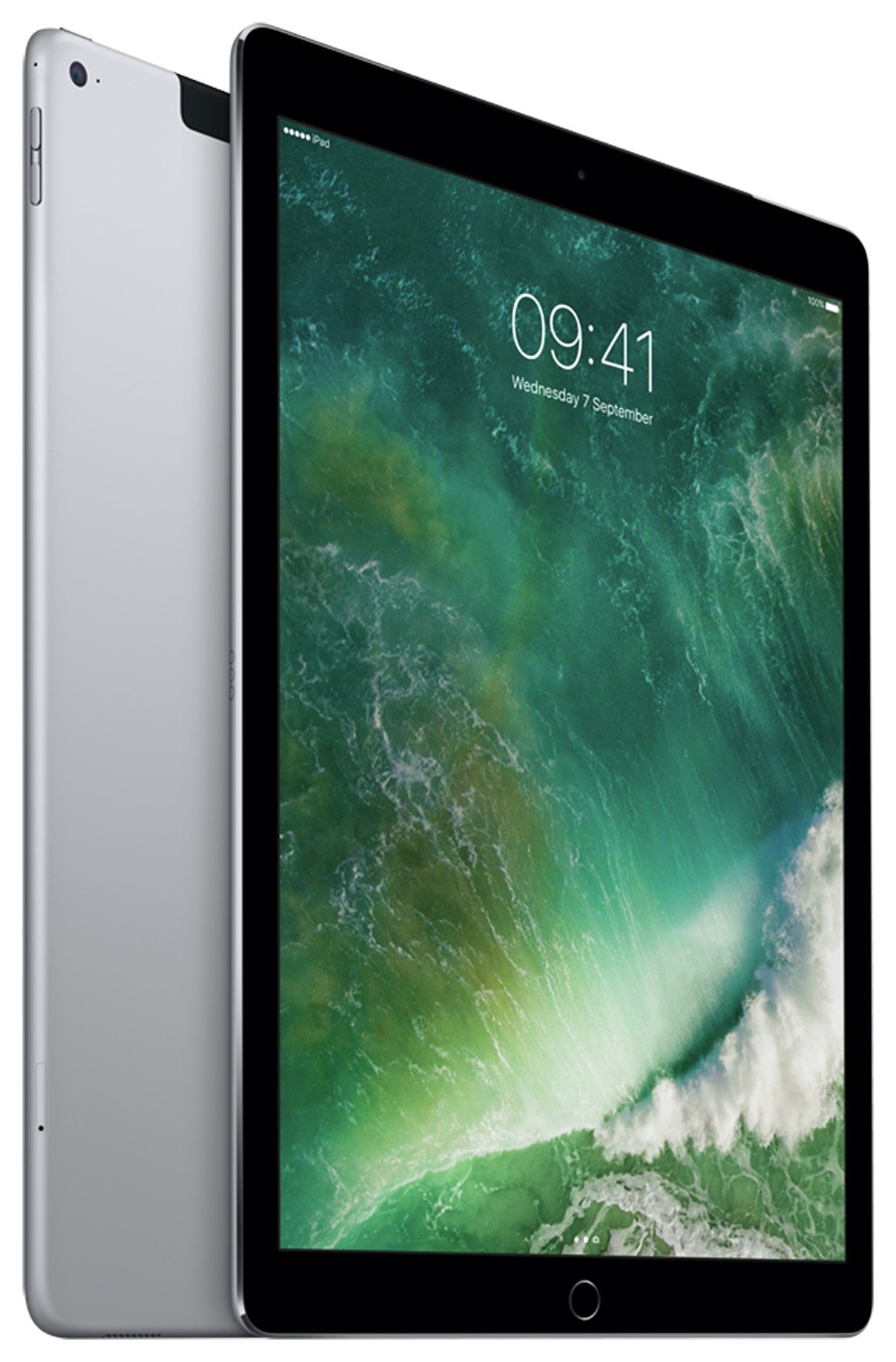
Apple IPad Pro 12 Inch Space Grey Tablet 128GB Review Review

The Apple IPad MacBook Pro YouTube
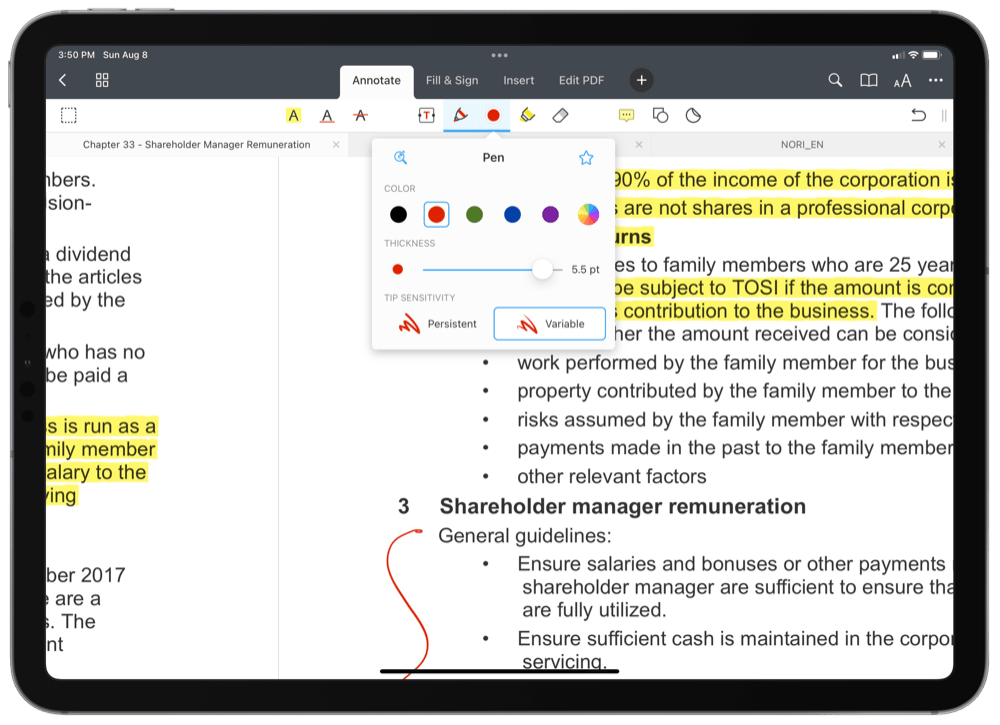
Apple Write On Pdf App Hooliadvantage

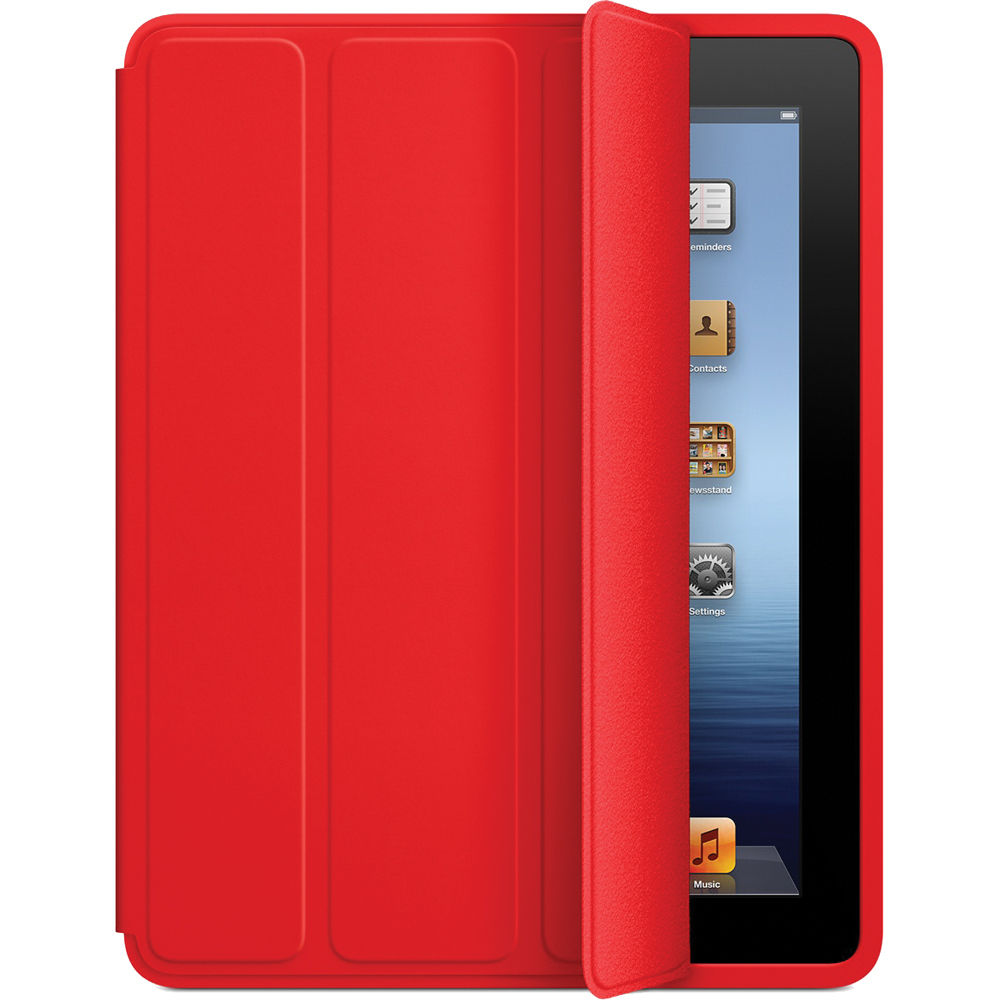
Apple IPad Smart Cover PRODUCT RED MR632ZM A B H Photo Video
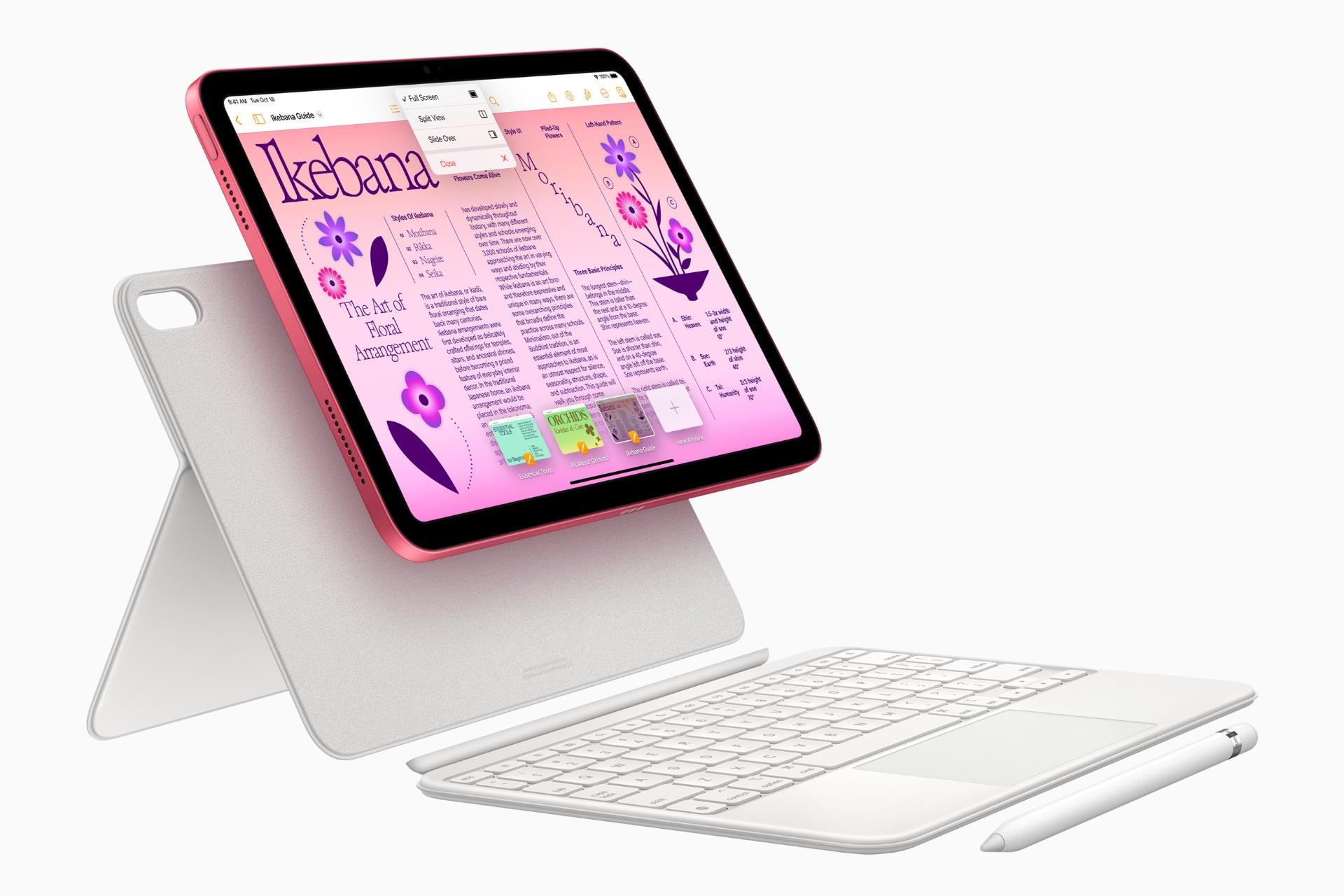
Apple Zru il Pl ny Na V robu Levn ho IPadu S Plastov m T lem A

APPLE IPad Pro IPAD PRO 11 WI FI 64GB 2 DnzBL m16058342898

WEB The best PDF editor for iPad is the PDFpen which is very versatile yet is packed with a great set of tools that allow you to import PDFs from third party apps store them efficiently on your iPad or the iCloud and even edit them on the spot

WEB The world s most trusted PDF reader and PDF editor with more than 635 million installs View share annotate add comments and sign documents all in one app You can store your files online and read documents anywhere

WEB Use PDF Editor app when you want to edit or sign your documents on the go from your iPhone iPad or Mac Import PDF files to the app then read comment on edit and share Scan your papers and convert them into PDF files with just few taps Perform all basic PDF tasks Quickly open and view PDF files Search scroll and zoom in and out

WEB Jul 31 2022 nbsp 0183 32 If you need to know how to edit PDFs on iPhone and iPad then let us help you find your way around Apple s built in editing tools
WEB Apr 17 2024 nbsp 0183 32 If you are looking for the best PDF editor apps for your iPhone or iPad I have picked out ideal options for you to edit PDFs on the fly
WEB Nov 3 2021 nbsp 0183 32 How to edit PDFs with iPhone and iPad in iOS 15 Files app Running iOS 15 open the Files app and open a PDF From the left edge of your iPhone swipe to the right to see the thumbnail page view WEB Oct 16 2021 nbsp 0183 32 PDF Editors for iPhone and iPad If you want an app to annotate then there is no better app than iAnnotate Similarly if you are taking a lot of notes inside PDFs GoodNotes is the best PDF editor for iPhone or iPad If you need a text editor then you should look at Xodo Foxit or PDF Element
WEB May 29 2024 nbsp 0183 32 Managing PDFs on an iPad offers a variety of options tailored to different needs from the intuitive interface of Apple Books to the organizational tools of Apple Notes