Password Protected Pdf Example Password Protected PDF Payslips How To Password Protect PDF Documents Password Protected Categories 2 1 5 ThemeRaja Learn New Things How To Create Password Protect PDF File In MS Word How To Convert A Password Protected PDF To Excel PDFTables Web Mar 3 2023 nbsp 0183 32 Here are some instances when you might want to protect your PDF with a password When sharing PDFs that contain sensitive data such as contracts identity documents or banking information When storing PDFs on an internal file server that contain sensitive information that not everyone has authorization to access
Web Open a file in Acrobat and choose Tools gt Protect Select whether you want to restrict editing with a password or encrypt the file with a certificate or password Set password or security method as desired Click OK and then click Save Related features Get more out of Adobe Acrobat with these tips Remove password security on a PDF Web Tool to encrypt PDF with password Protect PDF file Encrypt your PDF with a password to keep sensitive data confidential Select PDF file or drop PDF here
How To Convert A Password Protected PDF To Excel PDFTables How To Password Protect PDF File Set Password On PDF YouTube How To Print A Password Protected PDF How To Set A Password Protected PDF File Document Easily YouTube How To Create A Password Protected PDF File In Mac OS X How To Password Protect Your PDF Files In Microsoft Word Techglimpse Create Password Protected Pdf How To Edit Password Protected Adobe PDF Files How To Open Password Protected PDF File Crack PDF Password DamnPilot
Password Protected Pdf Example
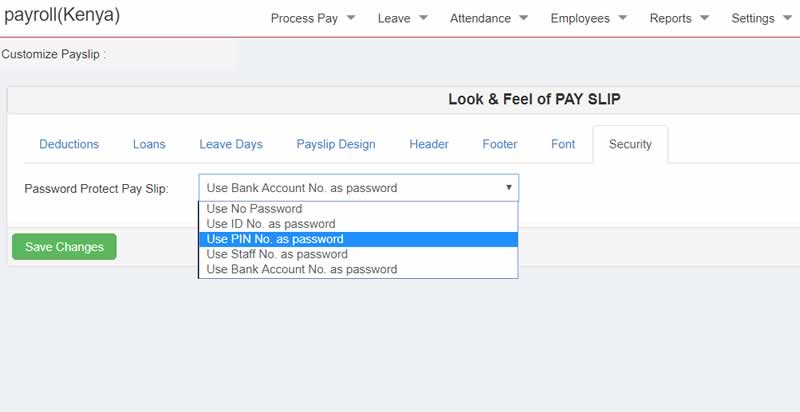 Password Protected Pdf Example
https://apps.wingubox.com/media/30_12246.jpg
Web 1 Choose a PDF for password protection Choose file select the confidential PDF file you wish to protect and drag and drop the PDF into the protect a PDF converter box You can also upload or open the PDF document directly from your computer or using a cloud storage service such as Google Drive or Dropbox
Templates are pre-designed documents or files that can be used for various purposes. They can save effort and time by offering a ready-made format and layout for producing different sort of content. Templates can be used for personal or expert tasks, such as resumes, invites, leaflets, newsletters, reports, discussions, and more.
Password Protected Pdf Example

How To Password Protected A PDF File YouTube
How To Password Protect PDF File Set Password On PDF YouTube

How To Print A Password Protected PDF

How To Set A Password Protected PDF File Document Easily YouTube
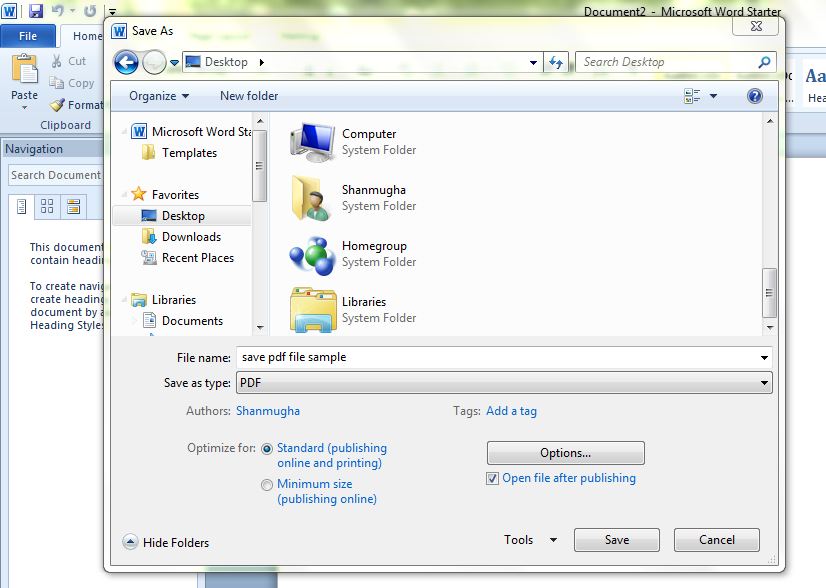
How To Password Protect Your PDF Files In Microsoft Word Techglimpse
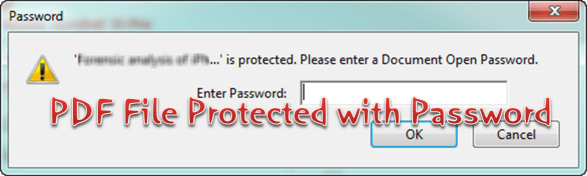
Create Password Protected Pdf
Web Feb 18 2021 nbsp 0183 32 Select Protect PDF then browse to or drag and drop the file you want to protect Enter the password and click Protect PDF files then download and save the file

Web May 23 2023 nbsp 0183 32 Follow these steps to limit access to a PDF by setting passwords and by restricting certain features such as printing and editing in Adobe Acrobat Adobe Acrobat Overview
Web Jul 11 2023 nbsp 0183 32 Open the PDF file you d like to password protect in Adobe Acrobat Pro Go to the File menu then select Protect Using Password from the menu You can also go to the Tools menu and select Protect a PDF then Protect Using Password A dialog box will open that provides some options for how to add a password to PDF files

Web How to password protect a PDF document Drag and drop your PDF to the toolbox above Enter the password you d like to set Click Encrypt PDF to add the password to the PDF Download your encrypted PDF file
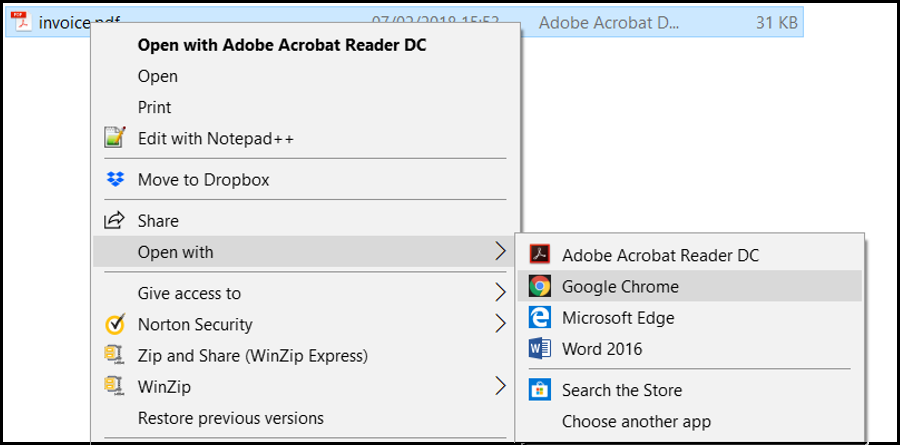
Web How to Add Password to PDF First head over to our Protect PDF tool Choose your file or drag and drop it into the field Input your top secret password and click Encrypt PDF Download your new password protected file Encrypt any PDF file with password PROTECT MY FILE
Web Aug 18 2023 nbsp 0183 32 Here are some of them To prevent unauthorized access If you have sensitive data in your PDF file you can password protect it to prevent unauthorized access Only those users who know the password will be able to open the PDF file To apply restrictions You can apply restrictions on the PDF file to control what users can do Web Jan 26 2023 nbsp 0183 32 To password protect a PDF file by modifying the default settings Open the document that you want to convert to a password protected PDF Go to File gt Print select novaPDF and click on OK In the Save PDF file window that shows up check the Protect PDF document option
Web tweet How do I add a password to a PDF Upload your PDF file Enter and repeat an open password Choose what users of your PDF are allowed to do Enter and repeat an permission password Click on quot Start quot Change PDF Security Online for free and wherever you want Add Password Protection