Parallels Fedora Default Password New Parallels 17 On Apple Silicon M1 Tiny Fedora YouTube What s New In Fedora 35 TrendRadars Fedora 37 Default Wallpaper And GNOME 43 New Features First Look Parallels For Mac Password Not Working Change A Temporary Password In Parallels Web Jul 18 2023 nbsp 0183 32 1 If you didn t get asked to setup a root password it s because you created a user and checked the quot Make this user an Admin User quot checkbox and then didn t do the enable root step To set a new root password sudo su passwd Share
Web Feb 22 2022 nbsp 0183 32 There is no default password If you ve installed it you should have specified the credentials If you are using it as a live image you may use an empty password if it asks for one Web Jan 10 2022 nbsp 0183 32 Press Ctrl x or F10 to boot the entry Run the command passwd bash You will be prompted to enter the new root password twice Restore the SELinux context and permissions with touch autorelabel bash If you do not restore the SELinux permissions the boot process may fail You may have to do a hard reboot and start back at step 1
Change A Temporary Password In Parallels Change A Temporary Password In Parallels Fedora 24 Linux Default Wallpapers Revealed They re Truly Gorgeous IceWM LinuxReviews Upadate DataBase For Locate Command Using Updatedb Command Linux Fedora 24 Linux Default Wallpapers Revealed They re Truly Gorgeous Background Biru Hd Backgrounds 3D Biru Wallpaper Cave Background Fedora 24 Linux Default Wallpapers Revealed They re Truly Gorgeous Parallels Desktop Business Edition V15 1 4 47270 MacOS
Parallels Fedora Default Password
 Parallels Fedora Default Password
https://i.ytimg.com/vi/rtBPPuhcNTA/maxresdefault.jpg
Web Do one of the following Click the Parallels Desktop icon in the menu bar and choose Configure If the Parallels Desktop menu bar is visible at the top of the screen choose Actions gt Configure Click Security Select one or more of the following to require a macOS administrator password to perform the selected action
Pre-crafted templates use a time-saving solution for creating a varied variety of documents and files. These pre-designed formats and designs can be used for various individual and professional projects, including resumes, invitations, leaflets, newsletters, reports, discussions, and more, improving the content creation process.
Parallels Fedora Default Password

Kitty Terminal Emulator How To Install Configure And Use It

Change A Temporary Password In Parallels

Fedora 24 Linux Default Wallpapers Revealed They re Truly Gorgeous

IceWM LinuxReviews

Fedora 24 Linux Default Wallpapers Revealed They re Truly Gorgeous

Background Biru Hd Backgrounds 3D Biru Wallpaper Cave Background

Web Feb 10 2023 nbsp 0183 32 Start Parallels Desktop Launch your Fedora virtual machine Click on Activities Type quot Terminal quot in the Search bar and press the Enter key Type quot sudo passwd root quot to reset your root password Type your current user password to gain sudo access and press the enter key Choose and type a new root password and press the Enter key

Web Apr 16 2023 nbsp 0183 32 Upon installation the default password on your Linux guest is usually your host MacOS user password If however you are still unable to log into your Linux virtual machine with your host MacOS user password kindly follow the steps below to perform a password reset

Web Mar 2 2018 nbsp 0183 32 Every time Parallels is opened ie reboot of Mac it ask for administrator username password I input that information and it works fine but the users have to call me daily to remote in and enter that
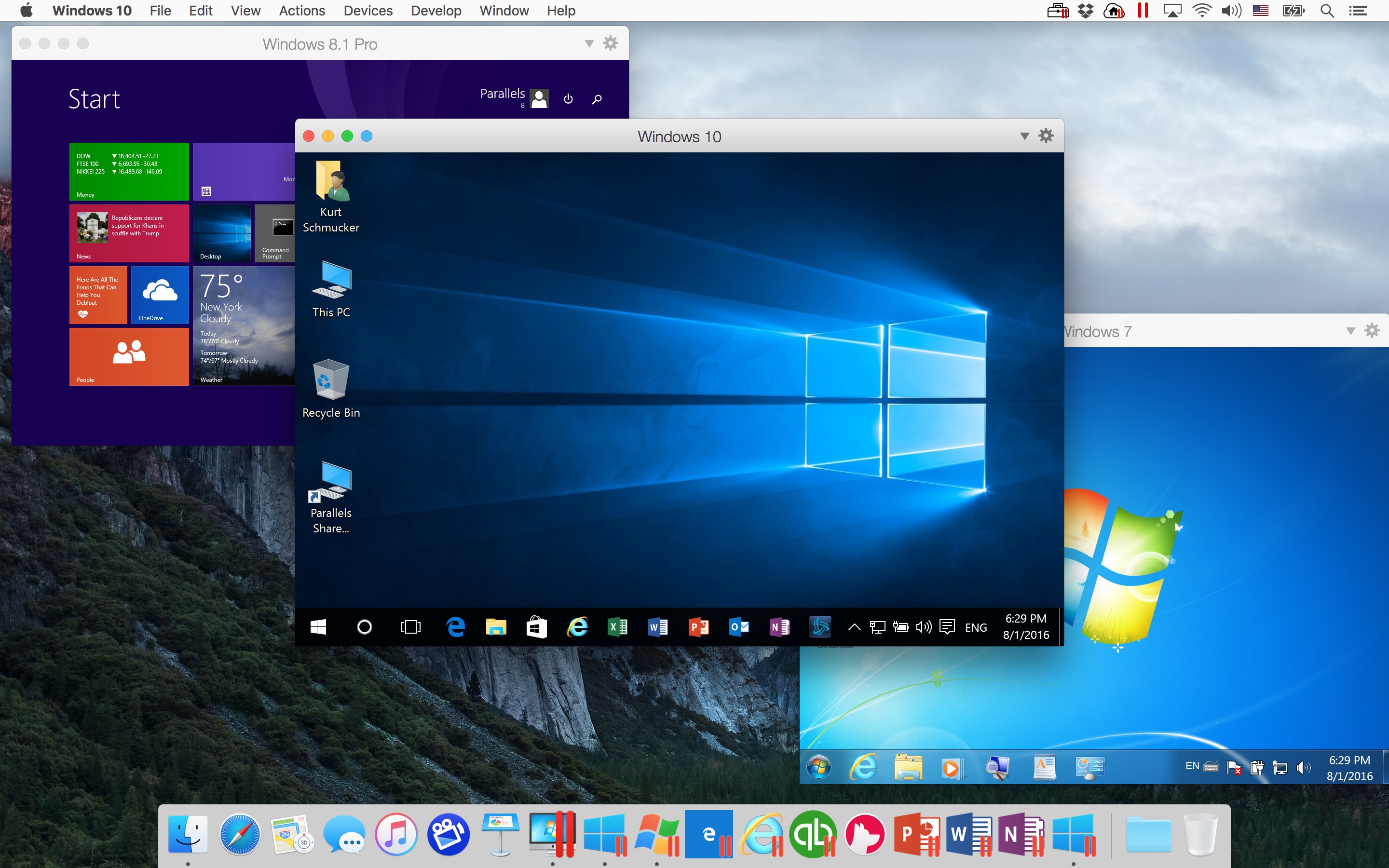
Web Apr 22 2019 nbsp 0183 32 Go through the Fedora installation wizard Specify Installation destination The way you partition the virtual hard disk for the installation Root password Your user login name and password Wait till installation is complete then reboot your virtual machine Log into Fedora VM Update Fedora environment to the latest version

Web Sep 11 2011 nbsp 0183 32 I ve downloaded Fedora 15 within Parallels as a virtual appliance and it says the Administrative Interfaces should be Login parallels Password parallels But when I get to the login it s asking for a new password and for whatever I write I get BAD PASSWORD it is based on a dictionary word
Web Security Settings On the tab of virtual machine configuration you can isolate the virtual machine from Mac choose whether to save or discard the changes you made while working with the virtual machine set password requirements for certain tasks and more To open these settings choose Actions gt Configure then click Security Web Do one of the following Click the Parallels icon in the menu bar and choose Configure If the Parallels Desktop menu bar is visible at the top of the screen choose Actions gt Configure Click Security Select one or more of the following to require a Mac OS X administrator password to perform the selected action
Web Oct 2 2012 nbsp 0183 32 by default fedora uses quot su quot and quot su quot example Code su type in your root password when asked yum update and this for just quot su quot Code comfigure prefix usr make su type in your root password when asked make install the TWO do very different things as to loging in AS ROOT