Pandas Read Csv Header Only Pandas Read csv Read CSV And Delimited Files In Pandas Datagy Pandas Read Csv Header Selecting Columns When Reading A CSV Into Pandas YouTube Read Csv File Pandas Loptegarden Pandas Read Only The First N Rows Of A CSV File Data Science Parichay Pandas read csv pandas read csv filepath or buffer sep NoDefault no default delimiter None header infer names NoDefault no default index col None usecols None squeeze False prefix NoDefault no default mangle dupe cols True dtype None engine None converters None true values None false values None
The default behavior of pandas is to add an initial index to the dataframe returned from the CSV file it has loaded into memory However you can explicitly specify what column to make as the index to the read csv function by setting the index co l parameter How It Works Calling read csv creates a TextFileReader instance which acts as a wrapper around the desired parser engine The input passed to read csv file path URL file like object is converted to a file handle and used to initialise the parser engine along with the configuration options
Pandas Read Only The First N Rows Of A CSV File Data Science Parichay Tkinter GUI To Select And Read Csv File To Create Pandas DataFrame How To Read CSV Without Headers In Pandas Spark By Examples Mastering Pandas read csv Basics To Advanced GoLinuxCloud Pandas Read csv With Examples Spark By Examples Python Pandas Changes Date Format While Reading Csv File Altough Read Csv Files Using Python Pandas YouTube How To Read Csv File Into A Dataframe Using Pandas Library In Jupyter Pandas CSV Delft Stack
Pandas Read Csv Header Only
 Pandas Read Csv Header Only
https://datagy.io/wp-content/uploads/2023/02/Pandas-read_csv-Read-CSV-and-Delimited-Files-in-Pandas-Cover-Image-930x620.png
Example 1 Read CSV file with header row Example 2 Read CSV file with header in second row Example 3 Skip rows but keep header Example 4 Read CSV file without header row Example 5 Specify missing values Example 6 Set Index Column Example 7 Read CSV File from External URL Example 8 Skip Last 5 Rows While
Pre-crafted templates provide a time-saving option for developing a diverse series of documents and files. These pre-designed formats and layouts can be used for various individual and professional projects, including resumes, invitations, flyers, newsletters, reports, discussions, and more, simplifying the material production procedure.
Pandas Read Csv Header Only
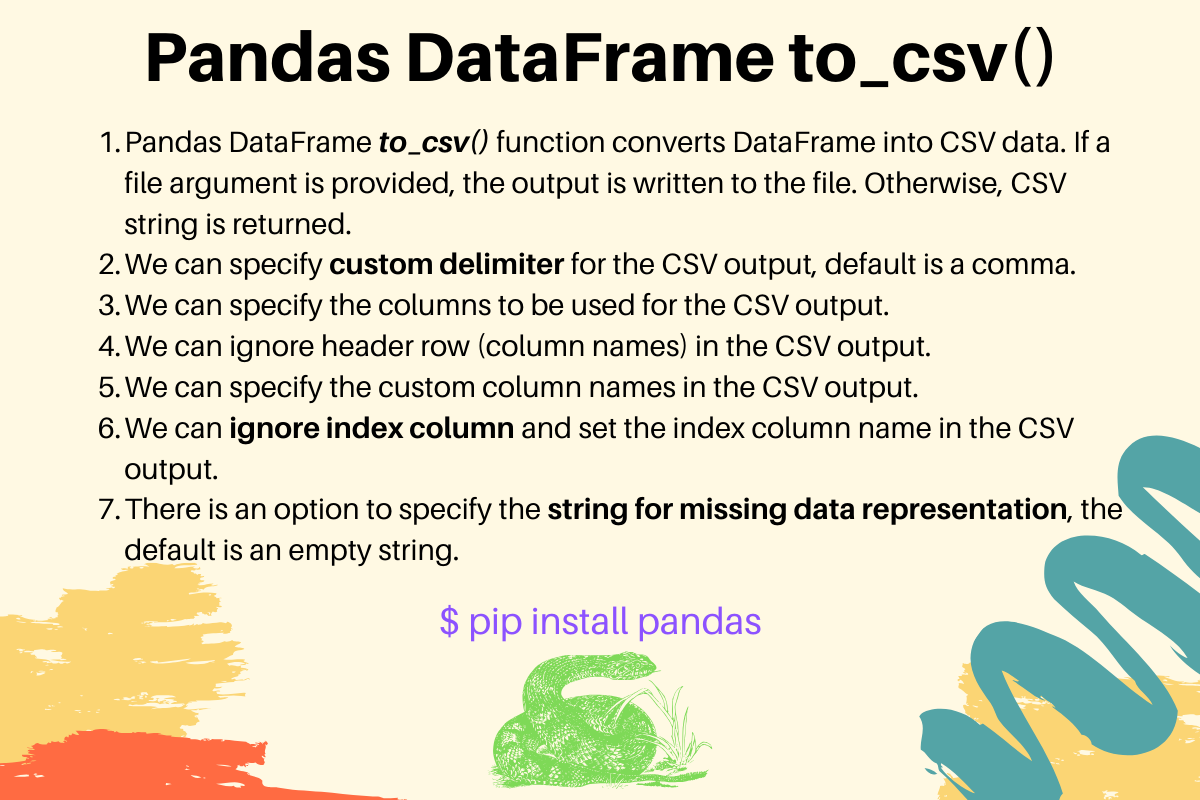
Pandas To csv Convert DataFrame To CSV DigitalOcean
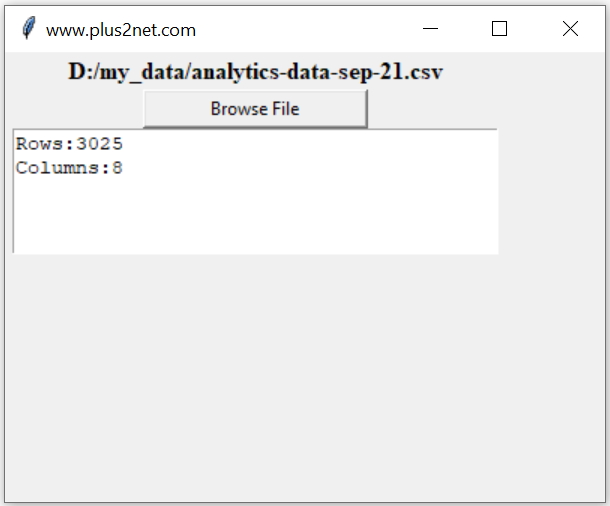
Tkinter GUI To Select And Read Csv File To Create Pandas DataFrame
How To Read CSV Without Headers In Pandas Spark By Examples

Mastering Pandas read csv Basics To Advanced GoLinuxCloud

Python Pandas Changes Date Format While Reading Csv File Altough

Read Csv Files Using Python Pandas YouTube
Pandas read csv filepath or buffer sep NoDefault no default delimiter None header infer names NoDefault no default index col None usecols None dtype None engine None converters None true values None false values None skipinitialspace False skiprows None skipfooter 0 nrows None na values

Following is the syntax of read csv df pd read csv filename txt sep x header y names name1 name2 Where df dataframe filename txt name of the text file that is to be imported x type of separator used in the csv file t tab comma space so on
Import pandas as pd with open r myFile csv r encoding utf 8 as file header file readline for x in range 8 metaData value split for value in header metaData value 0 strip value 1 strip for value in

If there s a CSV file need to skip 3 lines and read the header Is there any difference using the following codes pd read csv example csv skiprows 3 header 1 pd read csv example csv header 4

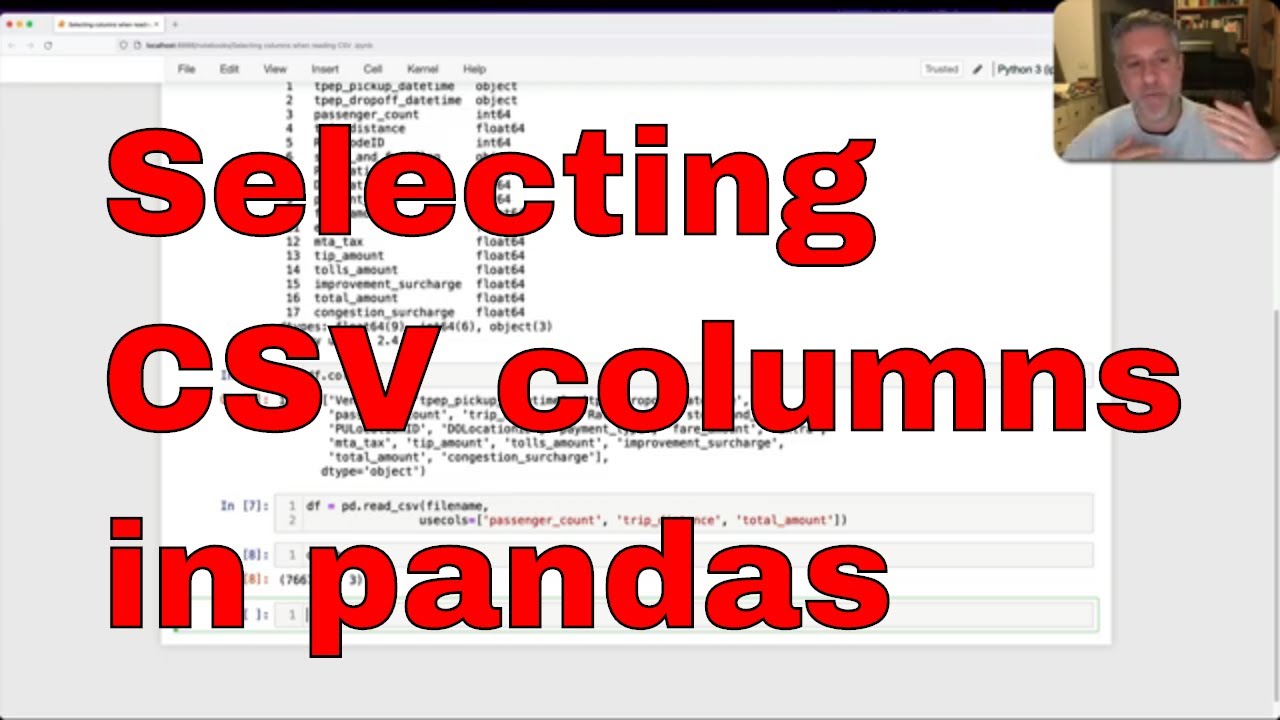
Basic Usage of pandas read csv Read CSV without a header header names Read CSV with a header header names Read CSV with an index index col Select columns to read usecols Skip rows to read Skip the first n rows or specified row numbers skiprows Skip the last n rows skipfooter Read only the first n rows nrows
If you want to export data from a DataFrame or pandas Series as a csv file or append it to an existing csv file use the to csv method Read csv without header Read a csv file that does not have a header header line 11 12 13 14 21 22 23 24 31 32 33 34 Header It accepts int a list of int row numbers to use as the column names and the start of the data If no names are passed i e header None then it will display the first column as 0 the second as 1 and so on usecols Retrieves only selected columns from the CSV file
1 Read the first line of the file before doing read csv and set parameters appropriately 2 Just do df pd read csv input file names Name Sex then check whether the zeroeth row is identical to the header and if so drop it and then maybe have to renumber the rows