Pandas Print All Values Pandas Dataframe Groupby Count Distinct Values Webframes How To Print All Values In A Pandas Dataframe Quora Dealing With Rows And Columns In Pandas DataFrame GeeksforGeeks Pandas Adding Error Y From Two Columns In A Stacked Bar Graph Plotly Python Read Text File Into Numpy Array Texte Pr f r Web Parameters axis 0 or index 1 or columns None default 0 Indicate which axis or axes should be reduced For Series this parameter is unused and defaults to 0 0 index reduce the index return a Series whose index is the original column labels 1 columns reduce the columns return a Series whose index is the original index
Web Jun 29 2022 nbsp 0183 32 In order to display the number of rows and columns that Pandas displays by default we can use the get option function This function takes a value and returns the provided option for that value In this case we re looking for two particular options display max columns which controls the number of columns to display Web The values of the DataFrame See also DataFrame to numpy Recommended alternative to this method DataFrame index Retrieve the index labels DataFrame columns Retrieving the column names Notes
Python Read Text File Into Numpy Array Texte Pr f r 14 Bar Graph Pandas Full The Graph Pandas Cheat Sheet Github Python Pandas Plot Every Single Column Of A Dataframe In A Small Exploring Data Using Pandas Geo Python Site Documentation Pandas Unique Values In Column Using Inbuilt Pandas Functions Worksheets For How To Replace Values In A Column Pandas Python Pandas Groupby Tutorial Code python Color Entire Pandas Dataframe Rows Based On Column Values
Pandas Print All Values
 Pandas Print All Values
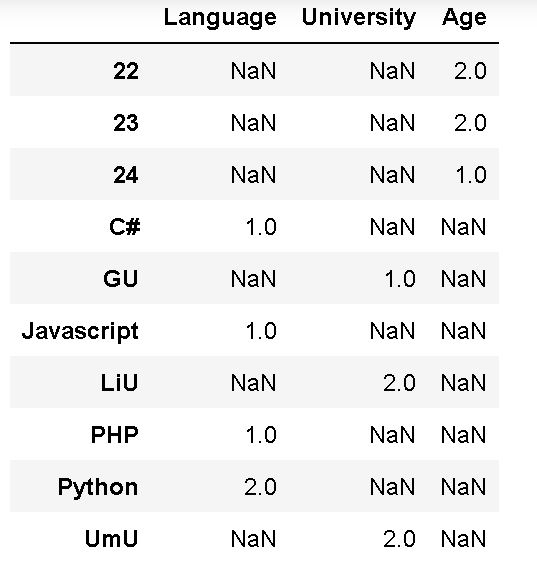
https://www.marsja.se/wp-content/uploads/2020/09/pandas_unique_values_counted_across_all_columns_in_dataframe.jpg
Web Feb 16 2023 nbsp 0183 32 To print a full dataframe in Python you can use the pd set option function from the Pandas library to set the maximum number of columns and rows to be displayed Here s an example
Pre-crafted templates use a time-saving solution for producing a varied series of documents and files. These pre-designed formats and layouts can be used for different personal and professional tasks, including resumes, invitations, flyers, newsletters, reports, discussions, and more, enhancing the content development procedure.
Pandas Print All Values

Sort values Pandas CodeRoad

14 Bar Graph Pandas Full The Graph
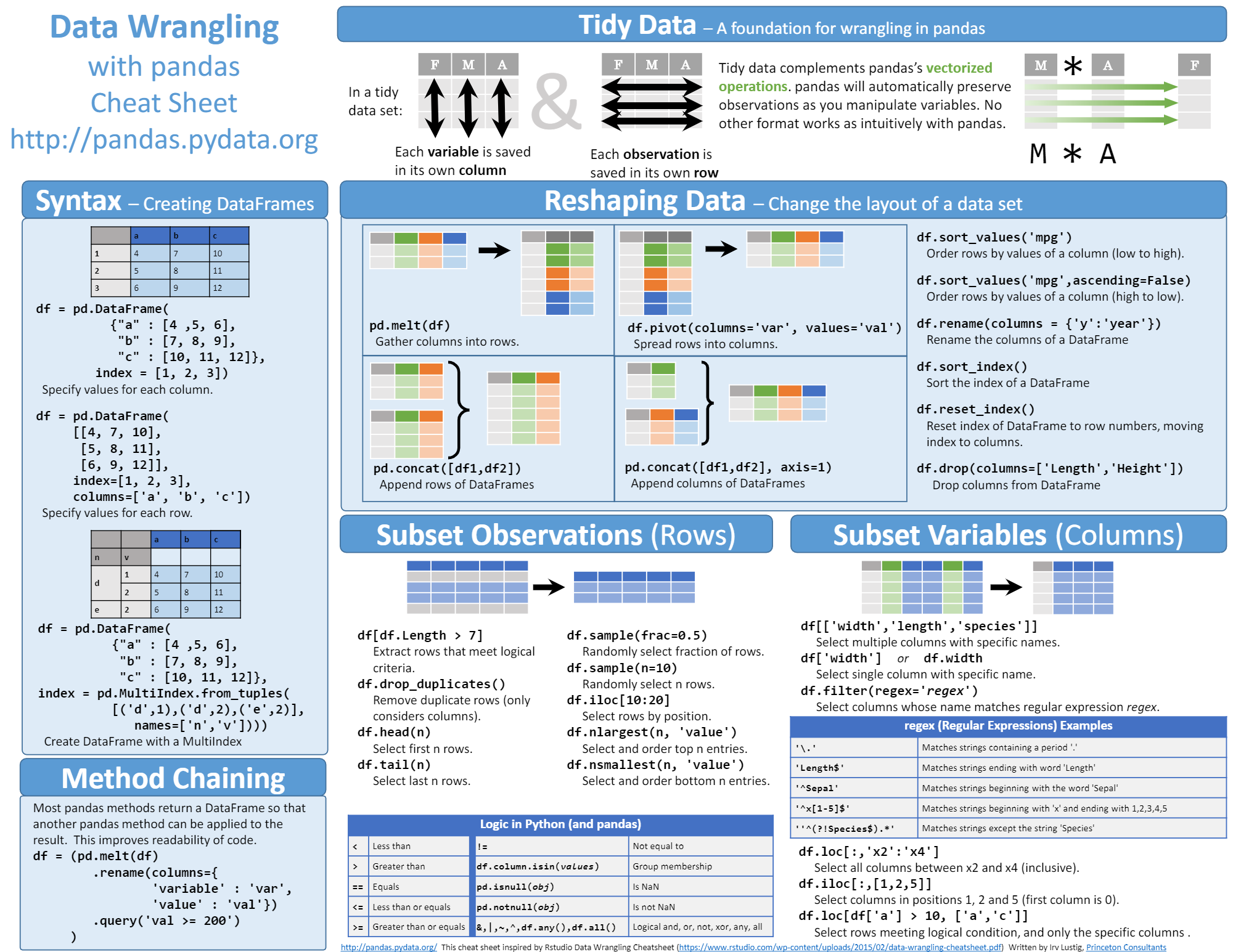
Pandas Cheat Sheet Github

Python Pandas Plot Every Single Column Of A Dataframe In A Small

Pandas Unique Values In Column Using Inbuilt Pandas Functions

Worksheets For How To Replace Values In A Column Pandas
Web Oct 3 2018 nbsp 0183 32 34 4k 6 70 63 Add a comment 182 After importing pandas as an alternative to using the context manager set such options for displaying entire dataframes pd set option display max columns None or 1000 pd set option display max rows None or 1000 pd set option display max colwidth None or 199
Web Nov 30 2023 nbsp 0183 32 In this example we are using set option function to display all rows from dataframe using Pandas Here the code sets the pandas display option to show all rows display max rows is set to None and then creates a DataFrame from

Web Mar 16 2021 nbsp 0183 32 Before your print add this line pandas set option max row None to display the entier row Also you will be able to see all your data adding None argument in head trading head None UPDATE As pointed in the comments for latest pandas versions use instead pandas set option display max rows None And for columns

Web Jul 6 2012 nbsp 0183 32 This will force Pandas to display the 7 columns you have Or more generally pandas set option display max columns None which will force it to display any number of columns Explanation the default for max columns is 0 which tells Pandas to display the table only if all the columns can be squeezed into the width of your console
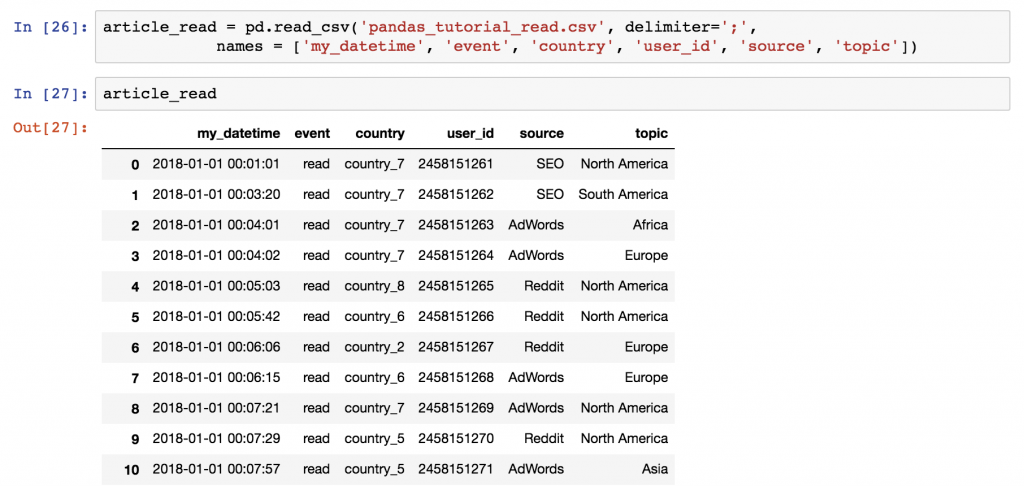
Web I am trying to fetch values from an excel file using pandas dataframe and print out the values of each cells Im using read excel to populate the dataframe and I am looking for specific rows using the following line of code df loc df Parcel ID parcel parcel being an arbitrary input from the user And I simply use this to print out
[desc-11] [desc-12]
[desc-13]