Pandas Drop Range Index How To Use The Pandas Drop Technique Sharp Sight Pandas Drop Row By Index Explained Delete Rows By Index Python Pandas Dataframe Learn Python How To Drop Multiple Columns By Index In Pandas Spark By Examples Pandas How To Drop A Dataframe Index Column Datagy Pandas Drop Level From Multi Level Column Index Spark By Examples Next pandas Index drop duplicates On this page Index drop
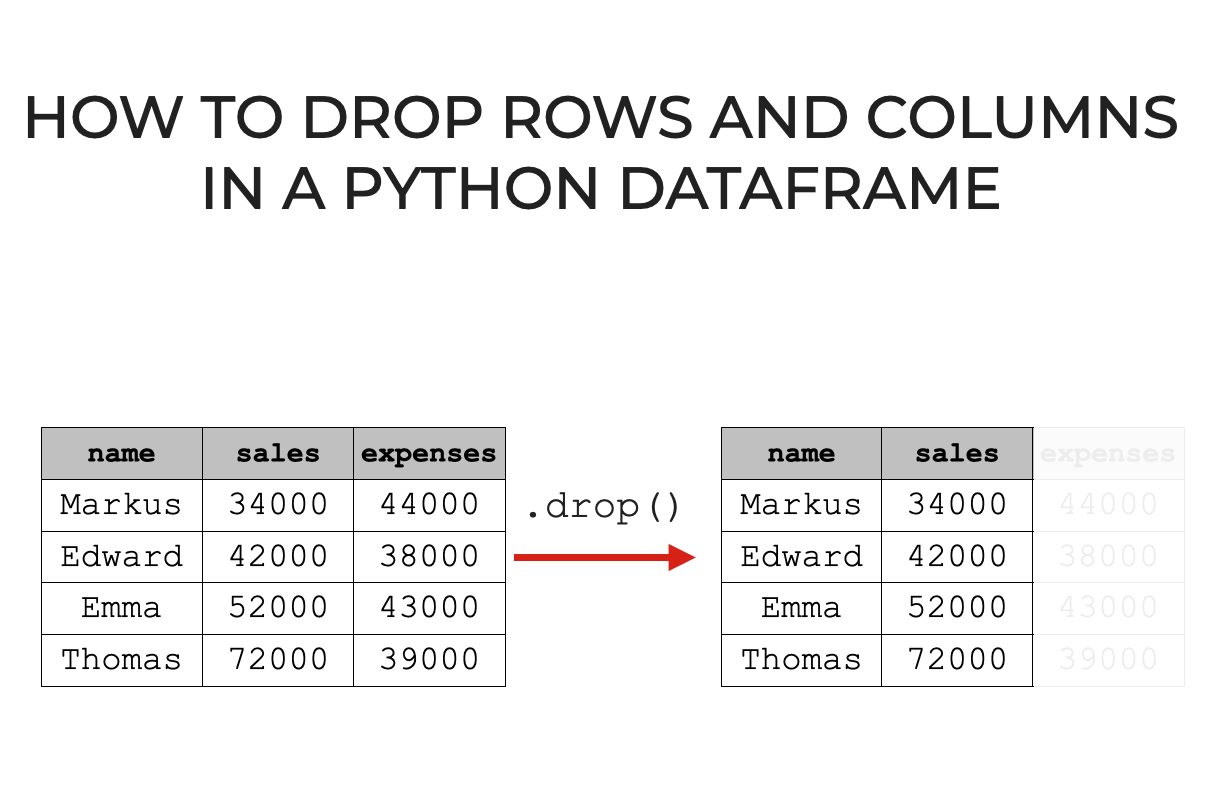
To drop a row or column in a dataframe you need to use the drop method available in the dataframe You can read more about the drop method in the docs here Dataframe Axis Rows are denoted using axis 0 Columns are denoted using axis 1 Dataframe Labels Rows are labelled using the index number starting with 0 by default The ranges to drop remove are currently residing in a list like this ranges 4 1 4 2 range 4 1 4 2 8 0 8 3 range 8 0 8 3 8 5 8 10 range 8 5 8 10 The main problem is that most methods I found don t support either multi indexing or slicing or multiple slices ranges
Pandas Drop Level From Multi Level Column Index Spark By Examples Pandas Drop Rows From DataFrame Examples Spark By Examples Pandas Drop A Dataframe Index Column Guide With Examples Datagy Pandas Dropna How To Use Df Dropna Method In Python Riset Pandas Remove Last Row Drop Last Row Of Pandas Dataframe In Python 3 Ways BTech Geeks How To Drop Duplicate Columns In Pandas DataFrame Spark By Examples How To Drop Rows In Pandas Know Various Approaches First N Of A Dataframe Data Science Pandas Drop A Dataframe Index Column Guide With Examples Datagy Pandas Drop Duplicate Rows In DataFrame Spark By Examples
Pandas Drop Range Index
 Pandas Drop Range Index
https://www.sharpsightlabs.com/wp-content/uploads/2021/09/pandas-drop_FEATURED-IMAGE.png
The Python and NumPy indexing operators and attribute operator provide quick and easy access to pandas data structures across a wide range of use cases This makes interactive work intuitive as there s little new to learn if you already know how to deal with Python dictionaries and NumPy arrays
Templates are pre-designed files or files that can be utilized for different functions. They can save time and effort by providing a ready-made format and layout for developing different kinds of content. Templates can be utilized for individual or professional tasks, such as resumes, invites, flyers, newsletters, reports, discussions, and more.
Pandas Drop Range Index

Pandas Drop Rows With Condition Spark By Examples

Pandas Drop Rows From DataFrame Examples Spark By Examples

Pandas Drop A Dataframe Index Column Guide With Examples Datagy
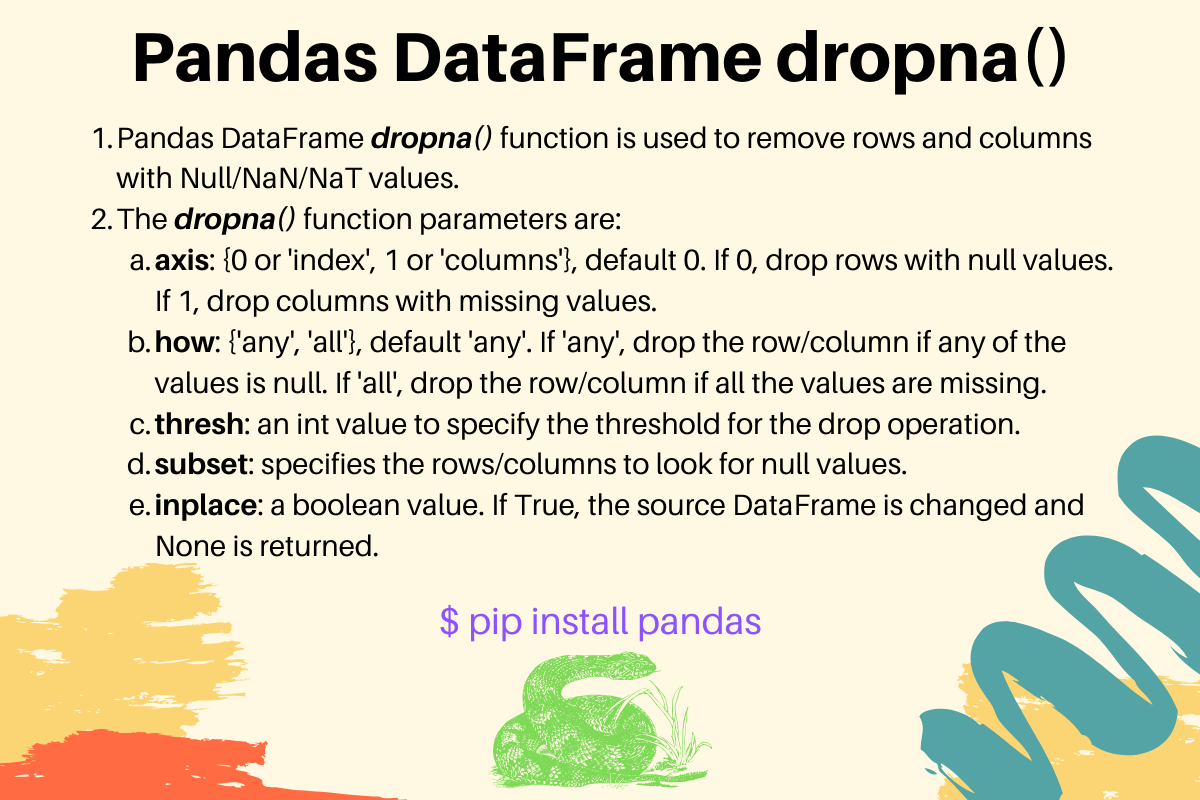
Pandas Dropna How To Use Df Dropna Method In Python Riset
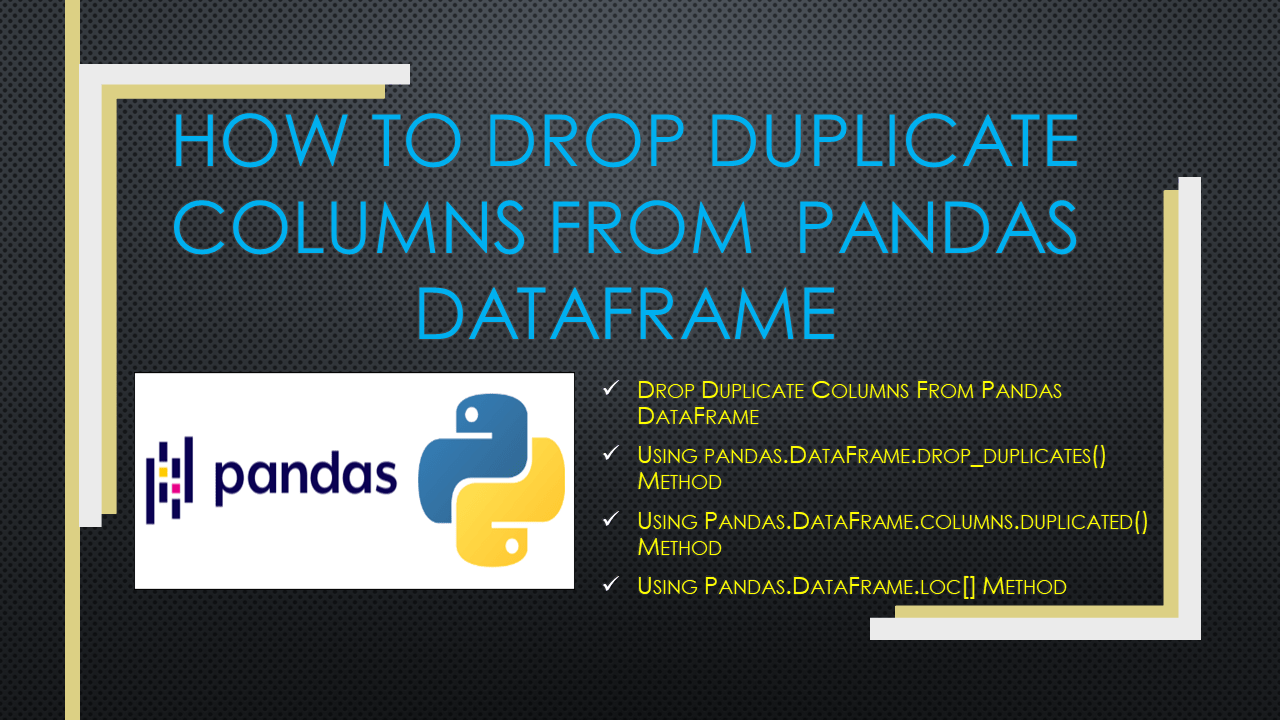
How To Drop Duplicate Columns In Pandas DataFrame Spark By Examples

How To Drop Rows In Pandas Know Various Approaches First N Of A Dataframe Data Science

Parameters labelssingle label or list like Index or column labels to drop A tuple will be used as a single label and not treated as a list like axis 0 or index 1 or columns default 0 Whether to drop labels from the index 0 or index or columns 1 or columns indexsingle label or list like

Stepint default 1 dtypenp int64 Unused accepted for homogeneity with other index types copybool default False Unused accepted for homogeneity with other index types nameobject optional Name to be stored in the index See also Index The base pandas Index type Examples list pd RangeIndex 5 0 1 2 3 4

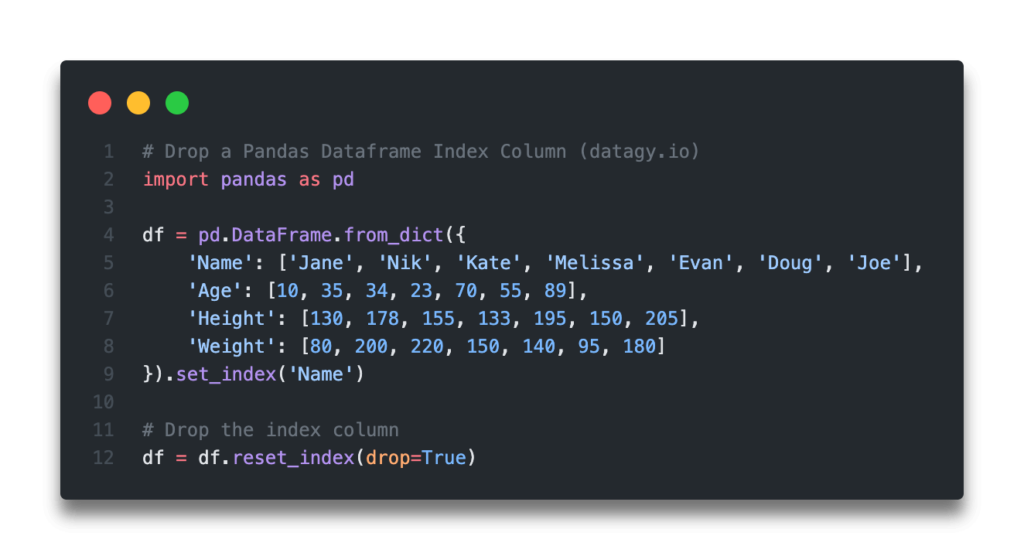
The most straightforward way to drop a Pandas DataFrame index is to use the Pandas reset index method By default the method will only reset the index creating a RangeIndex from 0 to the length of the DataFrame minus 1 This technique will also insert the DataFrame index into a column in the DataFrame
How to Drop Columns by Index in Pandas Pandas How to Drop Rows that Contain a Specific String Pandas How to Drop Duplicate Rows Published by Zach View all posts by Zach This tutorial explains how to drop rows by index in a pandas DataFrame including several examples

Here are two ways to drop rows by the index in Pandas DataFrame 1 Drop single row by index For example you may use the syntax below to drop the row that has an index of 2 df df drop index 2 2 Drop multiple rows by index For instance to drop the rows with the index values of 2 4 and 6 use df df drop index 2 4 6
1 Answer Sorted by 12 It seems you need RangeIndex constructor df pd DataFrame A range 1 21 print df A 0 1 1 2 2 3 3 4 4 5 5 6 6 7 7 8 8 9 9 10 10 11 11 12 12 13 13 14 14 15 15 16 16 17 17 18 18 19 19 20 print df index RangeIndex start 0 stop 20 step 1 2 Answers Sorted by 2 When you refer to columns using index you should treat them as integers df drop 74 104 axis 1 inplace True Example df pd DataFrame 1 2 3 4 5 6 df 0 1 2 0 1 2 3 1 4 5 6 df drop 1 axis 1 0 2 0 1 3 1 4 6 Share Improve this answer Follow edited Sep 22 2020 at 2 23
We would like to drop the row with index 1 To do this using the drop method you can write the following code starting with import pandas import pandas as pd Drop row with index 1 df drop 1 axis 0 The axis 0 argument of the drop function tells the interpreter that we are performing a row wise operation The second argument 1 is the row