Pandas Dataframe Print First 10 Rows Pandas Select First N Rows Of A DataFrame Data Science Parichay Convert Pandas Series To A DataFrame Data Science Parichay Pandas Iterate Over A Pandas Dataframe Rows Datagy How To Print First 10 Rows Of Pandas Dataframe 4 Steps Only Split Dataframe By Row Value Python Webframes WEB You can use df head to get the first N rows in Pandas DataFrame For example if you need the first 4 rows then use df head 4 Alternatively you can specify a negative
WEB There are three ways to get the first 10 records of a Pandas dataframe 1 Use the head method or 2 Use slicing operators 3 Use the iloc method WEB To get the first N rows of a DataFrame in Pandas use the function DataFrame head You can pass an optional integer that represents the first N rows If you do not pass any
Split Dataframe By Row Value Python Webframes Find Out How To Iterate Over Rows In Pandas And Why You Should Not Python Pandas Data Frames Part 5 Dataframe Operations Informatics Hot Pandas Dataframe Append Row In Place Infoupdate Jupyter Notebook Pandas Head Show All Columns Python How To Display Chinese Characters Inside A Pandas Dataframe Images How To Read Csv File Into A Dataframe Using Pandas Library In Jupyter Remove Row Index From Pandas Dataframe Solved Consider The Following Pandas Dataframe Output To
Pandas Dataframe Print First 10 Rows
 Pandas Dataframe Print First 10 Rows
https://i2.wp.com/datascienceparichay.com/wp-content/uploads/2021/01/pandas-select-first-n-rows.png?fit=900%2C520&ssl=1
WEB To print the first 10 rows of a Pandas DataFrame we can use the head function The head function returns the specified number of rows from the beginning of the
Pre-crafted templates offer a time-saving option for creating a diverse variety of documents and files. These pre-designed formats and designs can be made use of for different individual and expert jobs, including resumes, invites, leaflets, newsletters, reports, discussions, and more, streamlining the material development process.
Pandas Dataframe Print First 10 Rows

Average For Each Row In Pandas Dataframe Data Science Parichay

Find Out How To Iterate Over Rows In Pandas And Why You Should Not
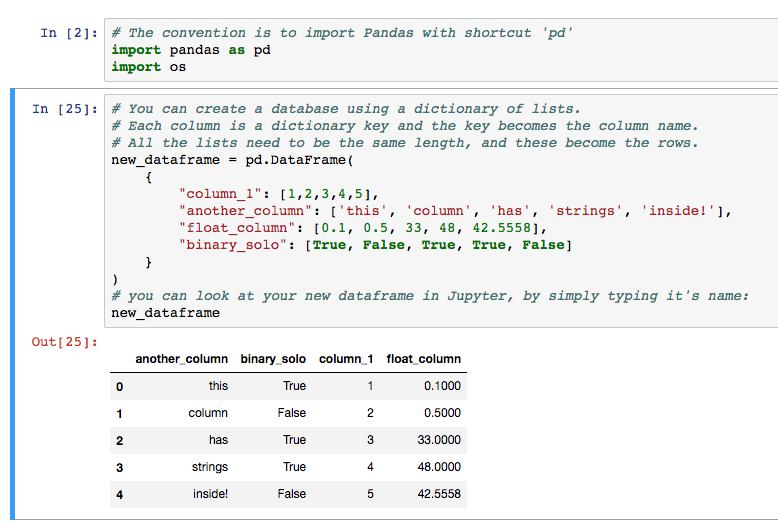
Python Pandas Data Frames Part 5 Dataframe Operations Informatics Hot
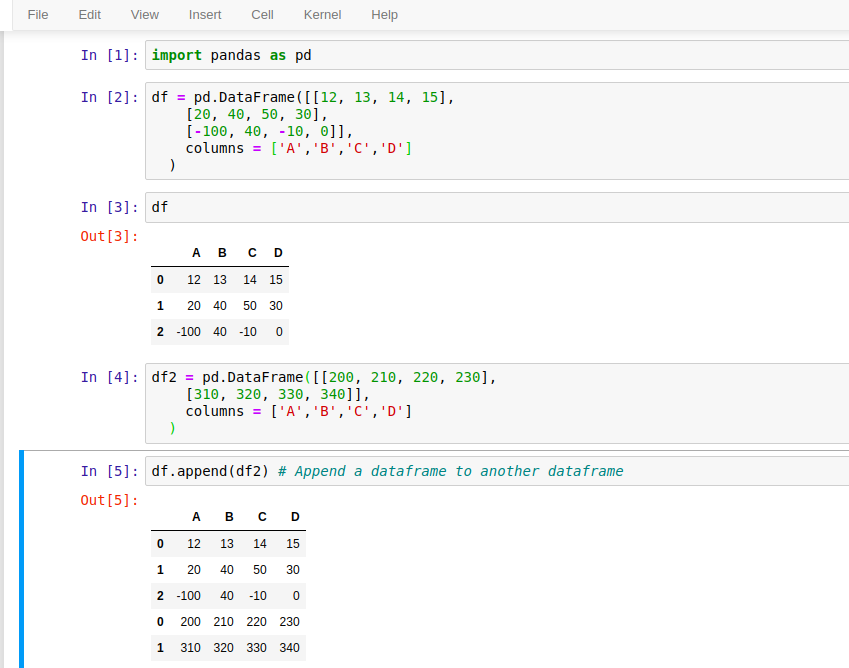
Pandas Dataframe Append Row In Place Infoupdate

Python How To Display Chinese Characters Inside A Pandas Dataframe Images

How To Read Csv File Into A Dataframe Using Pandas Library In Jupyter

WEB You can use the pandas dataframe head function and pass n as a parameter to select the first n rows of a dataframe Alternatively you can slice the dataframe using iloc to select

WEB Use pandas DataFrame head n to get the first n rows of the DataFrame It takes one optional argument n number of rows you want to get from the start By default n 5 it

WEB The most straightforward and widely used method to print the first few rows of a Pandas DataFrame is by using the head method This method allows you to specify the

WEB In pandas the head and tail methods are used to get the first and last n rows of a DataFrame as well as the first and last n elements of a Series Contents Get the first n

WEB I am looking for the best way to quickly preview the first and last N rows of a DataFrame at the same time I realize I can use df head N and df tail N separately but this returns
WEB In this tutorial we ll look at how to read only the first n rows of a CSV file to a pandas dataframe Read the first n rows in pandas You can use the pandas read csv WEB This tutorial explains how we can get the first row from a Pandas DataFrame using the pandas DataFrame iloc property pandas DataFrame head method
WEB In a general way if you want to pick up the first N rows from the J column from pandas dataframe the best way to do this is data dataframe 0 N J