Package Python Is Not Installed Python Python A Newer Version Of The Python Launcher Is Python Is Not Installed Or Not Found In Your PATH Var Issue 74 Python Python A Newer Version Of The Python Launcher Is Solved Matplotlib RuntimeError Python Is Not 9to5Answer Matplotlib 1 3 1 Requires Nose Which Is Not Installed Python Guides After all you won t always have the super user rights to install packages system wide e g when working on a shared or locked down system at work or school In such cases you can install packages to the Python user install directory for your platform by using the user option This will typically mean packages are installed somewhere in
This is caused by the fact that the version of Python you re running your script with is not configured to search for modules where you ve installed them This happens when you use the wrong installation of pip to install packages In general each Python installation comes bundled with its own pip executable used for installing packages The nuget package is a reduced size Python environment intended for use on continuous integration and build systems that do not have a system wide install of Python While nuget is the package manager for NET it also works perfectly fine for packages containing build time tools
Matplotlib 1 3 1 Requires Nose Which Is Not Installed Python Guides Python Tutorial Tutorial And Example Install Python On Windows Scaler Topics Pin By Techhelpnotes On Python Is Not Installed As A Framework Video Pin By Techhelpnotes On Python Is Not Installed As A Framework Video Python Is Installed But Not Recognized In Cmd Listten Madhu s Blog My Experiments With Python Pin By Techhelpnotes On Python Is Not Installed As A Framework Video Python Is Not Installed An Invalid Python Interpreter Is Selected
Package Python Is Not Installed
Package Python Is Not Installed
https://www.likecs.com/default/index/img?u=aHR0cHM6Ly9waWFuc2hlbi5jb20vaW1hZ2VzLzYwMS9hYzY1ODg4NTljZjk4MzQ4YjQzYWRjZGEwODM1ZWE0MS5wbmc=
Python alternatives means Python wasn t installed using only a package since the Ubuntu Python packages don t use alternatives The correct fix would have been to install python is python2 but that s no longer available in 22 04 Stephen Kitt
Pre-crafted templates offer a time-saving service for producing a diverse series of files and files. These pre-designed formats and designs can be utilized for numerous individual and expert jobs, consisting of resumes, invites, leaflets, newsletters, reports, discussions, and more, streamlining the material development process.
Package Python Is Not Installed
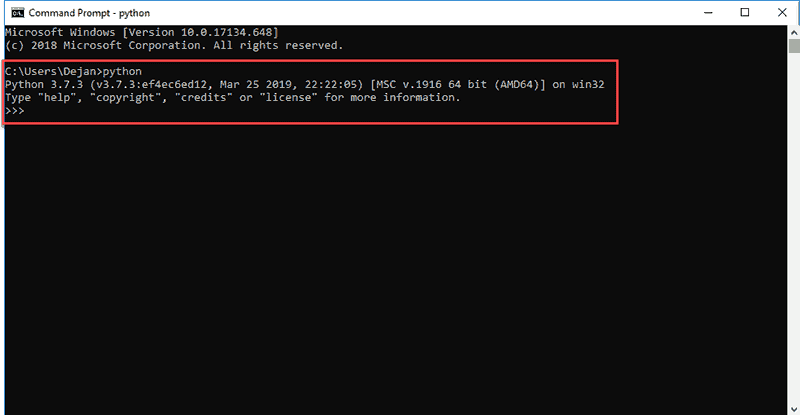
How Do I Install Python 3 On Windows 10
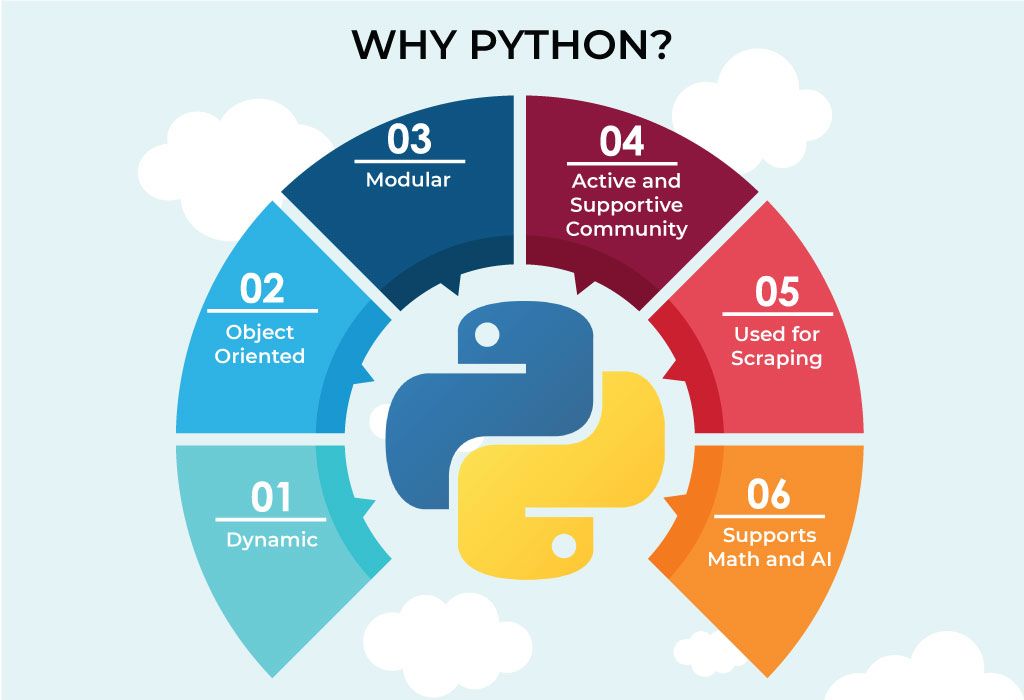
Python Tutorial Tutorial And Example

Install Python On Windows Scaler Topics

Pin By Techhelpnotes On Python Is Not Installed As A Framework Video

Python Is Installed But Not Recognized In Cmd Listten
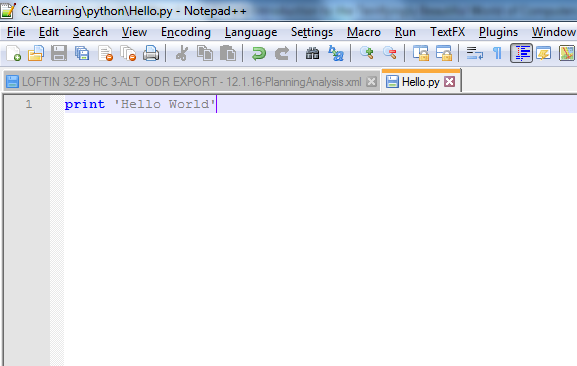
Madhu s Blog My Experiments With Python
Python package not found although it is installed Ask Question Asked 5 years 2 months ago Modified 3 years 3 months ago Viewed 55k times 11 I have the following version of python import sys print sys version 3 6 5 packaged by conda forge default Apr 6 2018 13 44 09 GCC 4 2 1 Compatible Apple LLVM 6 1 0 clang 602 53
There are various methods to check if Python is installed or not here we are discussing some generally used methods for Check If Python Package Is Installed or not which are the following By using Exception handling By using importlib package Using Importlib Util Module By using os module the By using pkgutil module By Using pkg resources Module

You can check this by running Unix macOS python3 version Windows You should get some output like Python 3 6 3 If you do not have Python please install the latest 3 x version from python or refer to the Installing Python section of the Hitchhiker s Guide to Python Note If you re a newcomer and you get an error like this

Open the system terminal not the PyCharm s built in one and run the following commands Windows macOS and Linux source venv path Scripts activate pip install package name Inspect and parse the results Install a package on a conda environment

A virtual environment is a semi isolated Python environment that allows packages to be installed for use by a particular application rather than being installed system wide venv is the standard tool for creating virtual environments and has been part of Python since Python 3 3
PackageNotInstalledError Package is not installed in prefix Ask Question Asked 5 years 5 months ago Modified 2 months ago Viewed 130k times 82 conda update conda successful conda update anaconda gives me error saying package is not installed in prefix I have single installation of Python distribution on my system Step by Step Guide to Use Python Virtual Environments in Windows Now that you understand some of the common activation issues let s walk through the full steps to create and activate a virtualenv properly on Windows 10 1 Install Virtualenv First make sure you have the virtualenv package installed globally
Method 1 Using the import keyword Importing a package is one approach to see if it is installed or not It will not display any errors if it is installed If it is not installed an import error message will be displayed Another approach is to employ exception handling to get the same result Approach