Openwrt Luci Reset Password TP Link WDR4300 Unable To Reset Unknown Password Installing And File R1 OpenWrt LuCI jpg FriendlyELEC WiKi OpenWrt 21 02 1 Failed To Change The System Password Issue 5629 Luci theme openwrt 2020 Buttons Are Not Visible Issue 4024 Tp link Mr3020 Wireless N Router Openwrt Firmware Install Luci Web May 26 2018 nbsp 0183 32 1 1 1 Is there another user on the system Can you ssh in to that user and do sudo su to get to a root prompt and change the password from there etnguyen03 May 26 2018 at 1 24 No Root is the only available user vidima May 27 2018 at 20 28 Do you have access to modify the kernel command line arguments e g U Boot Attie
Web Apr 3 2023 nbsp 0183 32 Instructions 1 Basic installation 2 Providing encryption 3 Native language support 4 Additional web applications 5 Alternative ports Extras Details Configuration LuCI on other web servers Offline installation References LuCI essentials This article relies on the following Accessing web interface command line interface Web Connect to address 192 168 1 1 from telnet I use PuTTY and login password isn t required Run mount root otherwise firstboot won t be available Run firstboot to reset Run reboot f to reboot Now you can enter to the router console from a browser Also don t forget to return your PC from static to DHCP address assignment
Tp link Mr3020 Wireless N Router Openwrt Firmware Install Luci Solved LuCI Firewall App Bugs On 21 02 2 Installing And Using PROBLEM WITH Http 192 168 1 1 cgi bin luci Installing And Using Openwrt Opkg Uci Luci Openwrt Luci Kcp Udp OpenWrt Vargalex Build LOGOUT hu Blogbejegyz s Firewall Openwrt Firewall Openwrt Root OpenWrt Wifi
Openwrt Luci Reset Password
 Openwrt Luci Reset Password
https://forum.openwrt.org/uploads/default/original/2X/a/a7e8eddcae0eb8d42b4b9dd1edfd99e6c3ded402.png
Web May 8 2020 nbsp 0183 32 In the manual it says that my initial username is quot root quot If you leave the passwordfield empty it should login for the first time I was able to see the loginpage but OpenWRT keeps refusing me from logging in Also by SSH no login is possible It seems that the password is different or my firmwareupdate did not succeed Can anyone tell me
Pre-crafted templates provide a time-saving service for producing a diverse variety of documents and files. These pre-designed formats and designs can be used for numerous personal and expert projects, including resumes, invitations, leaflets, newsletters, reports, discussions, and more, improving the content creation process.
Openwrt Luci Reset Password
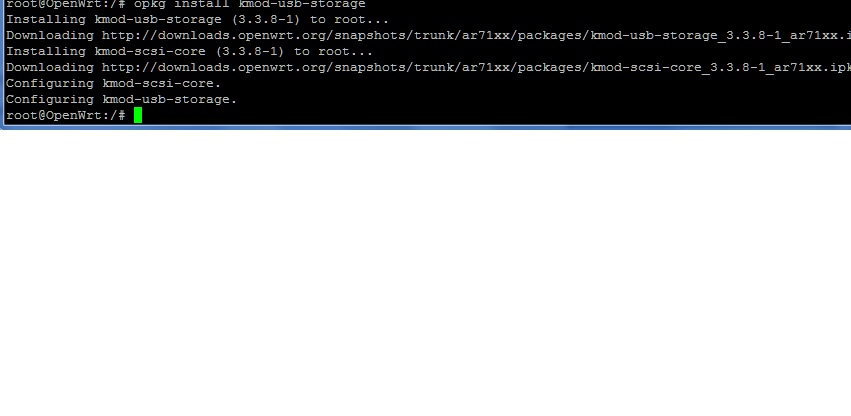
Tp link Mr3020 Wireless N Router Openwrt Firmware Install Luci
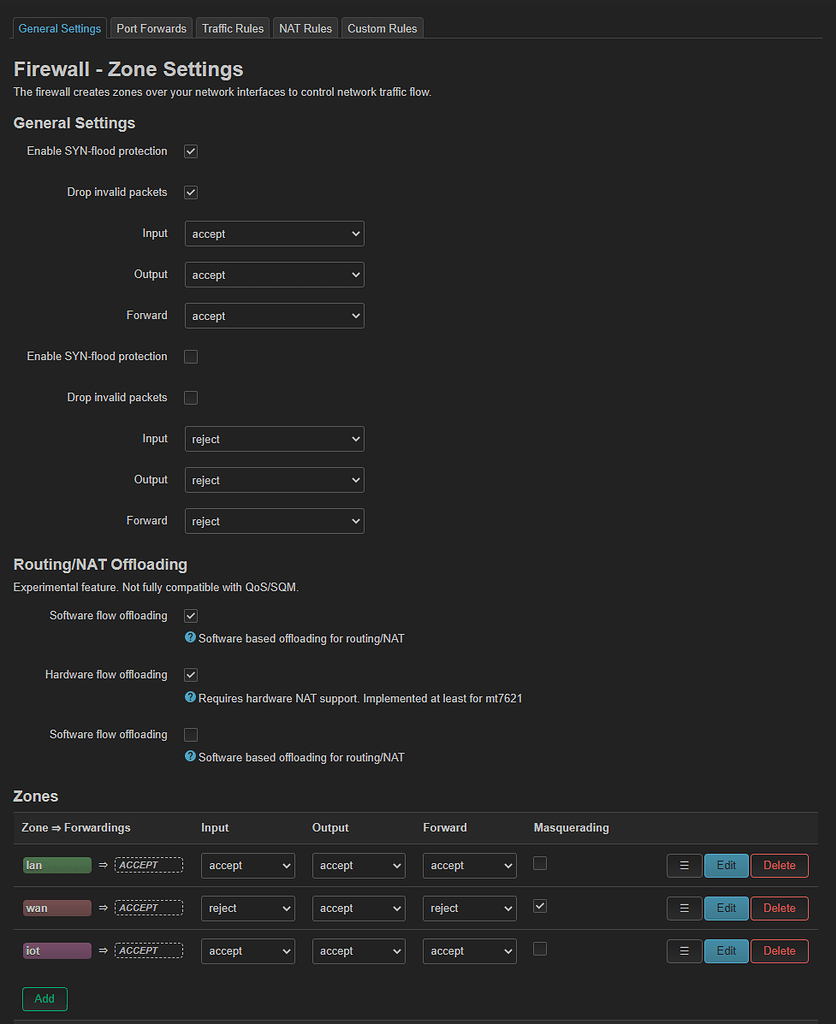
Solved LuCI Firewall App Bugs On 21 02 2 Installing And Using

PROBLEM WITH Http 192 168 1 1 cgi bin luci Installing And Using
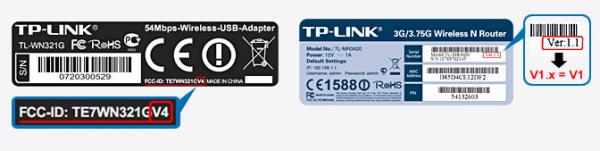
Openwrt Opkg Uci Luci

OpenWrt Vargalex Build LOGOUT hu Blogbejegyz s
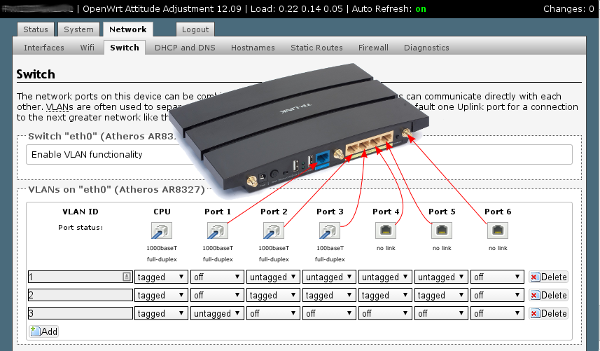
Firewall Openwrt Firewall

Web Jul 14 2014 nbsp 0183 32 I have forgotten my luci password but can get in via ssh How do I reset the luci password from the console I see that in etc config luci there is this config extern flash keep option passwd etc passwd So is it

Web Sep 11 2019 nbsp 0183 32 How to reset the root password Issue I forgot my root password and need to reset it How can I do this Solution see Resetting a forgotten root password in the Troubleshooting section of the User Guide faq after installation login password ssh
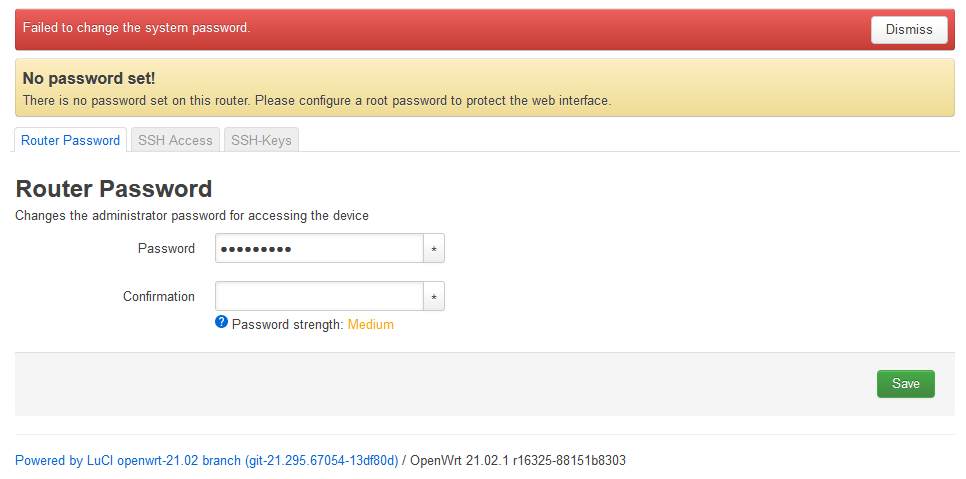
Web Jul 31 2021 nbsp 0183 32 As you ll see there s a notification that root user s password is not set root is the username of the main administrative user on OpenWrt We ll need to set that after we login Log in with the username of root and leave the password field empty
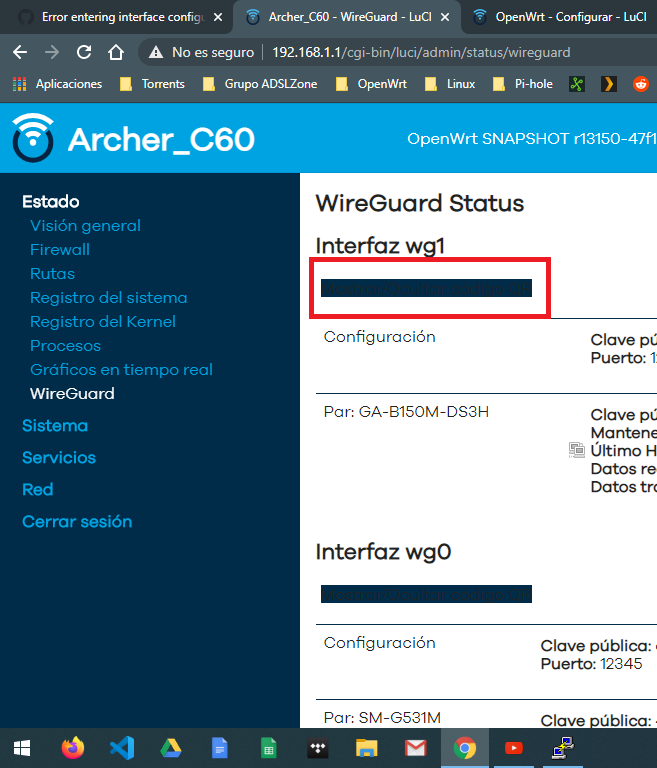
Web Nov 18 2018 nbsp 0183 32 reset root password to current password Issue passwd and type your current password twice Once done issue etc init d uhttpd restart I m not sure what causes this behavior just that I had it happen to me a few weeks ago and the above fixed the issue If the above does not work ensure the permissions of etc shadow are 644 and owned by

Web Sep 11 2019 nbsp 0183 32 Solution Right after OpenWrt installation there is no initial password set After your first login with blank password your very first action should be to set a password either by using passwd on the command line or in the LUCI Menu System Administration http lede cgi bin luci admin system admin This website uses
Web Jul 29 2023 nbsp 0183 32 On devices with a physical reset button OpenWrt can be reset to default settings without serial or SSH access Power on the device and wait for the status led to stop flashing or go into failsafe mode as described above Press and hold the reset button for 10 seconds Release the reset button Web Jul 2 2018 nbsp 0183 32 In LUCI login page user is not given quot forgot password quot option If the user forgets the password what is the solution for him to recover the password Thank you
Web What is LuCI 182 LuCI is the web user interface of OpenWrt To access LuCI at the left side of web Admin Panel gt More Settings gt Advanced For some models the LuCI isn t preinstalled click Install LuCI to continue After installed