Openssl Create Certificate Pem File How To Convert CPanel SSL Certificate In PEM Format To PFX Seamless Conversion Of PFX Files Into PEM Files Using OpenSSL Exporting A Certificate From Pfx To Pem What Is File How Create It How To Extract Private Key And Certificate From A PFX File Convert SSL To PEM CRT To PEM DER To PEM And CER To PFX First generate CSR and KEY openssl req new newkey rsa 4096 nodes keyout snakeoil key out snakeoil csr then generate PEM and self sign with KEY openssl x509 req sha256 days 365 in snakeoil csr signkey snakeoil key out snakeoil pem
This is a password protected container format that contains both public and private certificate pairs Unlike pem files this container is fully encrypted Openssl can turn this into a pem file with both public and private keys openssl pkcs12 in file to convert p12 out converted file pem nodes A few other formats that show up from time Basic Premium High Assurance Enterprise EV Wildcard SSL TLS Multi domain UCC SAN Enterprise EV UCC SAN Smart SeaL Overview Code Signing Certificates Code Signing EV Code Signing Email Client and Document Signing Certificates Secure Email S MIME Client Authentication eSigner Document Signing NAESB Certificatec Content Delivery Network CDN Pro
Convert SSL To PEM CRT To PEM DER To PEM And CER To PFX Create PFX Certificate On Windows APNS Certificate PEM File Developer Guide Display Contents Of SSL Certificate From PEM File OpenTechTips 21 OpenSSL Examples To Help You In Real World What Is Pem Certificate File And How To Create It Images And Photos Convert pfx To pem Certificates Using OpenSSL EdTechChris Israbi Base64 Encode File Online Windows How To Get pfx File From cer And key Stack Overflow
Openssl Create Certificate Pem File
 Openssl Create Certificate Pem File
https://bobcares.com/wp-content/uploads/convert-from-PEM-format-to-PFX.png
Using openssl to display all certificates of a PEM file Ask Question Asked 1 year 10 months ago Modified 6 months ago Viewed 59k times 21 I can use the following command to display the certificate in a PEM file openssl x509 in cert pem noout text But it will only display the information of the first certificate
Pre-crafted templates provide a time-saving service for producing a diverse series of files and files. These pre-designed formats and designs can be made use of for different personal and professional jobs, including resumes, invitations, leaflets, newsletters, reports, discussions, and more, simplifying the content production process.
Openssl Create Certificate Pem File
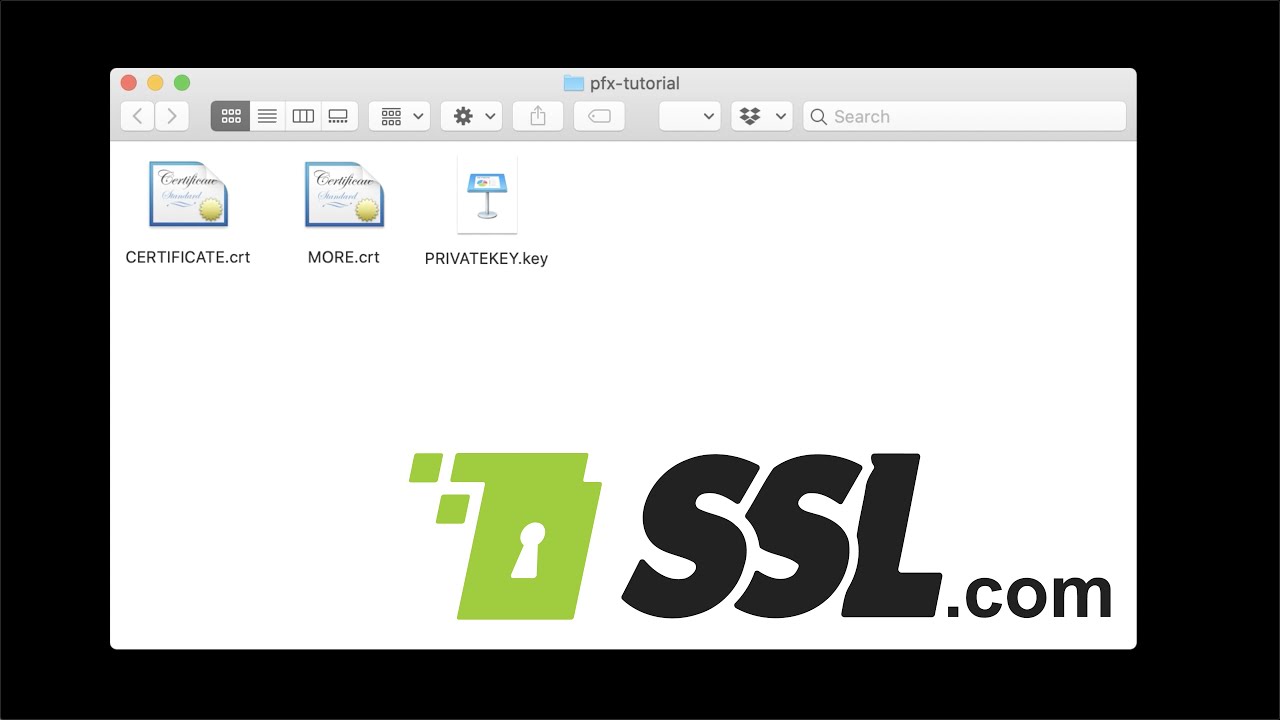
Create A PKCS 12 PFX File With OpenSSL YouTube
Create PFX Certificate On Windows
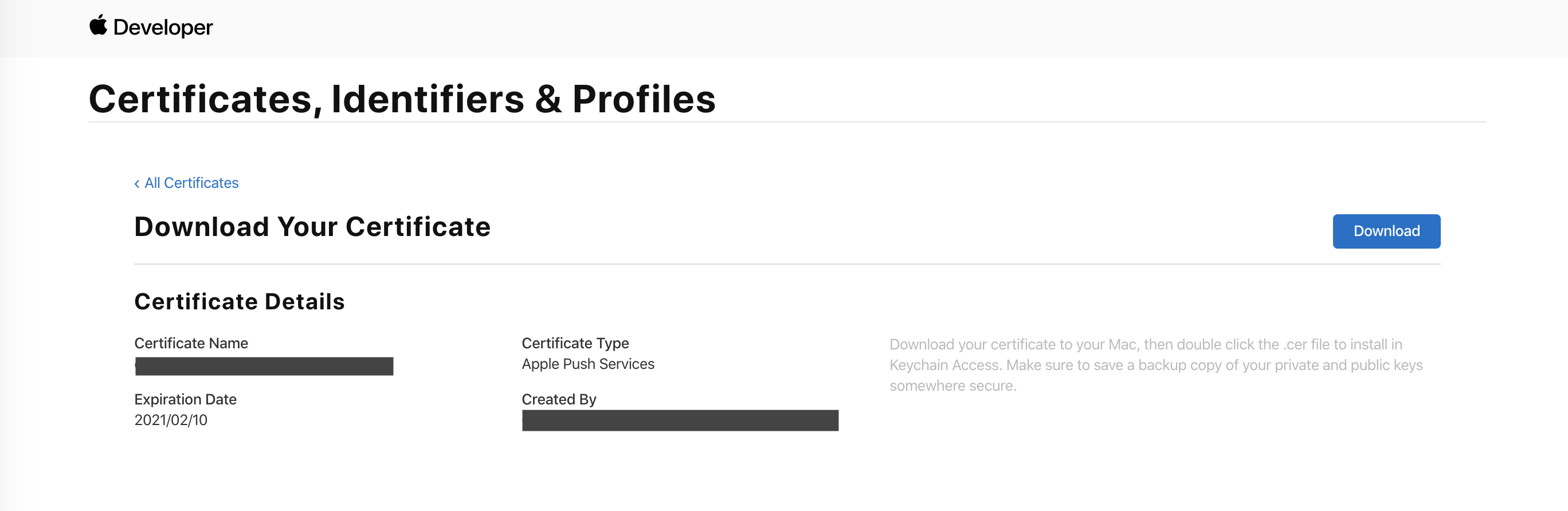
APNS Certificate PEM File Developer Guide
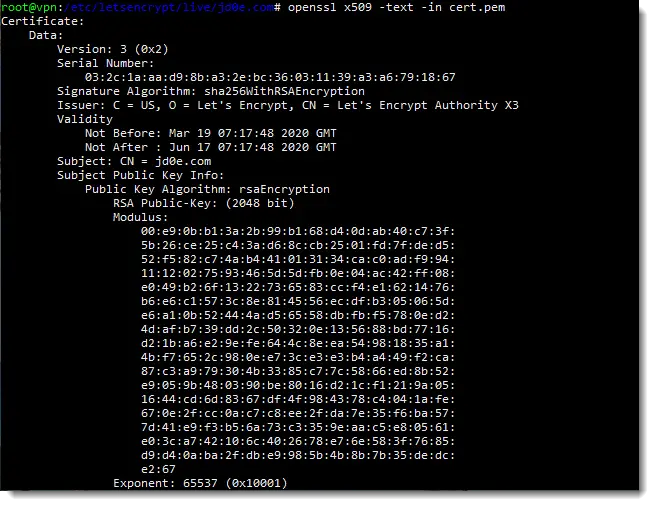
Display Contents Of SSL Certificate From PEM File OpenTechTips
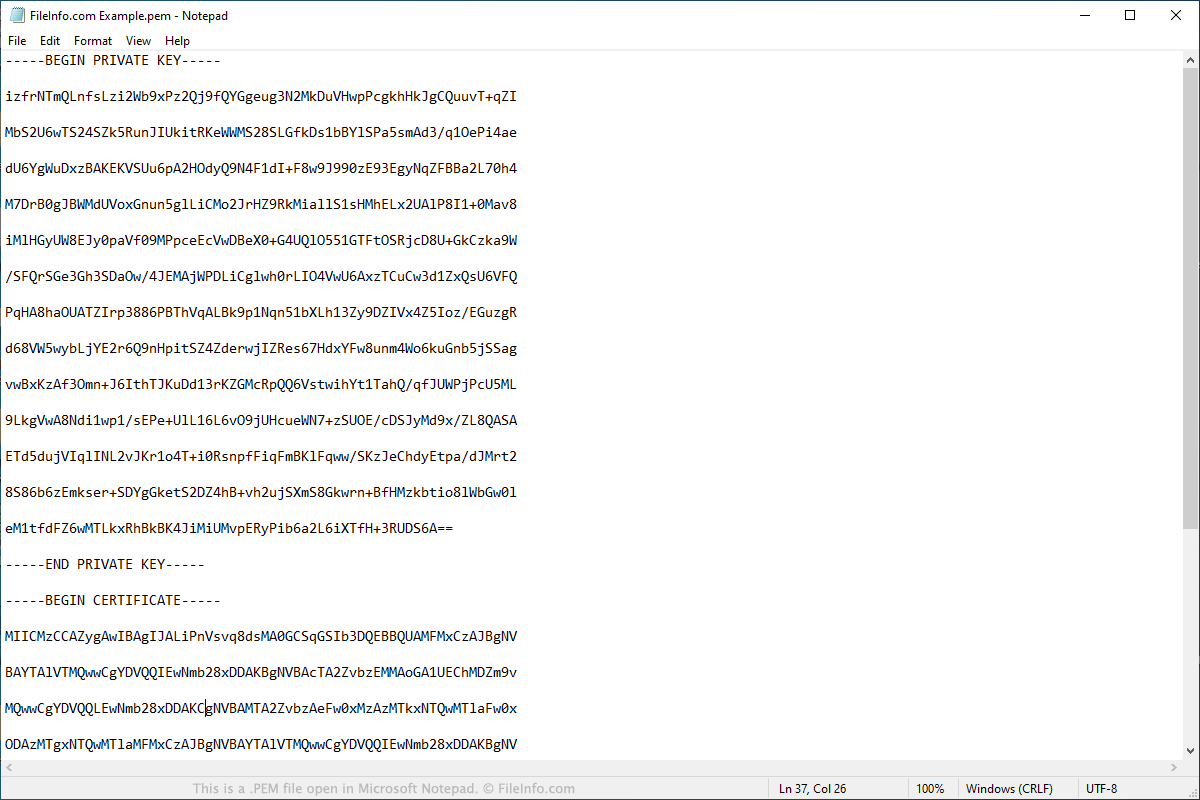
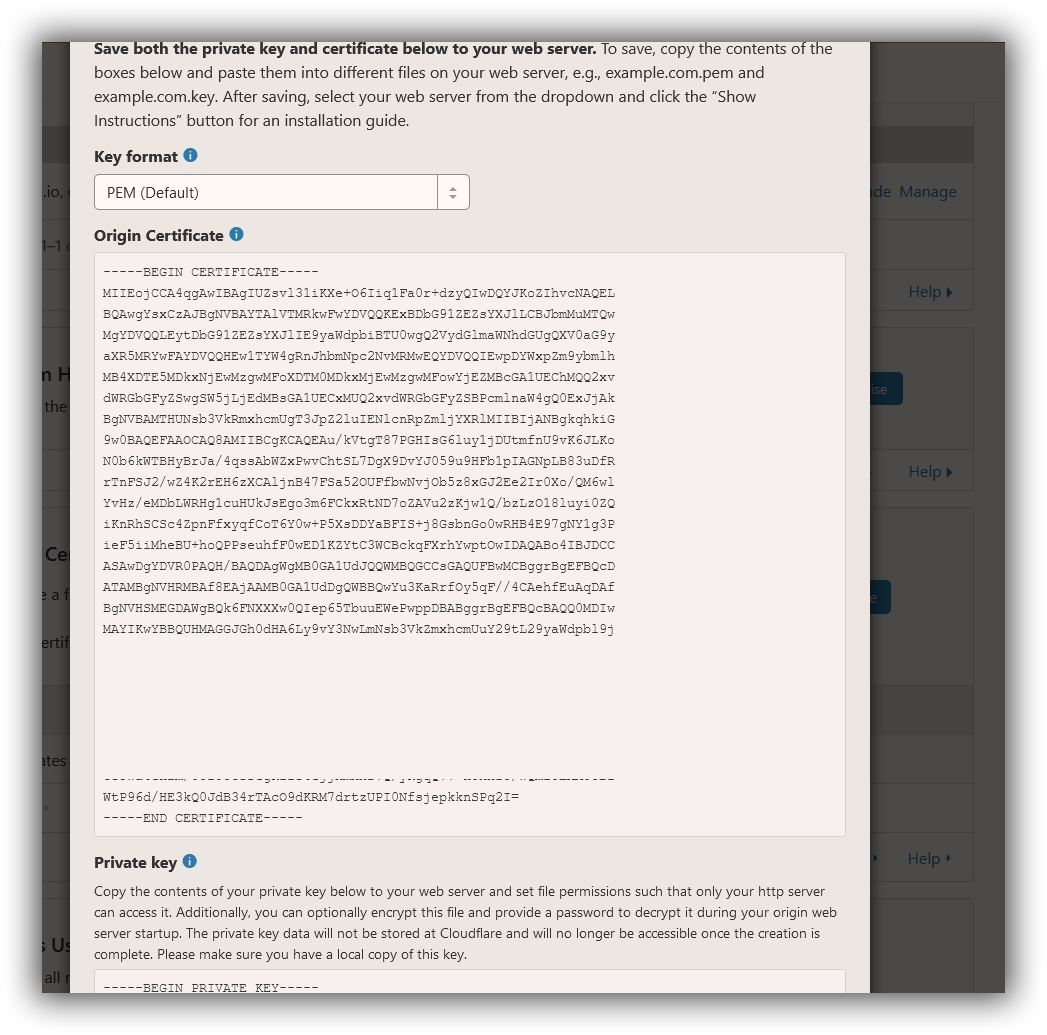
What Is Pem Certificate File And How To Create It Images And Photos

Convert pfx To pem Certificates Using OpenSSL EdTechChris

1 Overview OpenSSL is an open source command line tool that allows users to perform various SSL related tasks In this tutorial we ll learn how to create a self signed certificate with OpenSSL Further reading Trusting a Self Signed Certificate in OkHttp Learn how to configure an OkHttpClient to trust self signed certificates Read more

How to create a PEM file with the help of an automated script Download NetIQ Cool Tool OpenSSL Toolkit Select Create Certificates PEM with key and entire trust chain Provide the full path to the directory containing the certificate files Provide the filenames of the following private key public key server crt
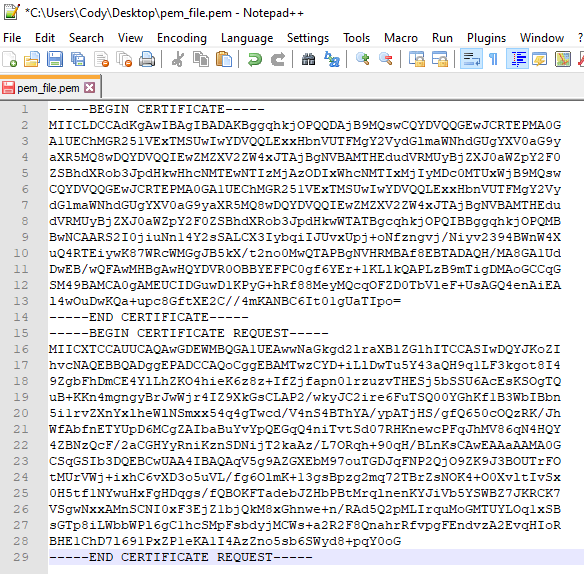
OpenSSL is a versatile command line tool that can be used for a large variety of tasks related to Public Key Infrastructure PKI and HTTPS HTTP over TLS This cheat sheet style guide provides a quick reference to OpenSSL commands that are useful in common everyday scenarios
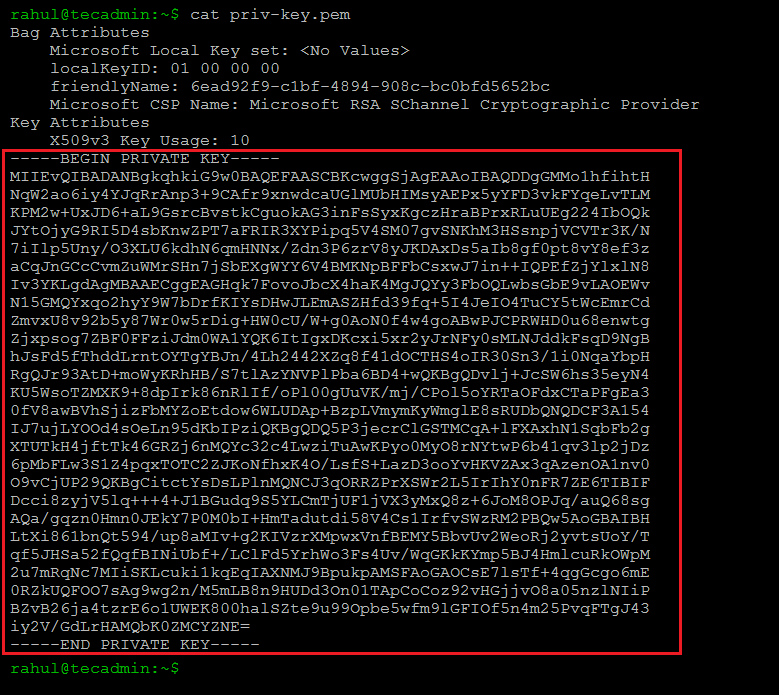
165 1 8 Add a comment 2 Answers Sorted by 2 You generally don t put a private key in a PEM because private keys should be encrypted at rest on disk and PEM is generally for non encrypted objects You generally put a private key and its associated cert chain in a p12 pfx PKCS 12 file

Buy Now OpenSSL is an open source command line tool that is commonly used to generate private keys create CSRs install your SSL TLS certificate and identify certificate information We designed this quick reference guide to help you understand the most common OpenSSL commands and how to use them This guide is not meant to be comprehensive
Creating a pem with the Private Key and Entire Trust Chain Log into your DigiCert Management Console and download your Intermediate DigiCertCA crt and Primary Certificates your domain name crt Open a text editor such as wordpad and paste the entire body of each certificate into one text file in the following order The Private Key Solution The OpenSSL package must be installed on your operating system as a prerequisite for the steps below Step 1 Generate a private key using AES256 and a passphrase store the results in a filenamed key pem Example openssl genrsa aes256 out key pem Generating RSA private key 512 bit long modulus
Basic Premium High Assurance Enterprise EV Wildcard SSL TLS Multi domain UCC SAN Enterprise EV UCC SAN Smart SeaL Overview Code Signing Certificates Code Signing EV Code Signing Email Client and Document Signing Certificates Secure Email S MIME Client Authentication eSigner Document Signing NAESB Certificates NAESB Certificatec