Openssh Public Key Format Example Openssh Private Key Noredsys Extracting SSH Private Keys From Windows 10 Ssh agent Ropnop Blog Couldn t Load This Key SSH 2 Public Key OpenSSH Format Key Is Invalid You Must Supply A Key In Openssh Public Key Format Git Couldn t Load This Key SSH 2 Public Key OpenSSH Format First you should check to make sure you don t already have a key By default a user s SSH keys are stored in that user s ssh directory You can easily check to see if you have a key already by going to that directory and listing the contents cd ssh ls authorized keys2 id dsa known hosts config id dsa pub
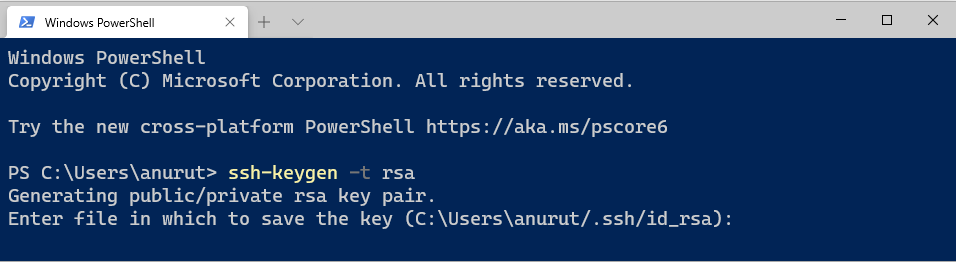
The contents of your public key ssh id ed25519 pub needs to be placed on the server into a text file called authorized keys in C Users username ssh You can copy your public key using the OpenSSH scp secure file transfer utility or using a PowerShell to write the key to the file The example below copies the public key to the server This creates a new SSH key using the provided email as a label Generating public private ALGORITHM key pair When you re prompted to Enter a file in which to save the key you can press Enter to accept the default file location Please note that if you created SSH keys previously ssh keygen may ask you to rewrite another key in which case we recommend creating a custom named SSH key
Git Couldn t Load This Key SSH 2 Public Key OpenSSH Format Key Is Invalid You Must Supply A Key In OpenSSH Public Key Format Couldn t Load This Key SSH 2 Public Key OpenSSH Format oracle Oracle Cloud Xshell ssh Public Key Key Is Invalid You Must Supply A Key In OpenSSH Public Key Format Key Is Invalid You Must Supply A Key In OpenSSH Public Key Format oracle Oracle Cloud Xshell ssh Public Key Key Is Invalid You Must Supply A Key In OpenSSH Public Key Format Key Is Invalid You Must Supply A Key In OpenSSH Public Key Format
Openssh Public Key Format Example
 Openssh Public Key Format Example
https://blog.anurut.com/content/images/2020/11/1-1.png
5 Answers Sorted by 20 use ssh keygen i to convert SSH2 compatible format to OpenSSH compatible format from man ssh keygen i This option will read an unencrypted private or public key file in SSH2 compatible format and print an OpenSSH compatible private or public key to stdout ssh keygen also reads the RFC 4716 SSH Public Key File
Pre-crafted templates offer a time-saving solution for producing a varied variety of documents and files. These pre-designed formats and designs can be used for numerous individual and professional tasks, consisting of resumes, invitations, leaflets, newsletters, reports, presentations, and more, improving the content production procedure.
Openssh Public Key Format Example
How To Use SSH Keys For Authentication UpCloud

Key Is Invalid You Must Supply A Key In OpenSSH Public Key Format
Couldn t Load This Key SSH 2 Public Key OpenSSH Format
oracle Oracle Cloud Xshell ssh Public Key

Key Is Invalid You Must Supply A Key In OpenSSH Public Key Format
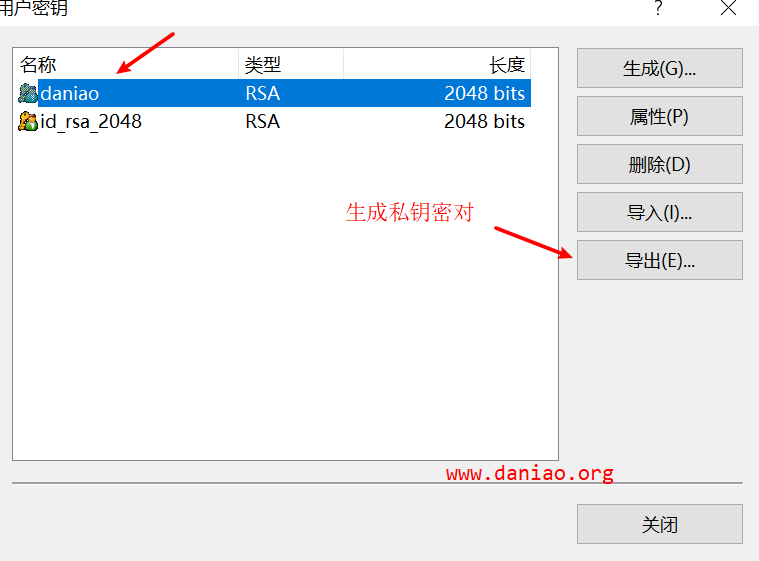
oracle Oracle Cloud Xshell ssh Public Key

You will then be prompted to select a location for the keys By default the keys are stored in the ssh directory with the filenames id rsa for the private key and id rsa pub for the public key Using the default locations allows your SSH client to automatically find your SSH keys when authenticating so we recommend accepting these default
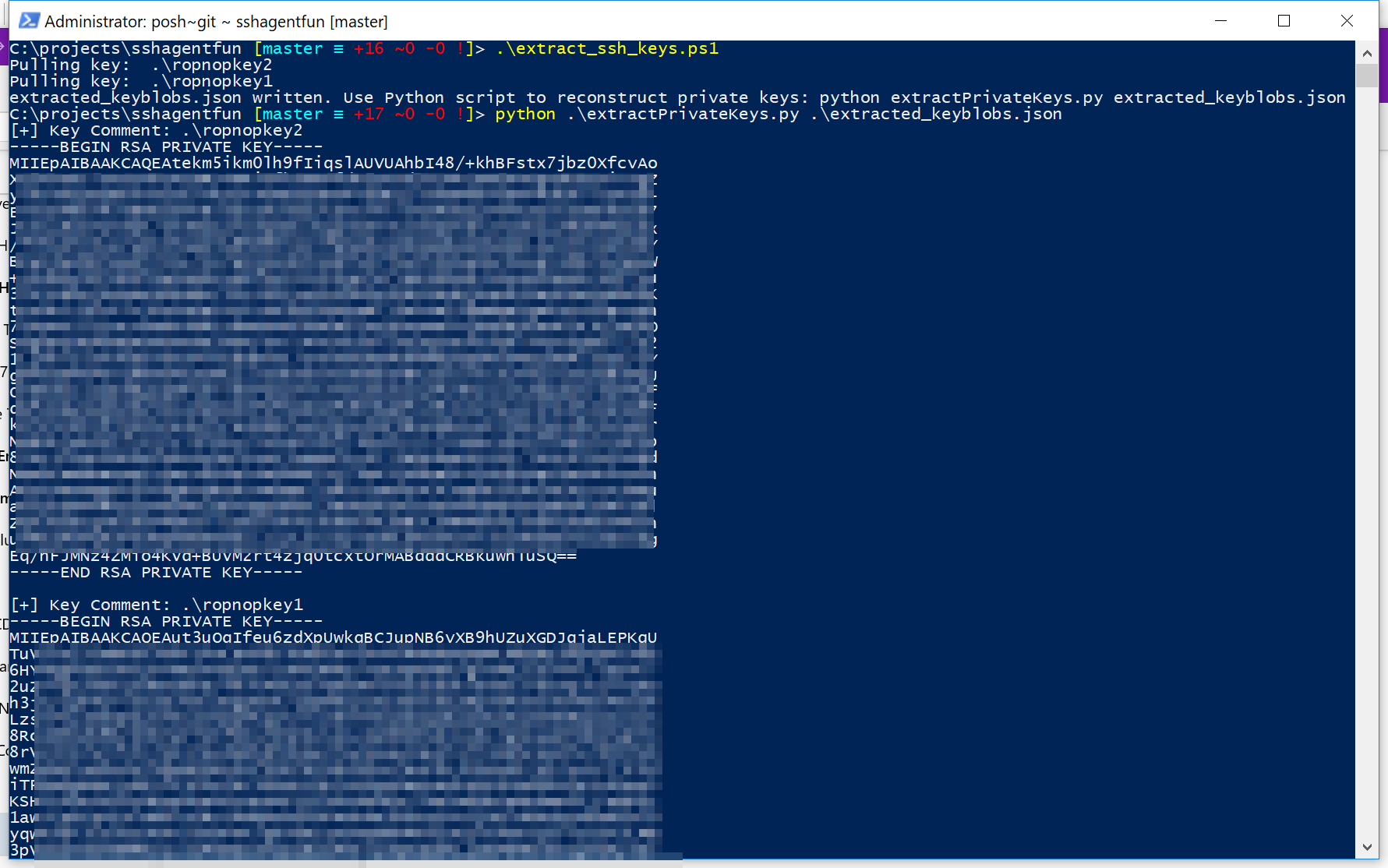
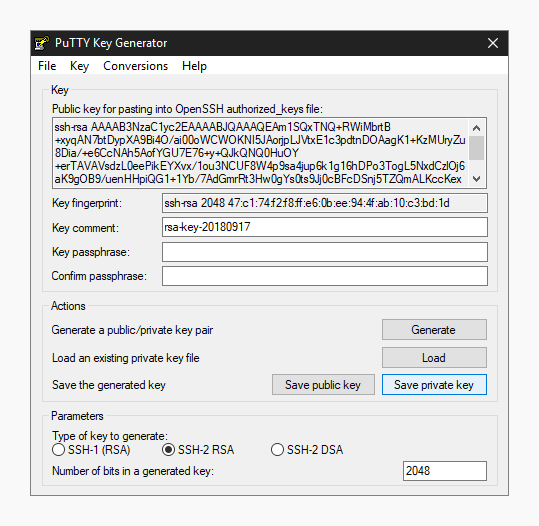
For example let s explore the default OpenSSH public and private key formats In the initial command the O flag to puttygen specifies the public openssh OpenSSH format for the id rsa pub output o Convert a PuTTY Public Key to the OpenSSH Format via ssh keygen

To decode the SSH key format you need to use the data format specification in RFC 4251 too in conjunction with RFC 4253 The ssh rsa key format has the following specific encoding string ssh rsa mpint e mpint n For example at the beginning you get 00 00 00 07 73 73 68 2d 72 73 61 The first four bytes 00 00 00 07 give you the length
In ASN 1 DER format the RSA key is prefixed with 0x00 when the high order bit 0x80 is set SSH appears to use this format After running thousands of automated iterations of ssh keygen I can say this with certainty The 1st byte 0 index of the 3rd element always begins with 0x00 The 2nd byte 1 index of the 3rd element is never less
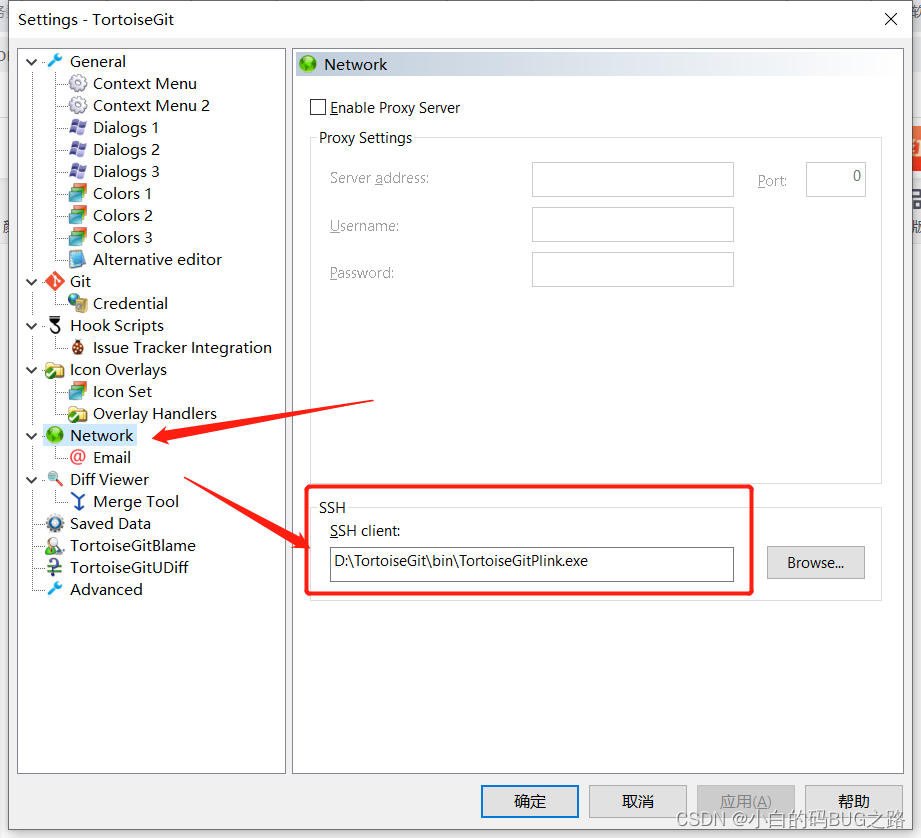
Key based authentication OpenSSH can use public key cryptography for authentication In public key cryptography encryption and decryption are asymmetric The keys are used in pairs a public key to encrypt and a private key to decrypt The ssh keygen 1 utility can make RSA Ed25519 ECDSA Ed25519 SK or ECDSA SK keys for authenticating
So this information is added as file extension Name of OpenSSH private key pk an alternative could be opk or ospk Name of OpenSSH public key pubk an alternative could be opubk or ospubk Name of PuTTY private key ppk Name of PuTTy Public Key ppubk Using SSH Key for authentication The SSH public key authentication has four steps 1 Generate a private and public key known as the key pair The private key stays on the local machine 2 Add the corresponding public key to the server 3 The server stores and marks the public key as approved
The first step is to create a key pair To do this open a terminal and run the following command ssh keygen t rsa m pem This will generate two keys a public key and a private key These two files will be stored in the ssh directory You can change the location of these files by specifying a different path when you run the ssh keygen