Open Settings App Saloupdates Blog Inmigraci n Volverse Evaluaci n Cannot Open Display Mode Moderadamente Open Settings Menu In Windows 10 Consuming Tech Windows 10 Switch Between Tablet Mode And Desktop Mode Password Recovery Easiest Ways To Open Settings App In Windows 10 BounceGeek Dec 1 2024 nbsp 0183 32 Launching Settings on Windows 11 is as easy as pressing a keyboard shortcut selecting a graphical option or running a command I ll show you several ways to launch this
Nov 23 2022 nbsp 0183 32 On Windows 11 you have many ways to open the Settings app depending on where you are in the system 1 Open Settings from keyboard shortcut The quickest way to Learn some of the easiest ways to quickly open the Settings app on Windows 10 and Windows 11 On Windows 10 and Windows 11 you must use the Settings app to change many of the
Easiest Ways To Open Settings App In Windows 10 BounceGeek How To Use Windows 10 Settings App YouTube How To Open The Settings App From The Command Prompt In Windows Ctrl Blog 8 Best Ways To Fix Settings App Not Opening Or Working On Windows 11 Pin Settings To The Start Menu In Windows 10 All Possible Ways To Open Settings In Windows 10 Easiest Ways To Open Settings App In Windows 10 BounceGeek 7 Ways To Open Settings App On Windows 10 Easytutoria Vrogue co The Settings App In Windows 10 CustomGuide
Open Settings App
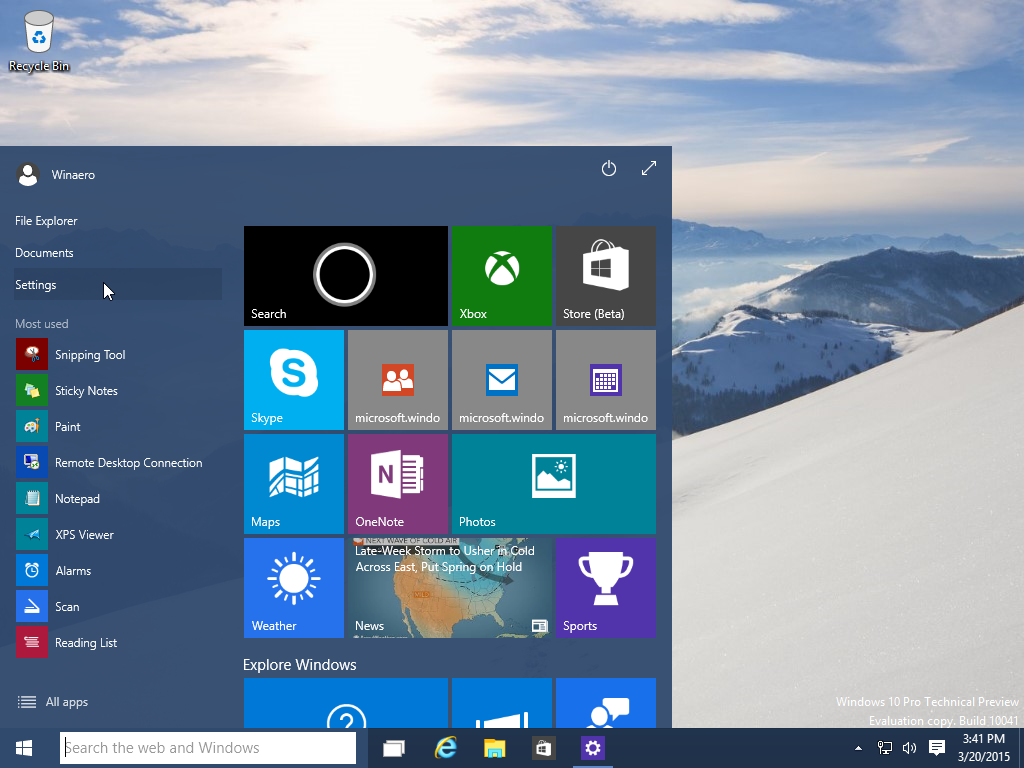 Open Settings App
https://winaero.com/blog/wp-content/uploads/2015/03/Windows-10-Open-Settings-App.png
Settings App in Microsoft Windows 11 is the one stop hub for all the configurations on your computer The keyboard shortcut Windows key I is the most convenient way to launch the
Templates are pre-designed documents or files that can be used for numerous functions. They can save effort and time by providing a ready-made format and layout for producing different sort of content. Templates can be used for personal or expert tasks, such as resumes, invites, leaflets, newsletters, reports, discussions, and more.
Open Settings App

Explained How To Reset Windows 11 Using Settings
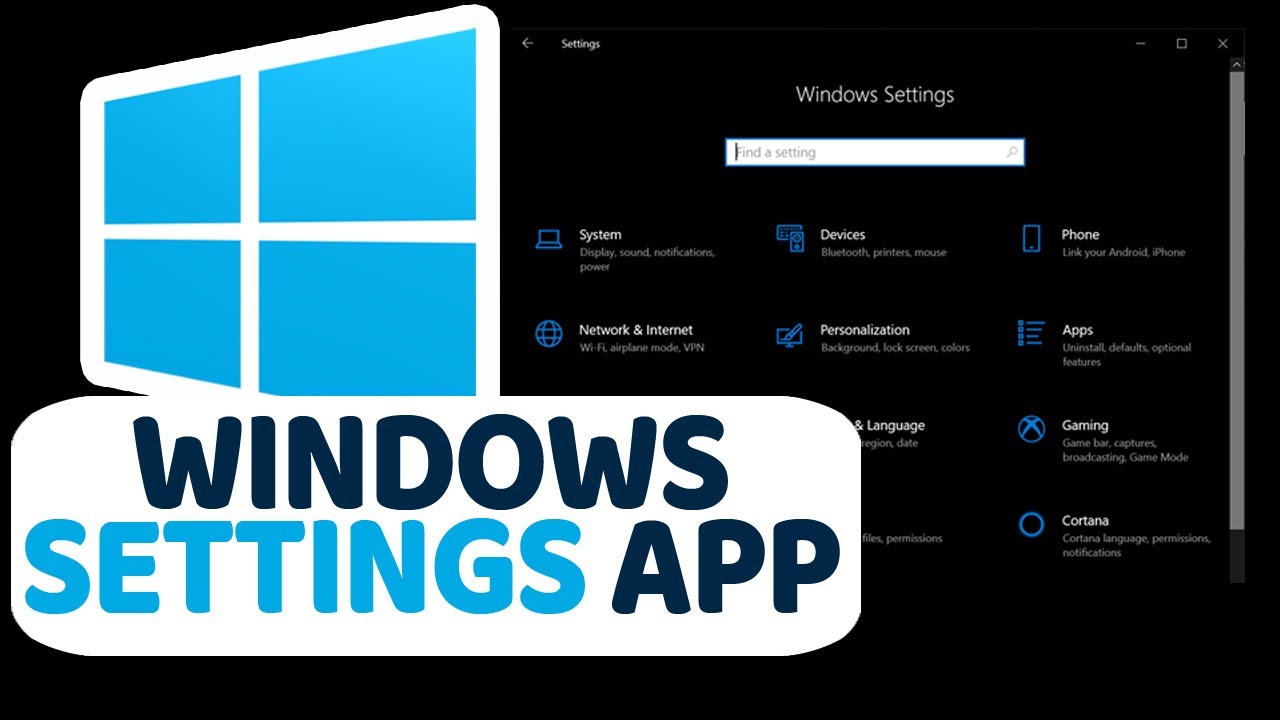
How To Use Windows 10 Settings App YouTube
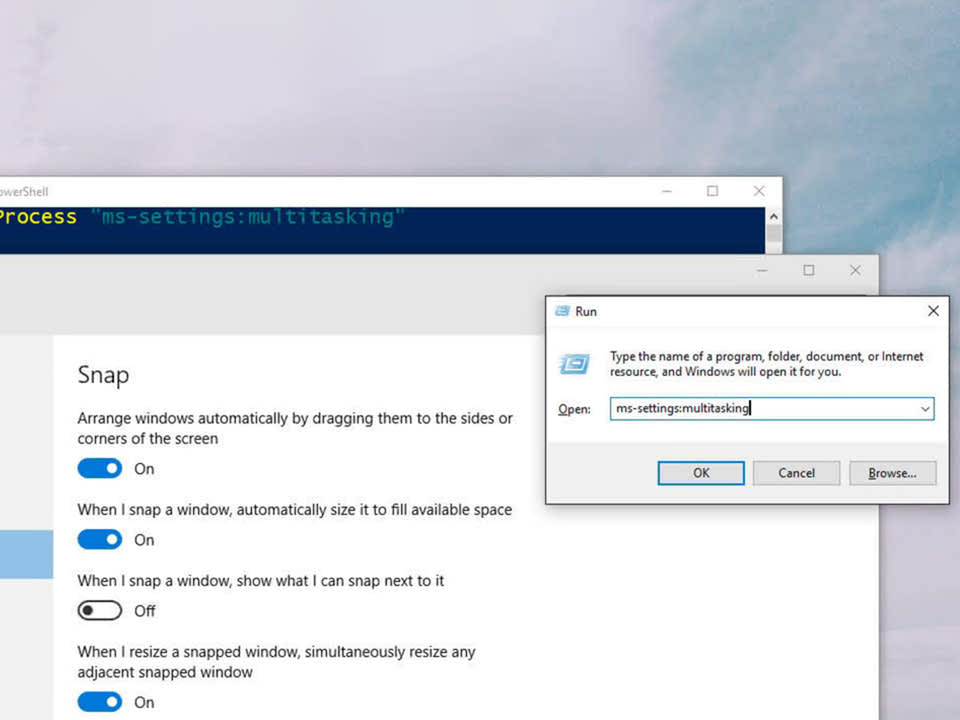
How To Open The Settings App From The Command Prompt In Windows Ctrl Blog

8 Best Ways To Fix Settings App Not Opening Or Working On Windows 11

All Possible Ways To Open Settings In Windows 10

Easiest Ways To Open Settings App In Windows 10 BounceGeek

Jul 1 2021 nbsp 0183 32 This tutorial will show you different ways to open the Settings app in Windows 11 Microsoft designed Settings to be beautiful easy to use and inclusive
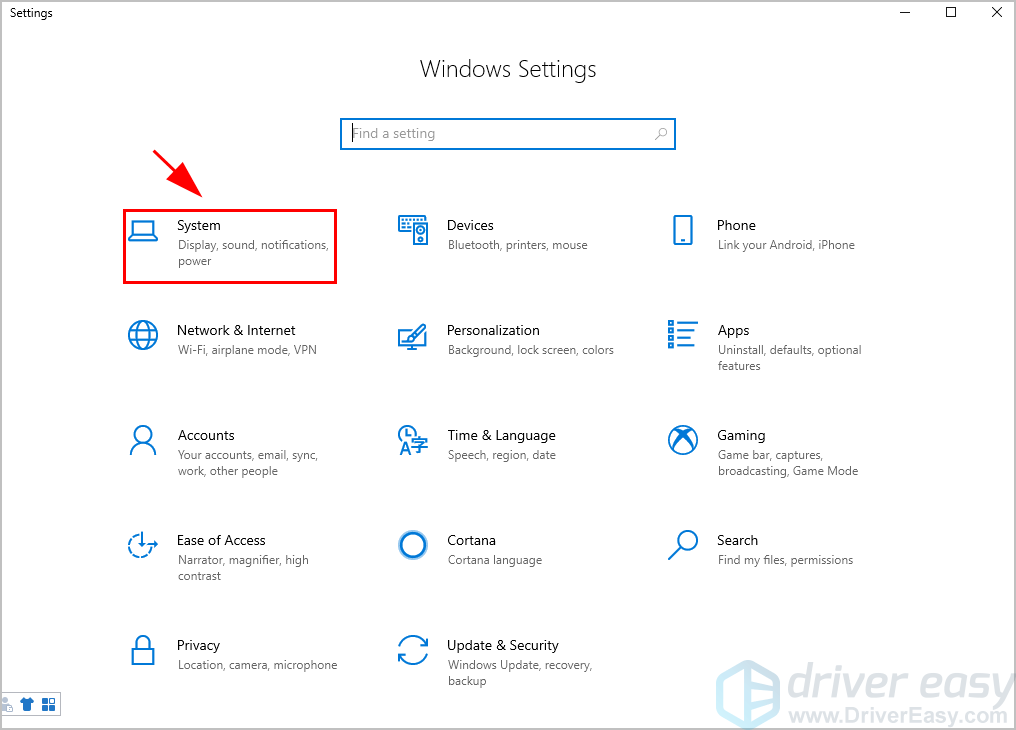
Oct 9 2025 nbsp 0183 32 On your Windows 10 laptop or desktop PC you can easily open the Settings app with a simple keyboard shortcut and without using the taskbar or the Start button All you have
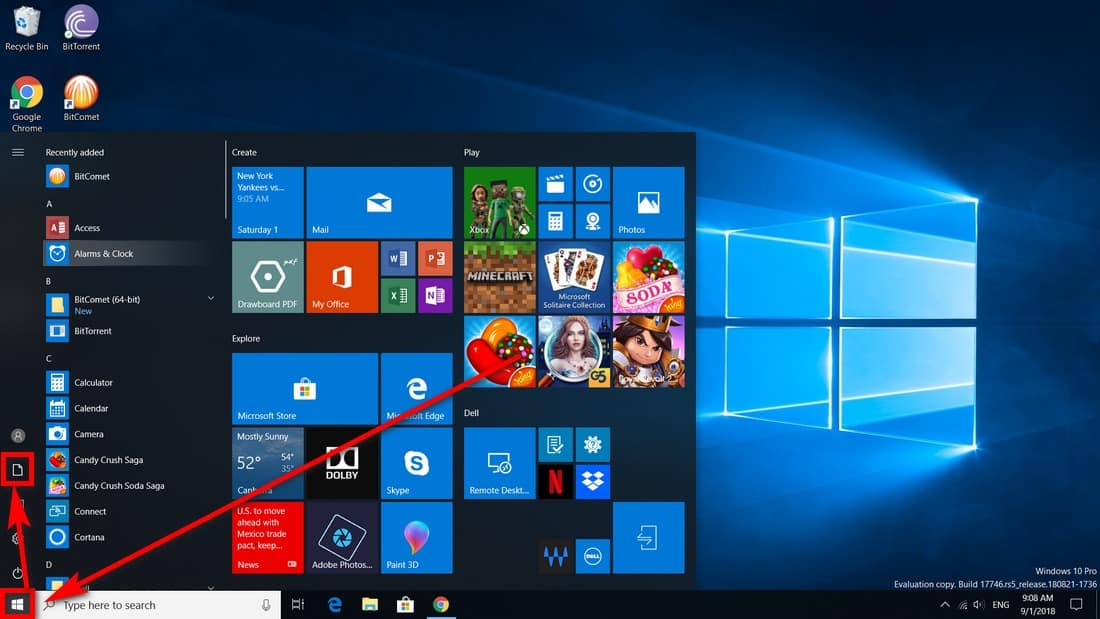
Nov 6 2025 nbsp 0183 32 If you re wondering all the ways the Settings app can be opened we can help This wikiHow article will teach you every way to open the Settings app on a Windows 10 PC
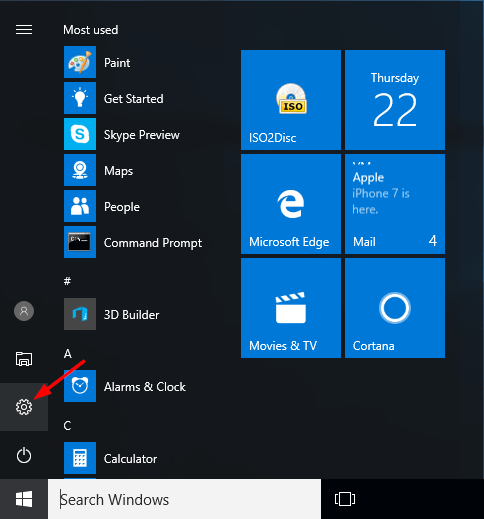
Apr 17 2025 nbsp 0183 32 To begin locate the Start button on the taskbar and click it The Start button is typically found at the bottom center of your screen It s the gateway to accessing various apps
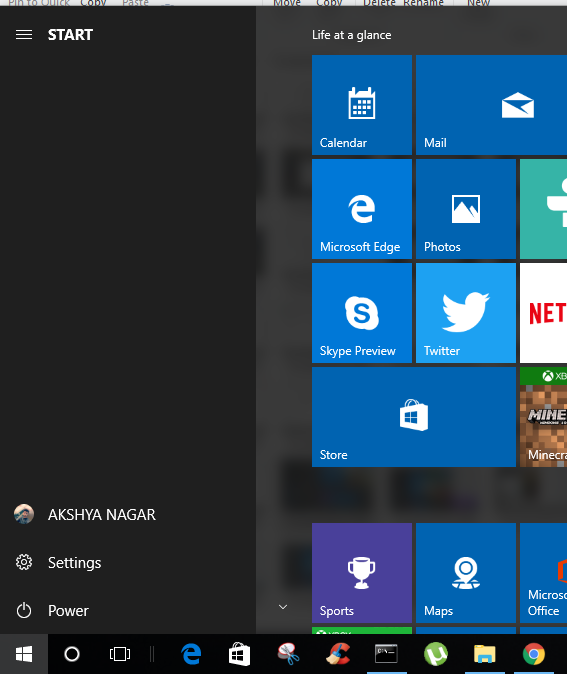
Settings is a central hub for managing various aspects of your PC It offers a simple interface to customize and control your Windows device ensuring a more personalized and efficient
[desc-11] [desc-12]
[desc-13]