Open Pdf Files App Set Default Program To Open Pdf Files Pilotcr Apps That Open Pdf Files Oneserre Adobe PDF File Download T l chargement Fichier PDF Biblebase Free PDF File Viewer Help You To Open PDF Files In A Very Short Time How To Combine Two PDF Files Into One With Preview On Mac Free trial Sign In Home Adobe Document Cloud Mobile ADOBE ACROBAT READER MOBILE APP A mobile PDF experience built to keep business moving Work on documents anywhere using the Acrobat Reader mobile app This free app trusted by hundreds of millions is packed with all the latest tools you need to keep projects moving wherever you are
1 Download an app that supports PDF files While Android does not have built in support for reading PDF files there are a large number of free apps that will easily open your PDF files You may even have one of these already installed Google Drive Kindle Adobe Reader 1 Open PDF files in the Acrobat Reader desktop app Offer a consistent and reliable PDF viewing experience Provide access to all the tools you need to add comments fill forms and sign PDFs Note You can easily disable the extension at any time The extension does not read the content of your PDFs or any content on the sites you visit
How To Combine Two PDF Files Into One With Preview On Mac Windows 10 Always Opens PDF Files In The Edge Browser HowPChub How To Open PDF Files On Desktop Instead Of Metro App Windows 8 YouTube How To Open PDF On IPhone Free How To Open Pdf Documents In Microsoft Edge Gambaran How To Open PDF Files On Windows 8 8 1 5 Ways To Open PDF Files WikiHow How To Change Default PDF Viewer In Windows 10 Set Adobe As Default How To Use Word To Open PDF Files ExcelNotes
Open Pdf Files App
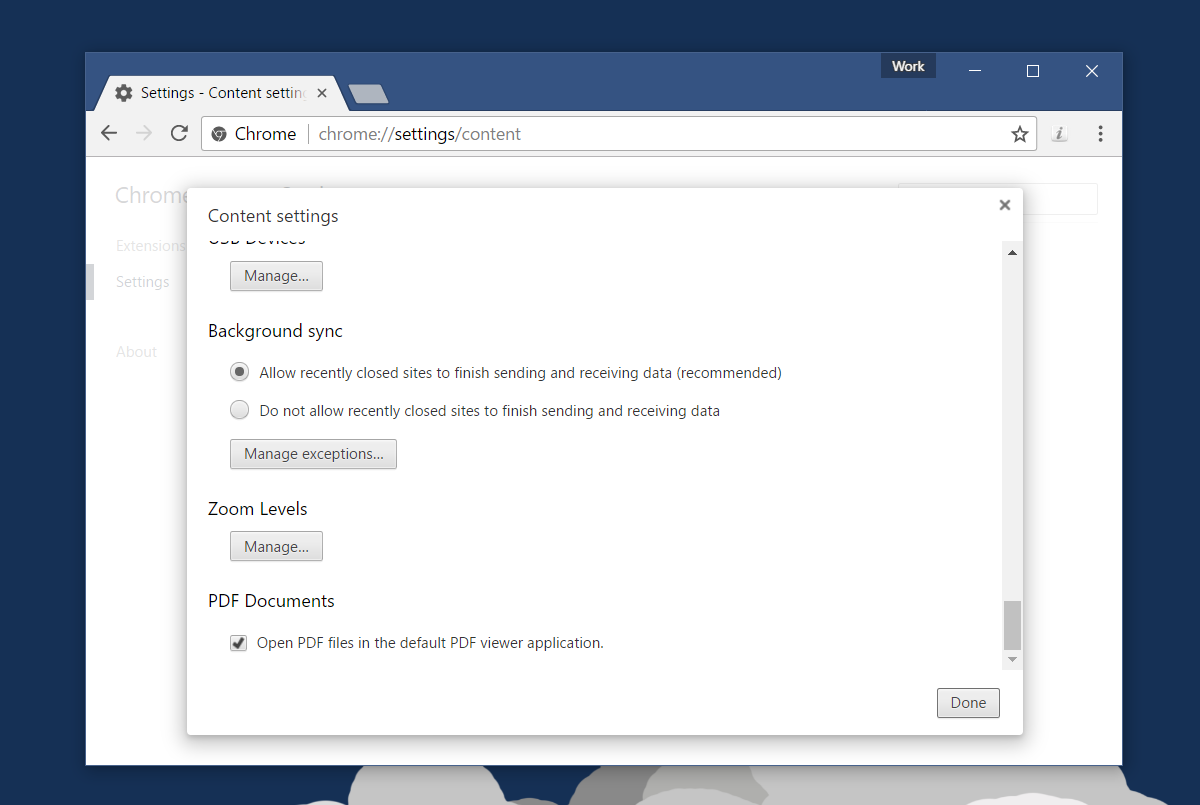 Open Pdf Files App
https://www.addictivetips.com/app/uploads/2017/05/chrome-pdf-settings.png
Press Ctrl P to print a file to PDF on Windows or Command P to print a file to PDF on macOS PDFs are typically used to distribute read only documents that preserve the layout of a page They re regularly used for documents like user manuals eBooks application forms scanned documents and countless others Here s everything you need to know
Pre-crafted templates offer a time-saving option for creating a varied series of files and files. These pre-designed formats and layouts can be utilized for numerous individual and expert projects, including resumes, invites, flyers, newsletters, reports, presentations, and more, enhancing the material creation procedure.
Open Pdf Files App
Fix PDF Files Won t Open In Windows 10
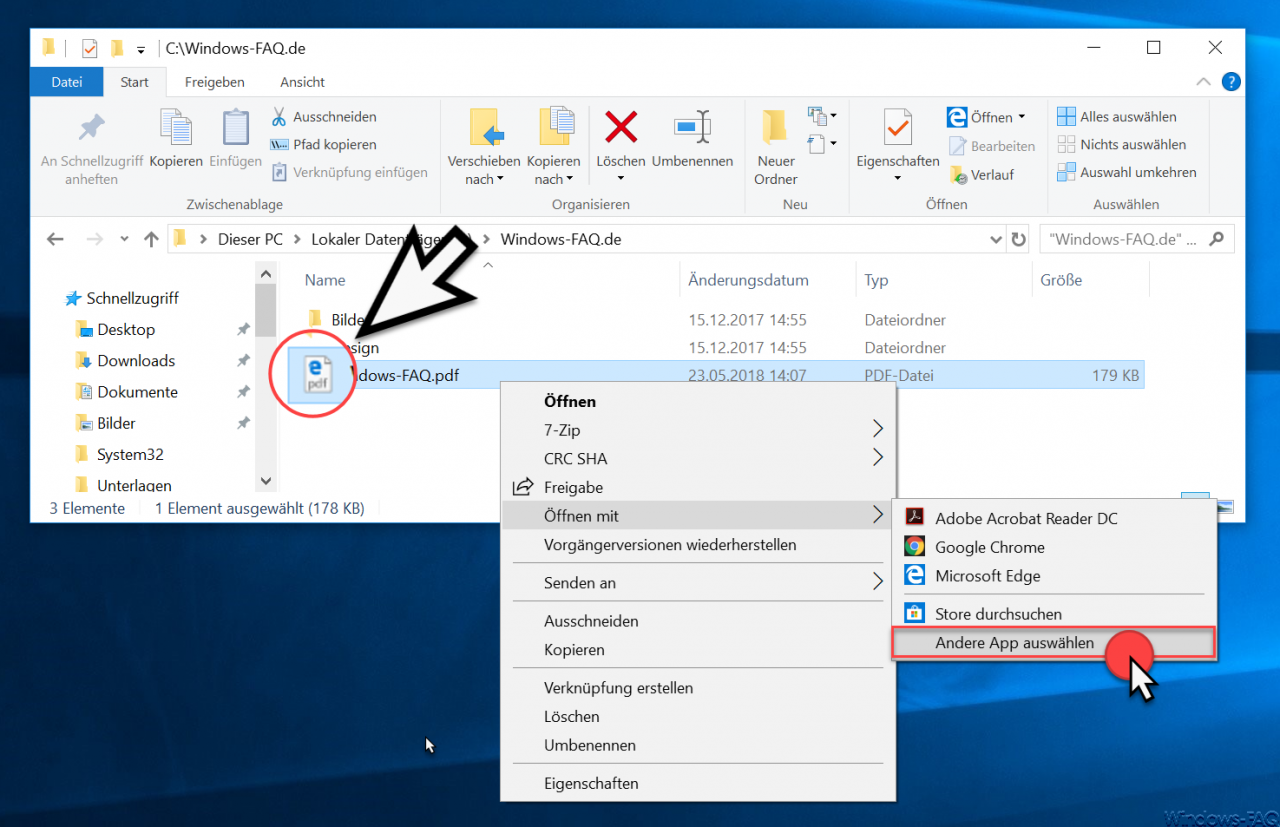
Windows 10 Always Opens PDF Files In The Edge Browser HowPChub

How To Open PDF Files On Desktop Instead Of Metro App Windows 8 YouTube
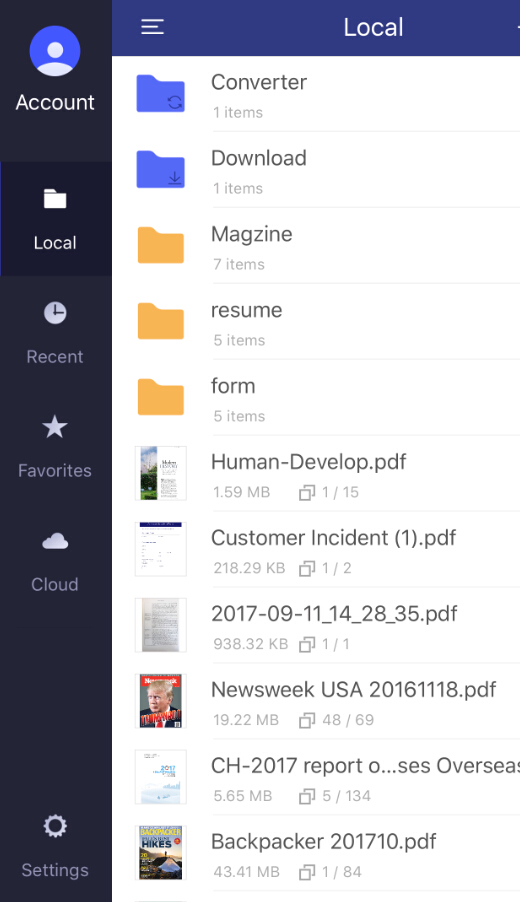
How To Open PDF On IPhone Free
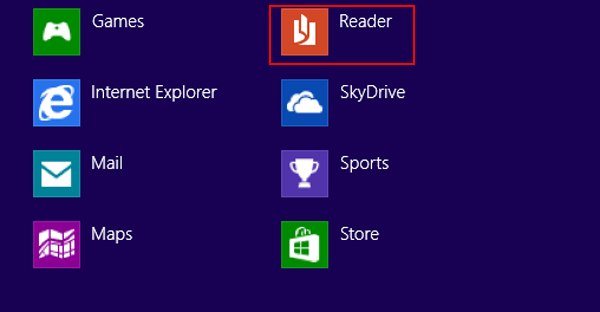
How To Open PDF Files On Windows 8 8 1

5 Ways To Open PDF Files WikiHow
Adobe Acrobat Reader is the world s most trusted PDF reader and PDF editor with more than 635 million installs View share annotate add comments and sign documents all in one app You

Start Acrobat and do one of the following Open a file from the Home Recent view Select Open from the hamburger menu Windows or File macOS In the Open dialog box select one or more filenames and select Open PDF documents usually have the extension pdf

Step 1 Download a PDF reader for Windows 10 The first step to read PDFs on Windows 10 is to download a PDF reader You can open PDFs with Microsoft Edge which is the default app but it will offer only limited functionality The best way to view PDFs is with a PDF specific reader
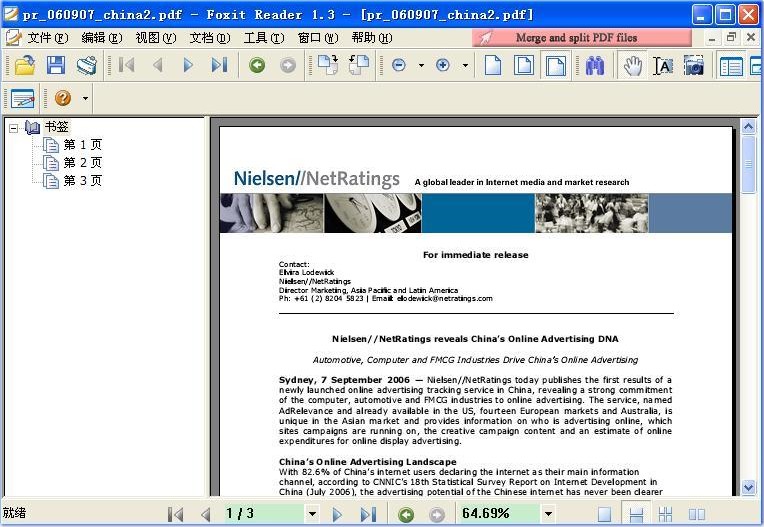
A free online PDF viewer to open and read PDF files You can also work on PDFs offline with the Smallpdf Desktop App No registration required Works on any device without installation Free simple tool for reading in comfort Start reading now no registration needed Easy to use Online PDF Reader

1 Best overall 2 Best cross platform support 3 Best lightweight 4 Best toolkit 5 Best with built in OCR 6 Best for view only The best free PDF readers are more than just document viewers
Open View and Read PDFs with the fast PDF Reader for Android A simple PDF viewer is free and reliable to read PDF documents and PDF eBooks THE PDF viewer app makes it very easy FEATURES
With our free PDF viewer online users can view PDF files from any computer with an Internet connection DocFly allows users to zoom in on PDFs so you can read the file more closely and make any necessary changes The DocFly online pdf reader and editor is free to use and you can download up to 3 files a month for free too