Open Mariadb Command Line Linux 4 Ways To Check MySQL Or MariaDB Version On Linux Linux Shout MariaDB How To Show Database Command Linux NixCraft Linux Unix Forum MySQL MariaDB Change Engine MyISAM To InnoDB With Command Line And How To Install MariaDB On AlmaLinux 9 MySQL MariaDB Linux How To Use MySQL MariaDB From Command Line Login To MySQL Database Reset Your MySQL password List Your Databases Switch Database With The
Step 1 Install MariaDB by logging into your Ubuntu server Step 2 Start And Enable MariaDB Step 3 Configure MariaDB Step 4 Configure A Learn how to install view and query data in MySQL and its open source implementation MariaDB
MySQL MariaDB Linux Part 1 Create New Database Table And Populate Table Chegg BHow To Start Mariadb Server In Linux Systran Box Command Line Linux Open Firefox Full Screen Matchgagas MariaDB Create Procedure Complete Tutorial DatabaseFAQs Create A Database With MariaDB Read News Today Update Today Trending With Enjoy How To Run MySQL How To Connect MySQL MariaDB Server From Command Line On Linux And How To Connect MySQL MariaDB Server From Command Line On Linux And
Open Mariadb Command Line Linux
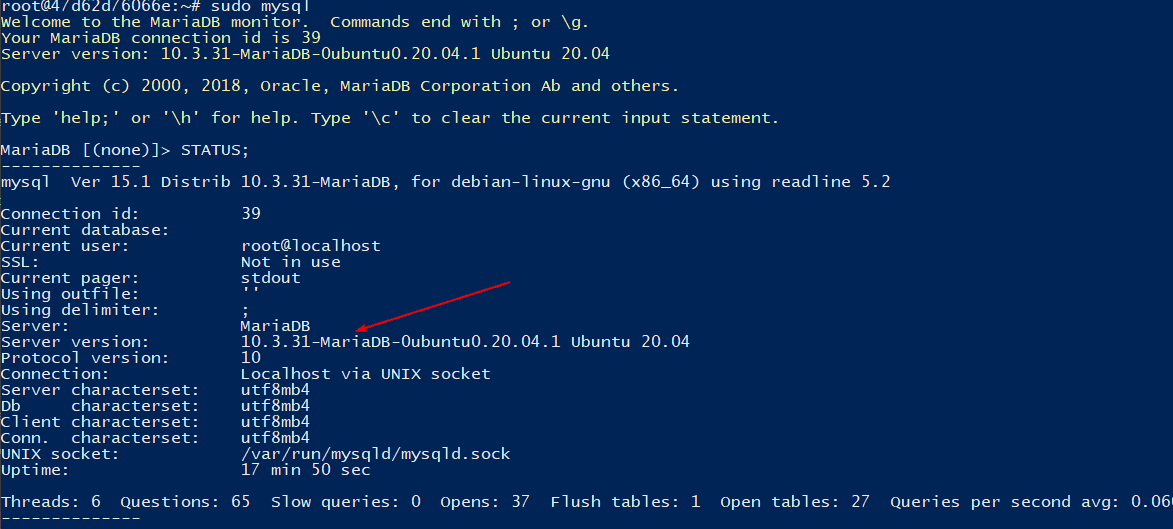 Open Mariadb Command Line Linux
https://www.how2shout.com/linux/wp-content/uploads/2021/10/Command-to-show-MariaDB-or-MySQL-version.png
Check mariadb database if successfully installed create database and table insert data
Pre-crafted templates offer a time-saving service for creating a diverse variety of files and files. These pre-designed formats and designs can be used for various personal and expert tasks, including resumes, invites, leaflets, newsletters, reports, presentations, and more, simplifying the material development procedure.
Open Mariadb Command Line Linux

How To Connect MySQL MariaDB Server From Command Line On Linux And
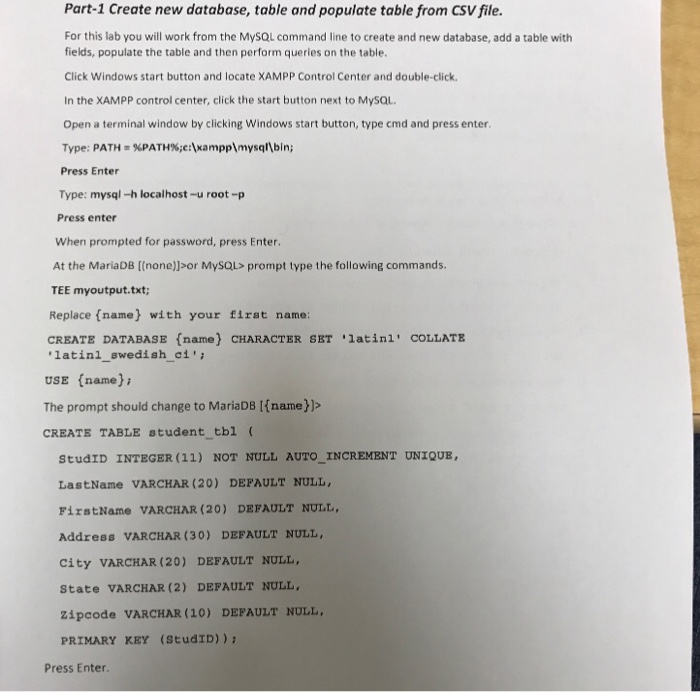
Part 1 Create New Database Table And Populate Table Chegg

BHow To Start Mariadb Server In Linux Systran Box

Command Line Linux Open Firefox Full Screen Matchgagas
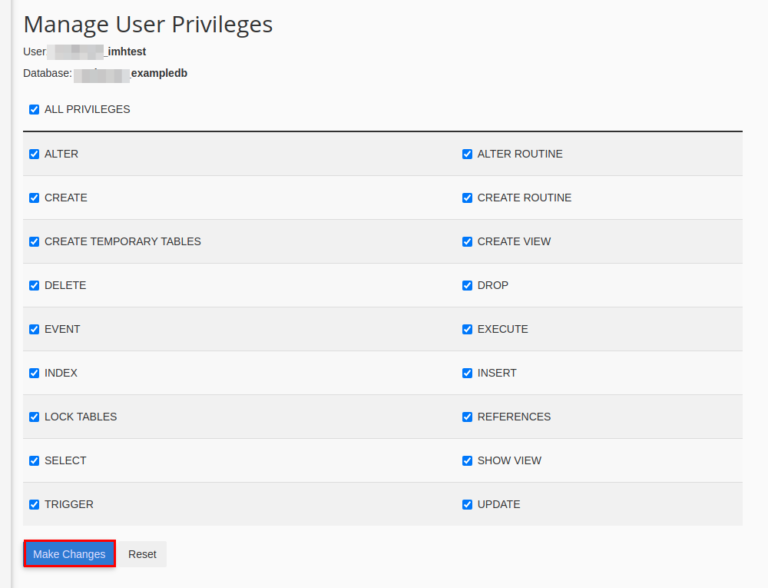
Create A Database With MariaDB
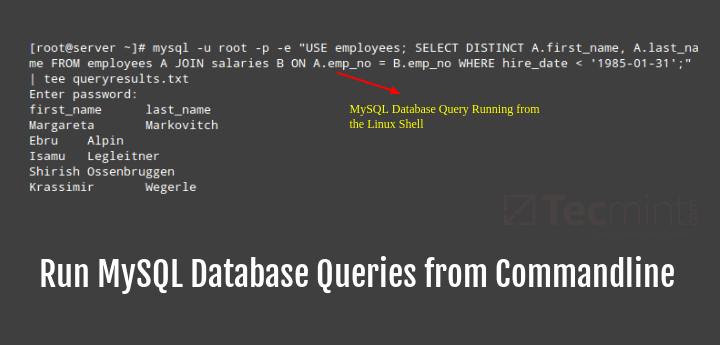
Read News Today Update Today Trending With Enjoy How To Run MySQL

Mysql is a simple SQL shell with GNU readline capabilities

The primary method for entering data into a table is to use the INSERT statement As an example let s enter some information about an author into the authors

Open the command prompt by following this steps Start run cmd press enter Navigate to your MariaDb installation folder Default C Program Files
In this tutorial you will learn how to connect to the MariaDB server using the mysql command line program

In this article we will walk you through steps to manage the MariaDB server process from the command line shell prompt
The command line client MariaDB none SHOW DATABASES Database information schema mysql Both MariaDB and MySQL are open source databases that use SQL and sh
Sudo apt install mariadb server Copy Ensure that MariaDB is running with the systemctl start command