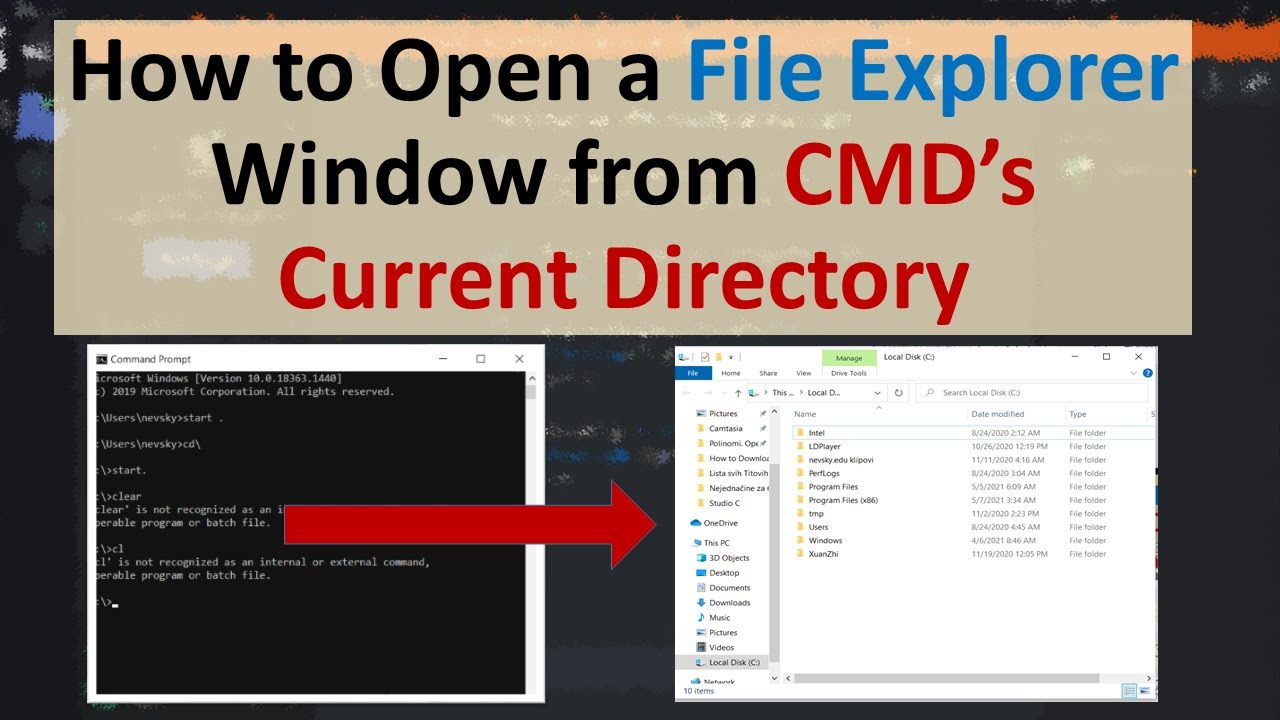
Open Cmd In Current Folder Windows 10 How To Open A File Explorer Window From CMD s Current Directory YouTube Windows 11 How To Open Command Prompt In Current Folder Or Directory Open PowerShell In Current Folder Location Open CMD In Current Folder CMD Open Cmd In Current Folder YouTube How To Open Command Prompt In Current Folder Or Directory In Windows 10 Web Jul 31 2016 nbsp 0183 32 The fastest way to open a cmd in a specific Windows folder location is typing cmd into the folder URL and press Enter Pressing Alt D will open up the menu in Windows Explorer with mnemonics enabled and shown Then just press the mnemonic key for CMD which will open it immediately
Web Oct 2 2015 nbsp 0183 32 just append cmd in the beginning of the address bar in windows for eg if you re at C foo bar just type cmd cmd C foo bar and hit enter this will open a terminal at C foo bar for you Share Web Aug 12 2023 nbsp 0183 32 Open Command Prompt from the File Explorer Address Bar In File Explorer click the address bar to select it or press Alt D Type quot cmd quot into the address bar and hit Enter to open the Command Prompt with the path of
How To Open Command Prompt In Current Folder Or Directory In Windows 10 How To Open CMD Command Prompt In Windows 10 YouTube How To Open Command Prompt In Current File Folder PowerShell FIX Open Command Prompt Fullscreen In Windows 10 How To Open A Command Prompt In A Folder In Windows 10 TechwithGuru Cmd Windows 10 How To Open Cmd In Current Folder YouTube How To Delete Folder Using Cmd In Windows YouTube How To Open Command Prompt In Current Folder Or Directory On Windows 10
Open Cmd In Current Folder Windows 10
 Open Cmd In Current Folder Windows 10
https://i.ytimg.com/vi/b_XXwbpC2VI/maxresdefault.jpg
Web 12 Answers Sorted by 129 Use this keyboard shortcut Shift Menu W Enter Shift Menu alternatively Shift F10 opens extended right click menu in current folder W selects quot Open Command Window Here quot Enter activates selection required since quot New quot is also selectable with W
Templates are pre-designed documents or files that can be used for different functions. They can conserve effort and time by providing a ready-made format and layout for developing various kinds of material. Templates can be used for personal or expert jobs, such as resumes, invites, leaflets, newsletters, reports, presentations, and more.
Open Cmd In Current Folder Windows 10
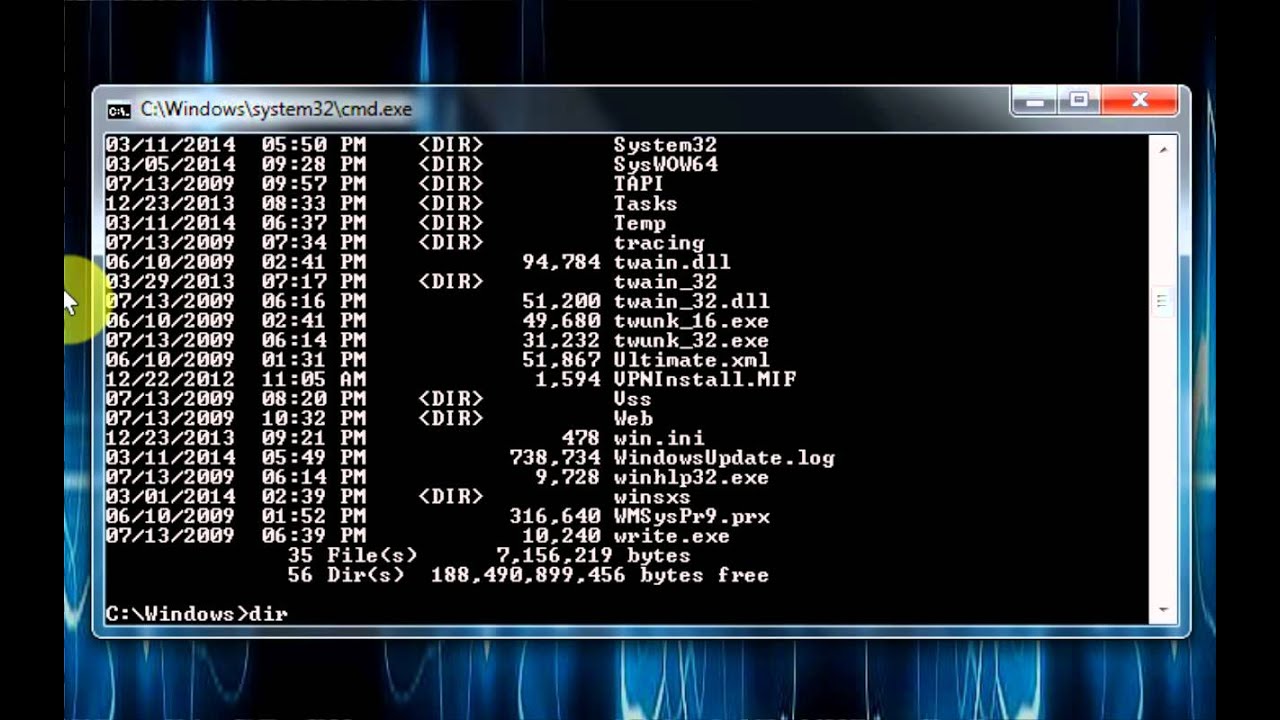
Windows 7 How To Command Prompt List Directory Contents And List Based
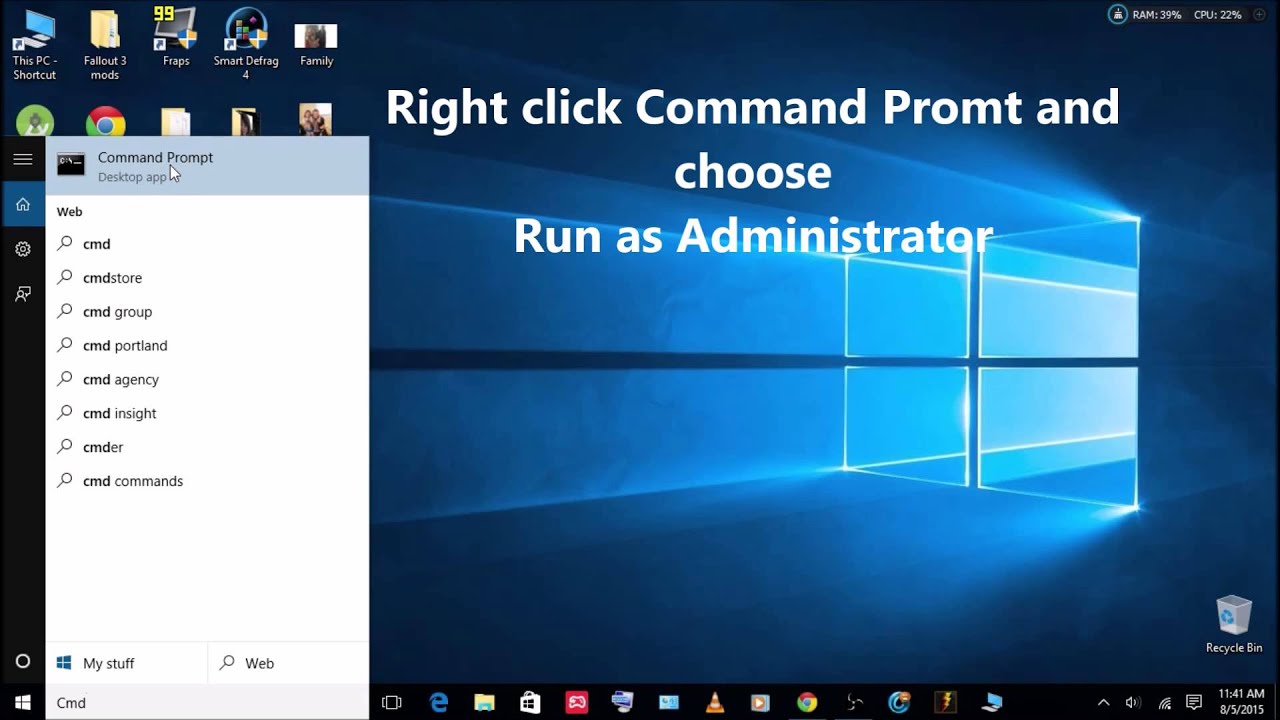
How To Open CMD Command Prompt In Windows 10 YouTube

How To Open Command Prompt In Current File Folder PowerShell FIX
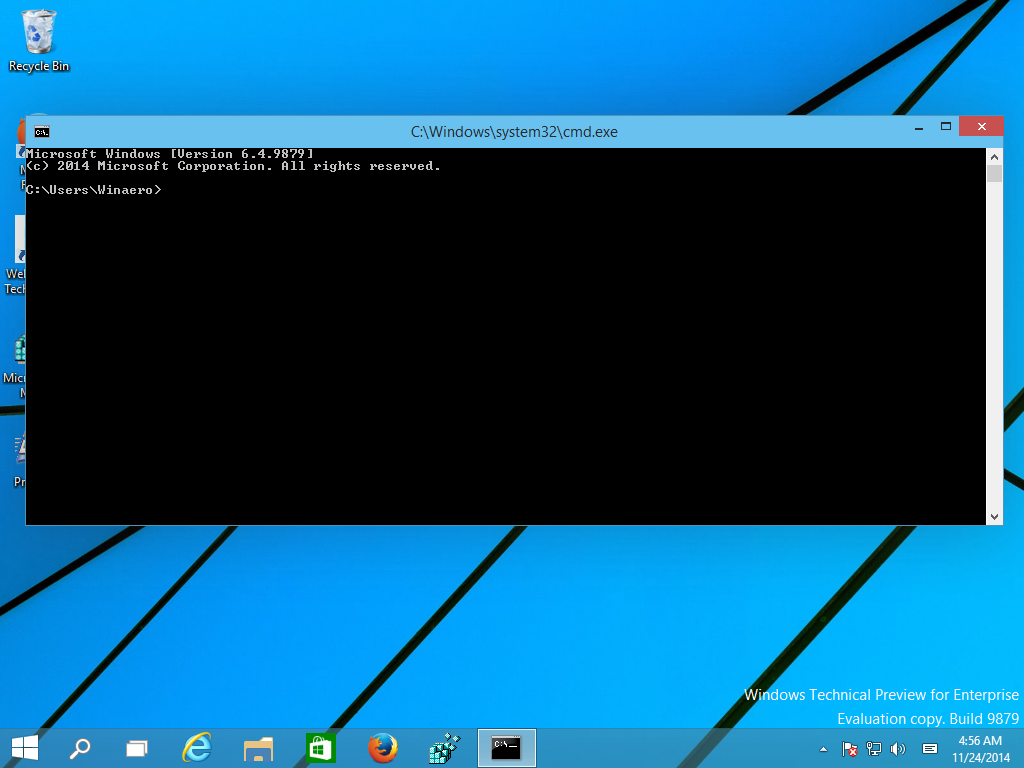
Open Command Prompt Fullscreen In Windows 10
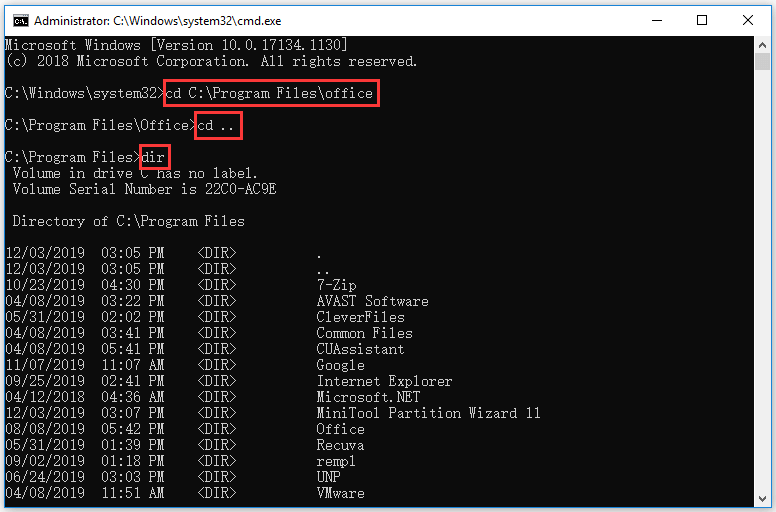
Cmd Windows 10

How To Open Cmd In Current Folder YouTube

Web Oct 20 2016 nbsp 0183 32 Open File Explorer and enter quot shell sendto quot in location bar hit return to get into this folder Right mouse click and create a quot New quot gt quot Shortcut quot put cmd exe into the path done Edit the properties of the shortcut and edit the target to quot windir system32 cmd exe k pushd quot

Web Jan 6 2017 nbsp 0183 32 41 Answers Sorted by 1 2 Next 544 This might be what you want cmd K quot cd C Windows quot Note that in order to change drive letters you need to use cd d For example C Windows System32 cmd exe K quot cd d H Python quot documentation Share Follow edited Oct 5 2012 at 19 27 supermitch
Web Mar 21 2018 nbsp 0183 32 Right click Start amp choose Command Prompt or Command Prompt Admin from the Quick Link menu You can also use keyboard shortcuts for this route Windows key X followed by C non admin or A admin Type cmd in the search box then press Enter to open the highlighted Command Prompt shortcut

Web Apr 7 2022 nbsp 0183 32 Windows 10 lets you launch Command Prompt in a folder through the File Explorer s address bar Type quot cmd quot in the address bar and then hit Enter You can actually launch any application that is on your system path this way if you want though most of them won t be very useful

Web Aug 31 2022 nbsp 0183 32 When you open the command prompt by going to Run gt cmd you will notice that by default it opens in the user profile directory path Sometimes the user needs to open the command windows with the currently opened folder path This article explains the exact scenario
Web Jan 4 2017 nbsp 0183 32 To open the session as an administrator press Alt Shift Enter From File Explorer click in the address bar to select its contents then type cmd and press Enter That opens a Web Jun 27 2019 nbsp 0183 32 To open a Command Prompt window from the current folder press Win C To open admin Command Prompt from the current folder press Win Shift C It intercepts the Winkey C as well as Win Shift C hotkeys gets the current File Explorer folder path and opens a Command Prompt window in the current folder location
Web Dec 5 2017 nbsp 0183 32 There are two methods for opening the command prompt The first method is changing in newer versions of Windows 10 to open Powershell but the second method will always open command