Okta Password Reset Okta Password Reset For Forgotten Password Scribe Single Sign on Okta Cloud Connect TOPdesk Marketplace Resetting Your Okta Password MSRI Okta Password Reset Amazon Studios Technology How To Obtain A Report Of Okta Self Service User Password Resets Web May 9 2023 nbsp 0183 32 Solution Login to the Okta admin console Navigate to Security gt Authenticators gt Setup On the password line click on Actions gt Edit The rules that dictate whether a user can self unlock reset will be located at the bottom of the page Scroll down to the rules and either add or edit the existing rule
Web Aug 17 2023 nbsp 0183 32 Password reset Users can reset a forgotten password by verifying with any authenticator that is configured in recovery settings Unlock account Users can unlock their account by verifying with any authenticator that is configured in recovery settings AND Users can initiate recovery with Okta Verify Push notification only Web A Simple Three Step Solution 1 Click on the password reset link Include a Click here to reset your password link on the Okta Sign On page so that 2 Receive either an email or an SMS message The user has the option to receive either an email or an SMS message 3 Enter a new password
How To Obtain A Report Of Okta Self Service User Password Resets Okta Self Service Password Reset YouTube Okta Password Reset Amazon Studios Technology Custom Password Recovery Okta Developer Okta Login Montana Login Portal 2023 Okta Assistance WiTECH 2 0 Knowledge Base Okta Implementing A Custom Password Reset Page With A Low code Chapter 12 Identity Brokering Red Hat Single Sign On 7 0 Red Hat Okta OKTA Stock Analysis Software Stack Investing
Okta Password Reset
Okta Password Reset
https://scribehow.com/og/Okta_Password_Reset_for_Forgotten_Password__kL8eIjIFT0Ko9wWJ1vy13w
Web In the Admin Console go to Security gt Authentication Click Add New Password Policy Complete these fields Policy name Enter a name for the policy Policy description Enter a description for the policy Add group Enter a group name and then select the group to which the policy should apply
Templates are pre-designed documents or files that can be used for various functions. They can conserve effort and time by providing a ready-made format and design for producing various kinds of material. Templates can be utilized for individual or professional jobs, such as resumes, invites, leaflets, newsletters, reports, presentations, and more.
Okta Password Reset

Secure Password Processes With OKTA And FastPass

Okta Self Service Password Reset YouTube
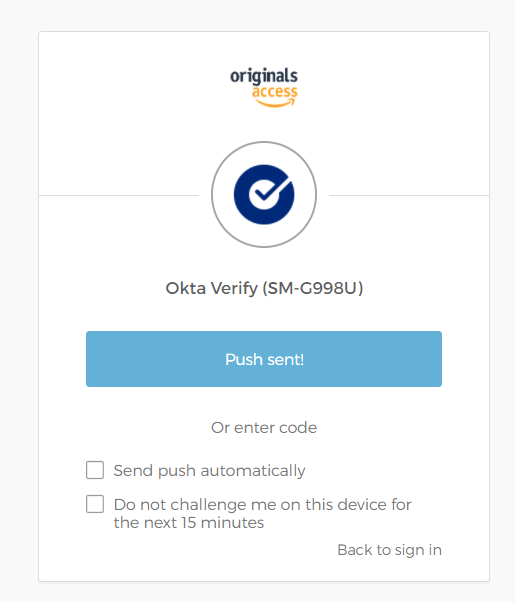
Okta Password Reset Amazon Studios Technology
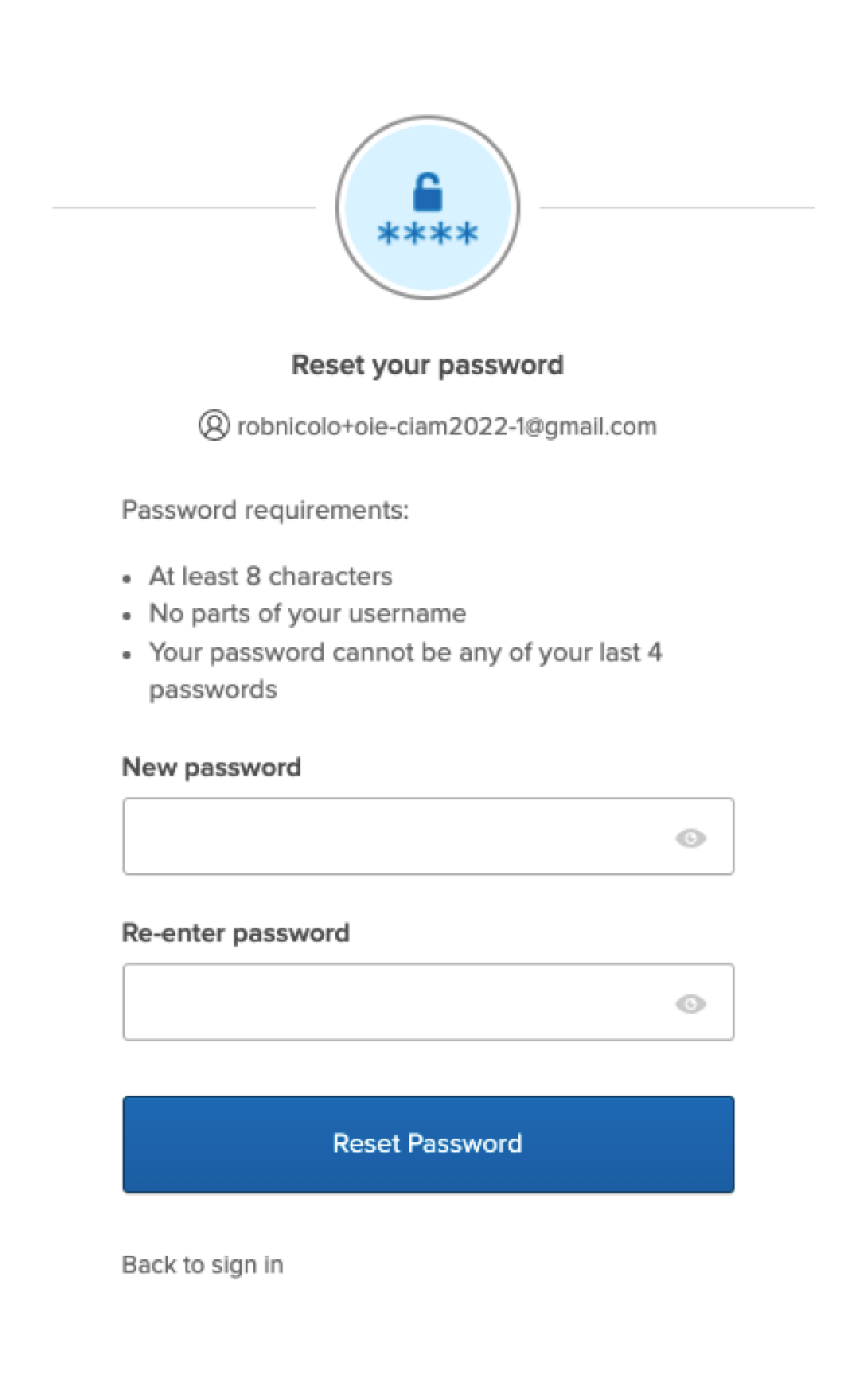
Custom Password Recovery Okta Developer
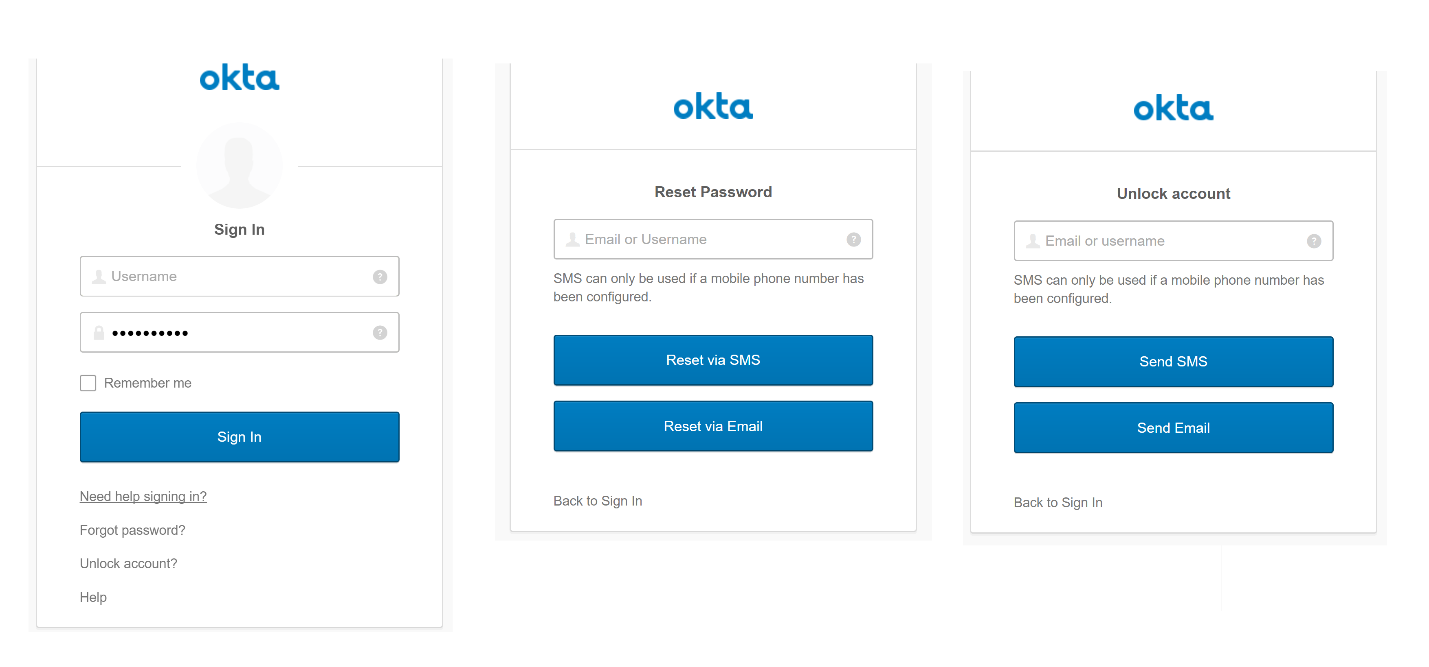
Okta Assistance WiTECH 2 0 Knowledge Base

Okta Implementing A Custom Password Reset Page With A Low code
Web Learn how the password reset feature changes after upgrade Password reset and account

Web Click the user name at the top of the home page and then select Settings In the Forgot Password
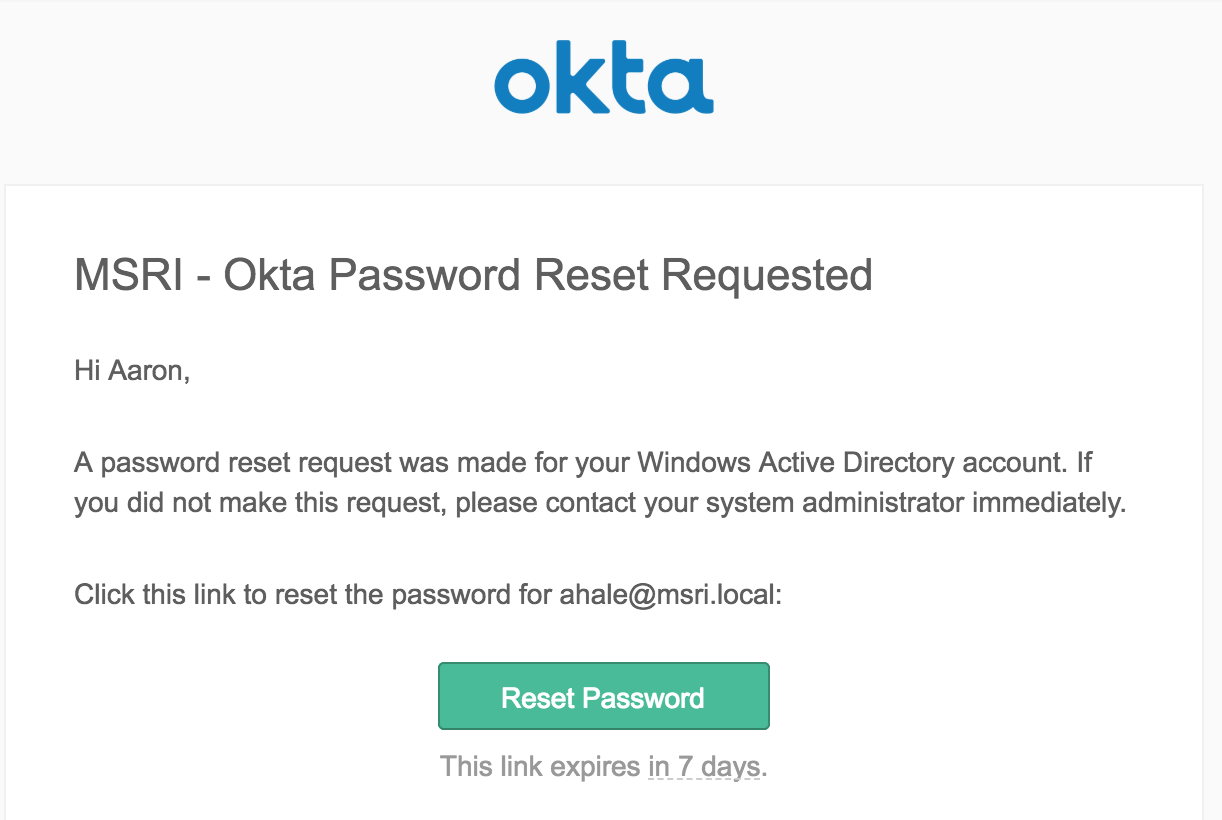
Web Manage self service password reset There are three ways to enable self service password reset for your users Organization wide password policy Group password policy this feature must be enabled for your org Delegated authentication this feature is recommended for Active Directory sourced users
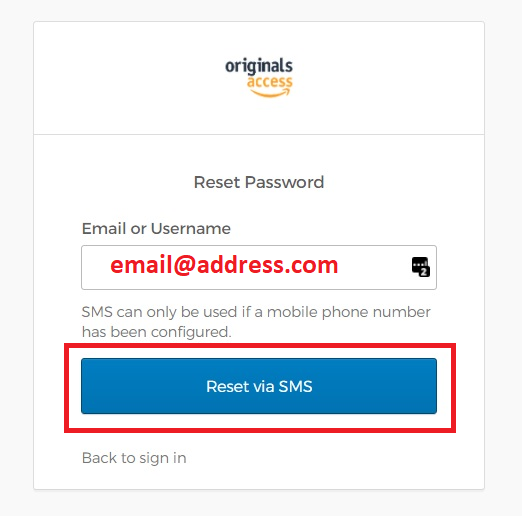
Web LDAP sourced users in a Delegated Authentication environment In the Admin Console go to DirectoryPeople Click Reset Passwords Optional Filter the list by selecting Locked out Expired token or All Select a user and click Reset Password In the Reset Password dialog select one of the
Web Reset your Okta password Sign in to Okta on your computer In the browser type your Okta sign in URL for example https company okta Enter your username and password and follow the authentication prompts From the Okta home page click your name to open the dropdown menu Click Settings
[desc-11] [desc-12]
[desc-13]