Node Red Settings Location How To Use Serial With Node RED Scheduled Restart Or Shutdown Raspberry Pi Using Node RED Connecting IoT Applications With The Node RED App CtrlX AUTOMATION Code Example Node RED Error Require Is Undefined Javascript Node red contrib meteor ddp node Node RED I added this to my settings js contextStorage default module localfilesystem Where is the file containing the context data stored According to the Node Red documents it would be in node red context but in the Home Assistant Node Red Addon there is no node red folder
Installing Node RED as a global module adds the command node red to your system path Execute the following at the command prompt npm install g unsafe perm node red 3 Run Node RED Once installed you are ready to run Node RED Alternative Installations on Windows The default install installs node red globally using the g switch and is the most common installation method However if you are working on multiple projects and you need to keep them separate then there are a number of things you can do Use Separate Flow files Use Different user directories Use a Local Install Use Separate Flow Files
Node red contrib meteor ddp node Node RED Bringing Software Development Practices To Node RED FlowFuse Changes In Node Red Node RED Home Assistant Community How To Use Node RED To Manage Certificates Concept Image For Paying Node Operators On Craiyon Node red contrib tyntec node Node RED Copy An Element s JavaScript Path DefaultNode Red PNG Kloud Blog HTTP Request Any Groov Device Logs Code Samples And Tips OptoForums
Node Red Settings Location
 Node Red Settings Location
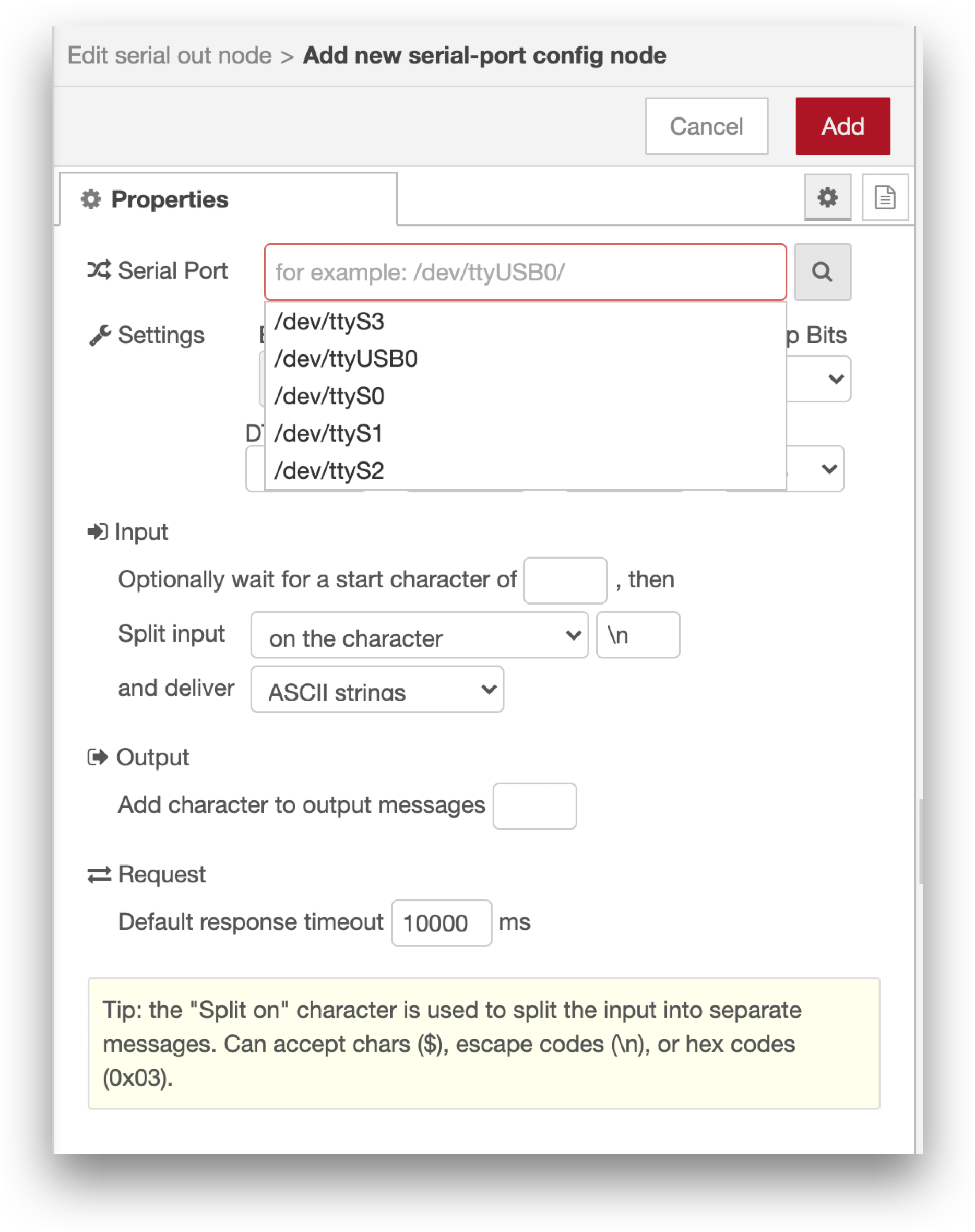
https://cdn.document360.io/7c6ff534-cad3-4fc8-9583-912c4016362f/Images/Documentation/Node RED Serial Setup Add New Port.png
When a new release is available you simply run the following command to get it installed sudo npm update g node red If you choose to install it locally rather than globally you can still upgrade using the npm update command but you won t get the node red command on your path Running from git
Templates are pre-designed files or files that can be used for numerous purposes. They can conserve time and effort by offering a ready-made format and design for developing different kinds of content. Templates can be utilized for personal or professional tasks, such as resumes, invitations, flyers, newsletters, reports, presentations, and more.
Node Red Settings Location
Node red ui nodes README md At Master Node red node red ui nodes GitHub

Bringing Software Development Practices To Node RED FlowFuse

Changes In Node Red Node RED Home Assistant Community

How To Use Node RED To Manage Certificates
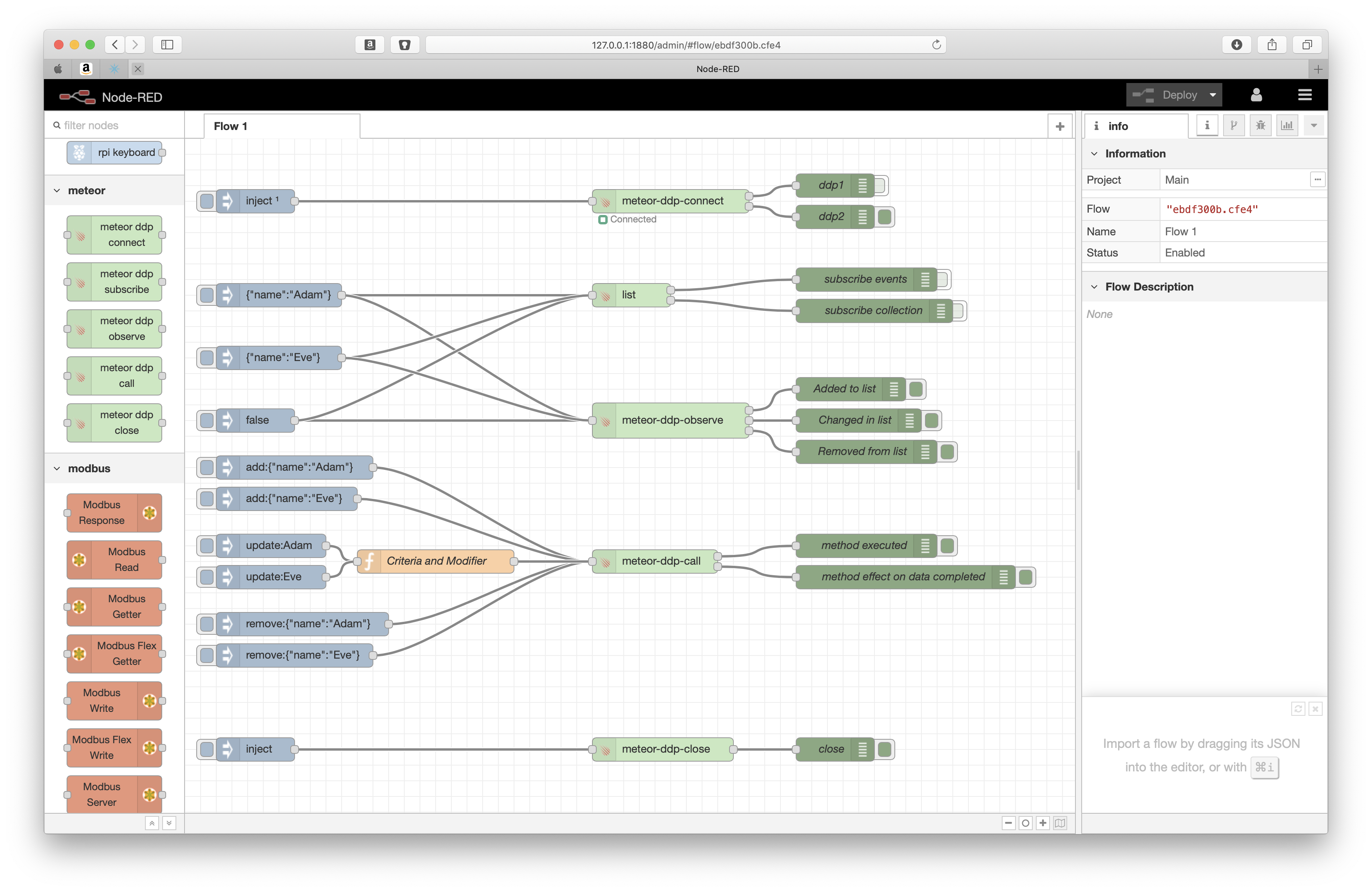
Node red contrib tyntec node Node RED
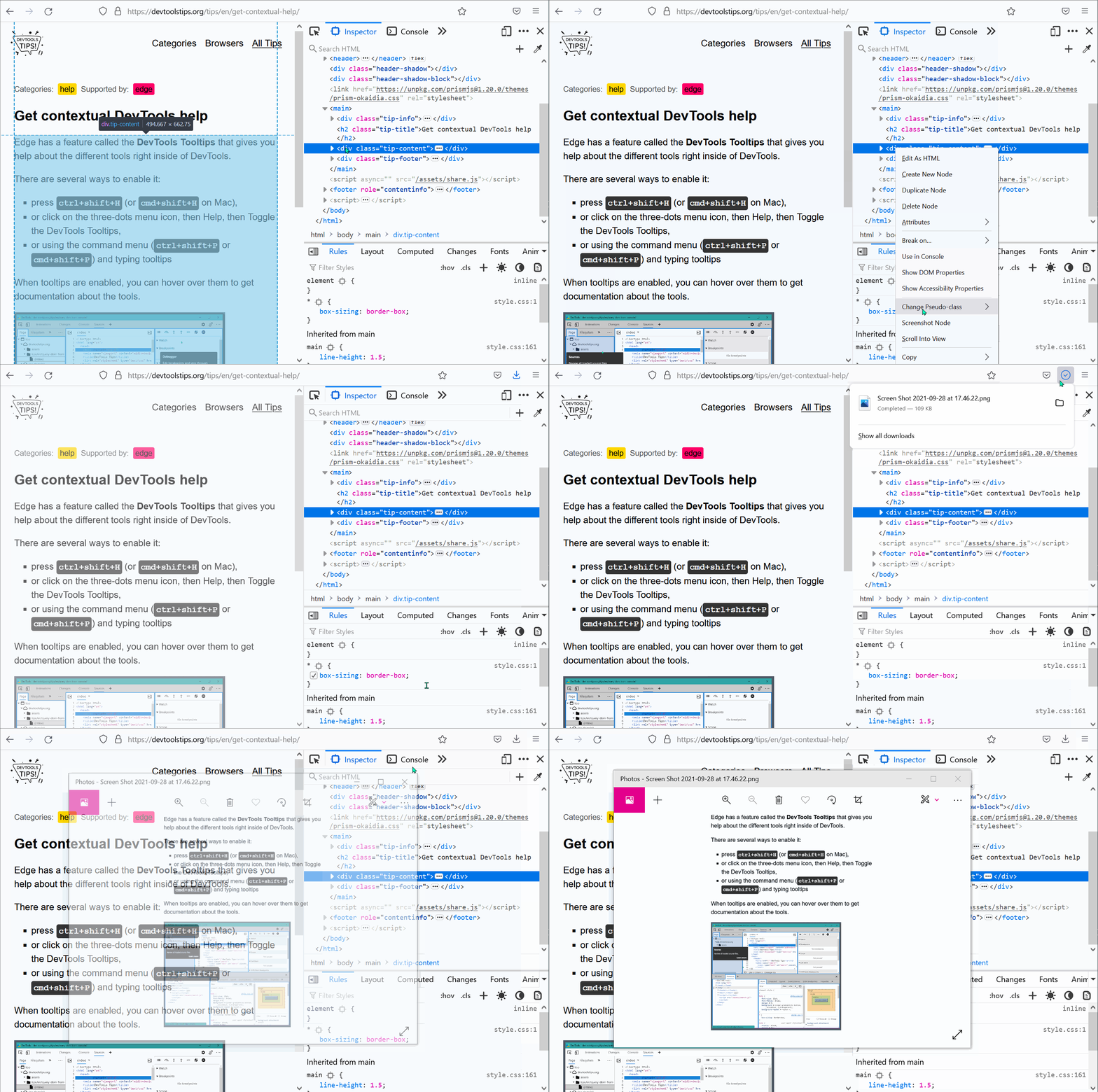
Copy An Element s JavaScript Path
When running as a normal application it loads its configuration from a settings file For more information about the settings file and where it is read this guide When running as an embedded application the configuration options are passed in the call to RED init

Node red uses a settings file called settings js located in in the user node red dot node red folder in their home directory You can create your own settings file and customise it either by copying the existing file or using the file available from Github here

To start node red on Windows go to a command prompt and type node red if you installed node red using the g option Note you may need to change into the node directory If it fails you can use node c node node modules node red red js On Linux

To install Node RED locally you will need a supported version of Node js Installing with npm To install Node RED you can use the npm command that comes with node js sudo npm install g unsafe perm node red If you are using Windows do not start the command with sudo
The default is 1880 but you can change it to something else userDir this setting controls the location of the Node RED directory which is where this configuration file and the user flows and nodes are stored nodesDir you can set an additional location that contain nodes apart from the default userDir
Securing Node RED By default the Node RED editor is not secured anyone who can access its IP address can access the editor and deploy changes This is only suitable if you are running on a trusted network This guide describes how you can secure Node RED The security is split into three parts Enabling HTTPS access Creating a Self Signed Certificate 1 Create a private key openssl genrsa out node key pem 2048 2 Create a certificate Request openssl req new sha256 key node key pem out node csr pem You will need to fill out a form the most important entry is near the end and is the common name field
GET settings Node RED GET settings Get the runtime settings Requires permission settings read Headers Response httpNodeRoot version 0 X Y user username admin permissions The response object contains the following fields