Node Red Settings Js Node RED Web CSS Uepon Node RED Windows Ritsumeikan Univ SSES Platform A Quick Start Guide For Deploying And Configuring Node RED As An Azure Setup An Embedded Node RED In 5 Minutes YouTube Setup A Own Node RED Dev Environment In 5 Min By Sebastian Barwe The default Node RED settings file includes a commented out https section that can be used to load the certificates from local files https key require fs readFileSync privkey pem cert require fs readFileSync cert pem Since Node RED 1 1 0 If the https property is a function it can be used to return the options object
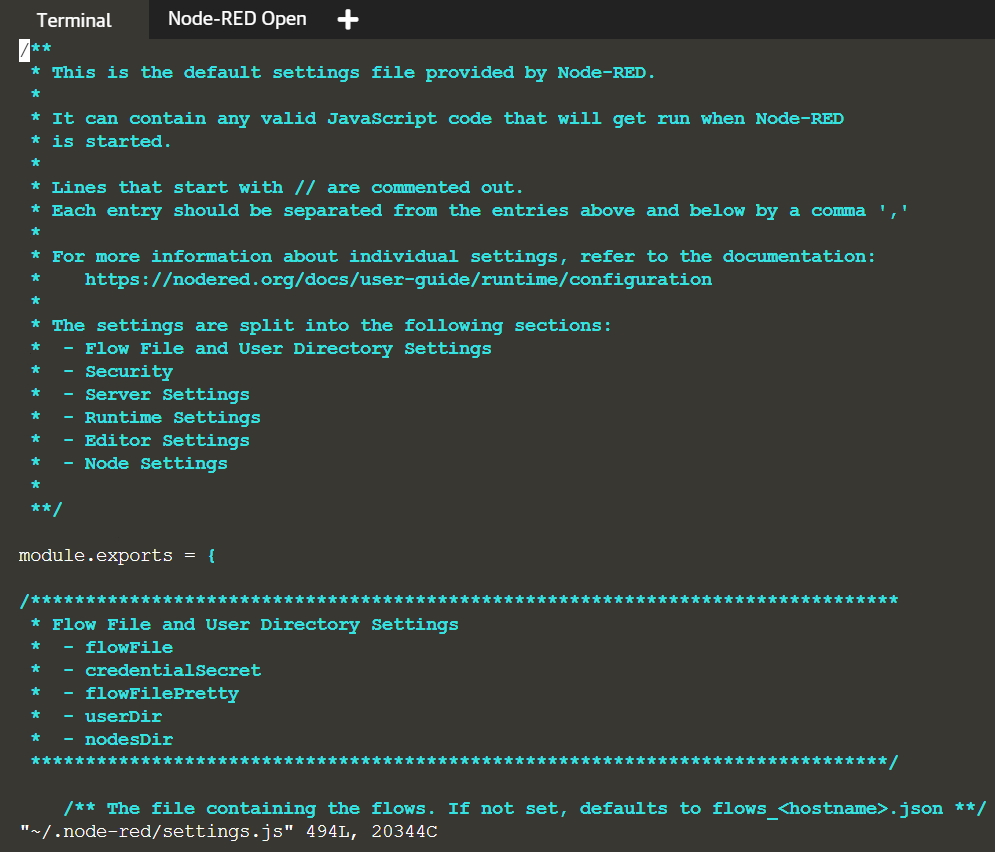
You can find details about the Node RED configuration file in the Node RED documentation On the Raspberry Pi the location of the configuration file is home pi node red In the hidden node red directory Node RED stores your flows nodes and of course its configuration file The configuration file is named settings js Unified RED is a fork of the popular node red dashboard project and adds several features and enhancements Completely rebuilt user security including multi user support user roles user expiration dates password reset and more New menu system including unlimited folder levels Date weekday and holiday Event Scheduling
Setup A Own Node RED Dev Environment In 5 Min By Sebastian Barwe Node RED When Enabled Projects Node red Wont Start And There Is Problems With Node Js Backend Aigner Software Node Red Push Notifications With PushStaq PushStaq Blog Build A Machine Learning Node For Node RED Using TensorFlow js IBM node red Node RED Powered By Discuz Node RED IoT Node Red Ui Template Picture Ui Template
Node Red Settings Js
 Node Red Settings Js
https://cdn-ak.f.st-hatena.com/images/fotolife/u/ueponx/20210815/20210815235431.png
Get the runtime settings Requires permission settings read Headers Response httpNodeRoot version 0 X Y user username admin permissions The response object contains the following fields
Templates are pre-designed files or files that can be used for numerous functions. They can save time and effort by providing a ready-made format and design for developing different kinds of material. Templates can be used for individual or expert tasks, such as resumes, invites, leaflets, newsletters, reports, presentations, and more.
Node Red Settings Js
A Quick Start Guide For Deploying And Configuring Node RED As An Azure

Node RED

When Enabled Projects Node red Wont Start And There Is Problems With
Node Js Backend Aigner Software

Build A Machine Learning Node For Node RED Using TensorFlow js IBM

node red Node RED Powered By Discuz

Node red uses a settings file called settings js located in in the user node red dot node red folder in their home directory You can create your own settings file and customise it either by copying the existing file or using the file available from Github here
Docs user guide configuration Configuration The following properties can be used to configure Node RED When running as a normal application it loads its configuration from a settings file For more information about the settings file and where it is read this guide

JavaScript file The node js file defines the runtime behavior of the node Node constructor Receiving messages Sending messages Multiple outputs Multiple messages Closing the node Timeout behaviour Logging events Handling errors Setting status Custom node settings Node constructor

Once you have made the changes to the settings js file stop restart node red to make them avaliable for use Example to use in a text a z field such as an INJECT node use the format LOGNAME Note in newer versions of Node RED the Inject now has an option to set the payload to env variable Just use the name of the variable like
To install Node RED locally you will need a supported version of Node js Installing with npm To install Node RED you can use the npm command that comes with node js sudo npm install g unsafe perm node red If you are using Windows do not start the command with sudo
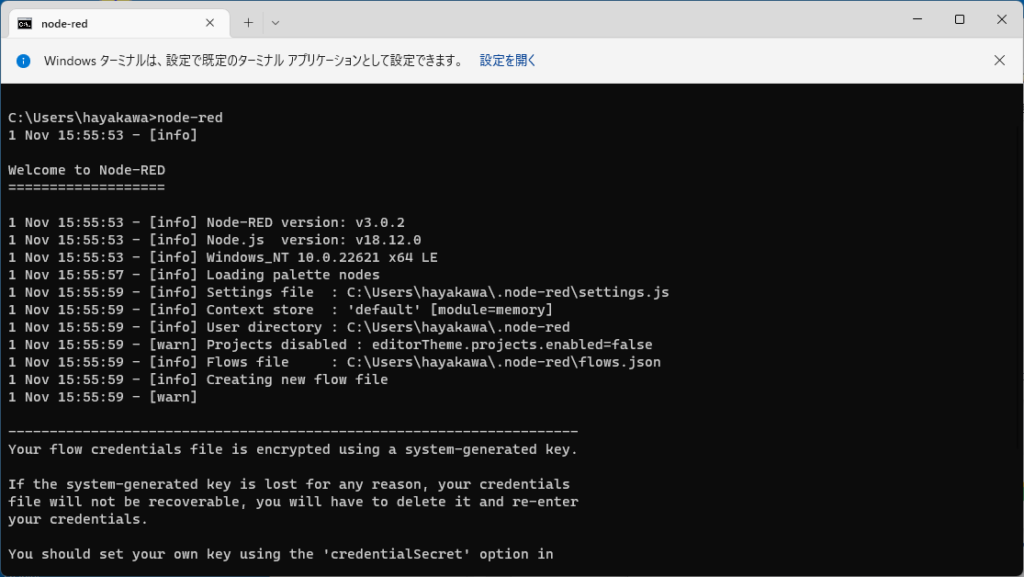
Should be in your node red notice the dot directory within the home account of the user you are running Node RED as The path is also listed in the startup messages when you restart node RED Colin 6 January 2019 13 21 3 If you run in a terminal node red stop node red start then the startup messages will show you where settings js is Restart your Node RED instance and you should have UI nodes available in the palette and a new dashboard tab in the right side panel The UI interface is available at http localhost 1880 ui if the default settings are used If you want to try the latest version from github you can install it by npm i node red node red dashboard Settings
There is something missing here Node RED will copy a standard template version of settings js to the userDir on startup when the file is not found Creating an empty file shouldn t be required Creating an empty file shouldn t be required