Node Red Mqtt Config Learn How To Use Node RED NODE RED ESP32 MQTT YouTube After Node Red Update Flows Stopped Due To Missing Node Types Mqtt ESP8266 And Node RED With MQTT Random Nerd Tutorials Tutorial ESP8266 Control GPIO Node RED MQTT Mosquitto IoT 1 Node RED is a programming tool for wiring together hardware devices APIs and online services in new and interesting ways It provides a browser based editor that makes it easy to wire together flows using the wide range of nodes in the palette that can be deployed to its runtime in a single click
MQTT Node RED flow Node RED MQTT Node RED Flow to consume and publish MQTT messages in Node RED mqtt in debug 1 mqtt out inject function 1 Flow 1 Note some third party nodes may appear with blank styling and not as they appear in the Node RED Editor For example the MQTT In and Out nodes use an MQTT Broker config node to represent a shared connection to an MQTT broker Configuration nodes are added through the edit dialog of a node that requires the config node It will have a field to select from the available config nodes of the required type or to add a new instance
Tutorial ESP8266 Control GPIO Node RED MQTT Mosquitto IoT 1 MicroPython MQTT Publish Subscribe Using ESP32 ESP8266 MQTT Discovery And Node Red Node RED Home Assistant Community Node red MQTT V ESP8266 H c ARM Node Red MQTT With Google Sheets Hackster io MQTT With Node Red YouTube Embedded MQTT Tutorial ESP8266 Node RED Granafa InfluxDB MQTT PDAControl Patriot Geek Node RED Displaying MQTT Data In A Dashboard
Node Red Mqtt Config
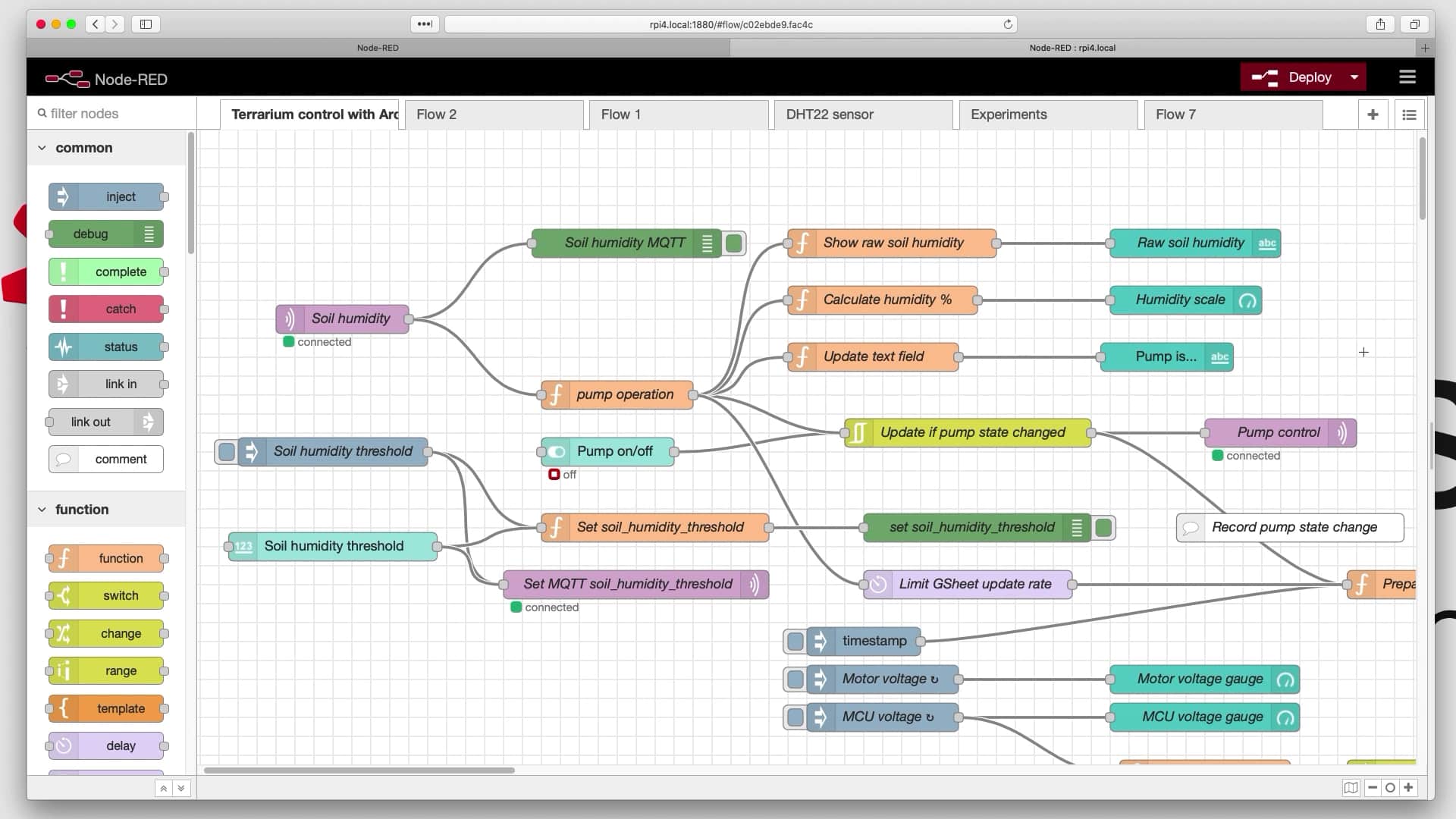 Node Red Mqtt Config
https://techexplorations.com/wp-content/uploads/2020/08/NR-05-10-SCREEN-Introduction-to-Node-Red-examples-and-documentation-00-04-03-439.jpg
MQTT Recipes MQTT Connect to an MQTT broker Publish messages to a topic Set the topic of a published message Publish a retained message to a topic Subscribe to a topic Receive a parsed JSON message Got feedback about this page Let us know Node RED Low code programming for event driven applications GitHub npm Documentation APIs
Templates are pre-designed files or files that can be used for numerous functions. They can conserve effort and time by providing a ready-made format and layout for creating various type of material. Templates can be used for personal or expert tasks, such as resumes, invitations, flyers, newsletters, reports, discussions, and more.
Node Red Mqtt Config

Alex9ufo NodeMCU RFID MQTT Node RED
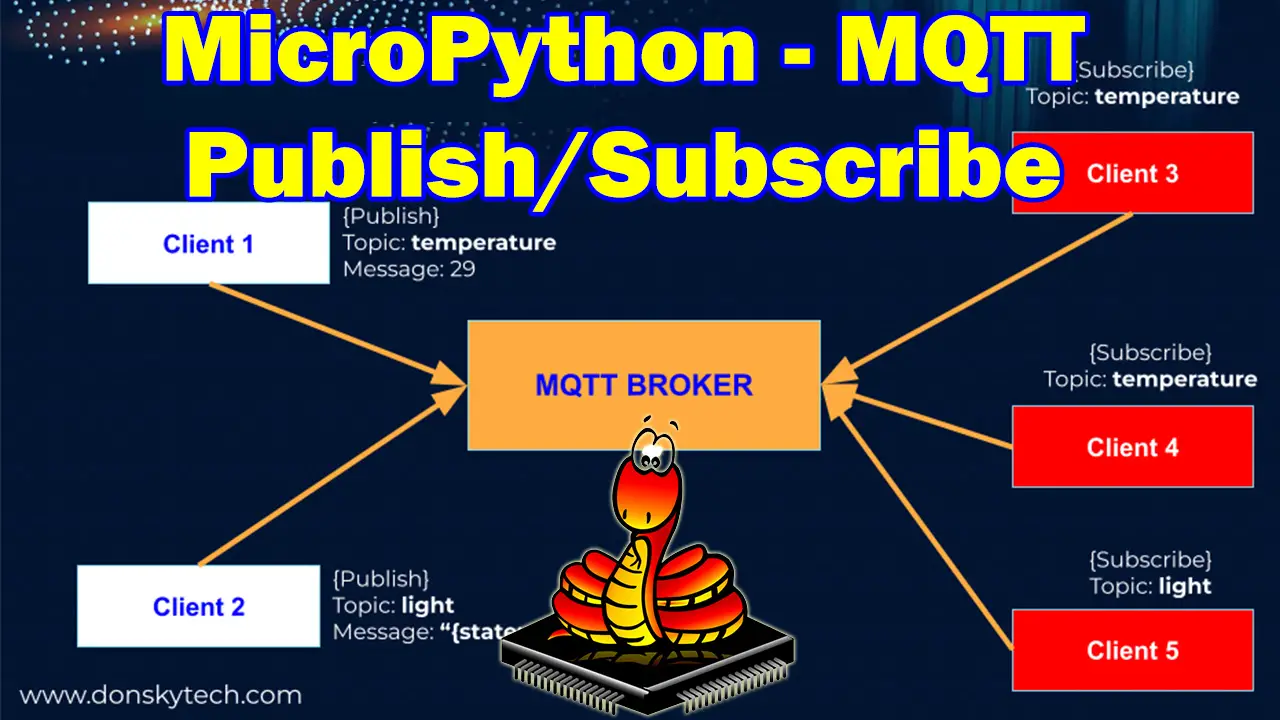
MicroPython MQTT Publish Subscribe Using ESP32 ESP8266
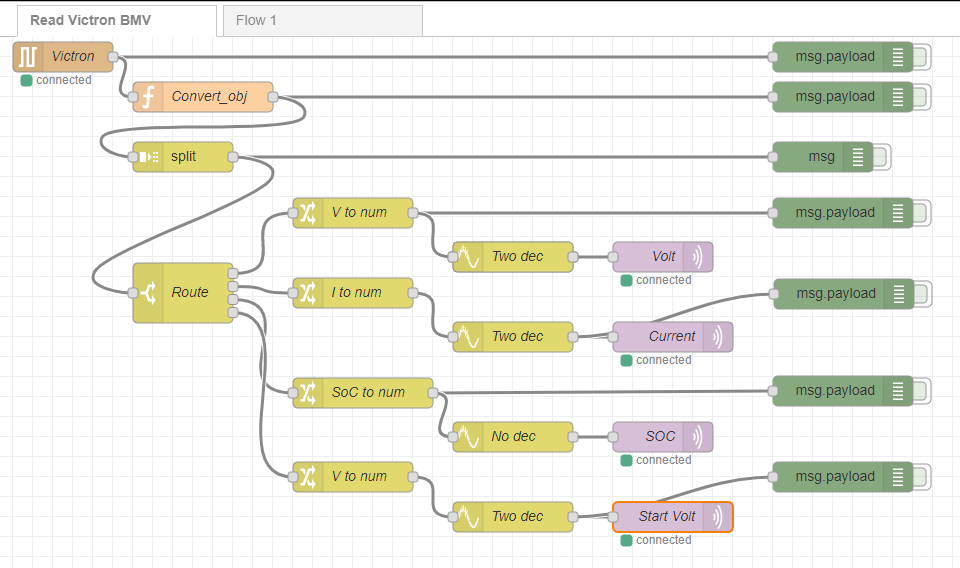
MQTT Discovery And Node Red Node RED Home Assistant Community
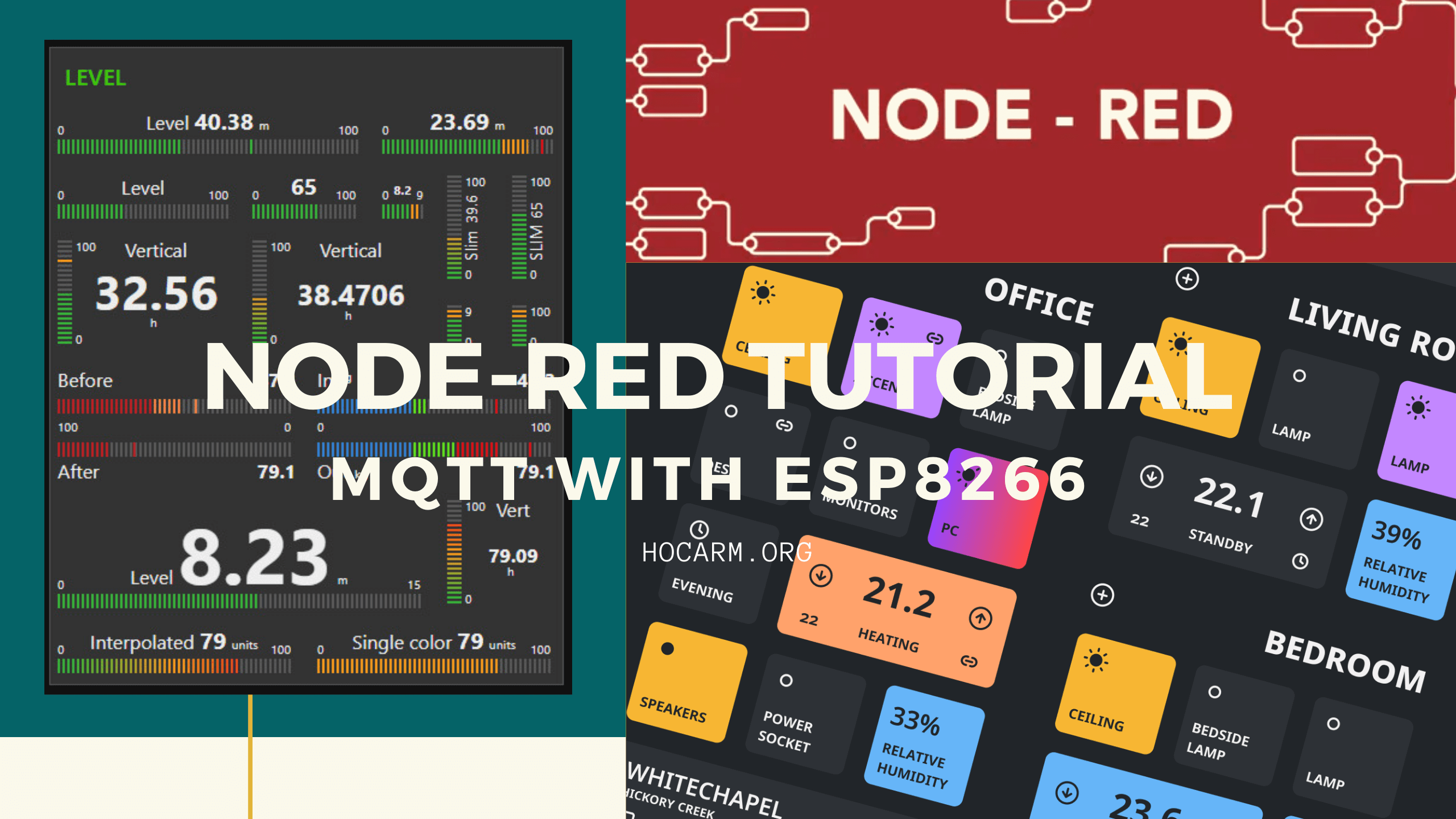
Node red MQTT V ESP8266 H c ARM

MQTT With Node Red YouTube

Embedded MQTT
Node Red provides both an MQTT subscribe input and publish output node The configuration for these nodes are almost Identical as the main part of the configuration concerns the actual client connection Because of this it is useful to think of the publish and subscribe nodes as consisting of two components as shown in the schematic below

What is Node RED Installing Node RED Starting the Node RED environment Preparing the MQTT broker infrastructure How to set up a Pro Mosquitto cloud trial How to set up clients in Mosquitto Management Center MMC Connecting Node RED to the MQTT broker Test the Node RED configuration Conclusion

For example the MQTT In and MQTT Out nodes share the configuration of the MQTT broker allowing them to pool the connection Configuration nodes are scoped globally by default this means the state will be shared between flows Defining a config node A configuration node is defined in the same way as other nodes There are two key differences

In Node RED MQTT nodes facilitate communication using the MQTT protocol These nodes allow you to interact with MQTT brokers publish messages to MQTT topics and subscribe to MQTT topics to receive messages Node RED provides several MQTT nodes you can use in your flows

To build and deploy an MQTT server with Node RED you will need the following A Raspberry Pi Zero W or better We recommend using a Raspberry Pi 3 or 4 if available A microSD card 8GB or higher A microSD card reader A Linux PC Mac or Windows PC Internet connection Wi Fi Step 1 Install Raspberry Pi OS Lite 64 bit
The node will produce the same messages on connection and disconnection of the mqtt plus broker config node from the actual broker mqtt plus broker configuration node This has the same basic behavious as the original mqtt broker node just with operational modifications to support the above functionality Change Log 0 0 7 2 Configure the MQTT publishing node Double click the node to open the configuration window Select Add new mqtt broker in the Server dropdown and then click the pencil icon 3 Add a new broker configuration Enter a name in the Name input Enter the message broker address in the Server input Enter 8883 in the Port input
Node RED has built in support to act as an MQTT client which can be used with TTN s MQTT Data API For new developments one should not use the The Things Network s node red contrib ttn which is no longer supported Setting up the MQTT client The following may seem a lot of steps but Node RED will guide one through the initial setup