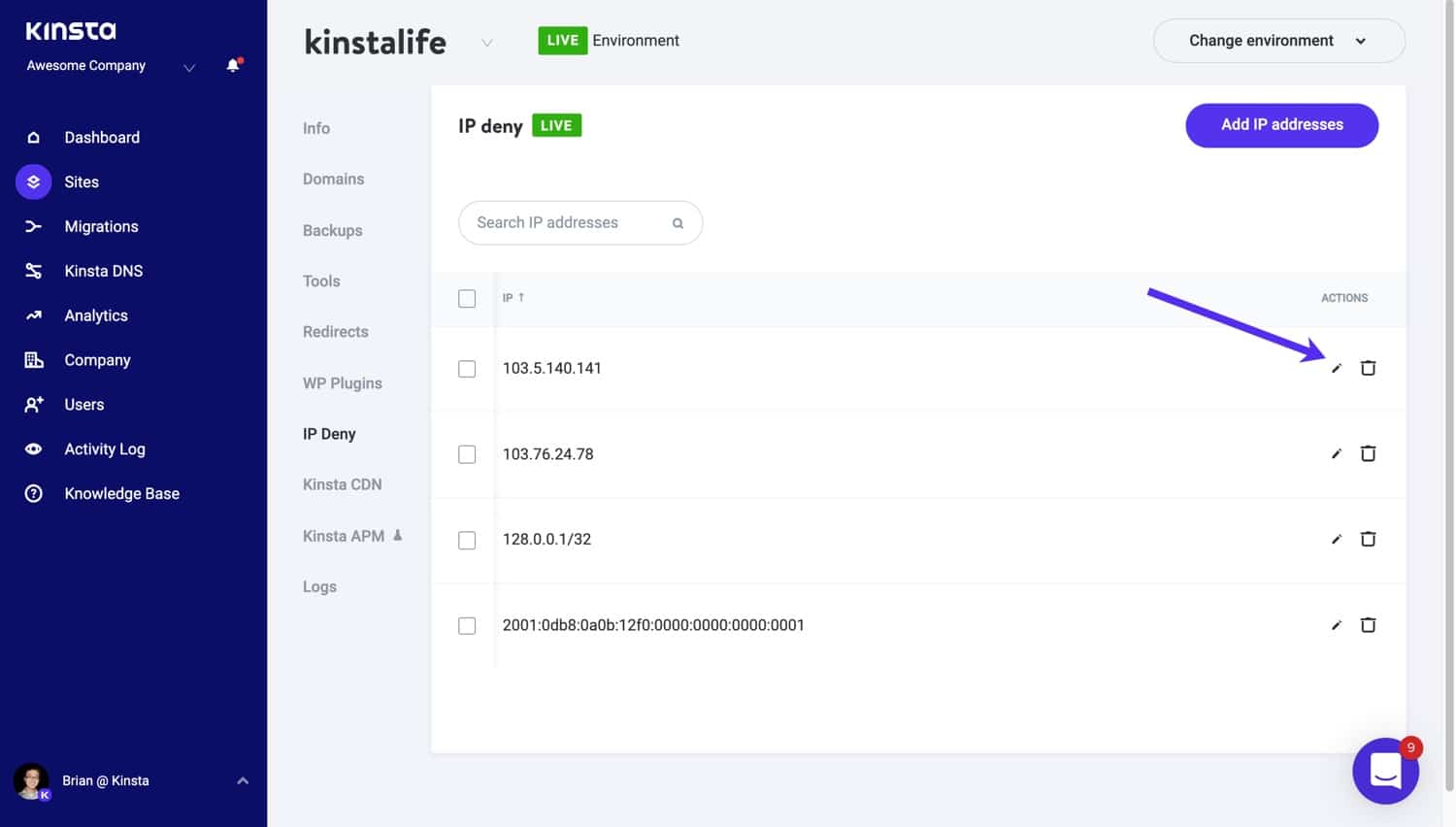
Nginx Location Block Ip How To Configure Nginx Server And Location Blocks Explained How To Block An IP Address IP Deny Tool Cloudflare Nginx Apache DevOps SysAdmins Nginx Location Block Specific File YouTube Location Blocks Nginx YouTube NGINX Block Anonymous IP Address In Various Ways Nginx servers allow you to control IP access to your website by creating a custom configuration file You can view the IP addresses that have visited your website by viewing your access log file Users whose IP address is blocked will see a 403 Forbidden error when visiting your website
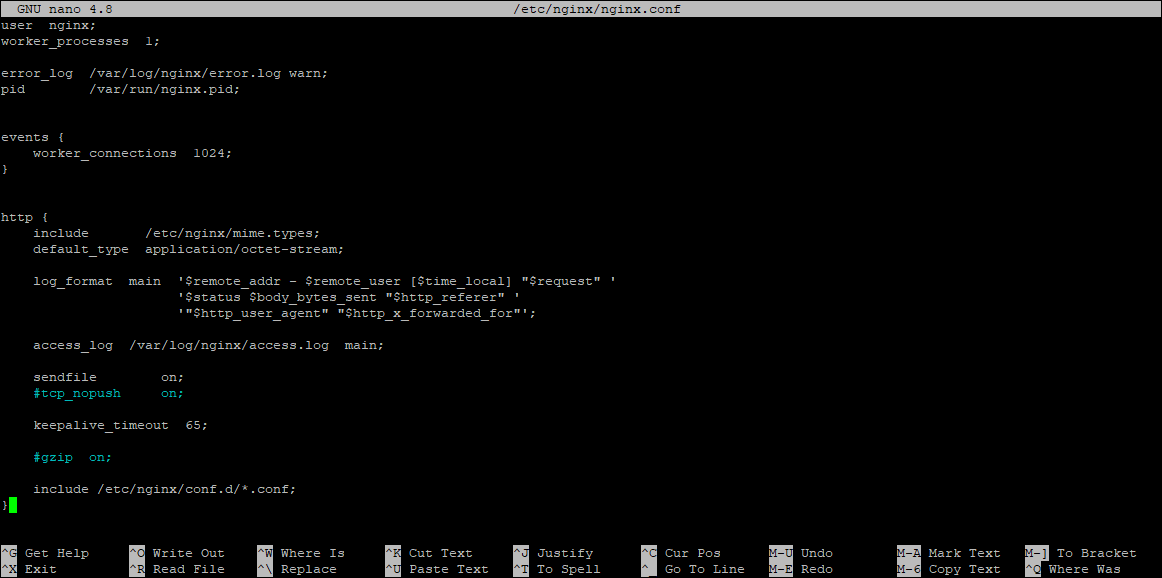
In this example Nginx will route requests for login to the specified backend server Requests for login other or login example will not be processed by this location block Prefix match The prefix match location block is the most commonly used type and has no modifier When nginx selects a location block to serve a request it first checks location directives that specify prefixes remembering location with the longest prefix and then checks regular expressions If there is a match with a regular expression nginx picks this location or otherwise it picks the one remembered earlier
NGINX Block Anonymous IP Address In Various Ways NGINX Location Directives A Comprehensive Guide LinuxCapable Nginx UI Allows You To Access And Modify The Nginx Configurations Files How To Configure Nginx Server And Location Blocks Explained Nginx Location File Admin Block IIT R JPG Wikimedia Commons Sosstorage Blog Nginx Nginx Linux Screenshots Flickr Nginx Tutorials 4 Location Block Regular Expression YouTube
Nginx Location Block Ip
 Nginx Location Block Ip
https://bitlaunch.io/blog/content/images/size/w2400/2020/08/1.2.png
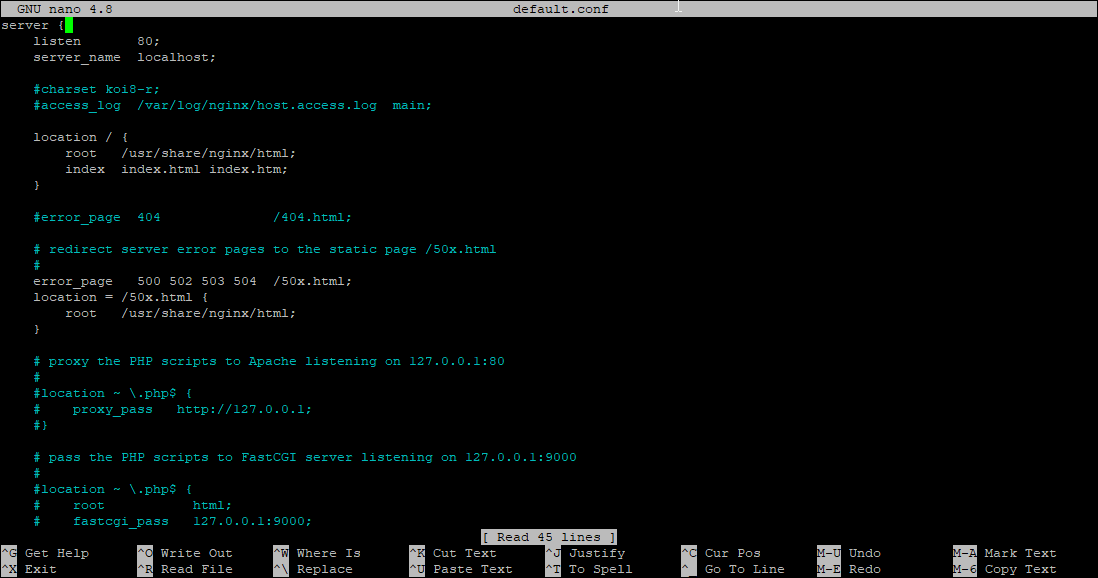
Here are the steps to block IP address in NGINX You can easily block IP addresses subnets and IP ranges using deny directive Similarly you can allow ip addresses subnets and IP ranges using allow directive You can place deny or allow directives in http server or location context You can even use a combination of deny and allow directives
Templates are pre-designed files or files that can be utilized for different functions. They can save time and effort by offering a ready-made format and design for producing various type of content. Templates can be used for individual or expert tasks, such as resumes, invites, leaflets, newsletters, reports, discussions, and more.
Nginx Location Block Ip
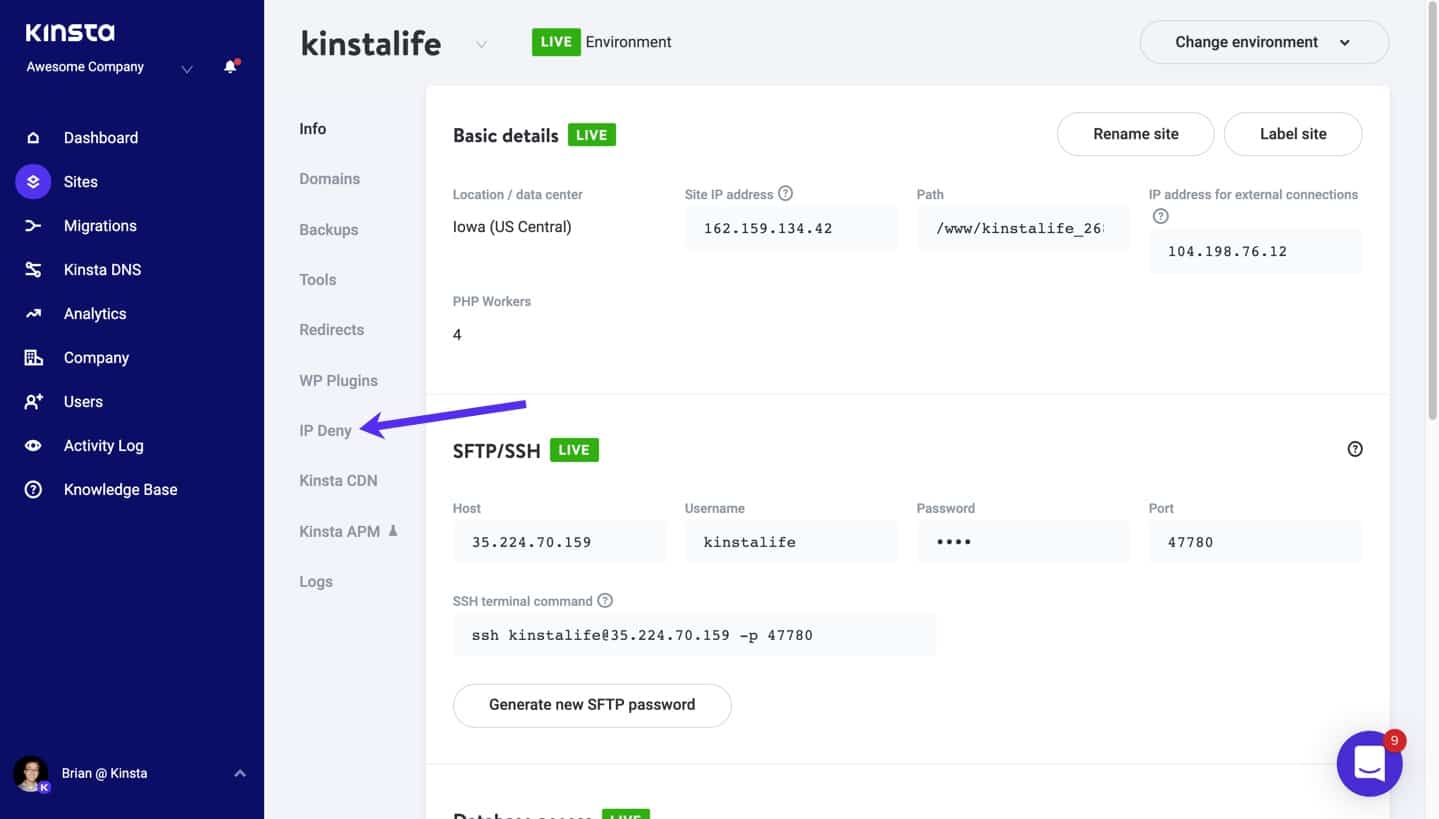
How To Block An IP Address IP Deny Tool Cloudflare Nginx Apache

NGINX Location Directives A Comprehensive Guide LinuxCapable
Nginx UI Allows You To Access And Modify The Nginx Configurations Files
How To Configure Nginx Server And Location Blocks Explained

File Admin Block IIT R JPG Wikimedia Commons
Sosstorage Blog

54 server listen 80 default server listen 80 default server server name return 444 You need to specify default server parameter so that all non available server requests goes to this server block which throws 444 error 444 CONNECTION CLOSED WITHOUT RESPONSE ref https httpstatuses 444
NGINX Plus uses third party MaxMind databases to match the IP address of the user and its location As soon as the geoposition is known it is then possible to use geoip based variables in the map or the split clients module

The Nginx config location as you may expect is in etc nginx The server name field in your server block may point to an IP address or the name based version of the site www bitlaunch io It can be used to serve more than one domain from a single IP for example if you want it to process requests for bitlaunch and www bitlaunch io

Open up your nginx conf file or whichever nginx configuration file you are using for your particular site and add the following to either your server block or a specific location block depending on how granular you want to get with the block To allow a range of IPs allow 10 1 1 0 24 Or to allow only a single IP allow 10 1 1 2

NGINX will run through the following steps to select a location block against a requested URI NGINX starts with looking for an exact match specified with location some path and if a match is found then this block is served right away
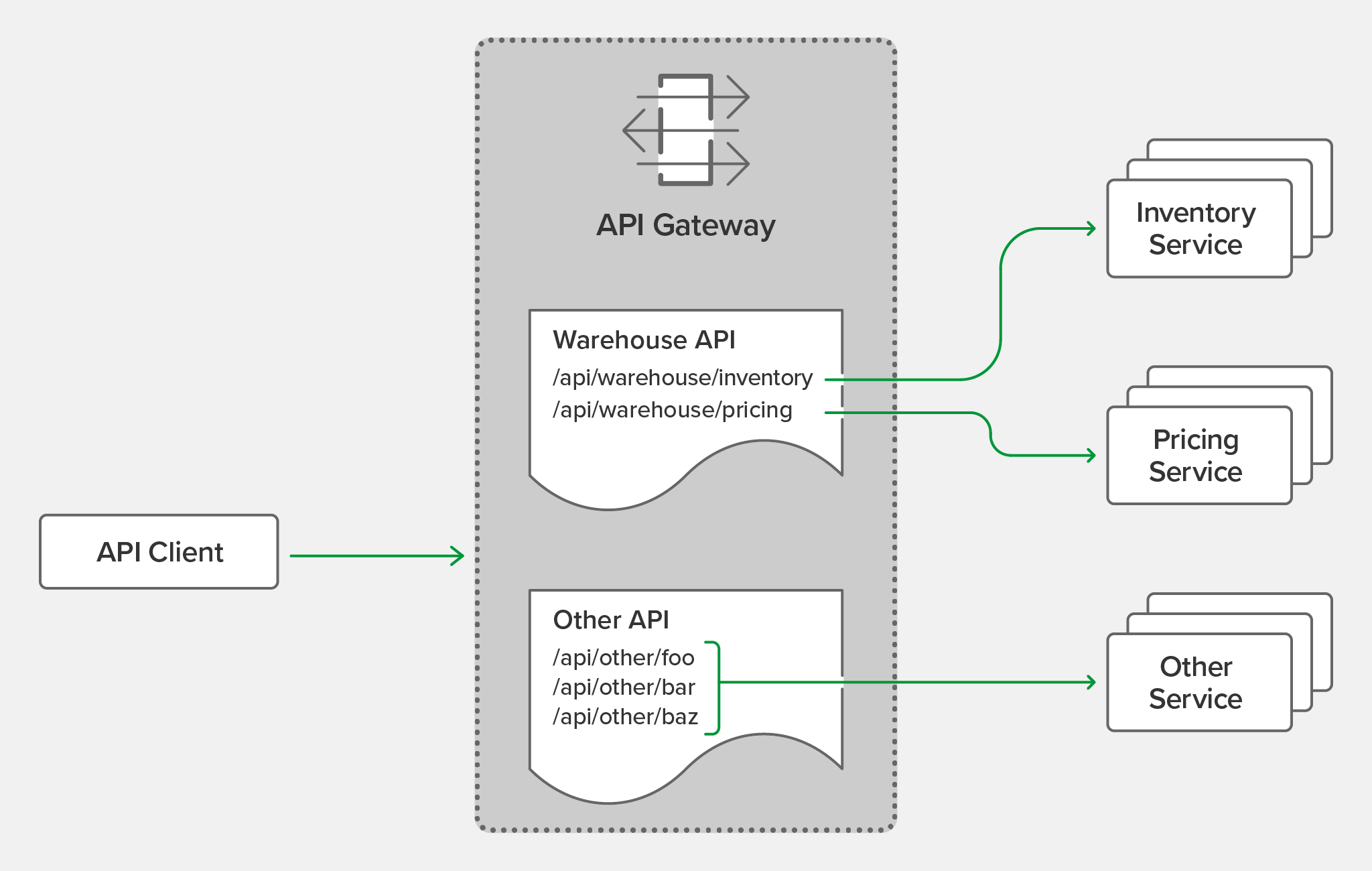
1 Nginx Access Logs 2 Third Party Tools Blocking IP Addresses Using NGINX Command Line Open the Nginx Configuration File Syntax for Adding IP Address Blocks Specifying Block Duration Testing Your Configuration for Syntax Errors Advanced Techniques for IP Blocking Creating Custom Response Pages for Blocked IPs Blocking IP Ranges and CIDR Notation This model is highly flexible The URI space can be configured to use these blocks in whichever way the administrator sees best Decide Which Block Will Handle Which Request with Nginx Nginx permits the definition of multiple server blocks All of them function as different virtual web servers
NGINX does not have Virtual hosts it has Server Blocks that use the server name and listen directives to bind to tcp sockets Two Server Blocks Serving Static Files